Loading...
MaxArt.ai puts a full library of AI effects in one simple studio. Apply AI effects to videos and photos with a prompt or a reference image, compare styles across models, and see the exact credit cost before every run. From cinematic video looks to artistic image styles, our AI effects turn raw ideas into visuals worth sharing, no editing background required.
Browse the AI effects our video creators use most. Every card opens a dedicated page with demos, prompts, and model options for that effect.
Restyle, restore, and reimagine your photos with AI effects built for stills. Each image effect page includes before-and-after demos and ready-to-use prompts.
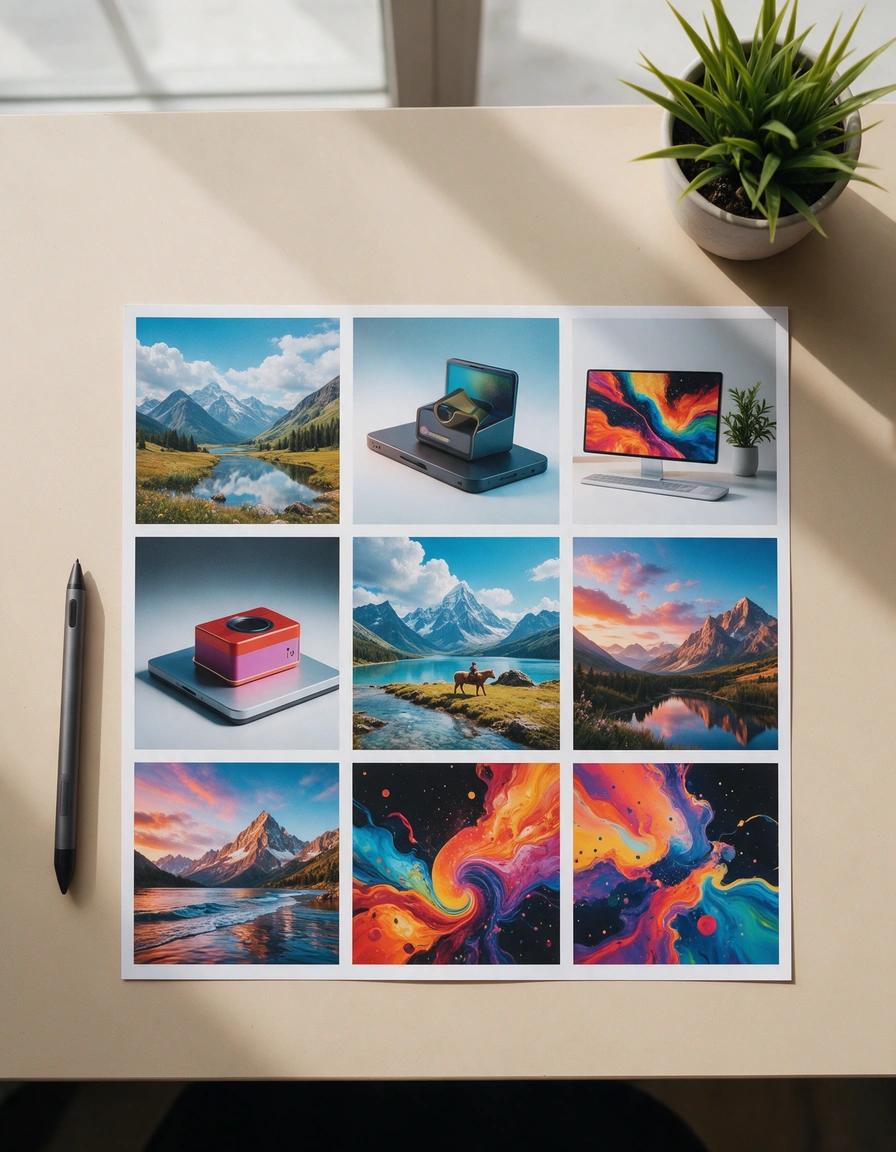
Create images with Seedream 5.0 Pro, the ByteDance model widely reported to power Dola AI — browser-based, full controls, transparent credits
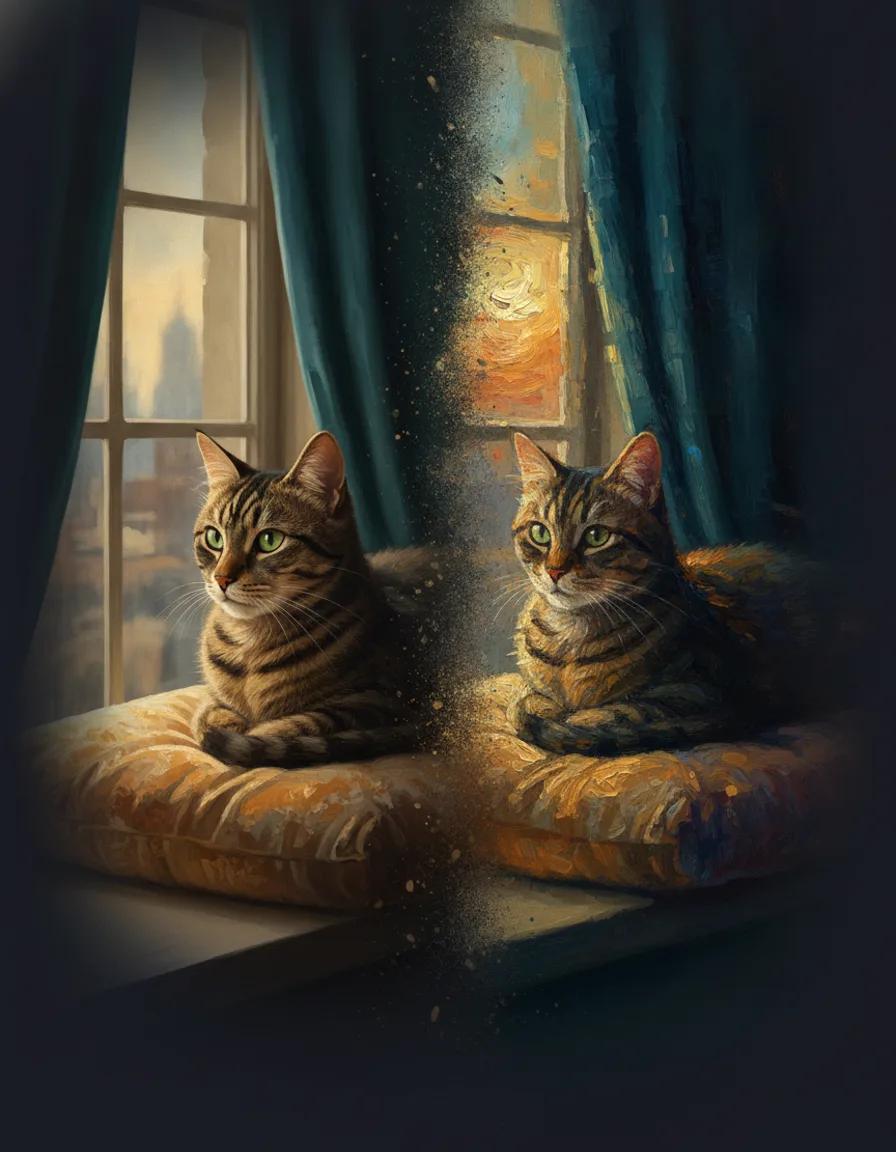
Turn any photo into an oil painting, watercolor, or impressionist artwork with AI
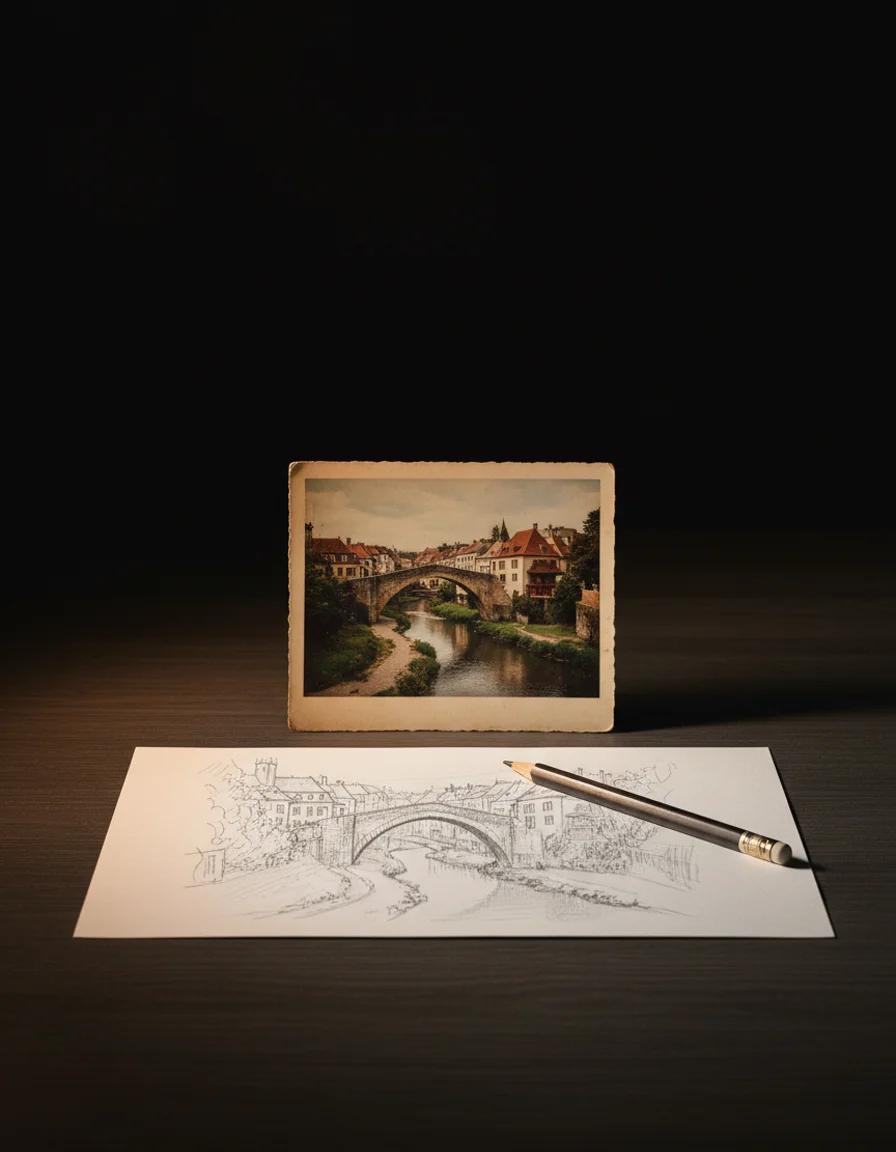
Turn any photo into a pencil sketch, ink outline, or clean line drawing with AI
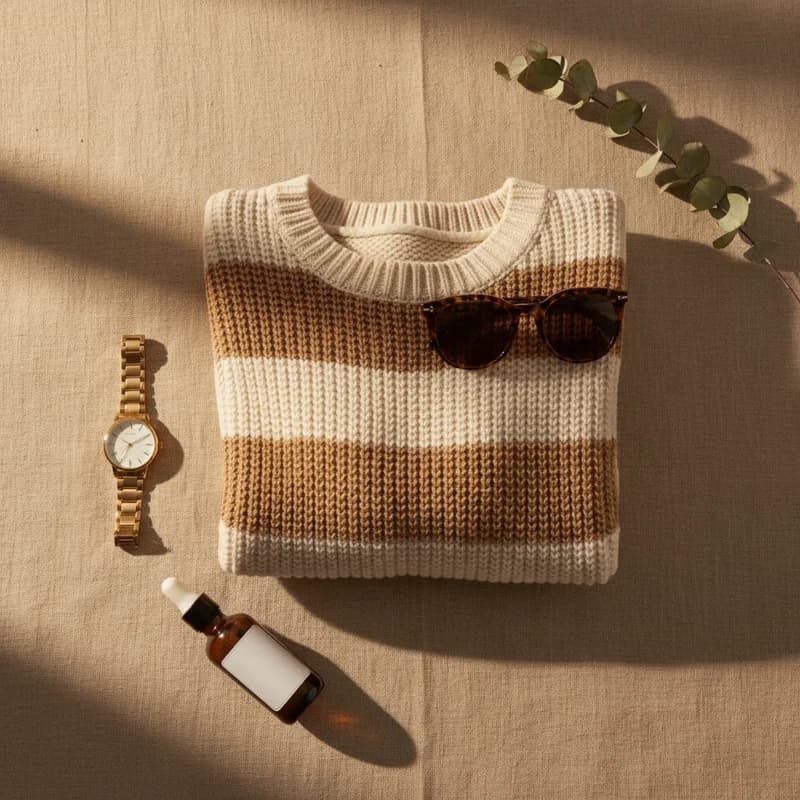
Turn a product photo or a text description into a styled top-down flat lay image
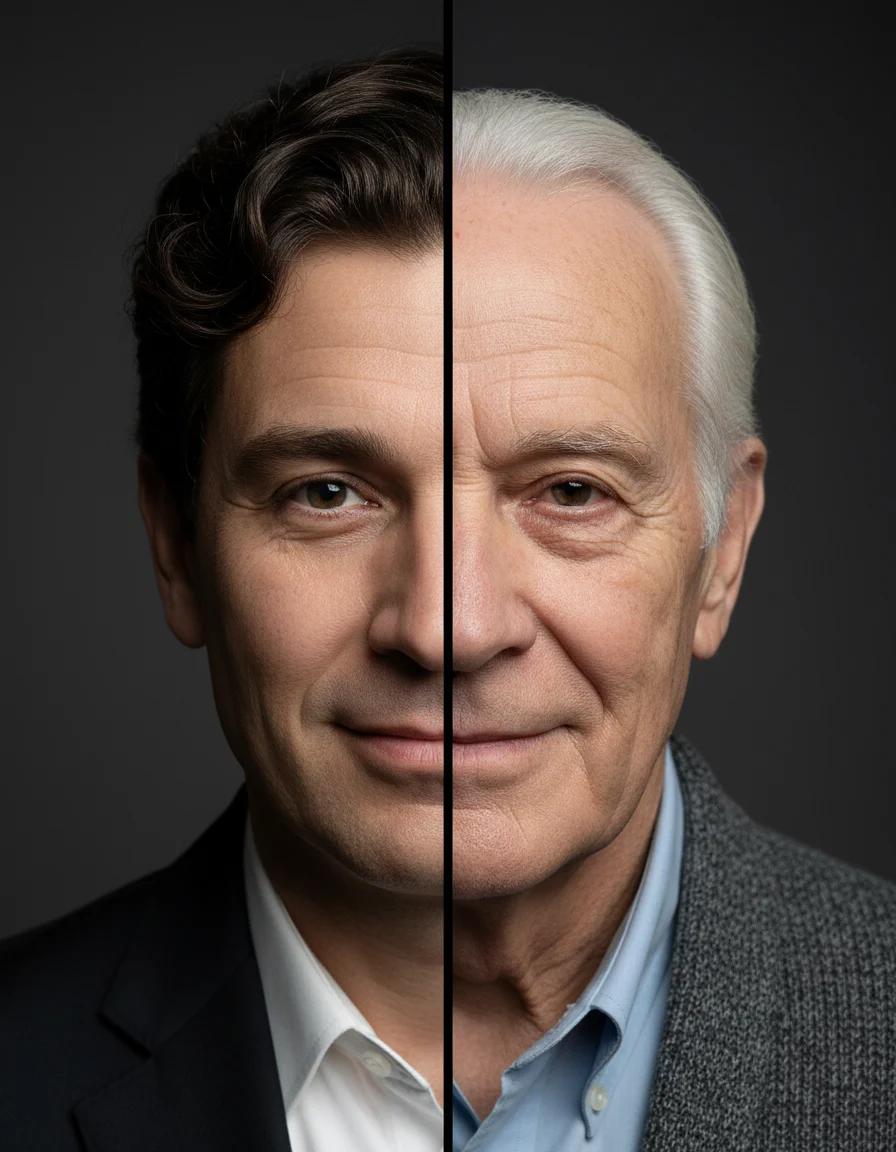
See a realistic older or younger version of any portrait
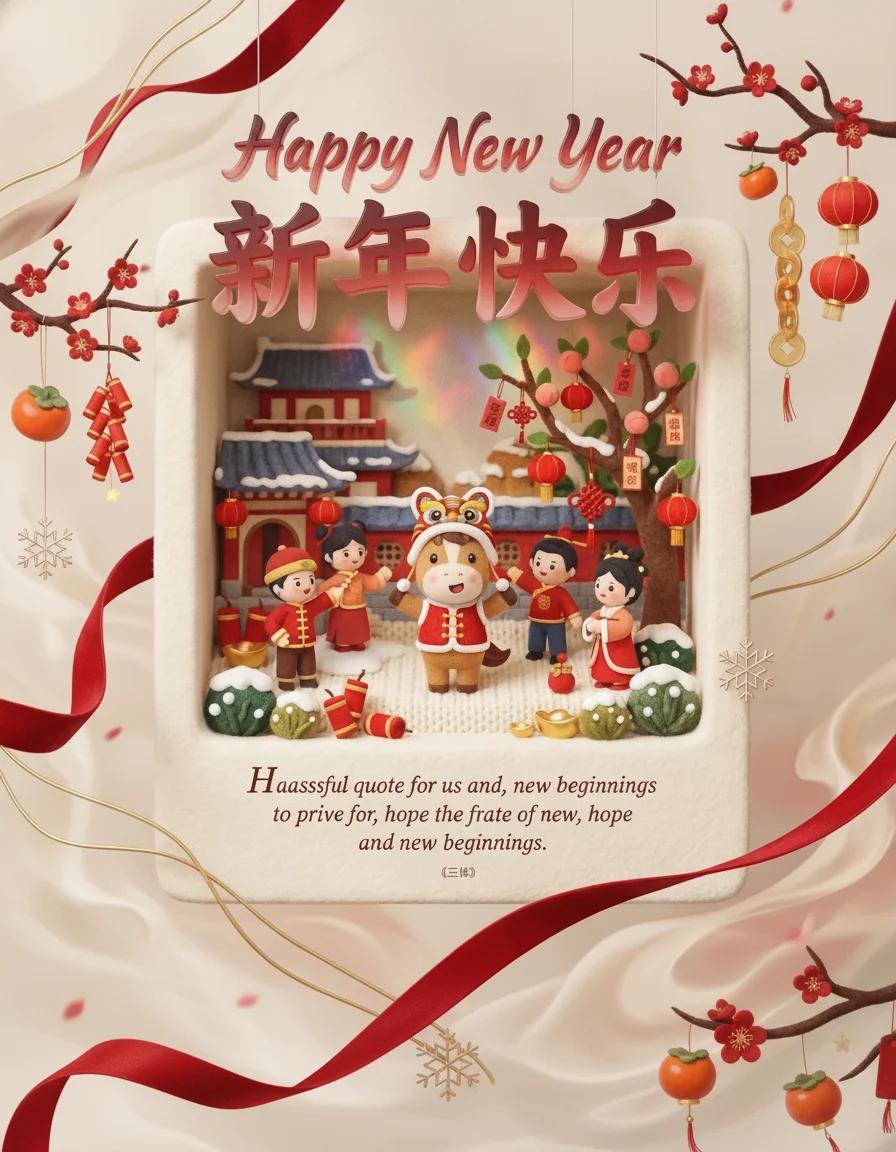
Generate happy new year scene with nano banana pro
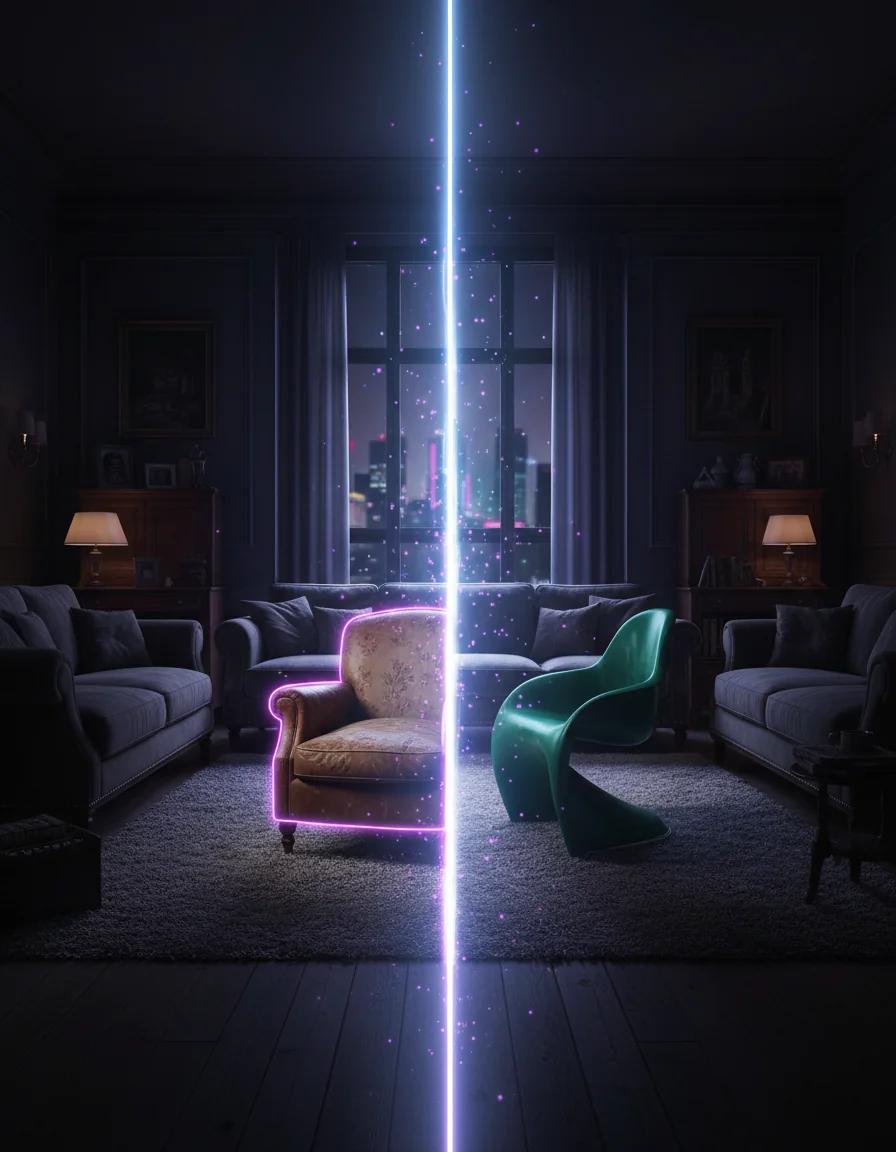
Replace objects in your images with AI
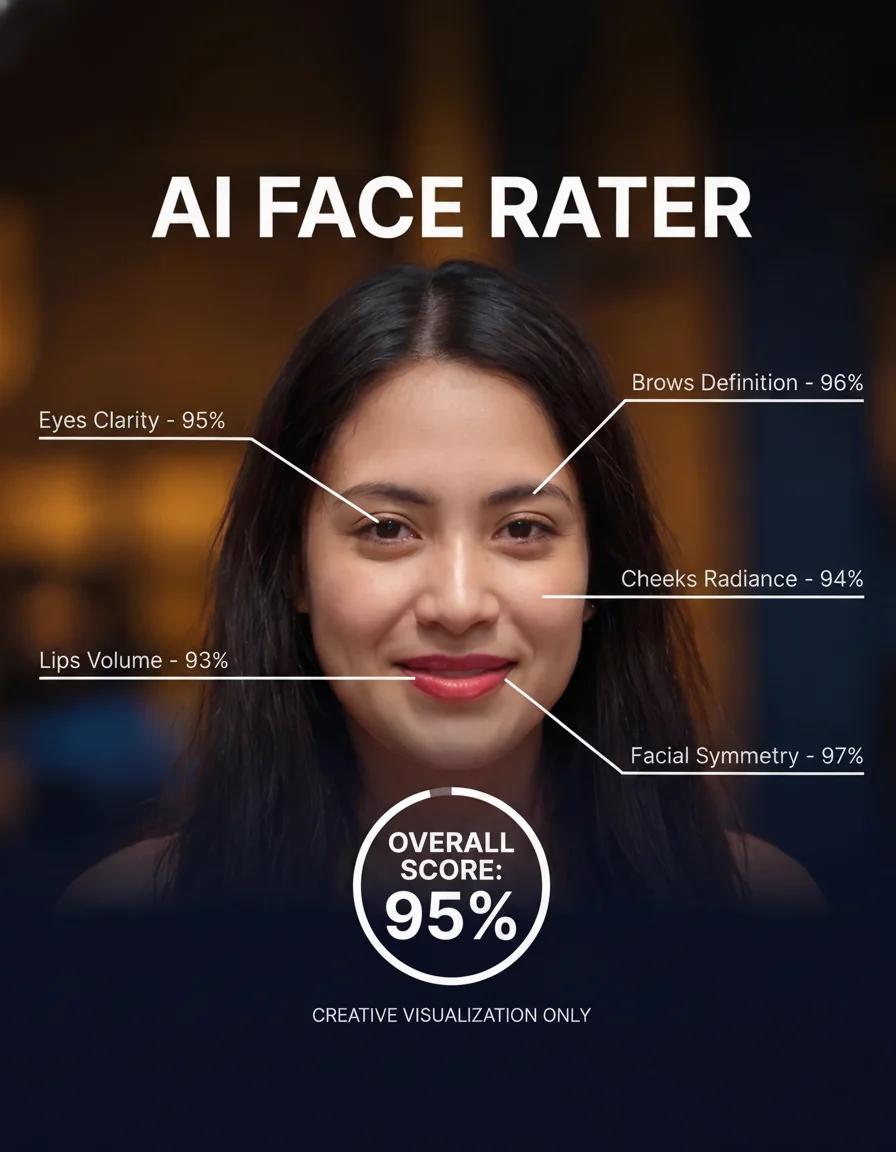
Turn a clear portrait into a playful AI face rating report
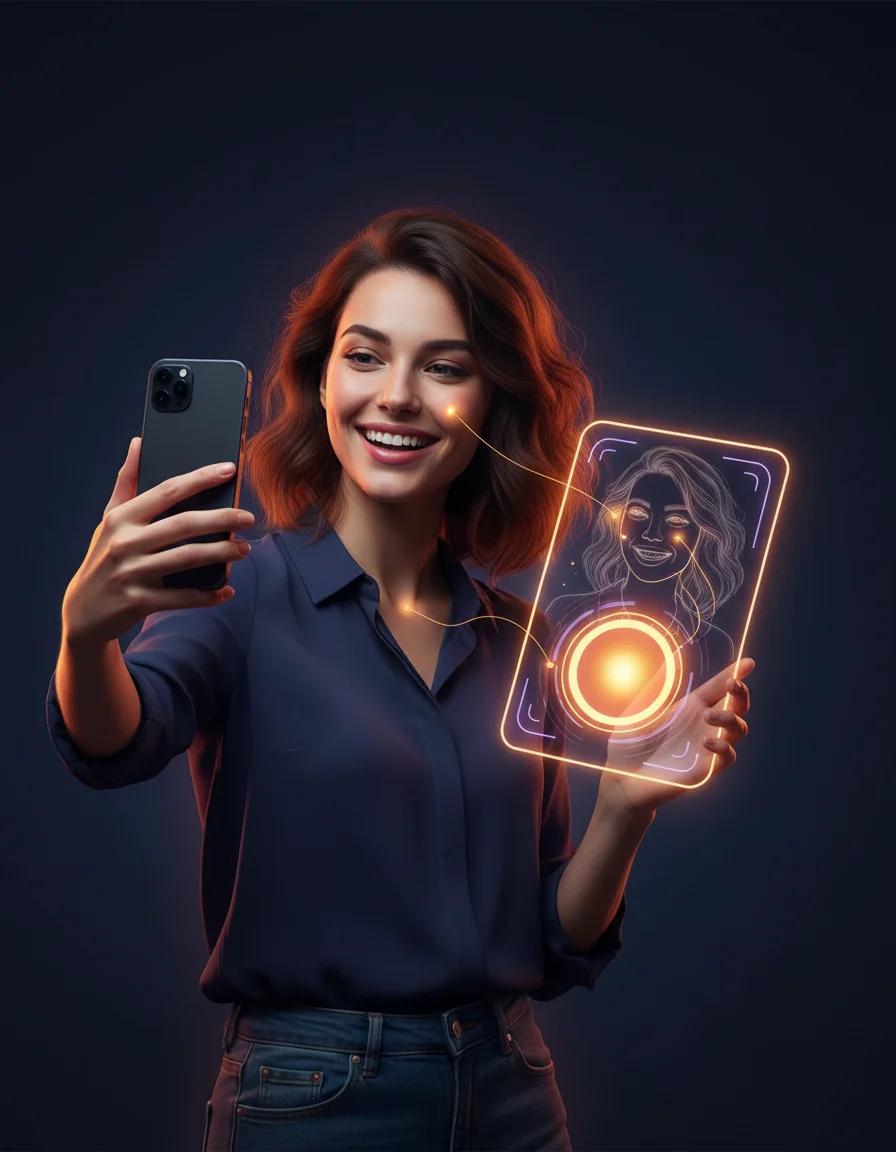
Take a playful AI attractiveness test and get a shareable score report card
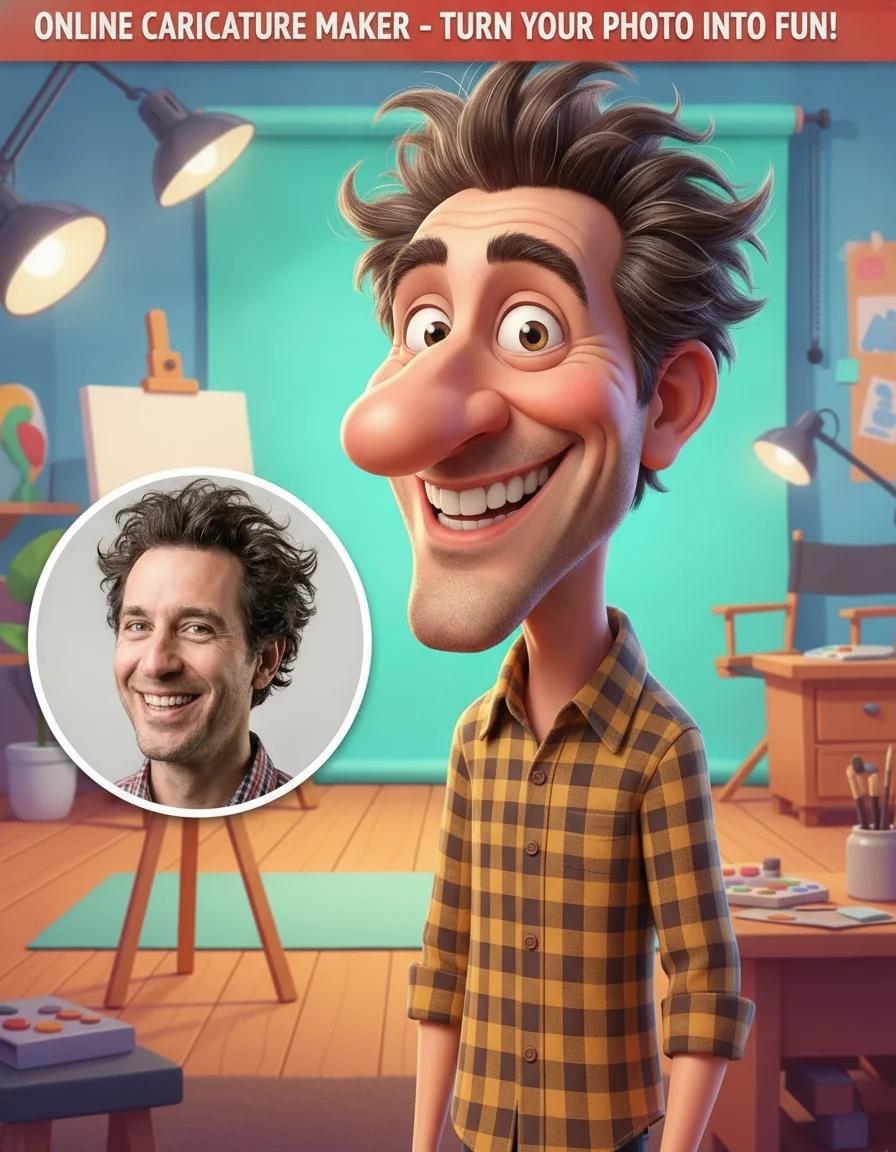
Add a caricature effect to your videos with our Online Caricature Maker
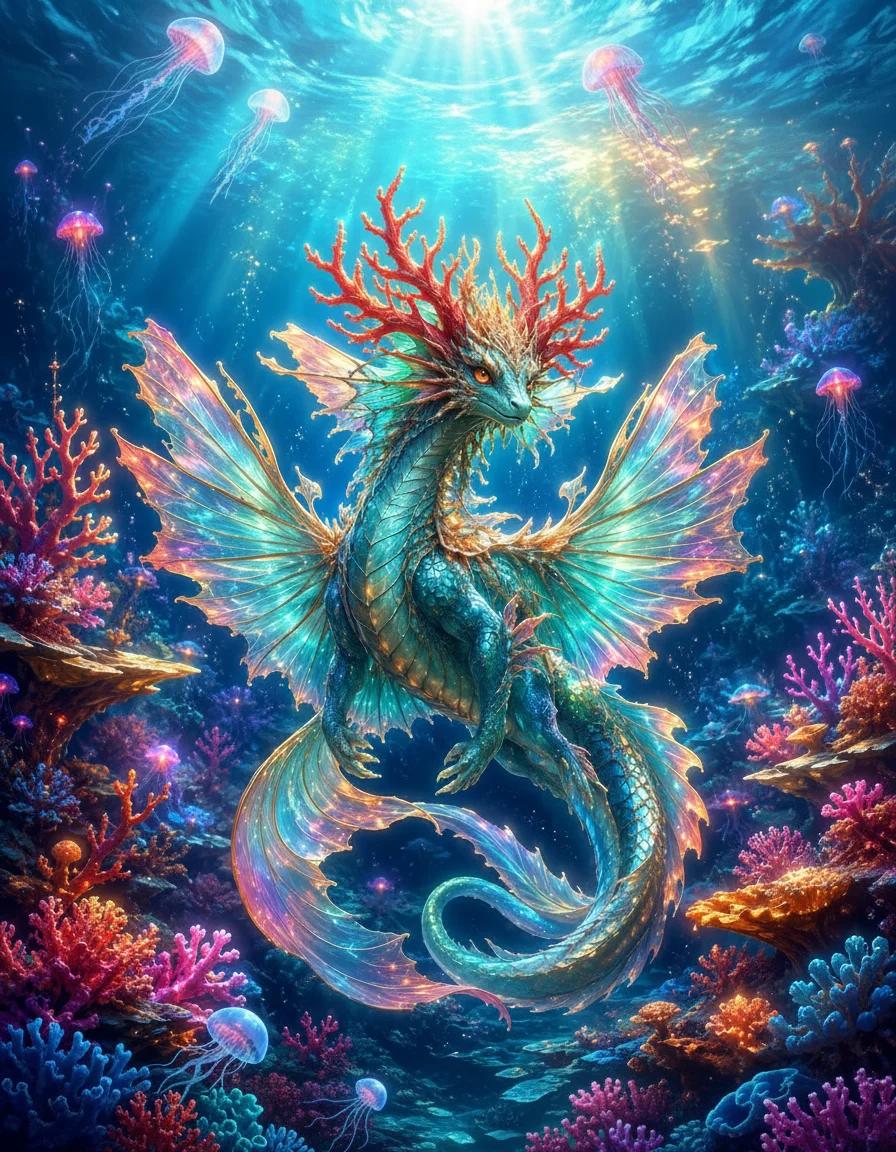
Create original fantasy creatures and monster art with AI
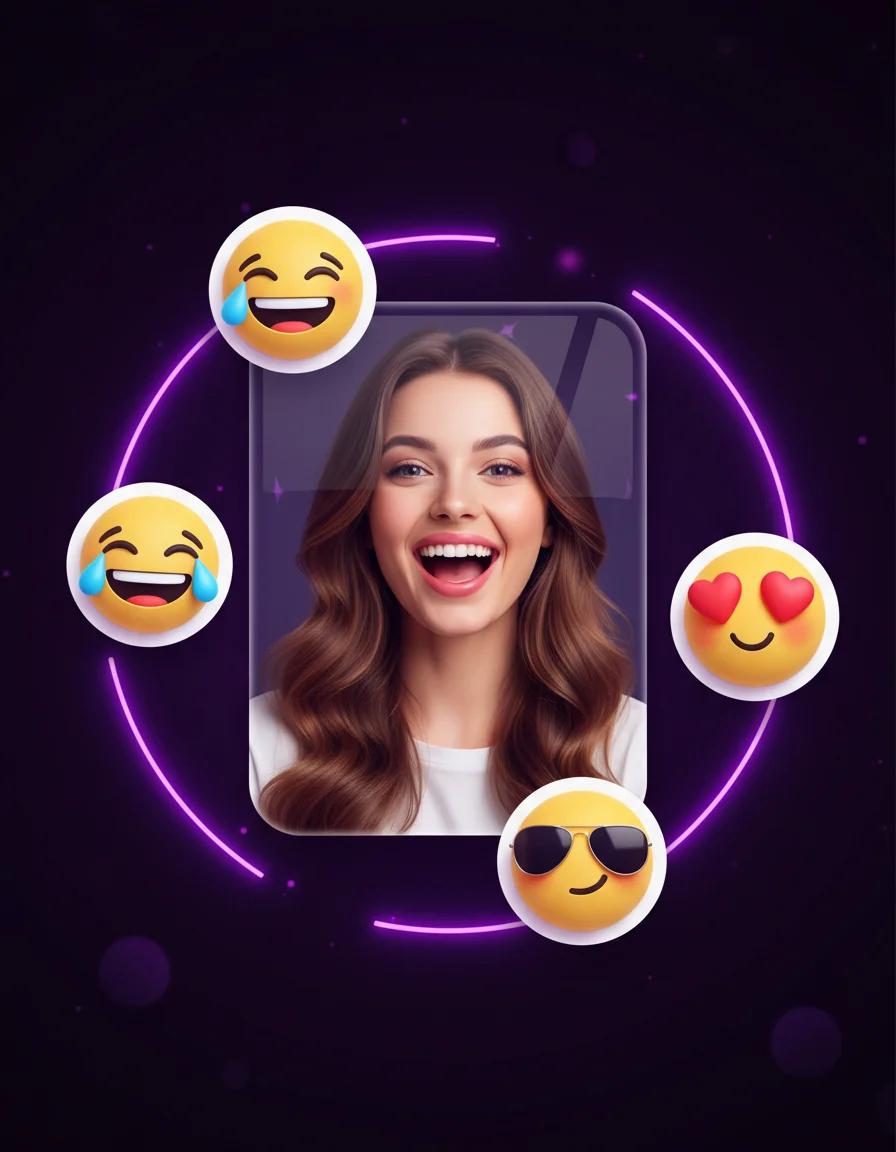
Turn portraits into personal emoji stickers, reaction packs, and profile-ready icons
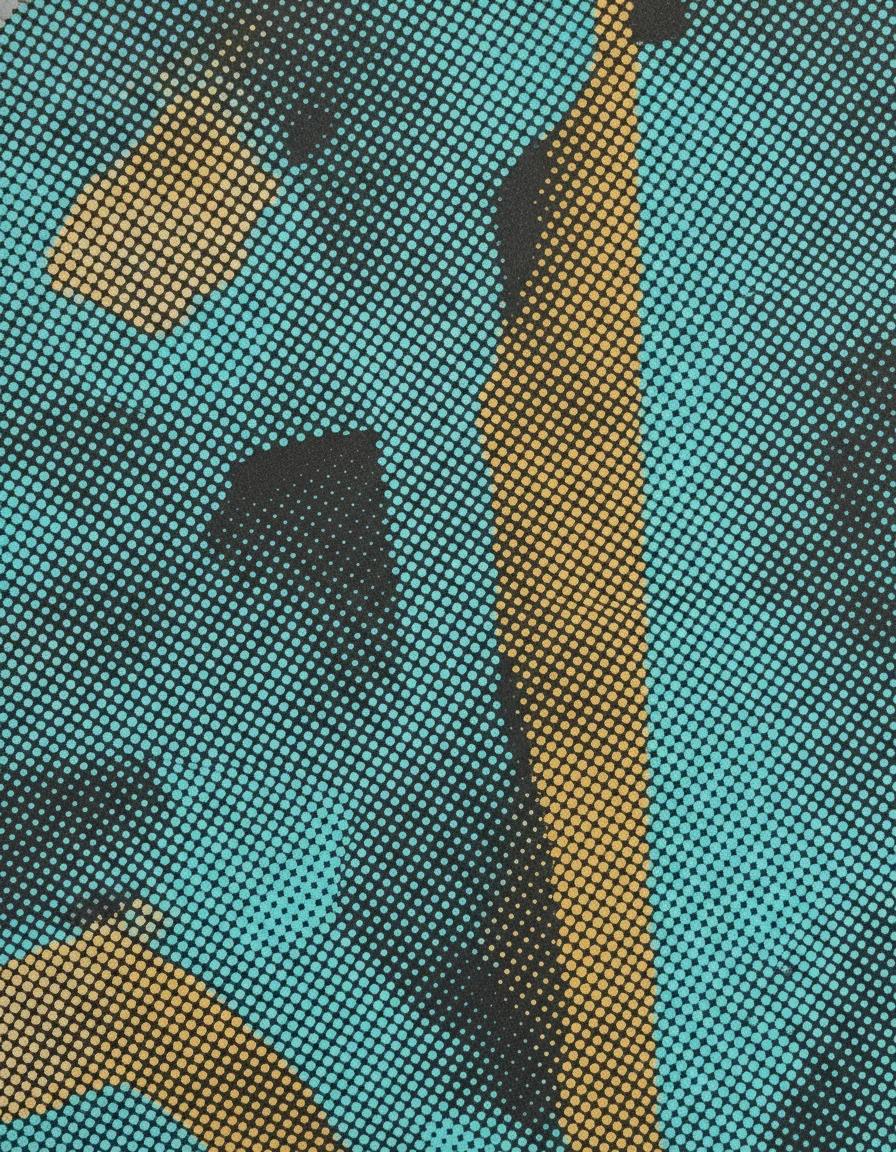
Turn any photo into a halftone print with dotted, screen-printed shading and comic-style texture
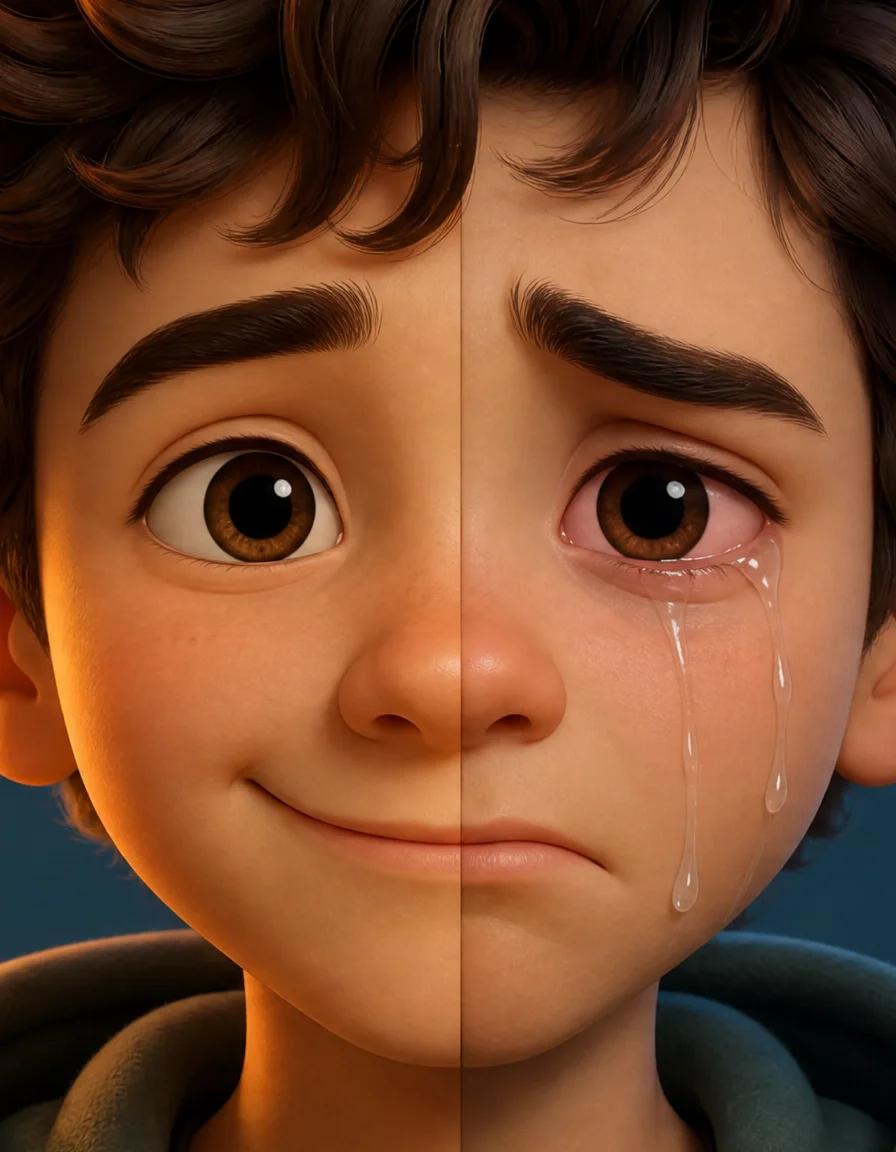
Turn any smile into a realistic crying face with tears, red eyes, and a sad frown
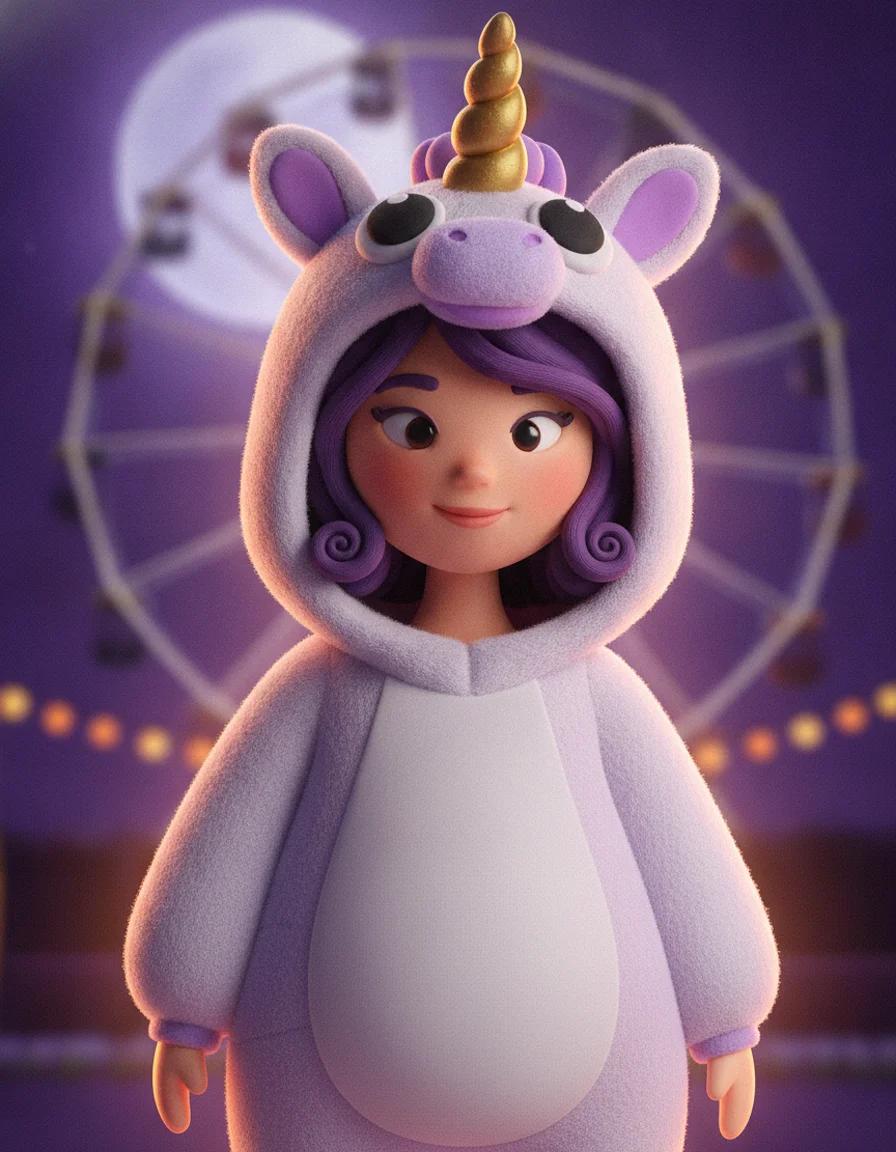
Upload a selfie and try 2026 Halloween looks — Buddy the Unicorn, gothic braids, cosmic princess — first image free
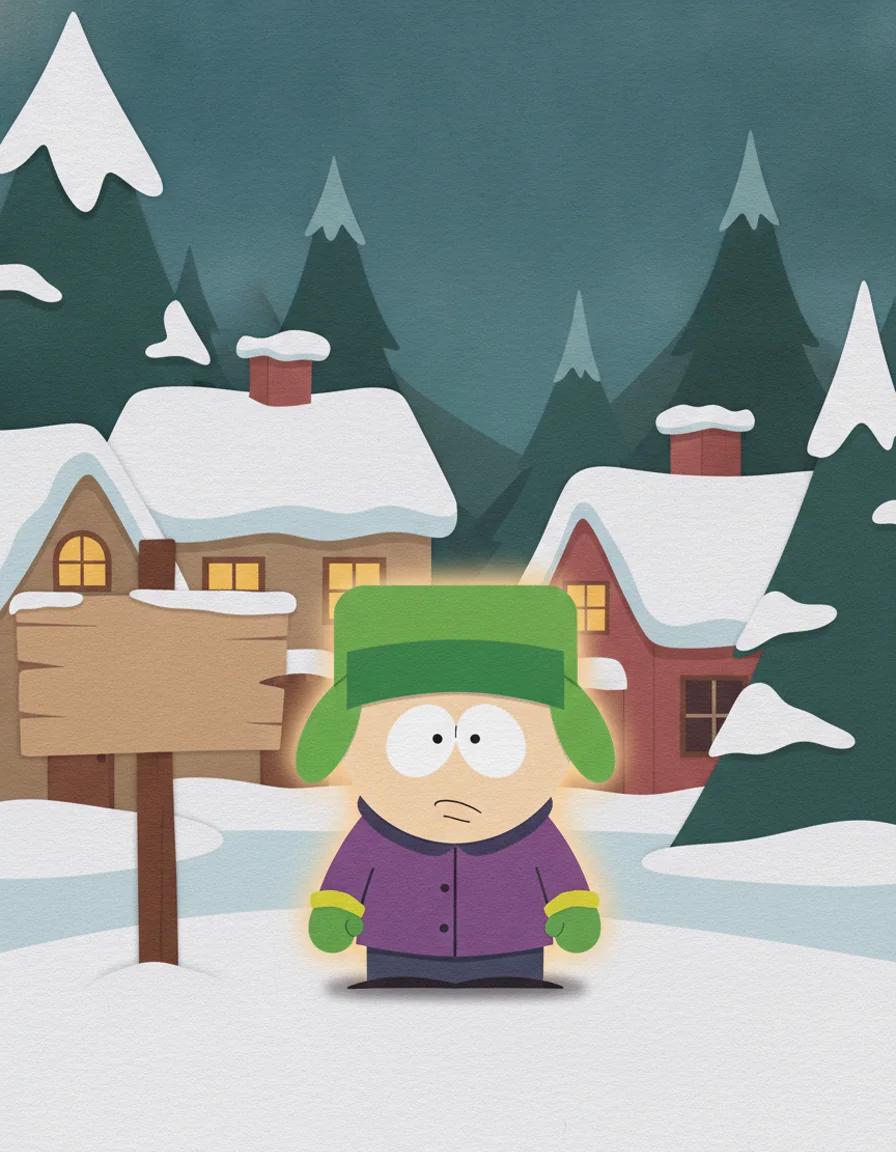
Turn any photo into a cut-paper South Park style cartoon character — first image free
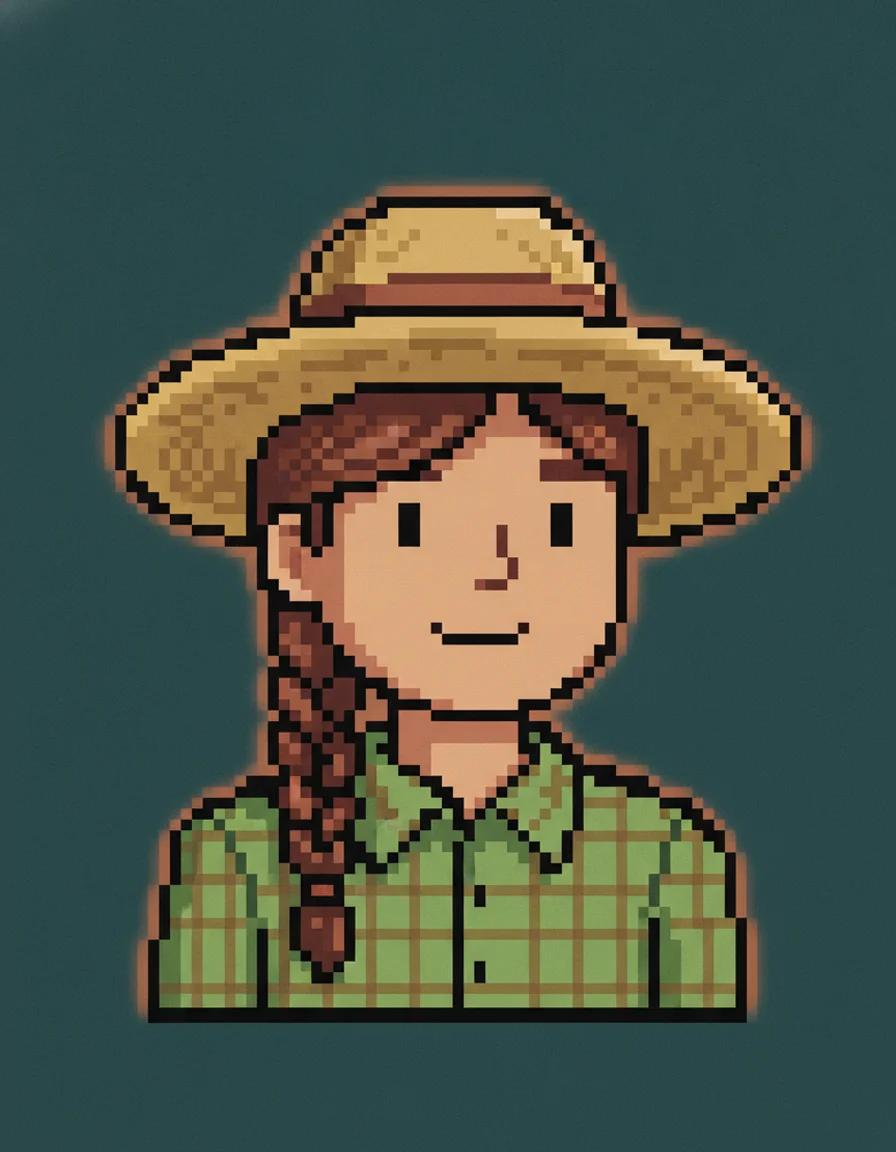
Describe a farmer or upload a photo and get a cozy Stardew Valley style pixel portrait — first image free
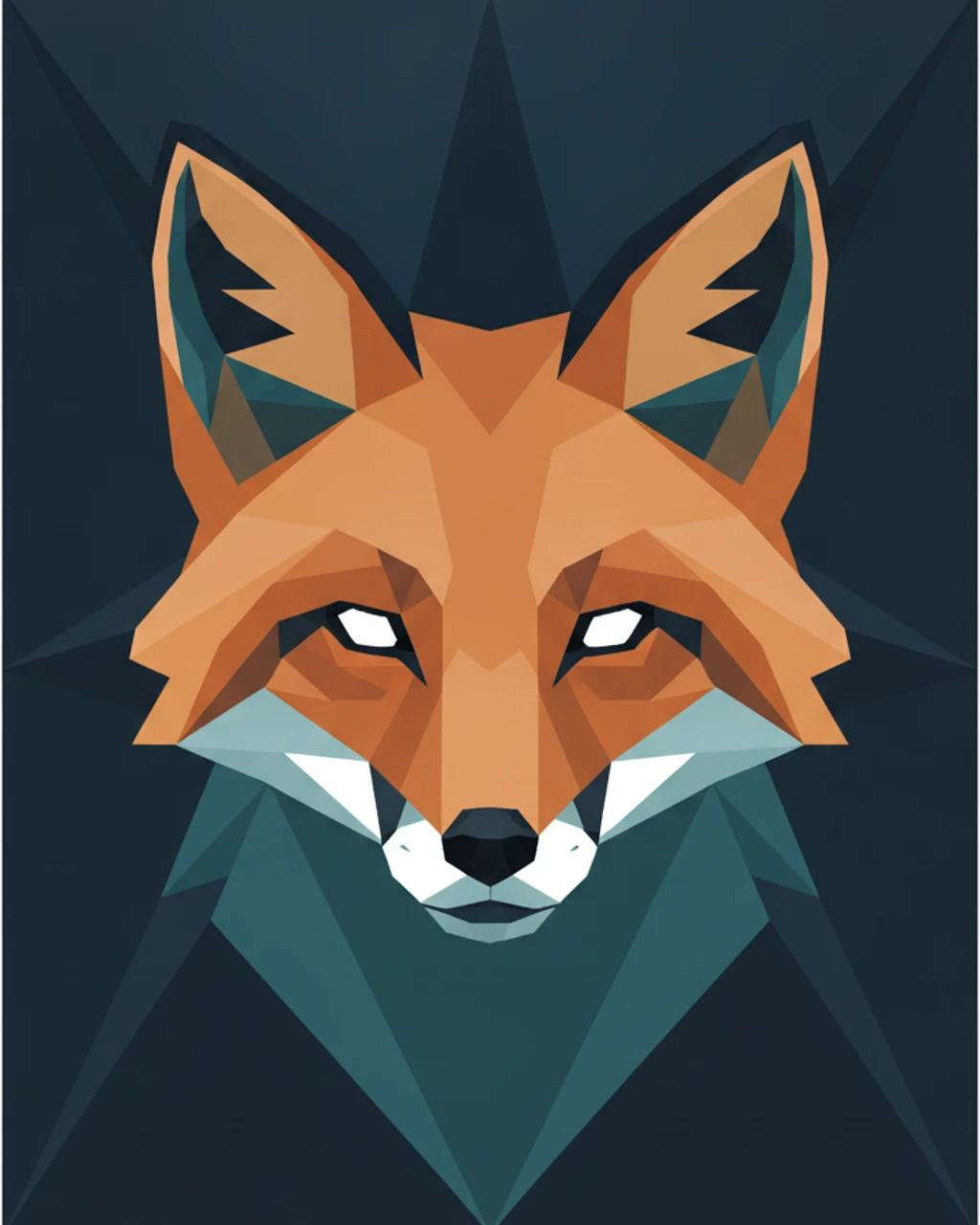
Turn any photo into faceted low-poly geometric art — from 6 credits
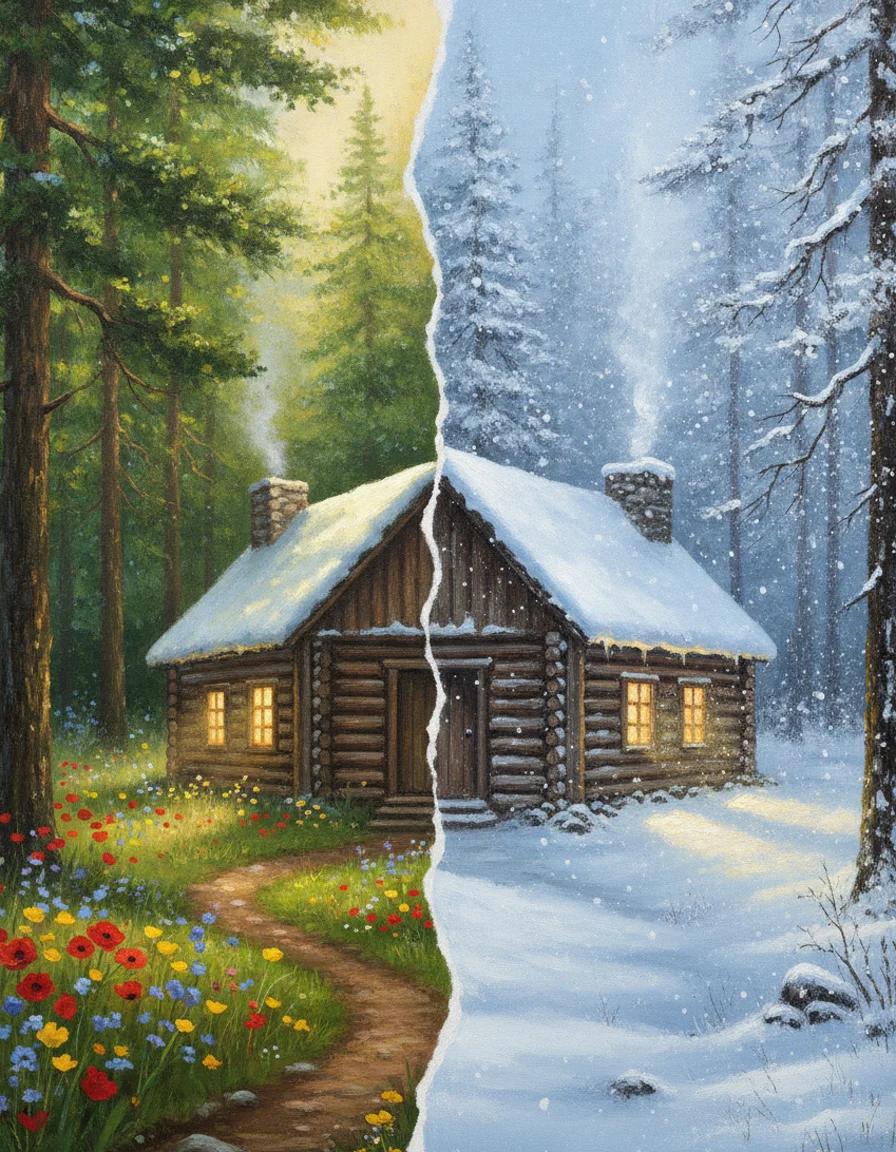
Add realistic falling snow and thick winter cover to any photo while the scene stays the same
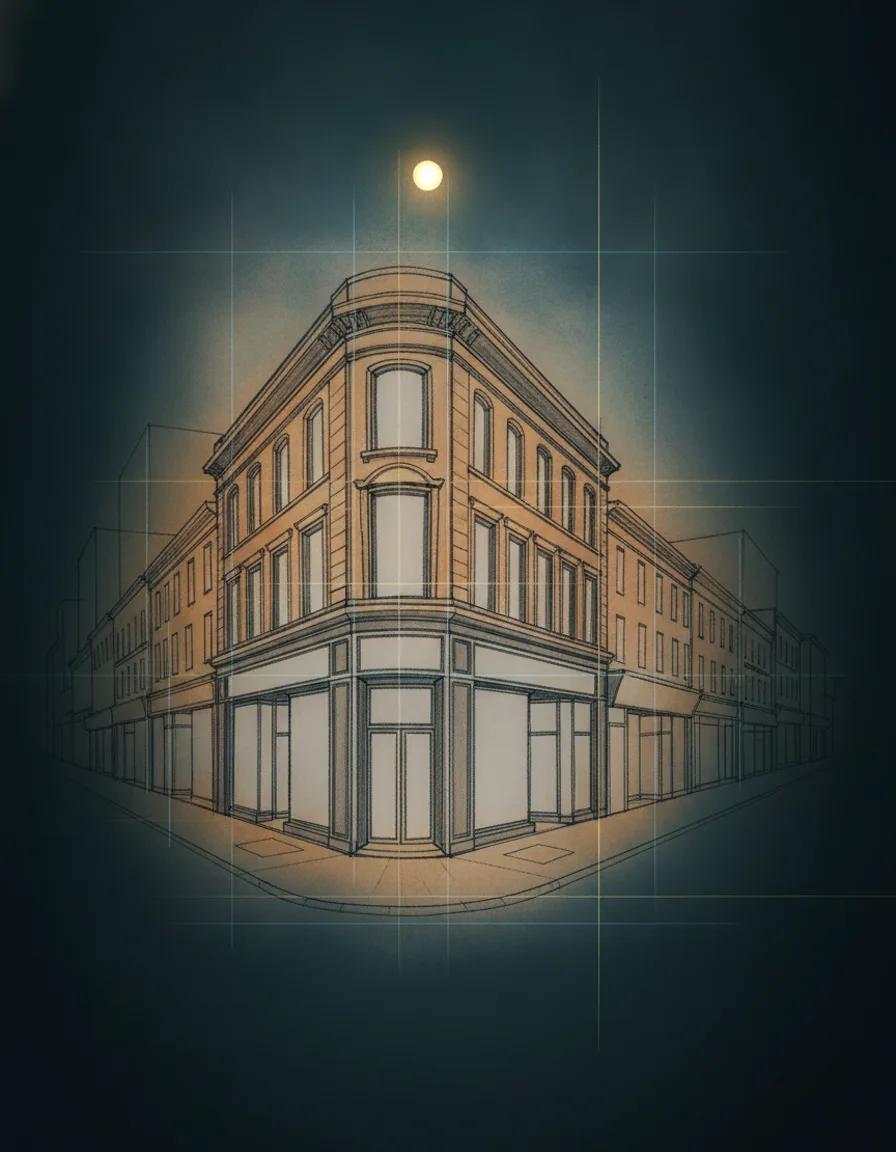
Generate perspective drawings from a prompt or sketch, with one, two, or three vanishing points
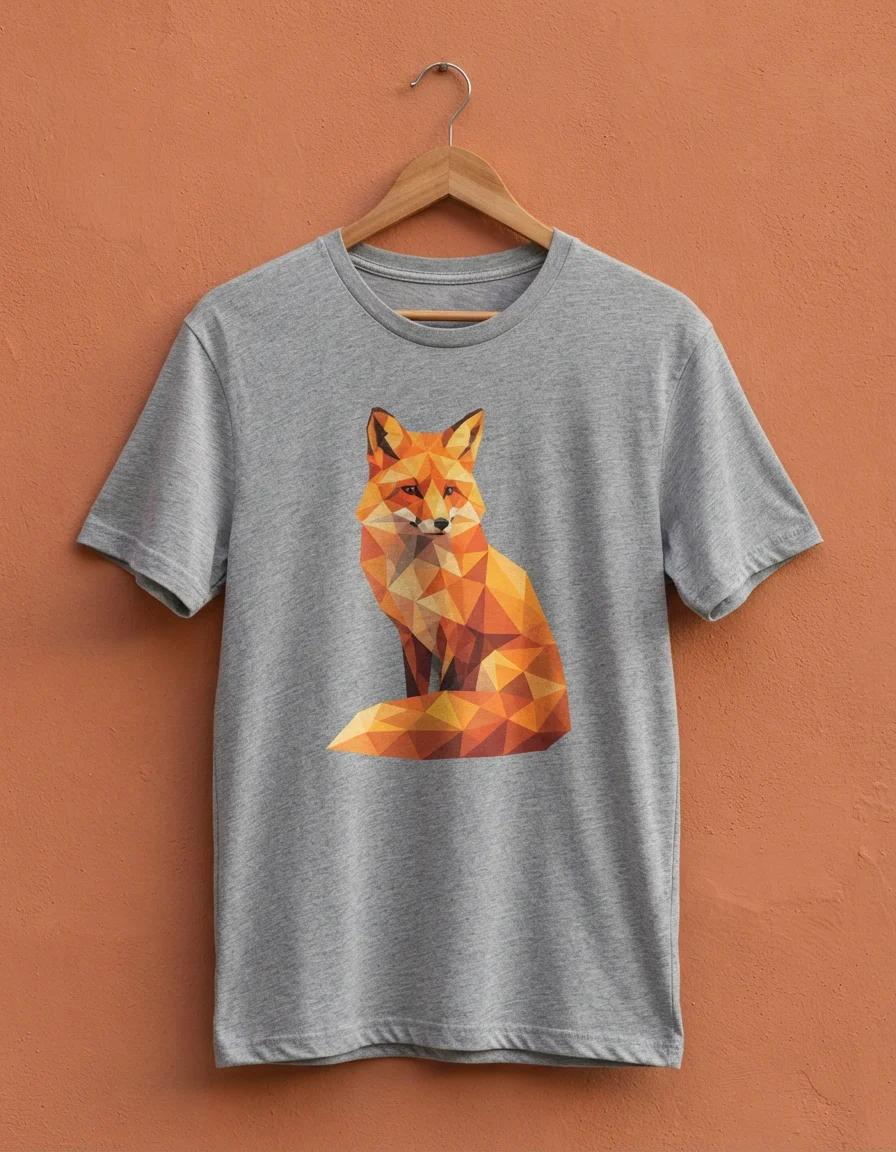
Turn a plain-English idea into a custom shirt graphic: badges, slogans, and mascot art on clean backgrounds
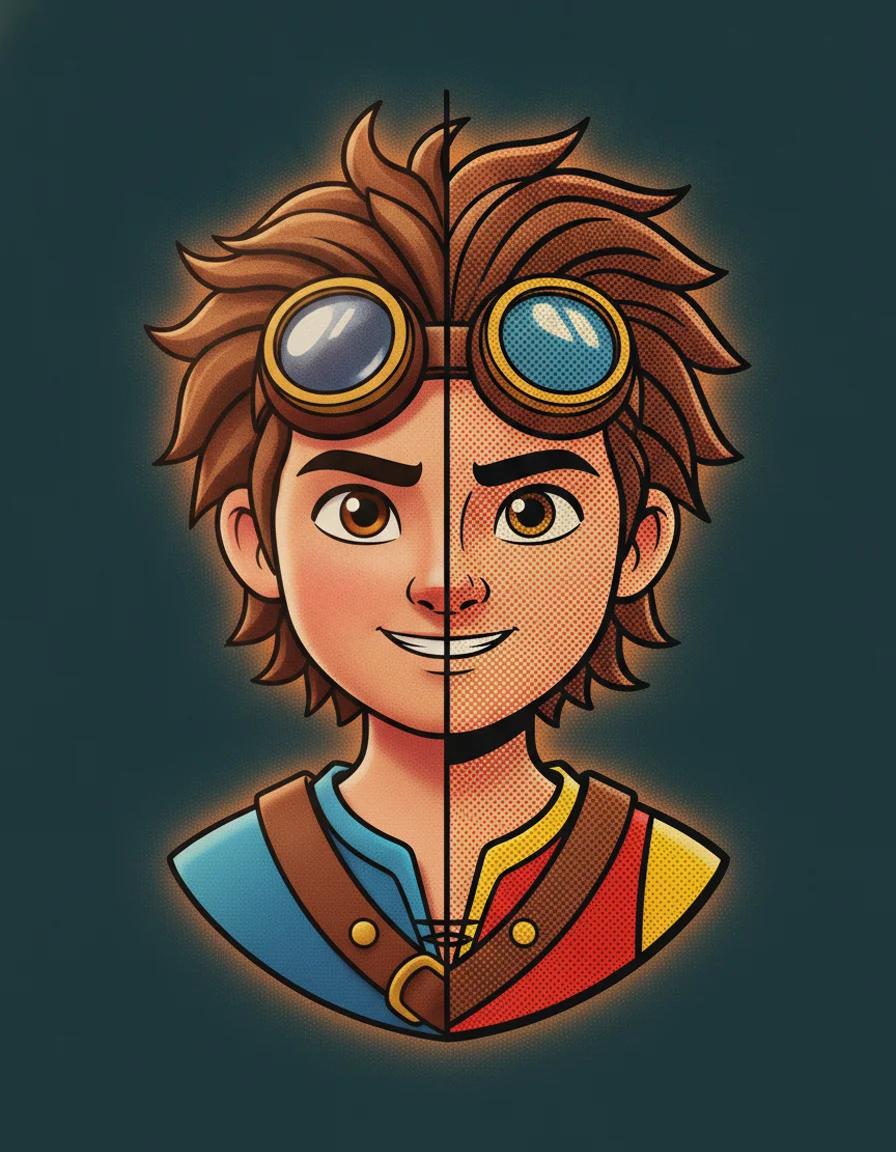
Turn any photo into a printed comic panel with bold ink outlines, cel shading, and halftone dots
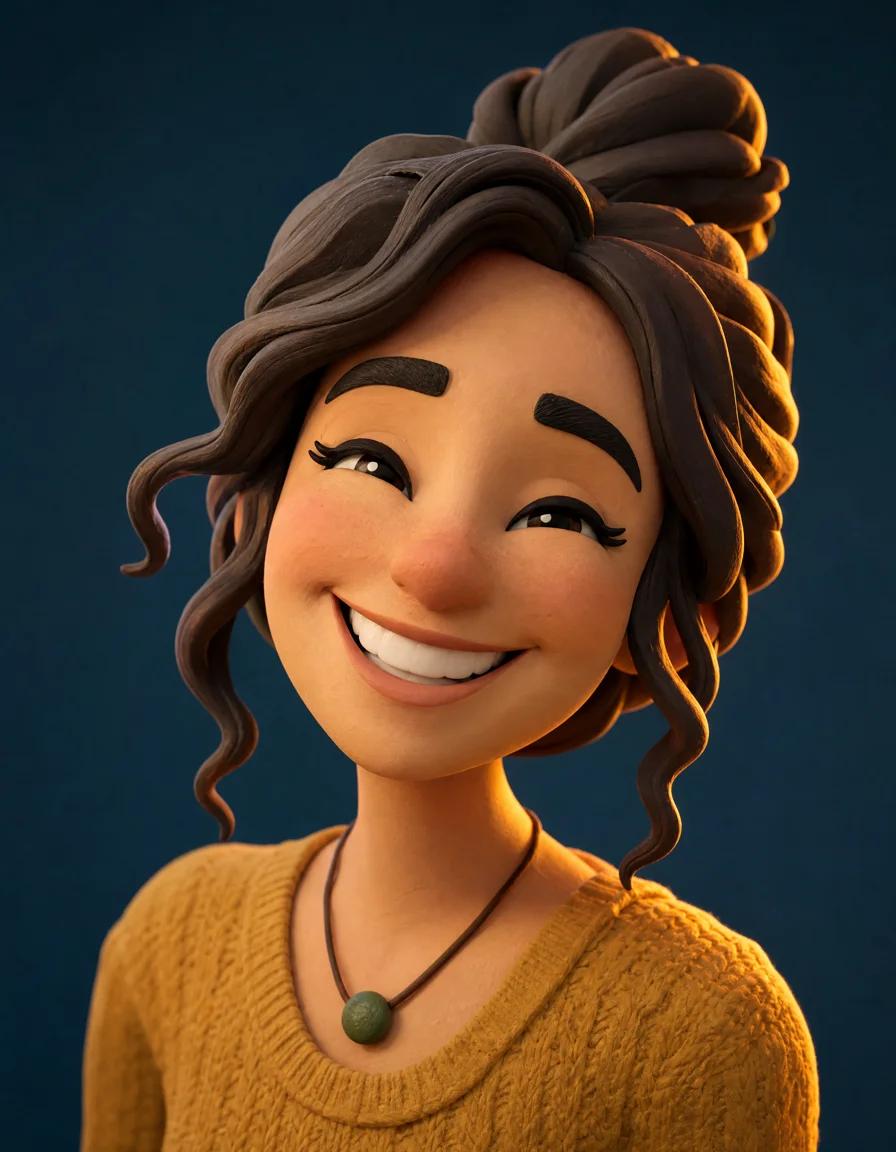
Add a natural, identity-true smile to any photo, from a subtle grin to a big beaming smile
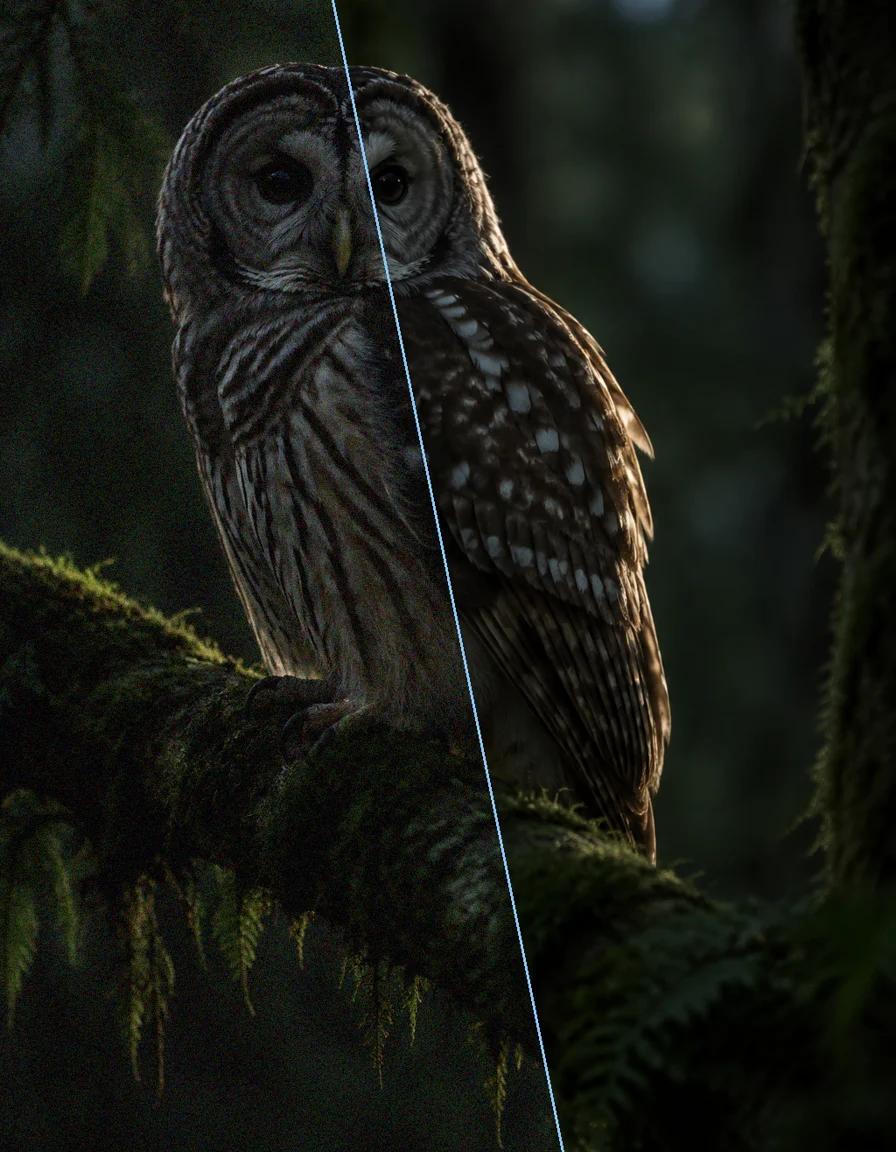
Remove grain, sensor noise, and JPEG artifacts from photos while keeping real detail sharp
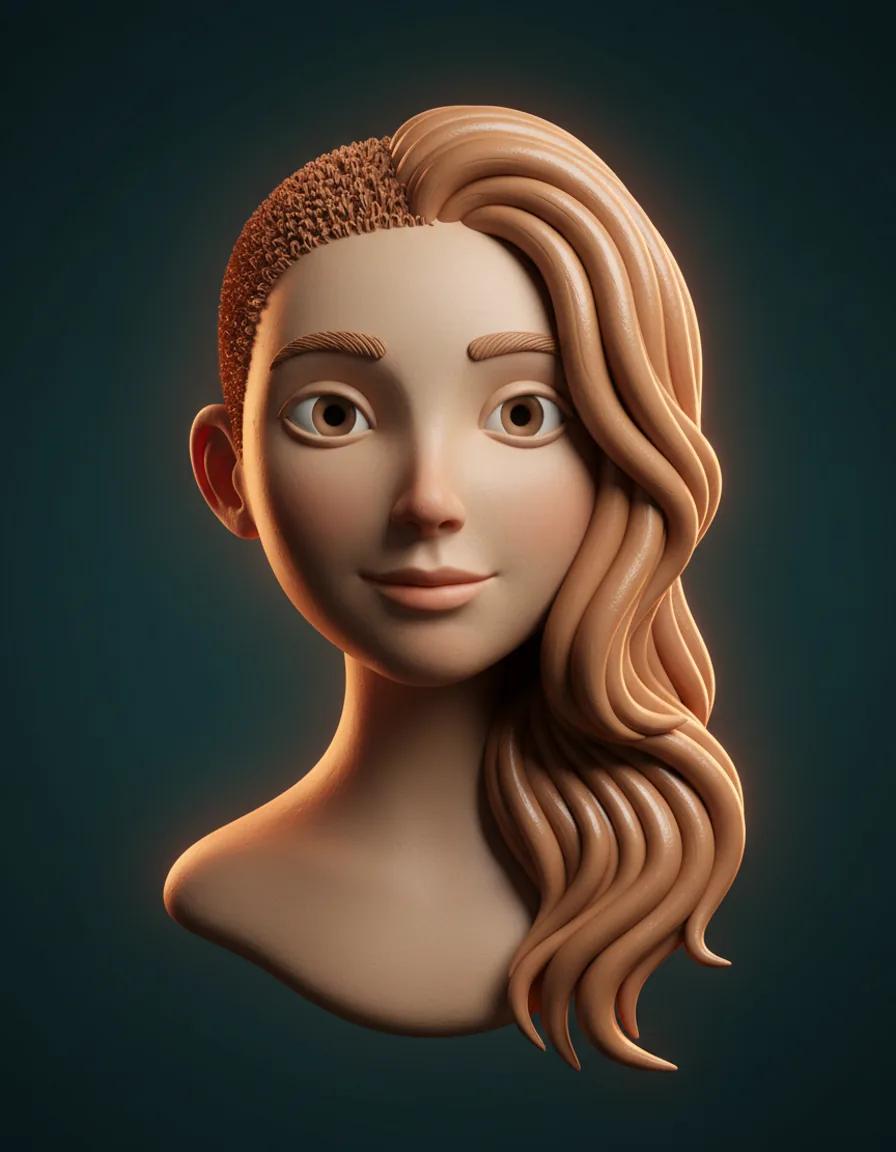
See yourself with longer, fuller hair from a single portrait — only the hair changes
One studio, dozens of AI effects, and a workflow built for creators who publish every day.
Stop hopping between tools. MaxArt.ai hosts AI effects for motion and stills side by side, so a campaign visual and its matching clip come from the same AI effects library.
Most AI effects finish in about a minute for video and seconds for images. Our AI effects engine is tuned for fast drafts and final-quality output alike, so iterating never stalls your schedule.
Every AI effects run taps state-of-the-art generation models chosen for coherence, detail, and color. The result is AI effects that hold up on big screens, not just in feeds.
No timelines, layers, or keyframes. Describe what you want in plain language and our AI effects handle the rest, from the first rough take to the final AI effects render.
The form shows the exact credit cost of your AI effects run before you generate. Cost depends on model, duration, and resolution, and new accounts receive starter credits to explore AI effects with.
Visuals made with our AI effects can be used in client work, ads, and social campaigns. You keep the rights to everything your AI effects produce.
Creators reach for our AI effects in three everyday scenarios.
Creators use AI effects to keep feeds fresh: a selfie becomes a painted portrait, a product clip becomes a cinematic ad, and every AI effects render is sized for the platform you publish on.
Teams prototype visuals with AI effects before booking a shoot. One prompt explores ten creative directions across video and image AI effects, and the winner goes straight into ads and landing pages.
Restore an old photo, animate a family memory, or design a custom emoji. Our AI effects make studio-grade looks a weekend project instead of a professional invoice.
From idea to finished visual in minutes, here is how the AI effects workflow goes on MaxArt.ai.
Type a detailed prompt for the AI effects you want, or upload a reference image. Specific scenes, styles, and moods give AI effects a clear target to hit.
Choose the generation model, duration, and aspect ratio for your project. The credit estimate for your AI effects run updates as you adjust each option.
Run the generation and watch our AI effects build your visual. Preview the result, download it in high definition, and share it anywhere you publish.
Straight answers about how our AI effects work, what they cost, and where you can use them.
AI effects are visual transformations generated by artificial intelligence instead of manual editing. On MaxArt.ai, AI effects span cinematic video looks, artistic image styles, restorations, and animations, all driven by text prompts or reference images with no editing software required. New AI effects are added to the library regularly, so returning creators always find fresh styles to try.
Video AI effects animate or restyle moving clips, while image AI effects transform still photos. Both live in the same MaxArt.ai studio, share the same credit system, and show their cost before you generate.
AI effects are priced in credits, and the exact cost appears in the form before you generate. The total depends on the model, output type, duration, and resolution you select. New accounts receive 10 starter credits — enough for one video at the lowest-cost setting — so check the displayed estimate before running AI effects.
Yes. Visuals you create with our AI effects can be used for commercial projects, including client deliverables, advertising, and monetized social content. You retain the rights to everything you generate with our AI effects studio.
Start with an image effect, since image AI effects cost fewer credits and render in seconds. Photo-to-painting styles and portrait filters are forgiving first projects. Once you know how prompts behave, move to video AI effects for motion content.
MaxArt.ai combines multiple state-of-the-art models behind one consistent interface. You can compare the same prompt across AI effects, switch models without learning new software, and keep every project in one gallery. Video and image AI effects share the same credits, the same history, and the same download flow.
Explore AI Models on MaxArtJoin the creators who publish with MaxArt.ai AI effects every day. Your next visual is one prompt away.