1
Upload one object photo
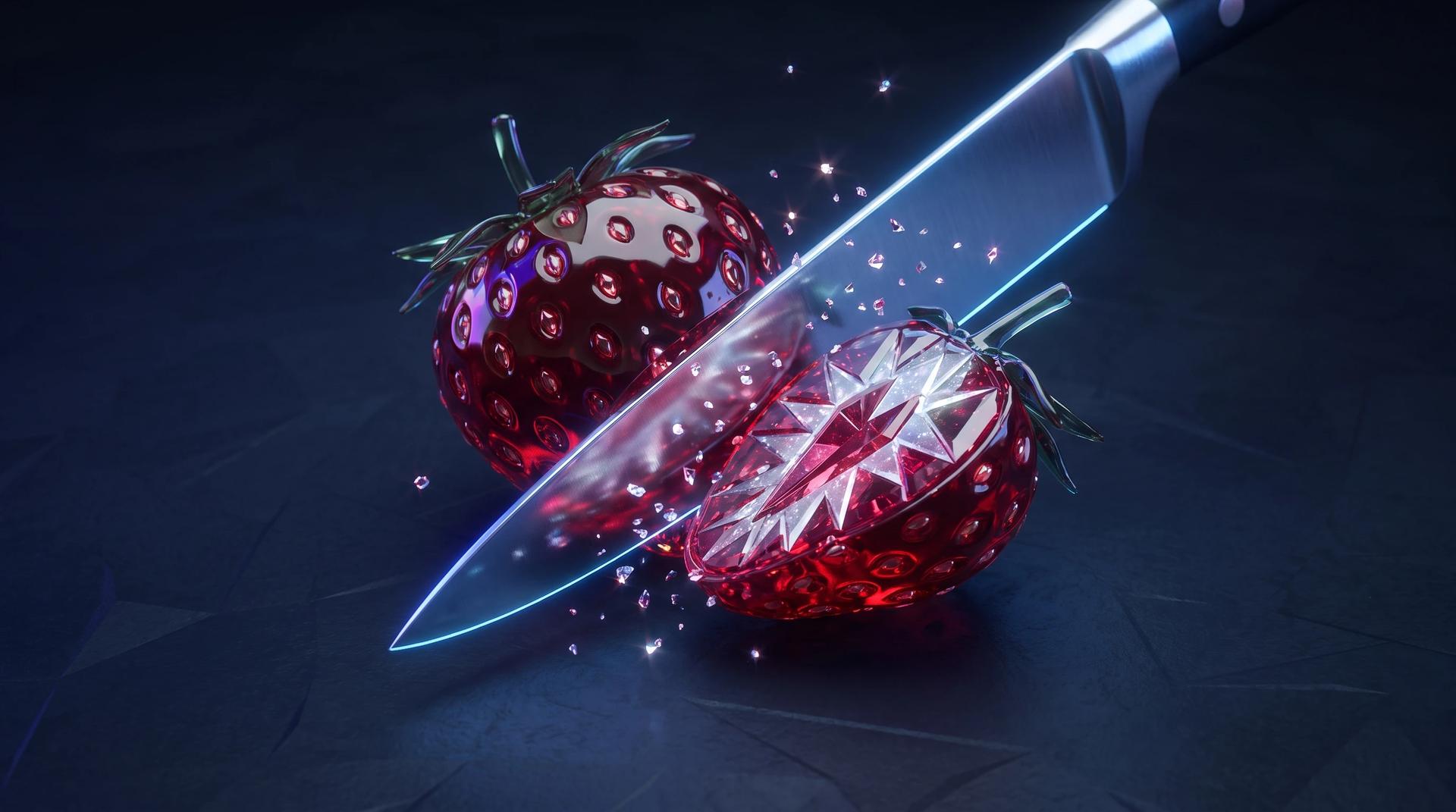
Start the AI slice effect with a single clear photo of the object you want to slice. Glossy, solid subjects with simple backgrounds give the cleanest glass texture. The AI slice effect reads the shape, material, and lighting from your photo, so a sharp, well-lit shot is the foundation of a convincing cut.
2
Direct the slice with a prompt
Tell the AI slice effect how the cut should happen: knife angle, slicing speed, how the pieces fall, and how the cross-section should look. You can also steer the camera and lighting, and note whether you want the optional sound of a crisp slice. Specific direction is what turns a generic cut into your AI slice effect style.
3
Generate and review your clip
Run the AI slice effect and watch the finished slicing video in the preview panel. Check the cut line, the cross-section texture, and how the pieces settle. If the slice needs a different mood, adjust the prompt and run the AI slice effect again until the clip matches the short you had in mind.