1
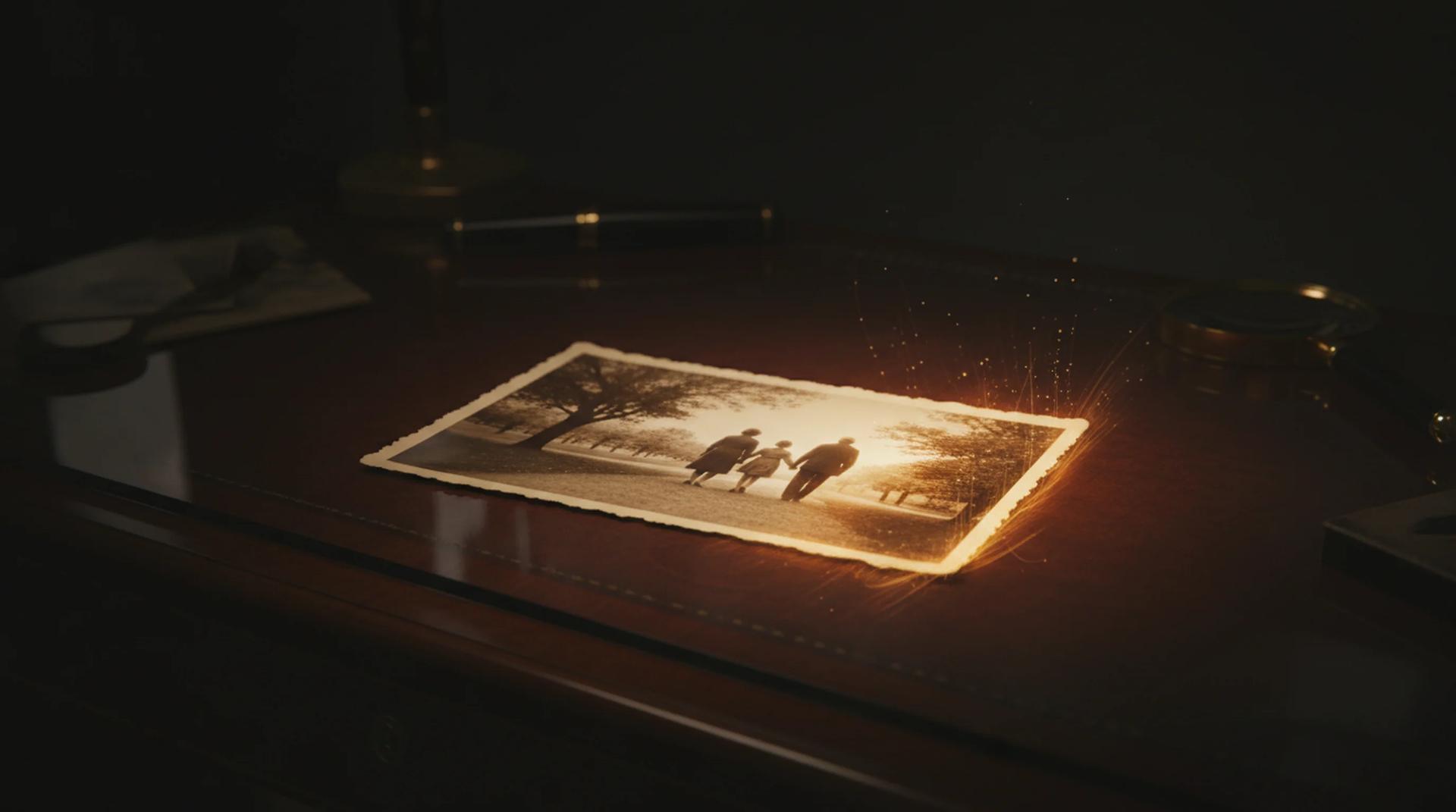
Upload one old photo
Start AI old photo animation with a single scan or a sharp photo of the print. Faces should be clearly visible, and black-and-white, sepia, faded, or lightly cracked photos all work. AI old photo animation reads the expression, the lighting, and the texture of the original, so a clean scan at a decent resolution gives the most natural motion.
2
Describe the motion you want
Tell the AI old photo animation how the scene should move: a subtle smile, a slow blink, a gentle head turn, drifting background detail, or a soft camera drift. Small, physical directions produce the most believable results. The AI old photo animation responds to specific wording, so describe the motion itself rather than the mood alone.
3
Generate, review, and download
Run the AI old photo animation and watch the finished clip in the preview panel. The form shows the credit cost before you generate, so there are no surprises. Check that the face still looks like the person and the motion stays gentle, then download the video file. If the AI old photo animation needs a different feel, adjust one line of the prompt and run it again.