1
Upload one clear photo
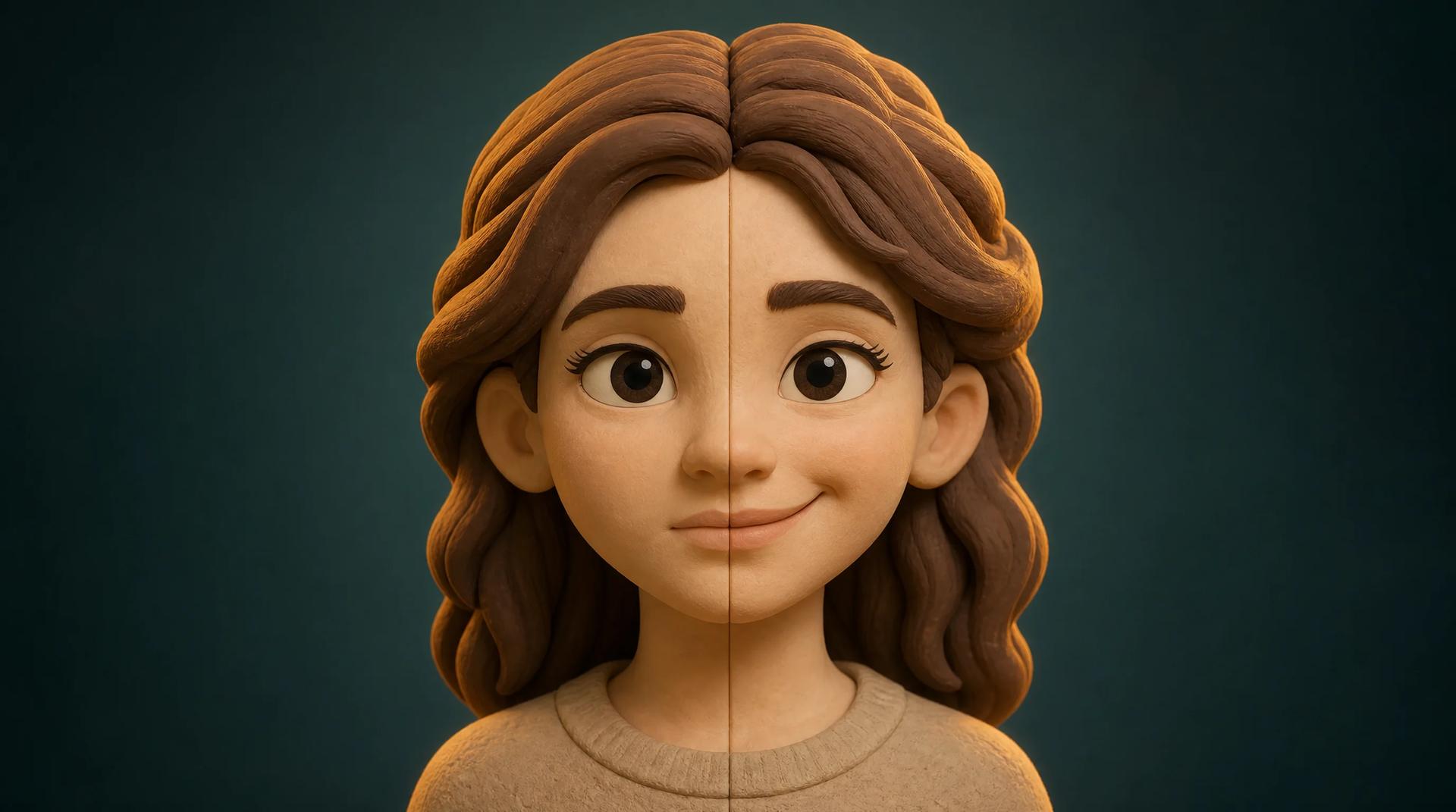
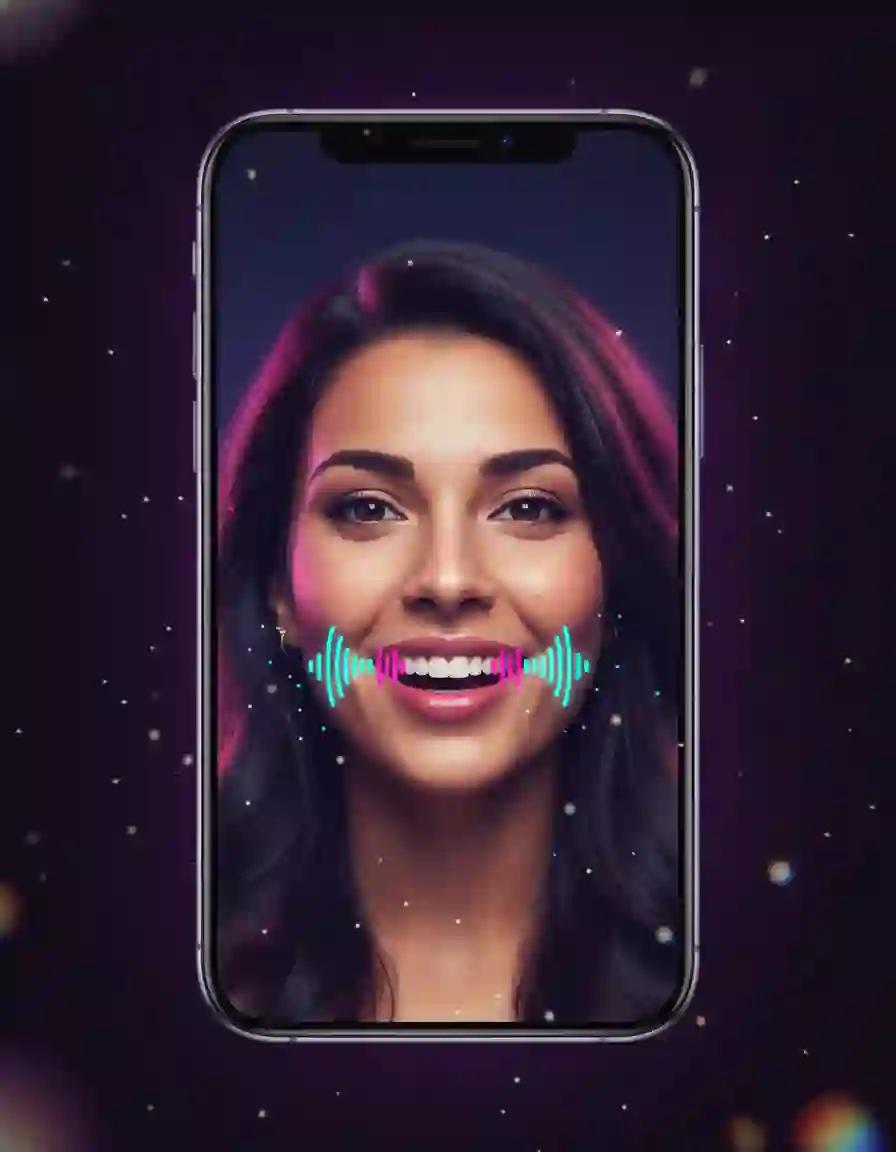
Start the AI smile generator with a sharp, front-facing photo where the eyes and mouth are unobstructed. Portraits, headshots, old prints, pet photos, and illustrations all work. The AI smile generator reads the face, the lighting, and the style of the source, so a clean input gives the most natural smile.
2
Pick a model and describe the smile
Tell the AI smile generator how the smile should land: a subtle closed-lip smile, a warm teeth-showing smile, or a big beaming grin, plus small details like softened eyes or a slight head ease. Keep one change per run and reuse the proven default prompt as a starting point.
3
Check the cost, generate, and download
The AI smile generator shows the exact credit cost before you confirm, so there are no surprises. Watch the finished clip in the preview panel, confirm the face still looks like the person and the motion stays gentle, then download the video file. If the AI smile generator needs a different feel, adjust one line of the prompt and run it again.