
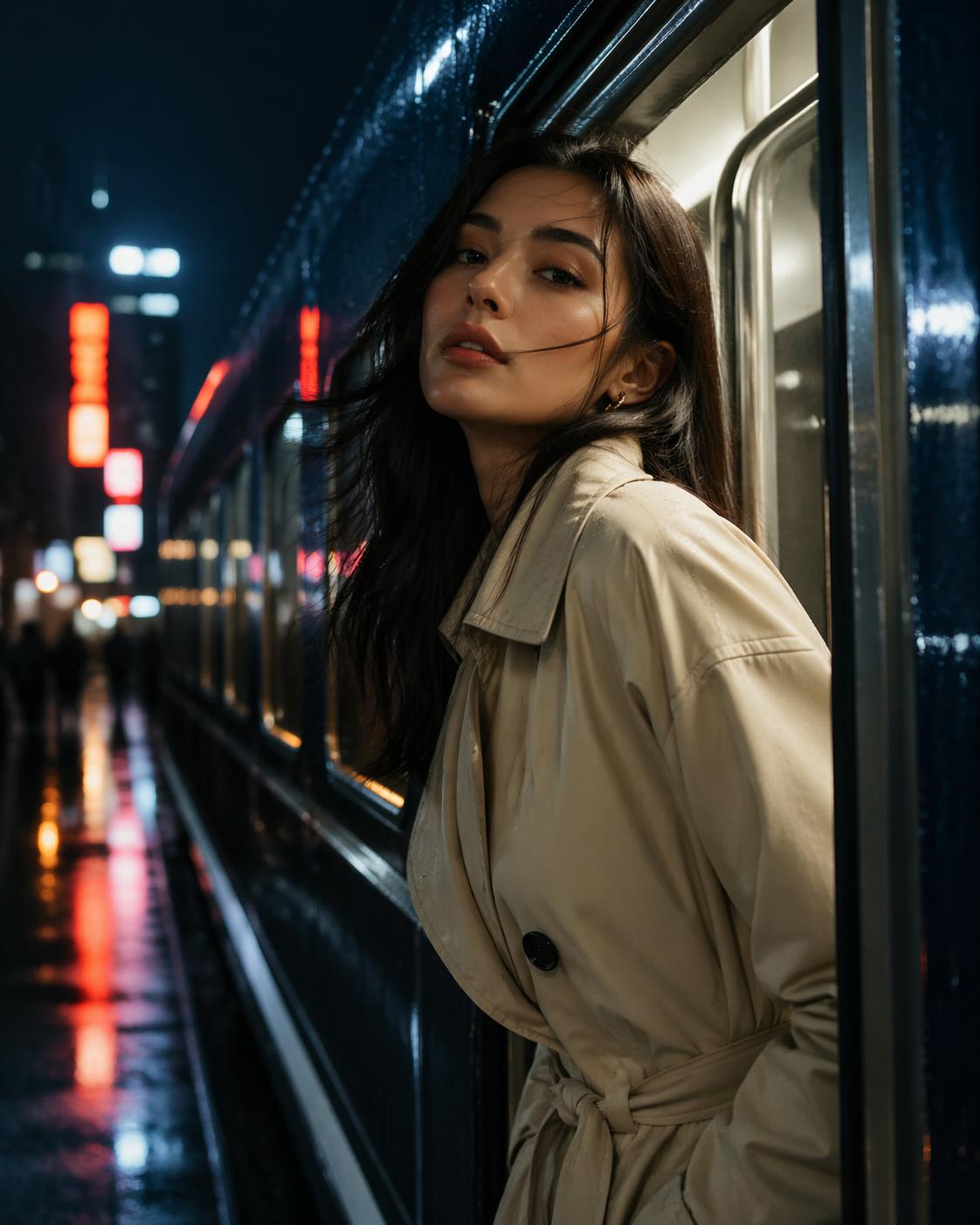
Profile-worthy glow
Editorial portrait energy
Use one strong prompt to turn a loose idea into a polished portrait with cinematic light, natural skin texture, and premium-magazine mood.
This page is no longer a dry model explainer. It is a hands-on place to create the kind of images people actually want: better profile photos, launch posters, dreamy room concepts, giftable art, and small-brand visuals that look polished enough to share right away.
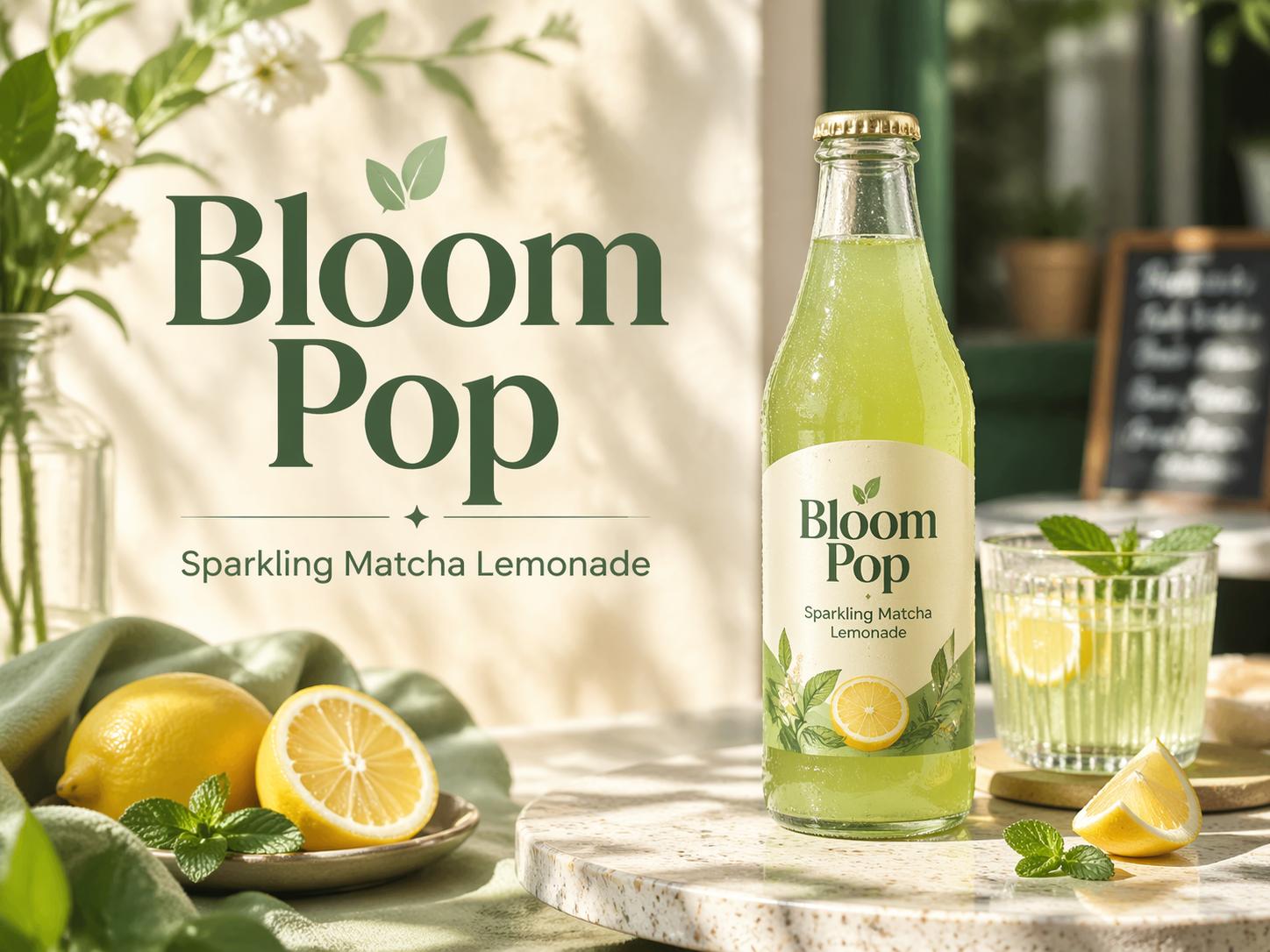
Great for posters, labels, menus, and branded graphics.
Upload a photo and steer it without losing the whole vibe.
Make images you can actually post, print, or ship.
Write one strong prompt, or upload an image and restyle it. The form below is connected to the live GPT Image 2 generation flow on MaxArt.ai, so you can move straight from curiosity to an actual result.
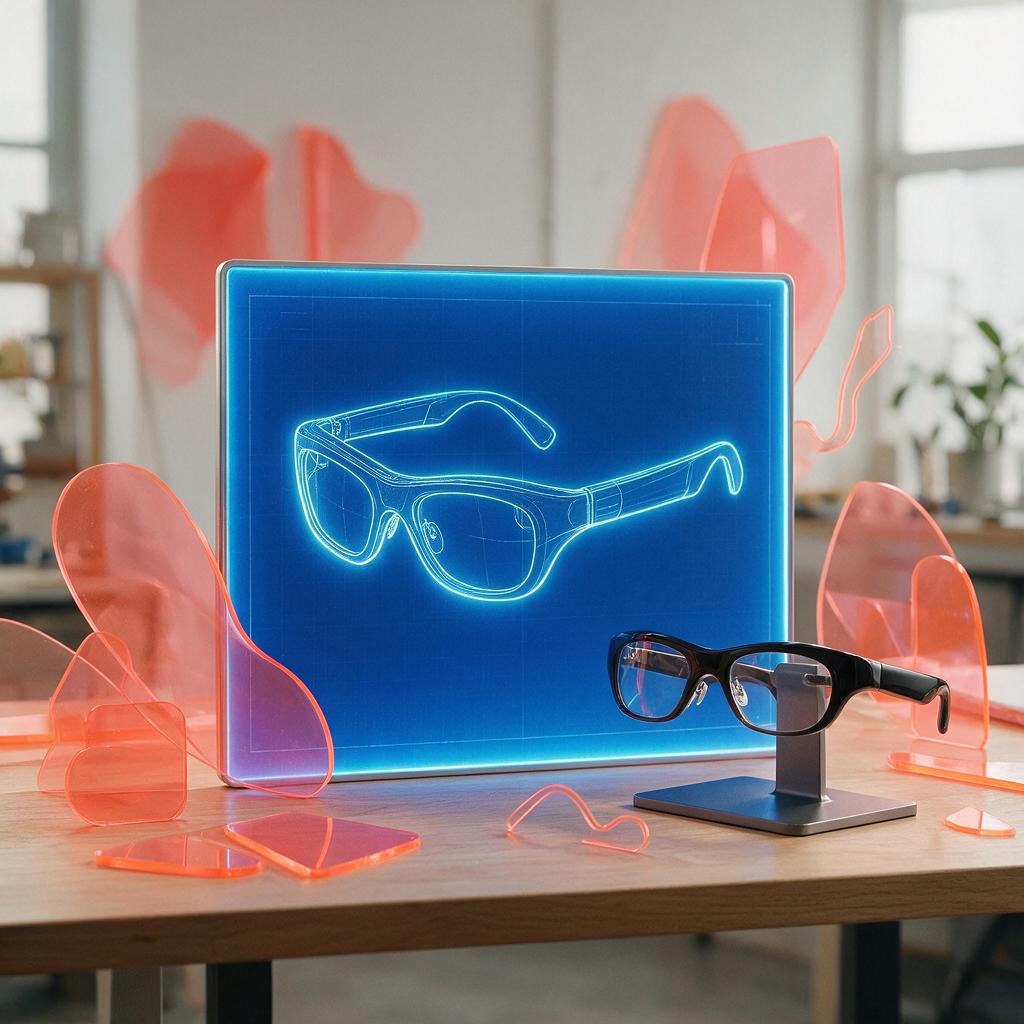
Create controlled images, precise edits, and structured visual designs with Seedream 5.0 Pro
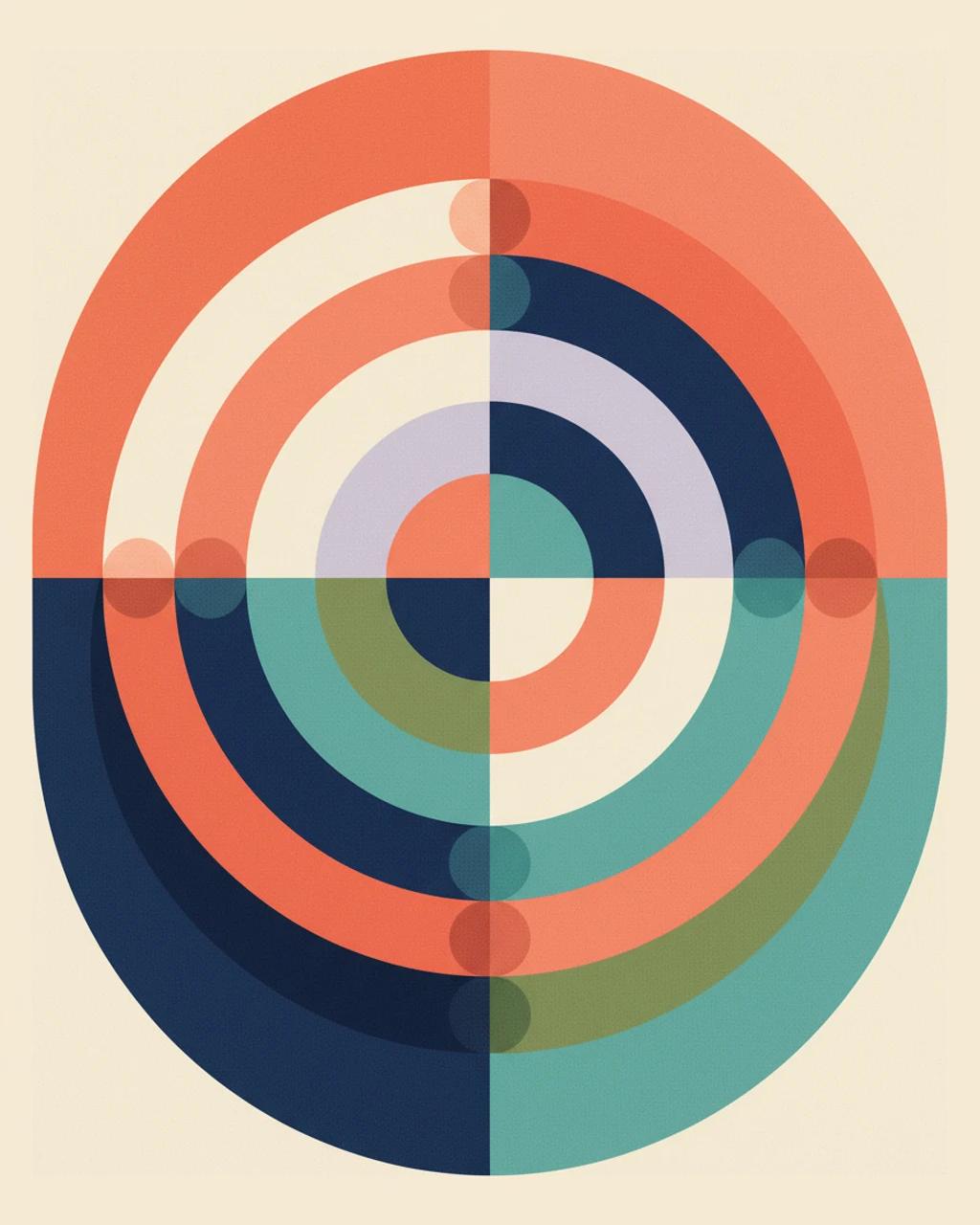
Recraft V4 explained — plus a free design-focused AI image generator you can try on MaxArt today
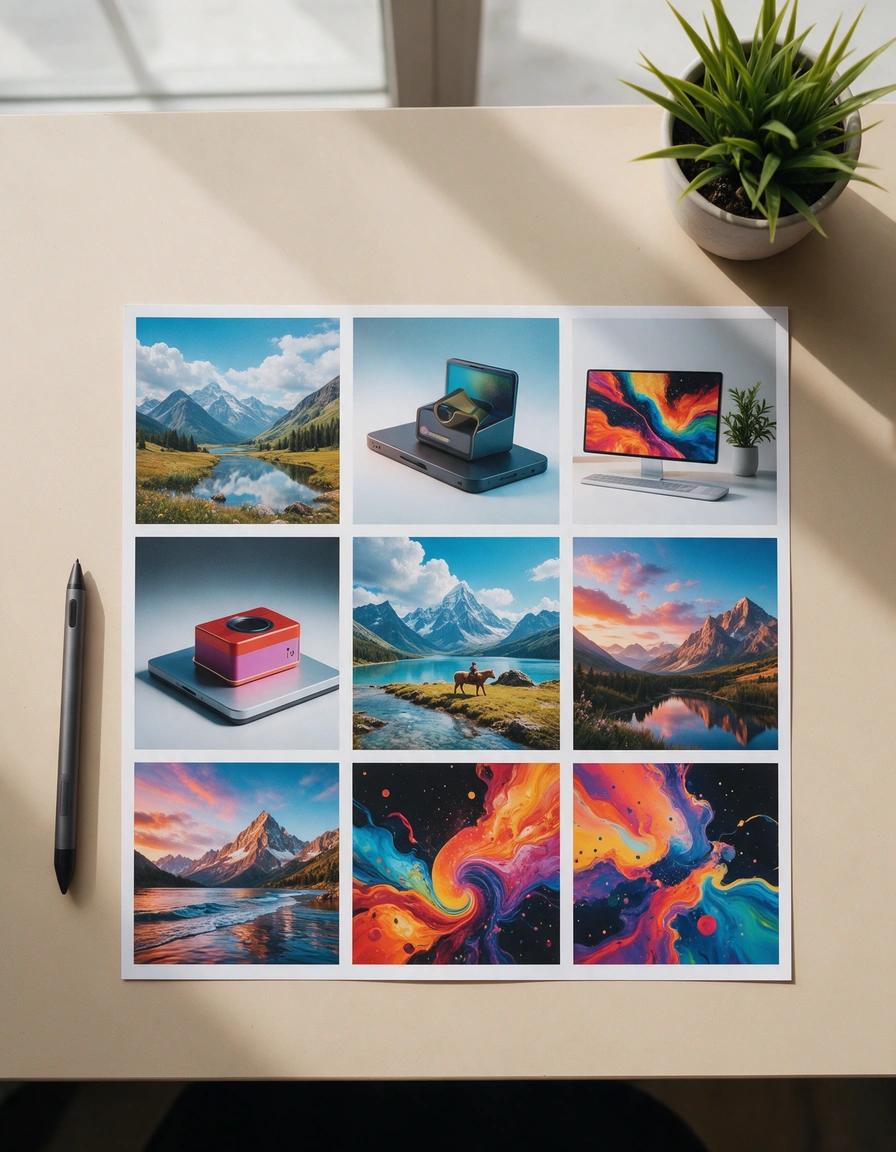
Create images with Seedream 5.0 Pro, the ByteDance model widely reported to power Dola AI — browser-based, full controls, transparent credits
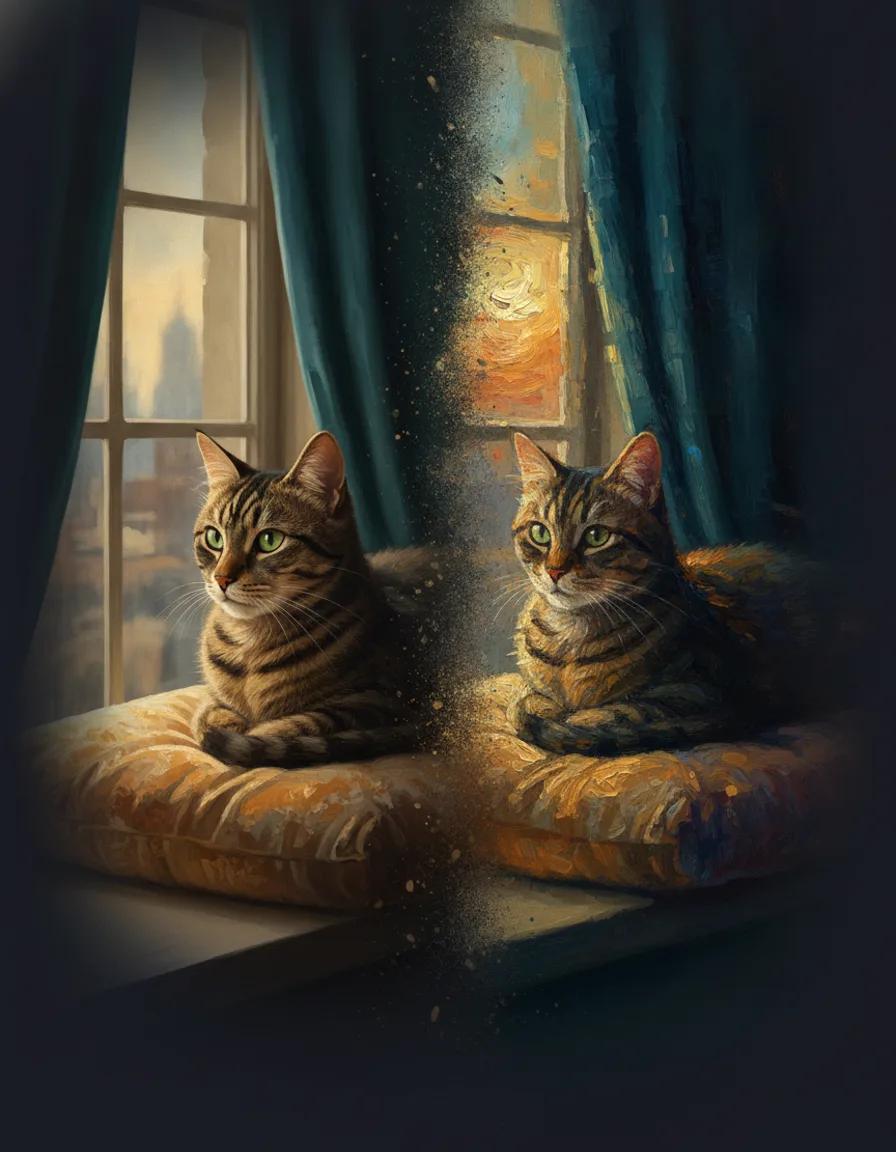
Turn any photo into an oil painting, watercolor, or impressionist artwork with AI
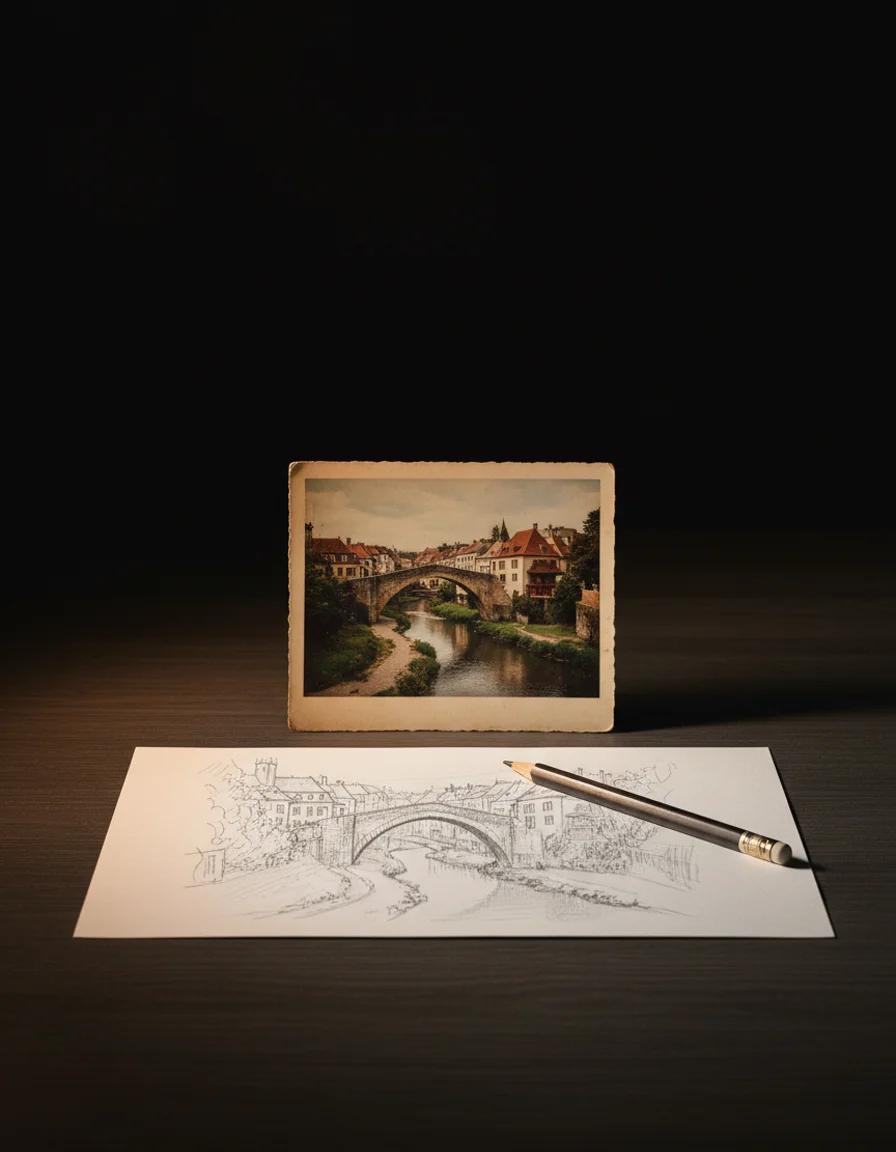
Turn any photo into a pencil sketch, ink outline, or clean line drawing with AI
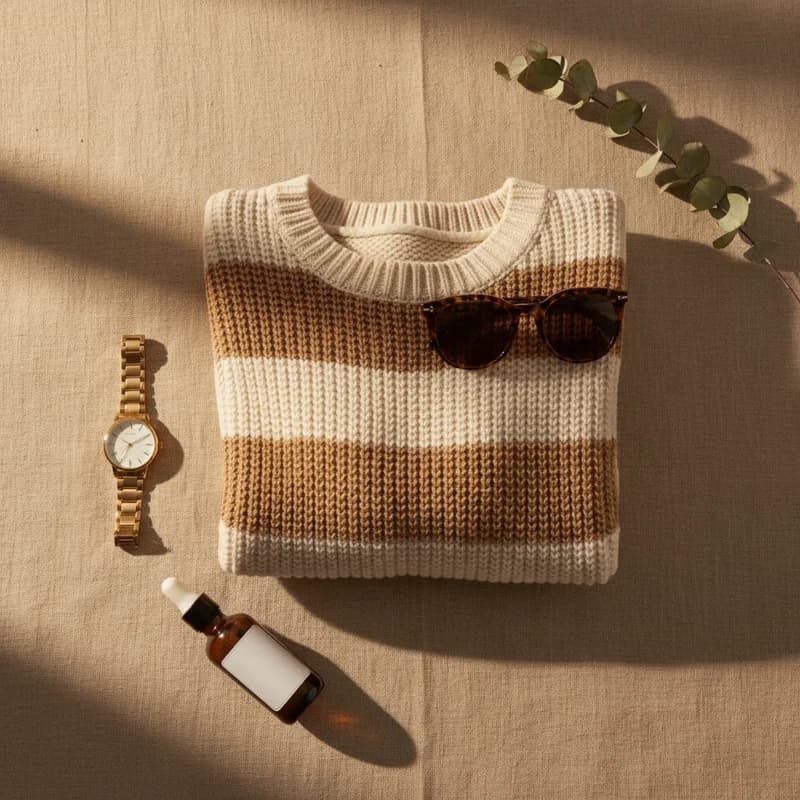
Turn a product photo or a text description into a styled top-down flat lay image
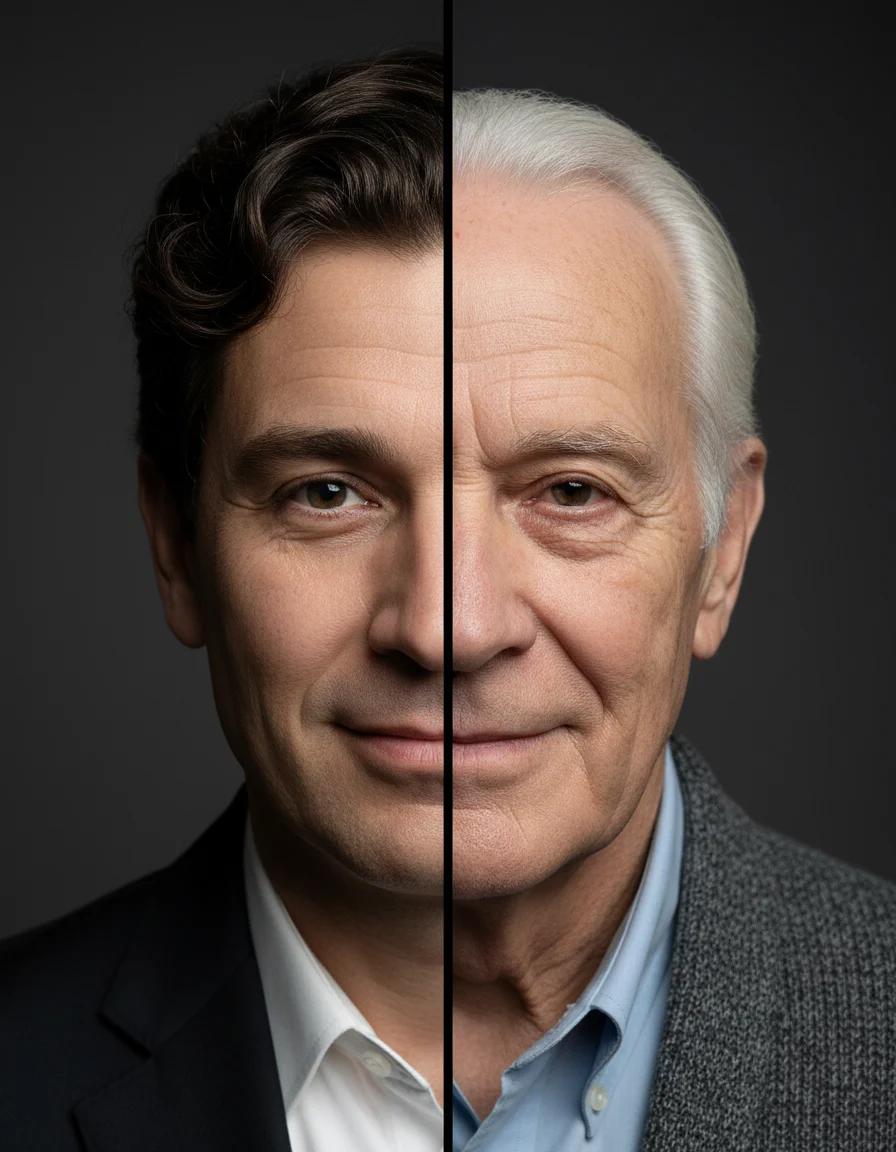
See a realistic older or younger version of any portrait
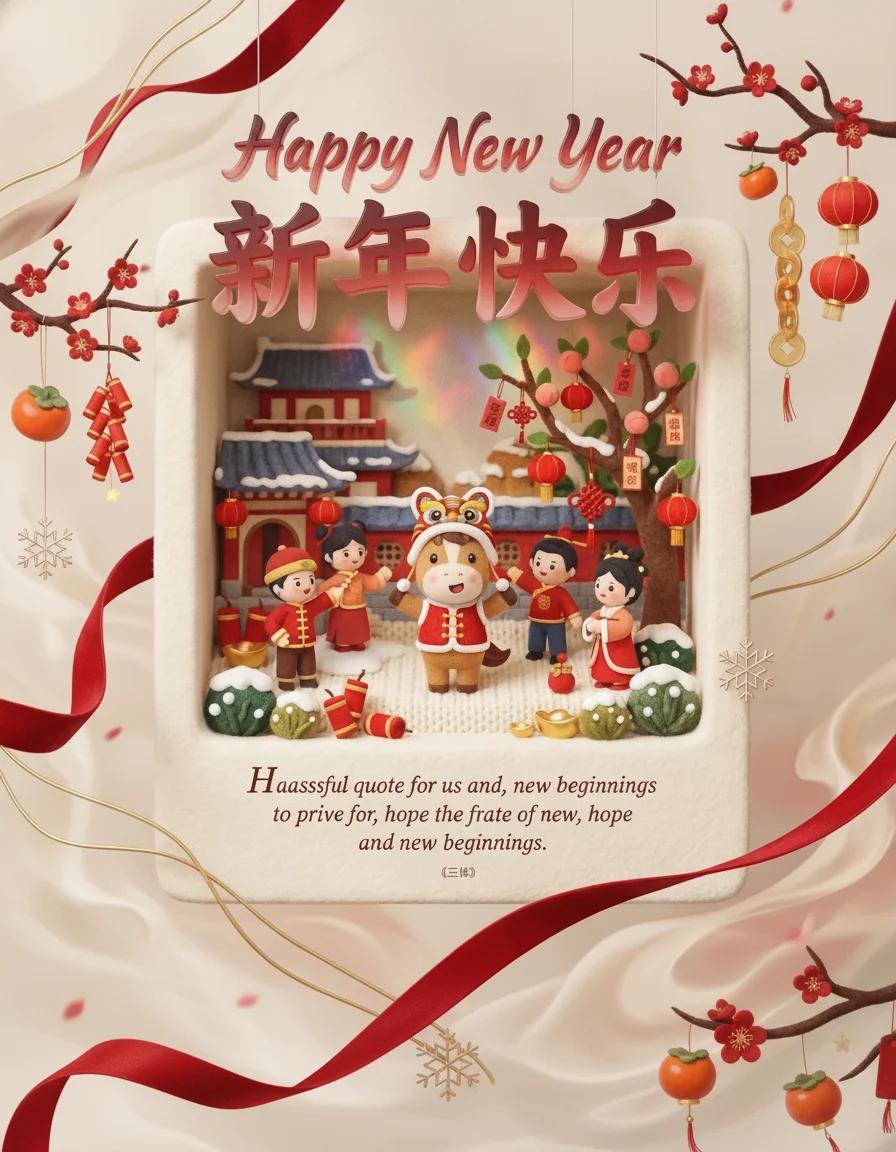
Generate happy new year scene with nano banana pro
These are not stock placeholders. They were generated through the GPT Image 2 integration that now powers this page, each aimed at a different kind of real-world use: identity, promotion, and inspiration.
Use one strong prompt to turn a loose idea into a polished portrait with cinematic light, natural skin texture, and premium-magazine mood.
This is the kind of image people actually want: launch graphics, cafe posters, product promos, and social ads that look intentionally designed instead of randomly generated.
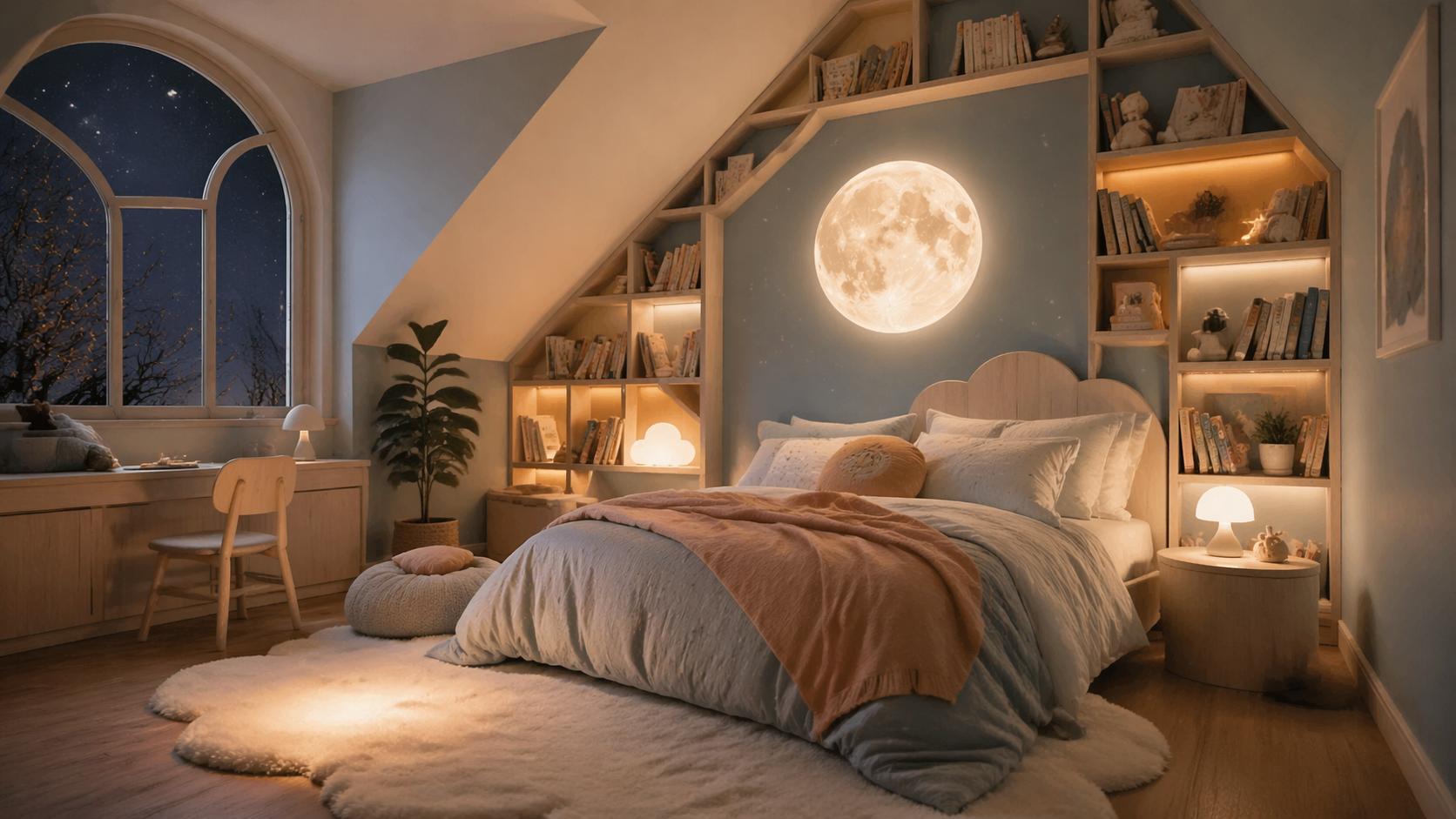
Plan a room refresh, a party scene, or a cozy corner for your next post. GPT Image 2 is especially fun when you want ideas that feel warm, visual, and instantly shareable.
The win is not that it sounds advanced. The win is that your output looks closer to something you would really use in a profile, a post, a launch, a blog header, or a moodboard.
When your prompt says soft luxury, cozy glow, dreamy travel poster, or elevated skincare launch, GPT Image 2 is much better at carrying that mood through the whole image instead of only copying the nouns.
Posters, mock covers, menu boards, event promos, packaging ideas, and storefront concepts become a lot more practical when the text no longer feels like the weakest part of the picture.
Upload a photo and restyle it, swap the mood, refine the background, or change the visual direction while keeping the original identity more intact.
Not every image is for a giant campaign. Sometimes you just want a better profile image, a birthday poster, a moodboard, a product launch card, or a visual that makes your idea feel real.
If you are wondering where to start, pick something you already need. That is usually when GPT Image 2 becomes impressive fastest.
Make a sharper first impression for TikTok, LinkedIn, X, newsletters, and landing pages without booking a whole shoot.
Create launch posters, limited-drop graphics, cafe menus, beauty campaigns, and ecommerce hero visuals that look more expensive than they were.
Turn a loose aesthetic into something visible for bedrooms, reading corners, cafes, weddings, pop-ups, and home refreshes.
Make birthday art, travel posters, couple concepts, story covers, and playful visuals that feel custom instead of templated.
You do not need prompt-theater. You need a clearer idea, the right format, and one or two smart revisions.
The best prompts feel like mini creative briefs: subject, lighting, mood, composition, style, and the feeling you want the image to leave behind.
Choose 4:5 for social posts, 16:9 for hero banners, 9:16 for vertical stories, or 1:1 for covers and product cards.
If the first draft gets close, switch into image-to-image mode and guide the next version instead of rewriting everything from scratch.
The fun part is not just generating images. It is using the best one for your profile, campaign, storefront, blog post, ad, or product page.
The important part is simple: this page now points to a real GPT Image 2 generation path inside MaxArt.ai, not just a generic placeholder form.
This page runs through a real GPT Image 2 generation path inside MaxArt.ai, so you can go from prompt to finished image without leaving the flow.
You can upload a reference image, restyle it, refine the mood, or push it toward a new visual direction from the same form.
Generated results follow the existing create, callback, polling, and asset-delivery pipeline, so GPT Image 2 behaves like a native part of the product instead of a bolt-on demo.
Quick answers for people who want to stop reading and start making something good.
GPT Image 2 shines when you want polished portraits, better text inside graphics, premium-looking posters, product concepts, room inspiration, and image edits that keep the original vibe instead of collapsing into a brand-new scene.
Yes. The MaxArt.ai form on this page supports both text-to-image and image-to-image, so you can start from a prompt or upload a photo and push it in a new direction.
No. Write like a creative person. Describe the subject, the mood, the camera feel, the colors, and the end result you want. Plain, visual language usually works better than stiff technical phrasing.
Start with something you would actually use this week: a new avatar, a launch poster, a travel-style cover image, a room concept, a gift graphic, or a polished small-business promo.
Because the difference becomes obvious when you generate something personal. Once you see your own prompt turn into a usable image, the model stops feeling like a headline and starts feeling useful.
GPT Image 2 is most convincing when it solves a real personal need. Start with a poster, a portrait, a room idea, a launch visual, or a polished social image and let MaxArt.ai turn it into something worth keeping.