
◔
Future Self Preview
The most personal use of AI Age Progression: upload your portrait and meet yourself at sixty, seventy, or beyond. A striking way to visualize long-term goals, retirement plans, or simple curiosity about the years ahead.
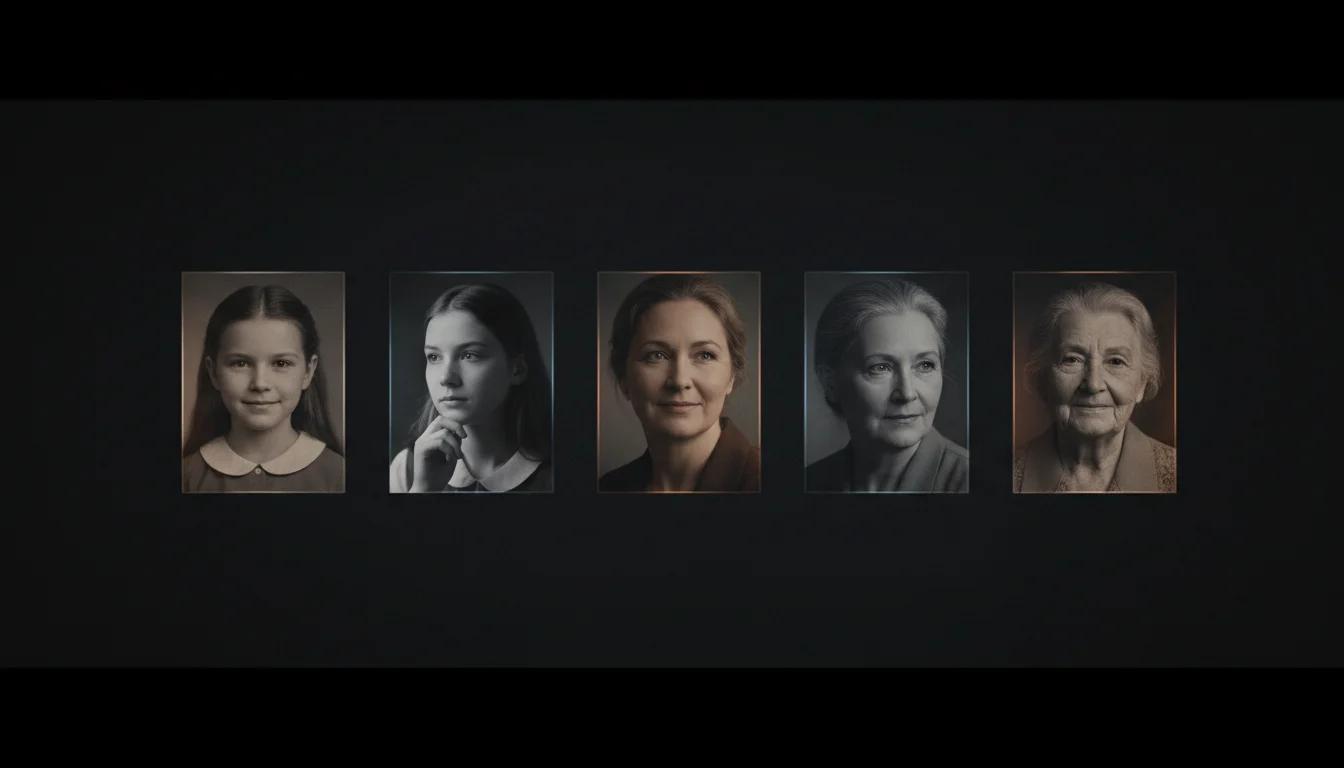
One photo, any age you describe
Curious what time will do to your face? AI Age Progression answers that question with a single photo. Upload a clear portrait, describe the age you want to see, and our AI Age Progression engine rebuilds the same face with convincing wrinkles, gray hair, and subtle changes in skin texture, or removes them to reveal a younger you. Because AI Age Progression preserves your identity, eyes, and expression, the result still looks unmistakably like you. Families use AI Age Progression to imagine children grown up, creators use it to preview characters across decades, and anyone can use AI Age Progression to meet their future self today.
Upload a clear portrait, then describe the age you want to see.

Generate happy new year scene with nano banana pro
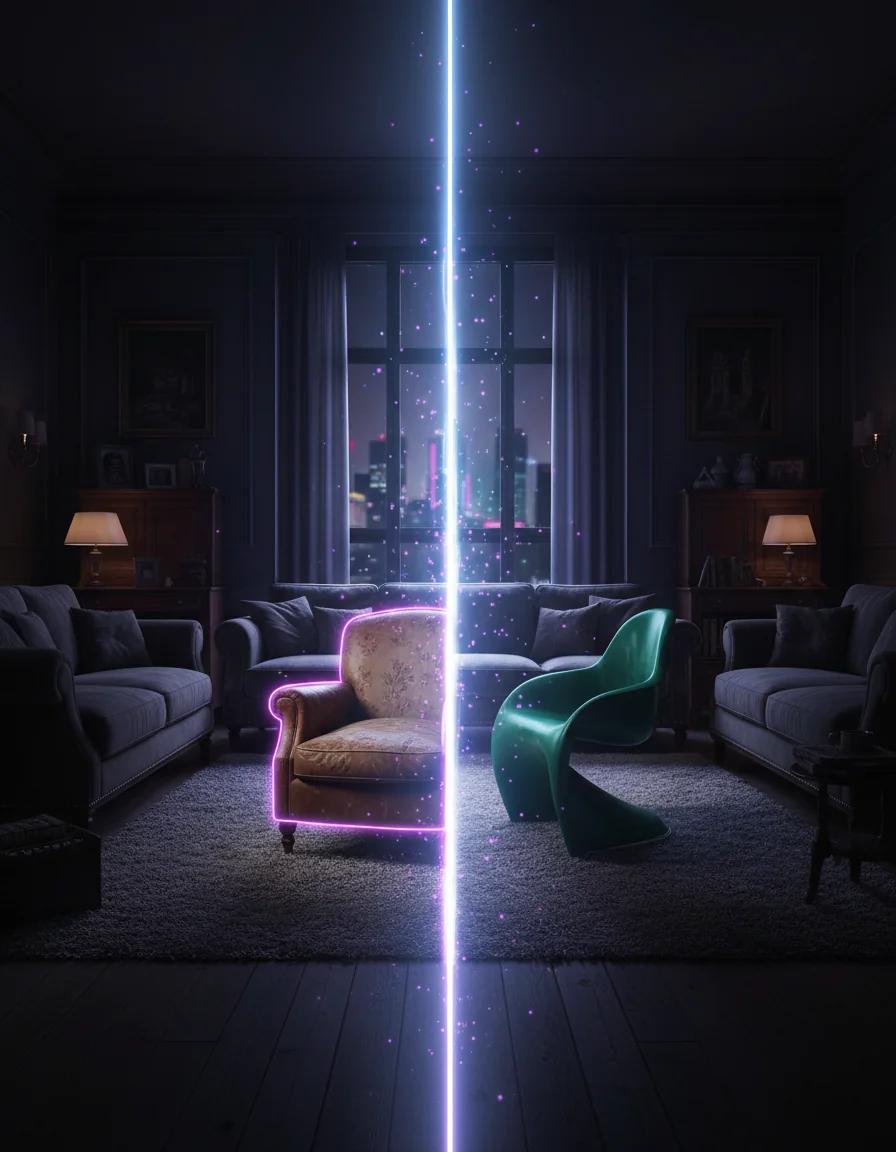
Replace objects in your images with AI
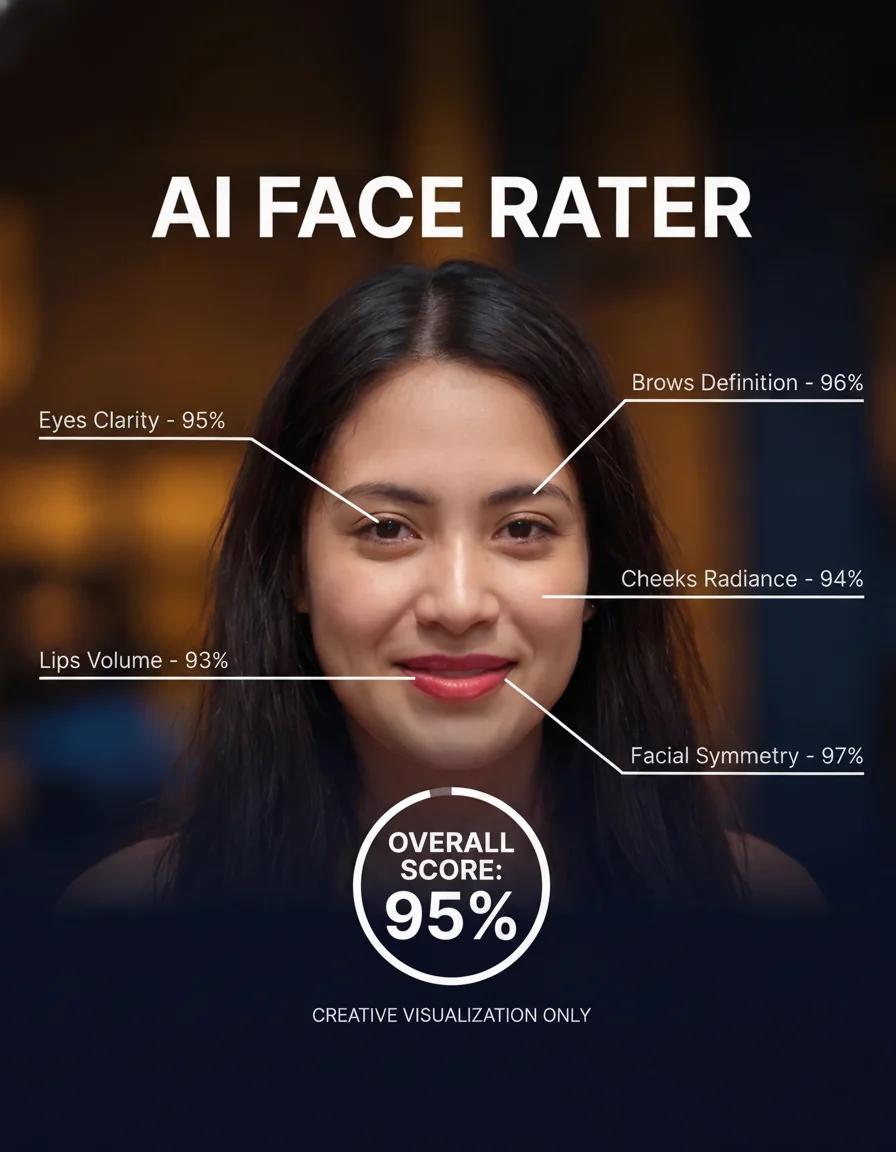
Turn a clear portrait into a playful AI face rating report
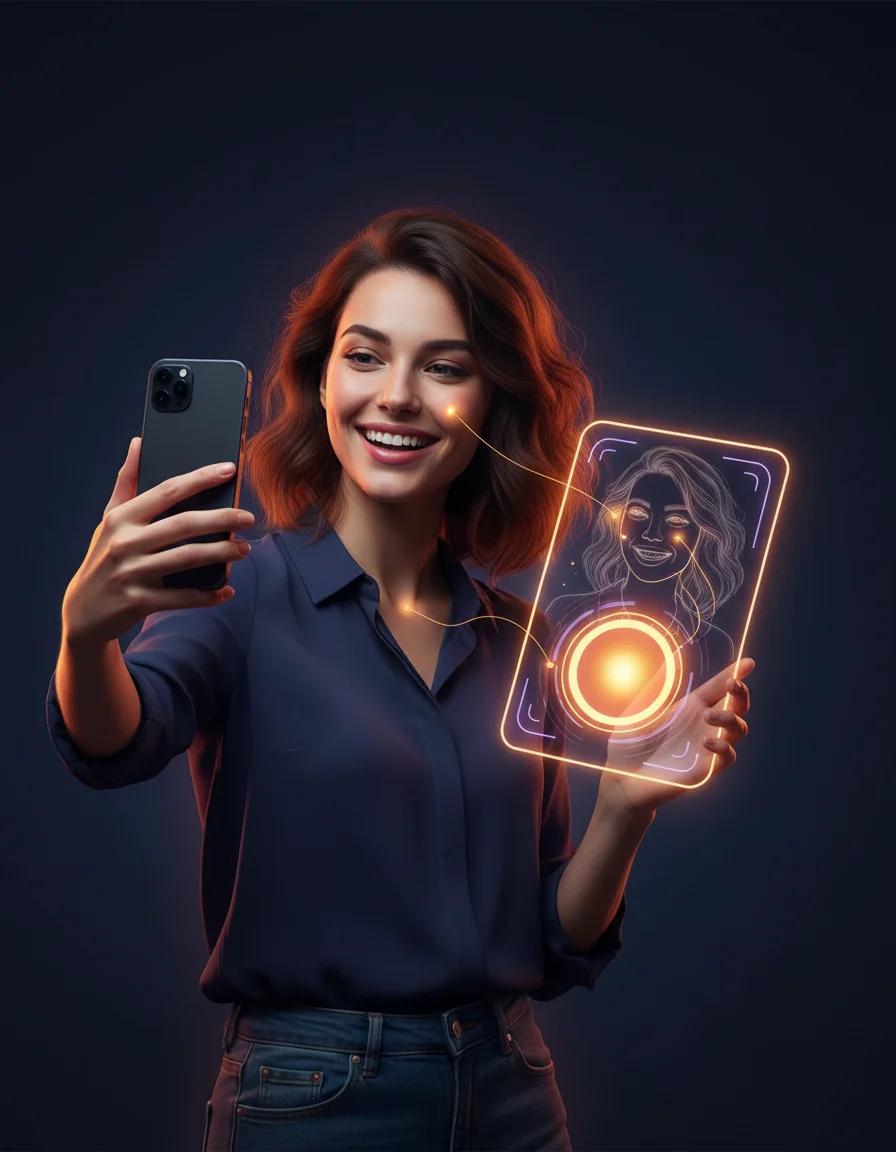
Take a playful AI attractiveness test and get a shareable score report card
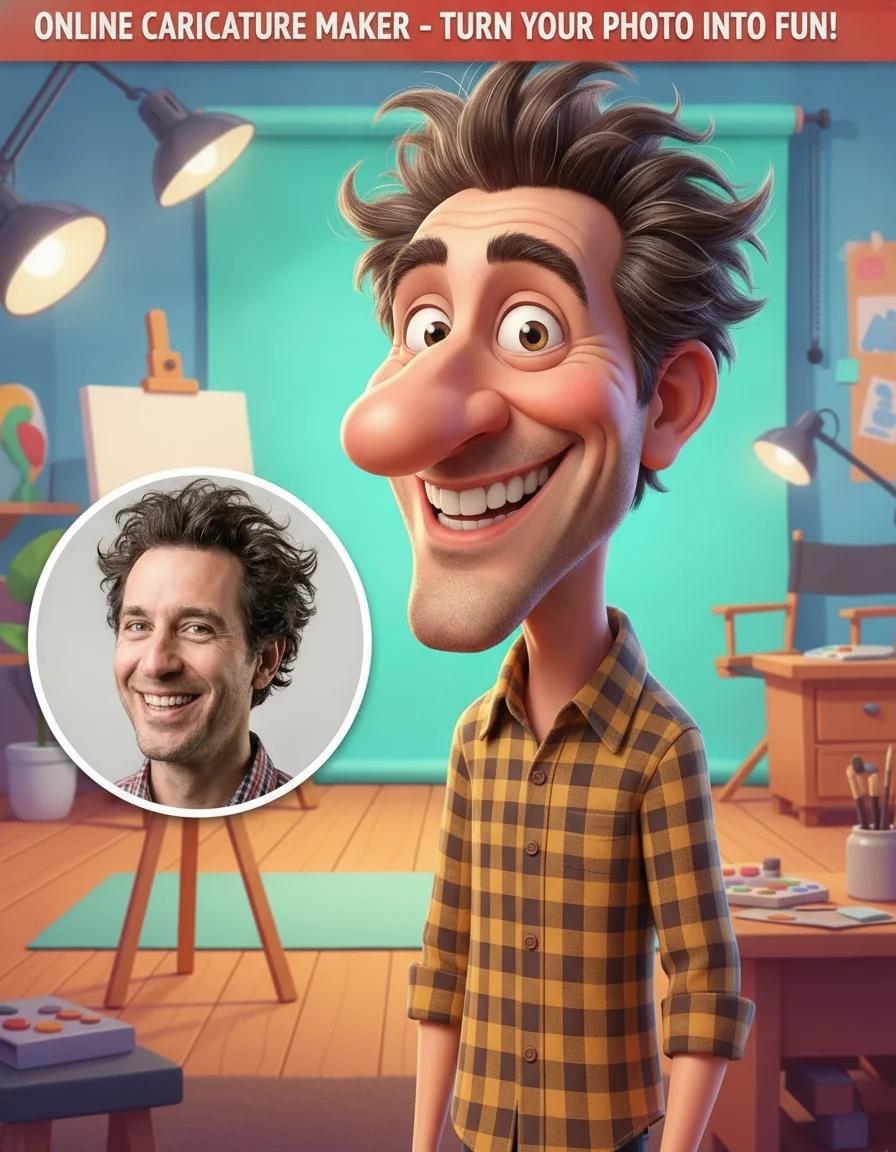
Add a caricature effect to your videos with our Online Caricature Maker

Create original fantasy creatures and monster art with AI
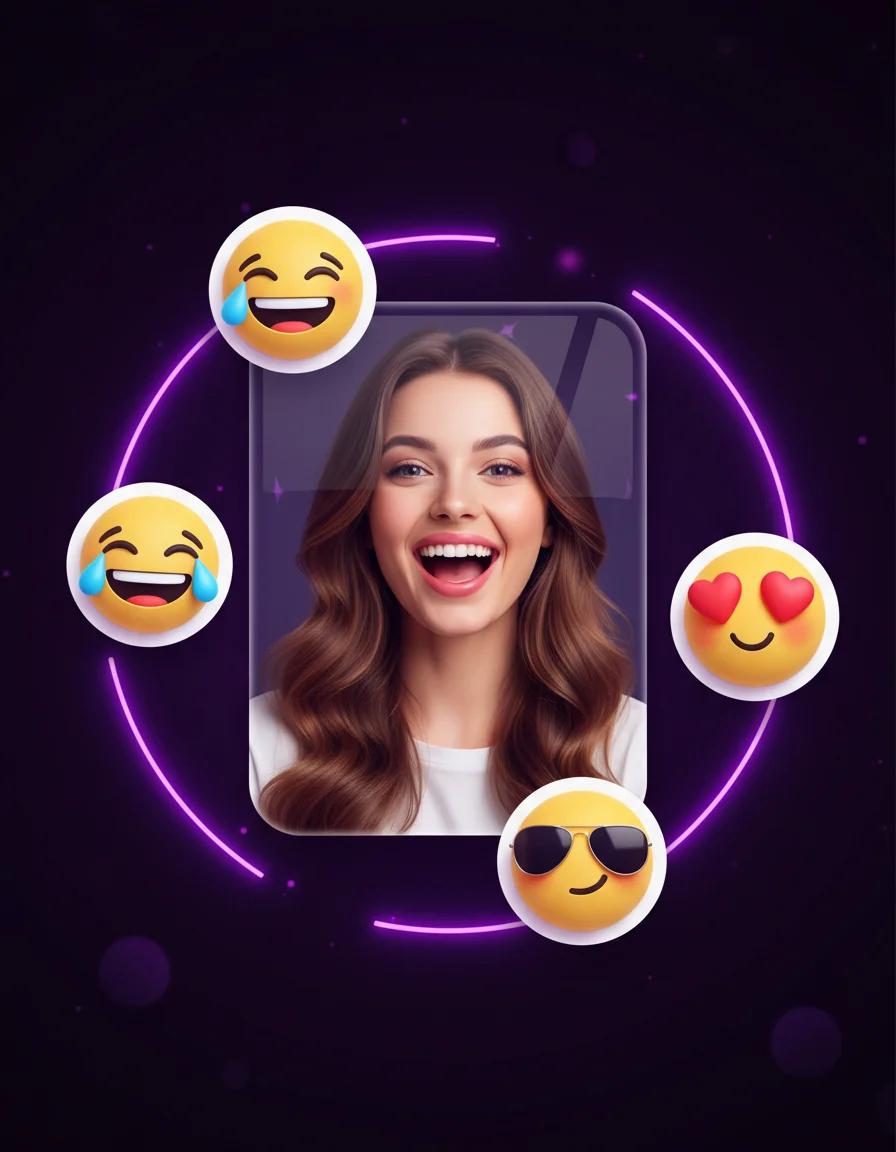
Turn portraits into personal emoji stickers, reaction packs, and profile-ready icons
Turn any photo into a halftone print with dotted, screen-printed shading and comic-style texture
Every example below was created with the same AI Age Progression tool you can use right now: one uploaded portrait, one short prompt, one convincing transformation. Drag the slider on each pair to compare the original photo with the AI Age Progression output and inspect how the face, lighting, and identity stay consistent across decades.
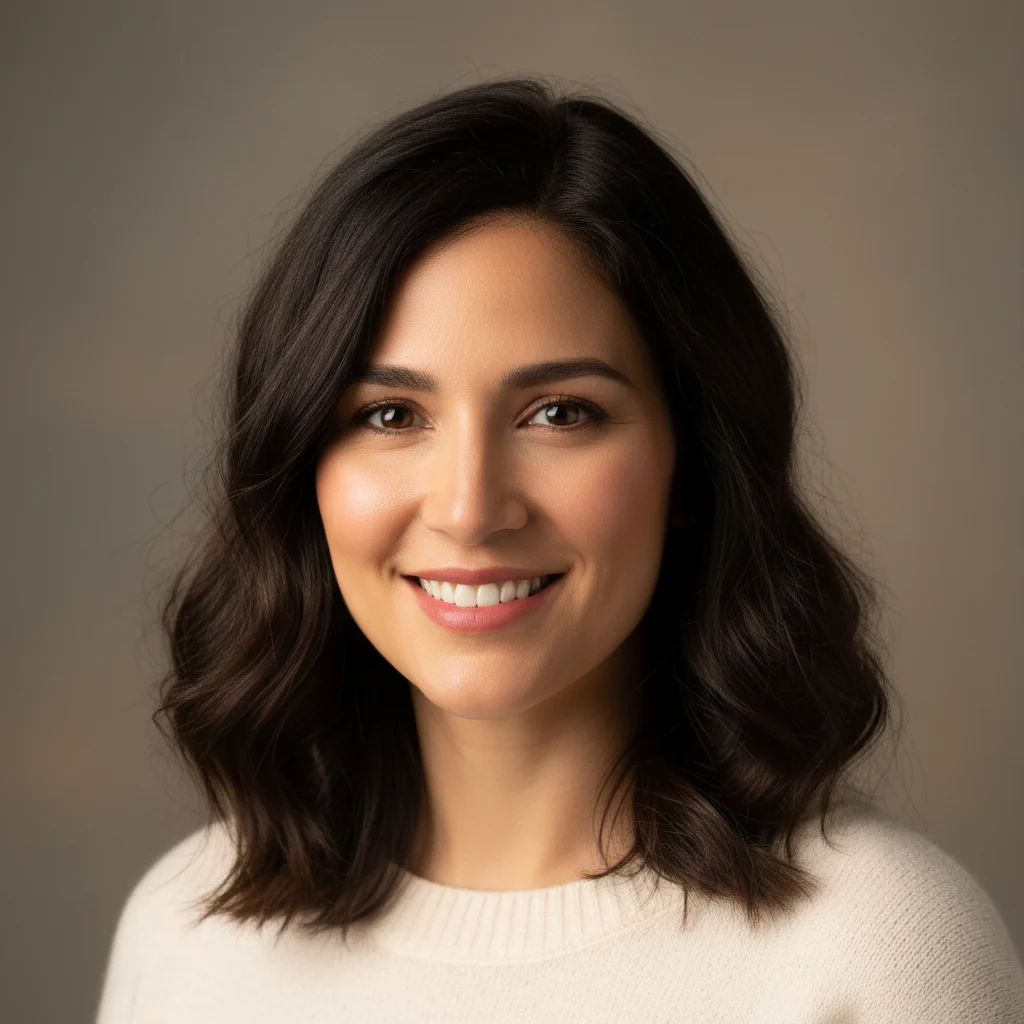
This is the classic AI Age Progression use case: taking a portrait in your thirties and fast-forwarding four decades. Our AI Age Progression engine added natural silver-gray hair, believable wrinkles around the eyes, and softer skin texture, all without changing the woman's smile, pose, or studio lighting. That identity lock is what separates a serious AI Age Progression tool from a novelty filter. Try the same AI Age Progression prompt on your own portrait: show me at seventy, keep my identity, natural wrinkles, gray hair.
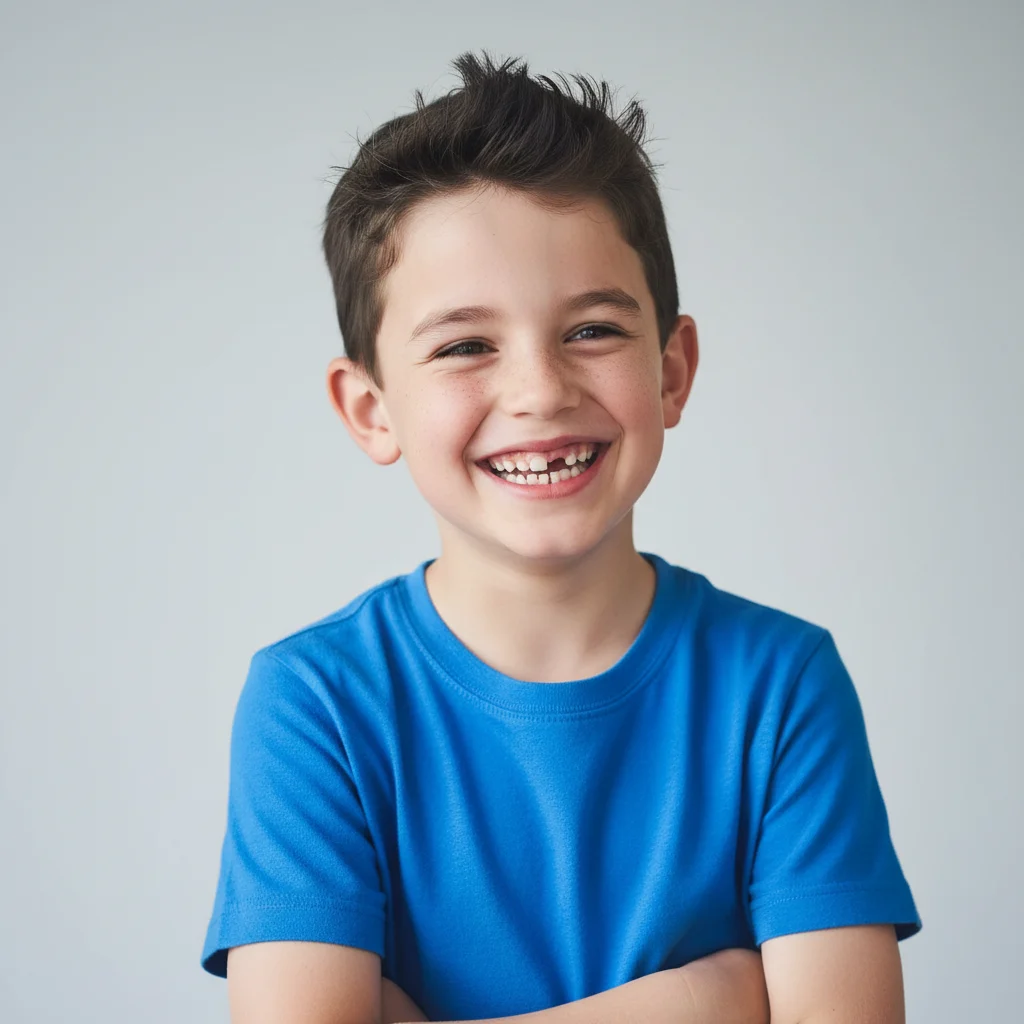
Parents love this AI Age Progression direction: uploading a childhood photo and asking what their kid might look like as an adult. Here, AI Age Progression grew the six-year-old into a convincing twenty-five-year-old with the same eyes and the same cheerful grin, matured. Use AI Age Progression for family albums, birthday surprises, or keepsake videos. One honest caveat: AI Age Progression shows a plausible adult version, not a guaranteed prediction, but that plausibility is exactly what makes the reveal so moving.
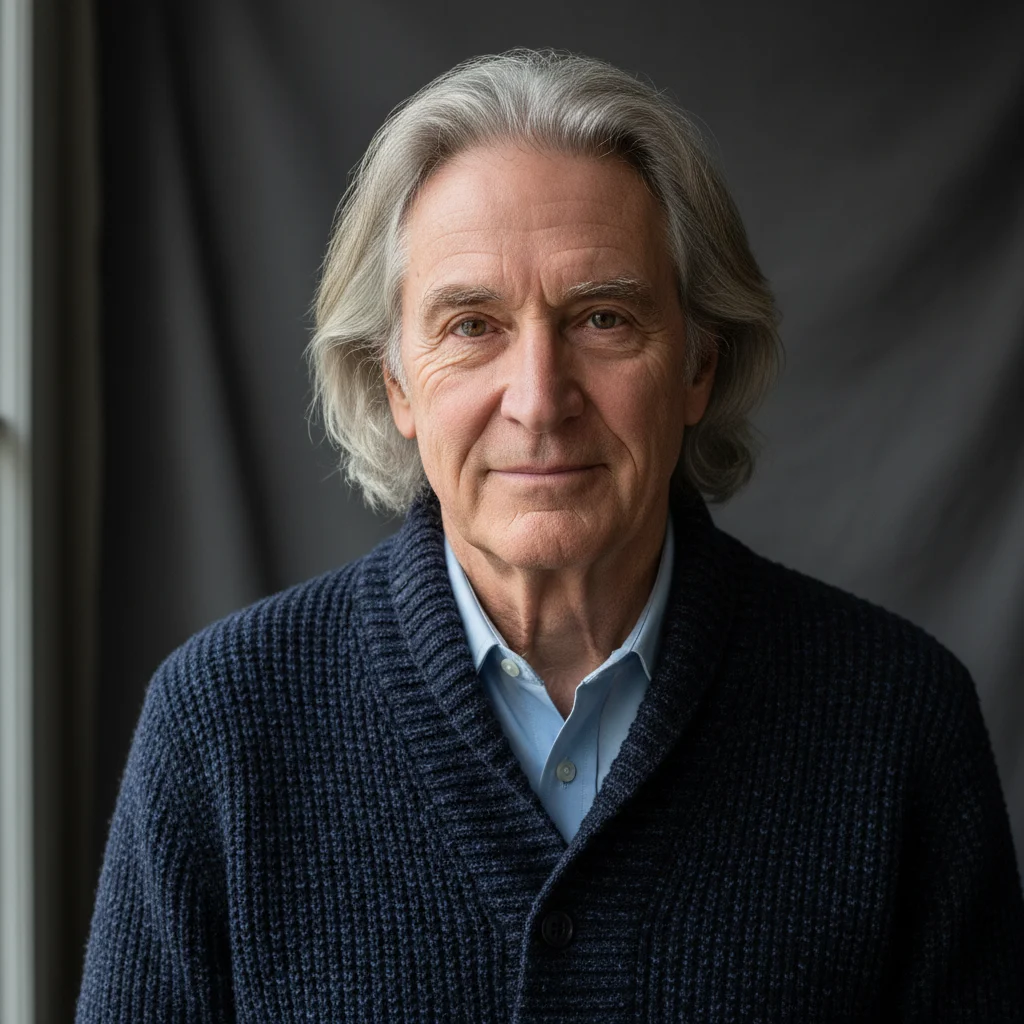
AI Age Progression runs in both directions. In this pair, the engine de-aged a seventy-five-year-old man back to his thirties, restoring dark hair, smoothing decades of wrinkles, and firming the jawline while keeping his warm expression. Families use this AI Age Progression direction to imagine grandparents in their prime, and editors use AI Age Progression de-aging for film and editorial concepts. It is a respectful way to revisit younger days without touching the original photograph.
One AI Age Progression engine, many creative directions. These are the six scenarios our users return to most, from deeply personal curiosity to professional pre-production work.
The most personal use of AI Age Progression: upload your portrait and meet yourself at sixty, seventy, or beyond. A striking way to visualize long-term goals, retirement plans, or simple curiosity about the years ahead.
AI Age Progression turns family photos into time machines. Imagine grandparents young again, parents as children, or the whole family aligned at the same age for a moving album spread or anniversary gift.
Wondering what your child will look like grown up? AI Age Progression offers a heartwarming glimpse that parents use for albums, gifts, milestone celebrations, and those inevitable family group chats.
Directors and makeup artists use AI Age Progression to preview how an actor might read at a different age before committing to prosthetics or digital doubles, saving days of trial and error in pre-production.
A good AI Age Progression before-and-after stops the scroll. Creators post side-by-side reveals that spark comments, shares, and friendly challenges across every platform and community.
Novelists, game writers, and comic artists use AI Age Progression to keep a character visually consistent across a story that spans decades of in-world time, from first chapter to epilogue.
No sliders, no manuals, no editing skills. AI Age Progression takes three steps from upload to download, and every step happens right here in your browser.
Choose a sharp, front-facing photo with good light. AI Age Progression works best when the eyes, nose, and jawline are clearly visible and unobstructed.
Type a short prompt such as show me at seventy with natural gray hair. AI Age Progression follows your wording, so you control the direction and the intensity of the transformation.
Run AI Age Progression and compare the result beside your original. Not perfect yet? Adjust the prompt and generate again until the age feels exactly right.
Everything you need to know before your first AI Age Progression transformation, from photo choice to realistic expectations.