
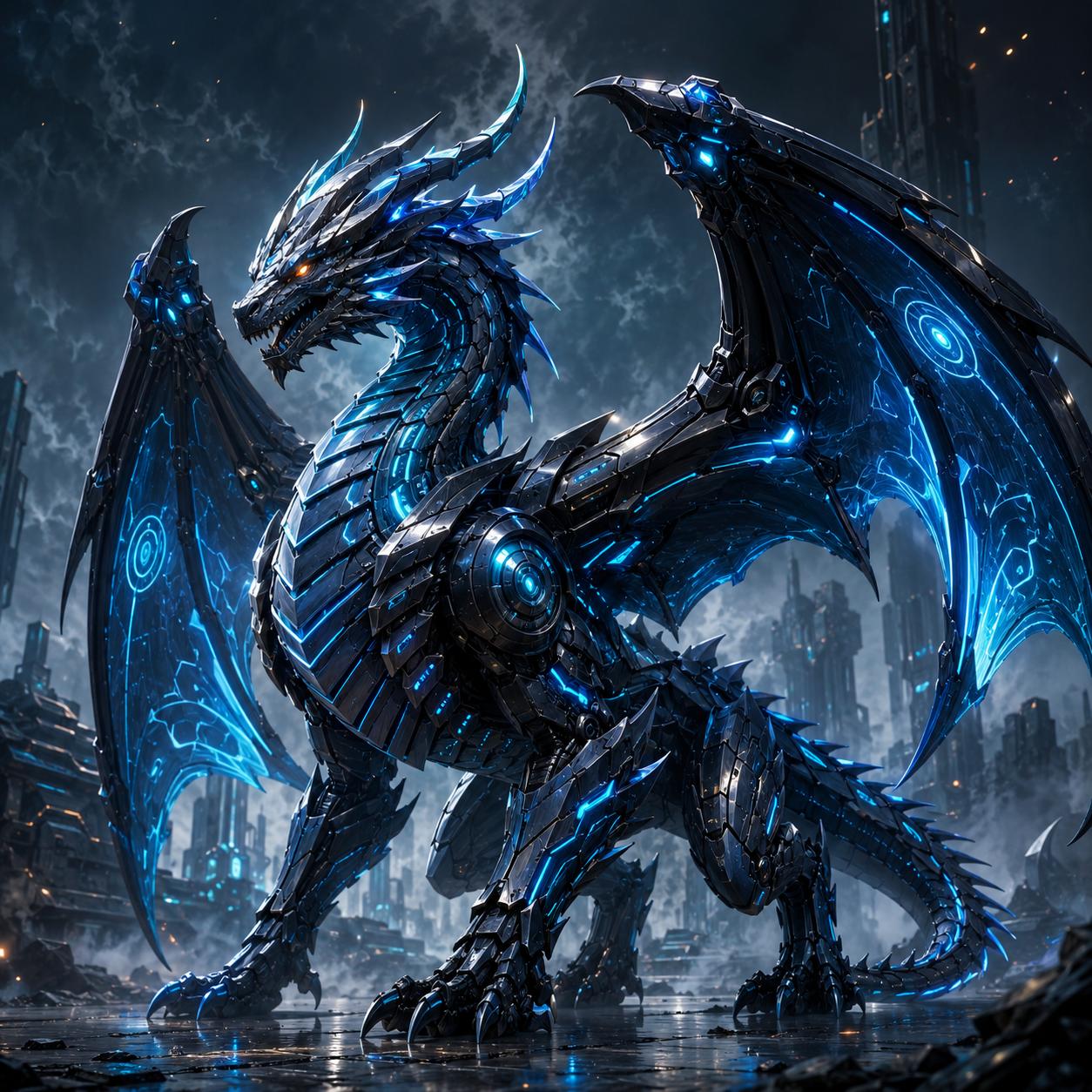
Cyber Dragon Concepts
Use strong creature prompts when you need a premium boss character, robotic dragon, or sci-fi monster with sharp color contrast, glowing armor, and cinematic attitude.
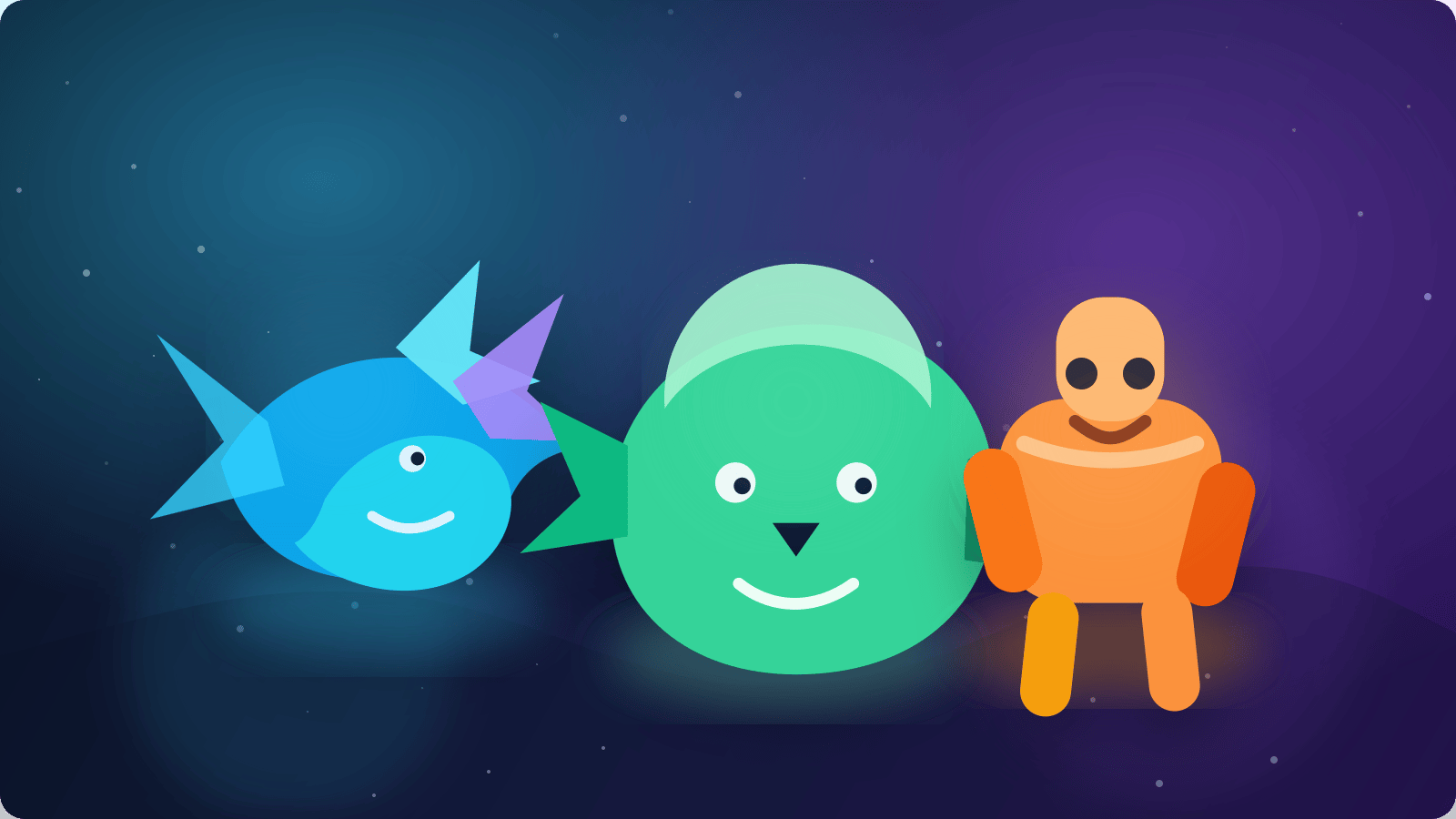
Describe your monster, choose the mood, and generate creature art instantly.
AI Monster Generator is the fastest way to turn a rough creature idea into finished concept art. With MaxArt.ai, you can design scary dungeon bosses, cute mascot monsters, dark fantasy villains, alien pets, or collectible creature lineups without needing advanced drawing skills. The system understands mood, anatomy, color, style, and storytelling cues, so your monster art feels intentional instead of random. If you want a reliable workflow for game ideation, social media art, tabletop campaigns, or brand mascots, this page gives you a practical place to start.
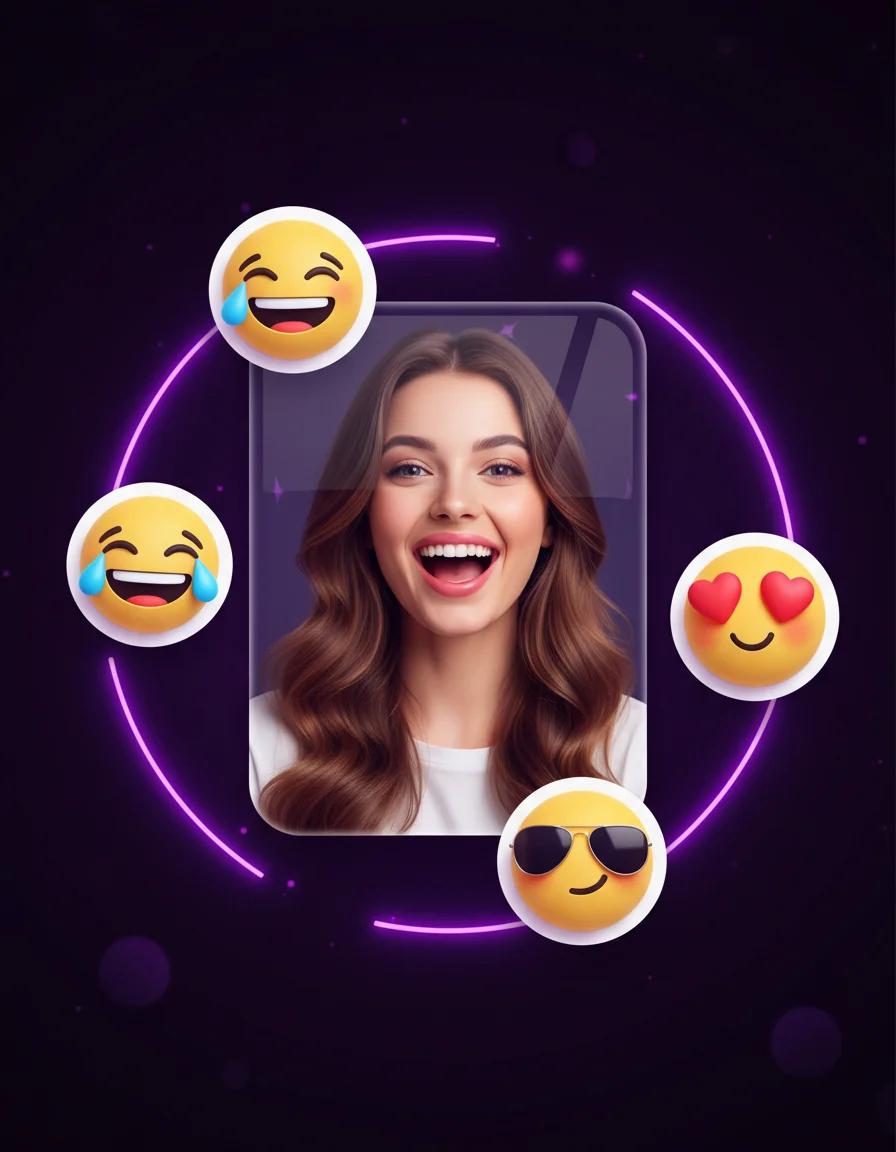
Turn portraits into personal emoji stickers, reaction packs, and profile-ready icons
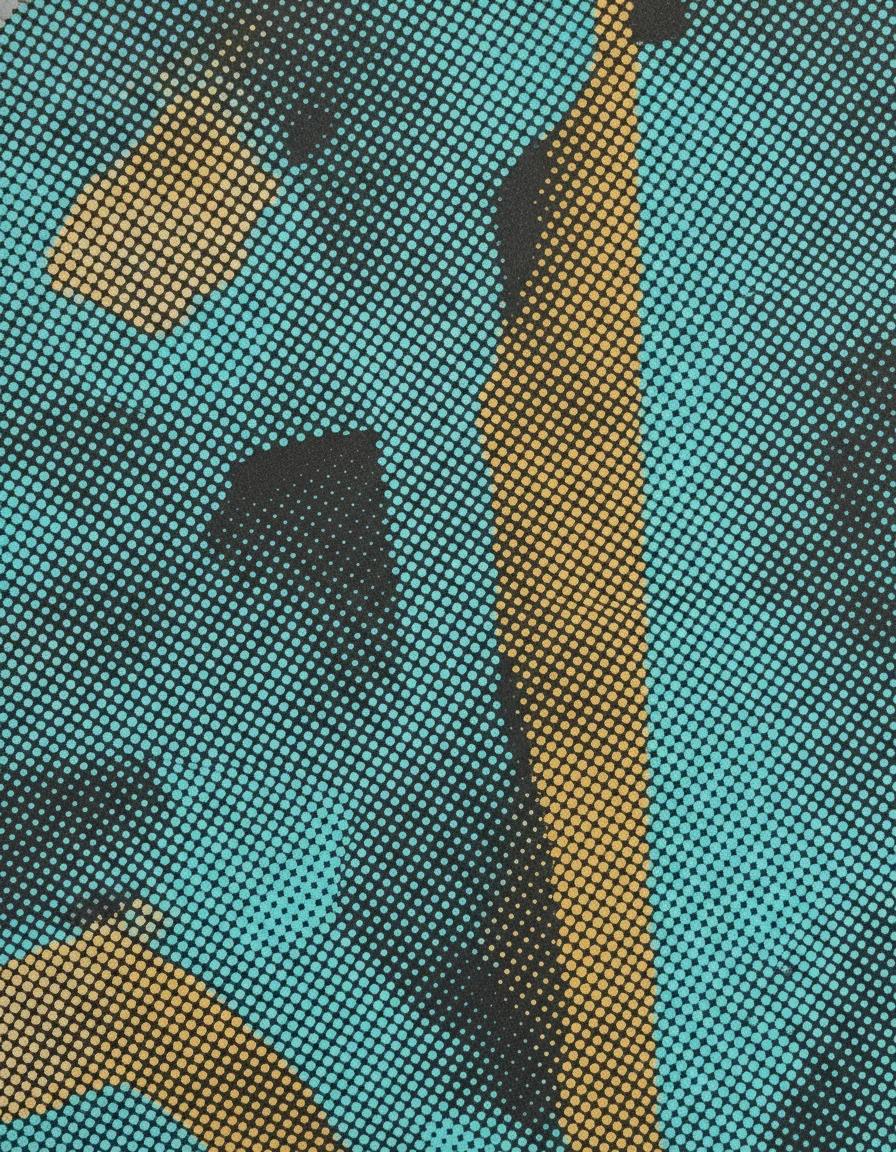
Turn any photo into a halftone print with dotted, screen-printed shading and comic-style texture
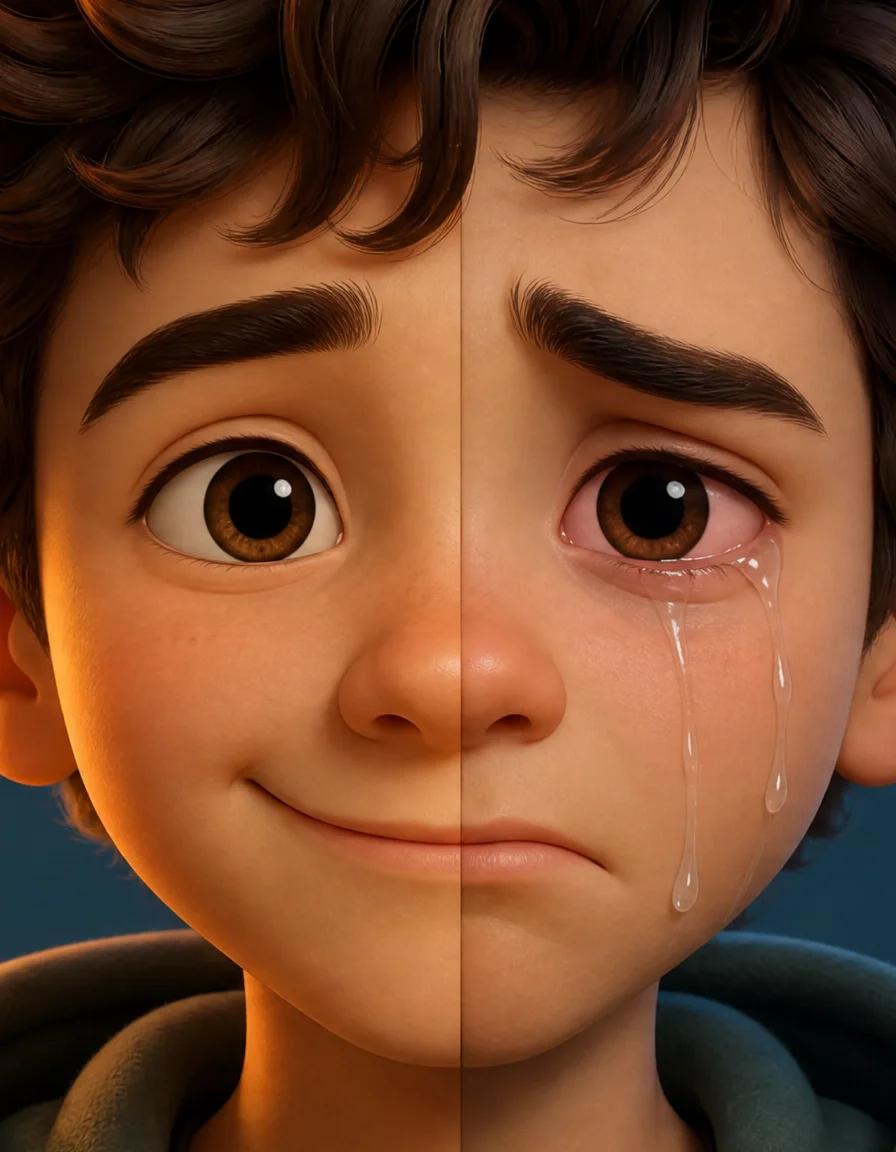
Turn any smile into a realistic crying face with tears, red eyes, and a sad frown
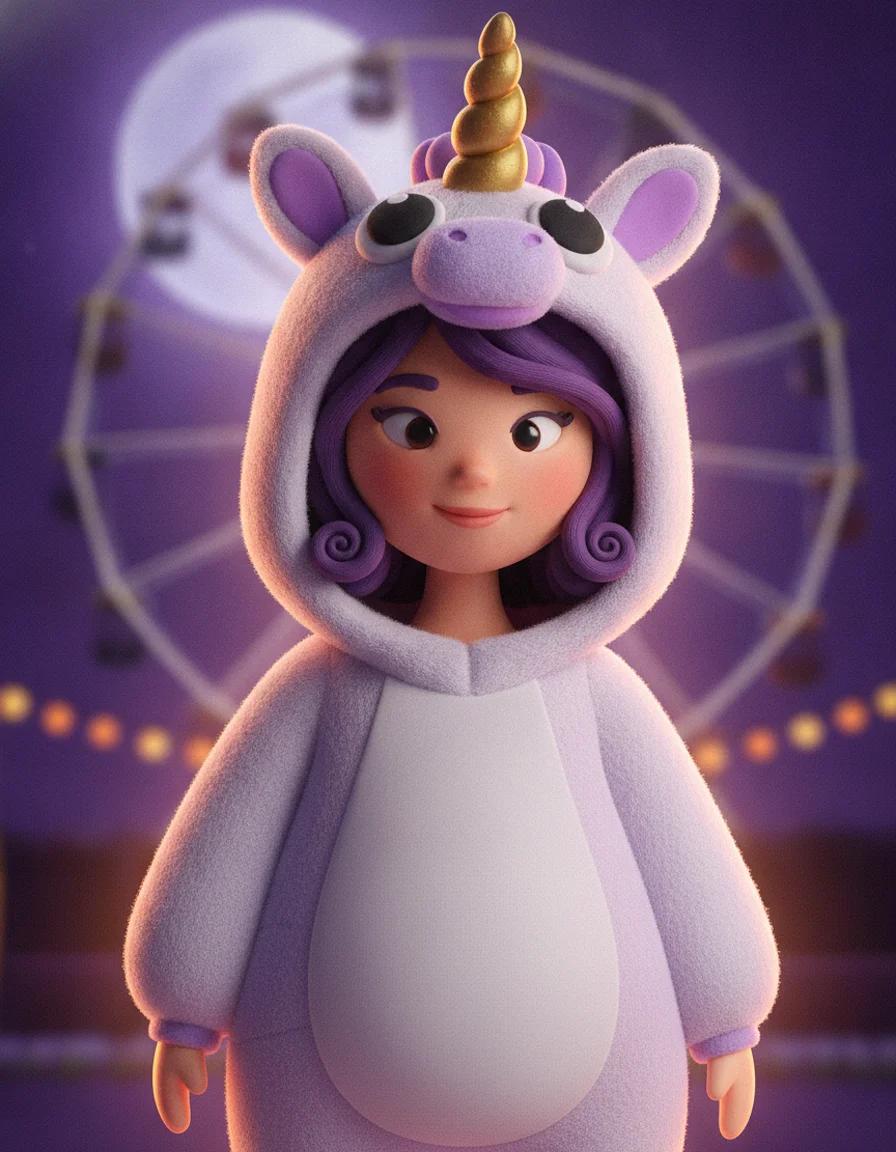
Upload a selfie and try 2026 Halloween looks — Buddy the Unicorn, gothic braids, cosmic princess — first image free
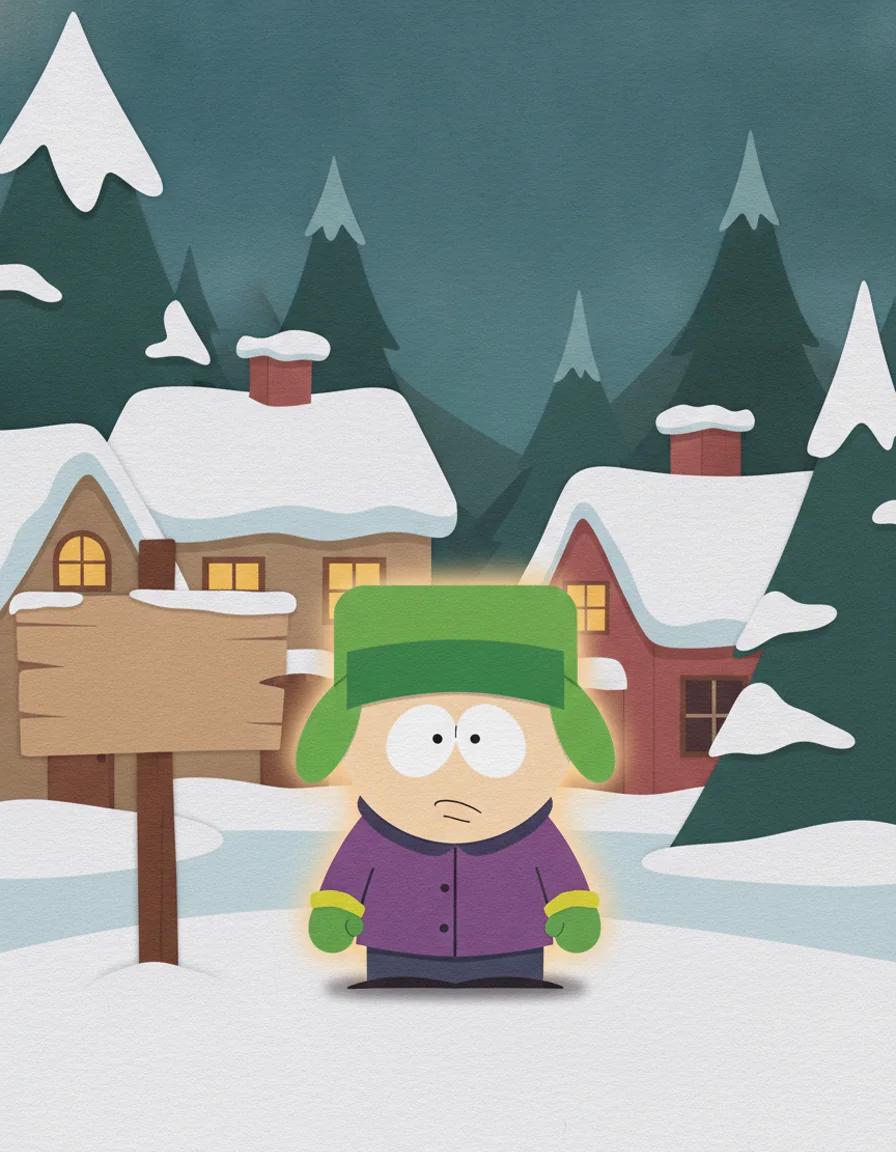
Turn any photo into a cut-paper South Park style cartoon character — first image free
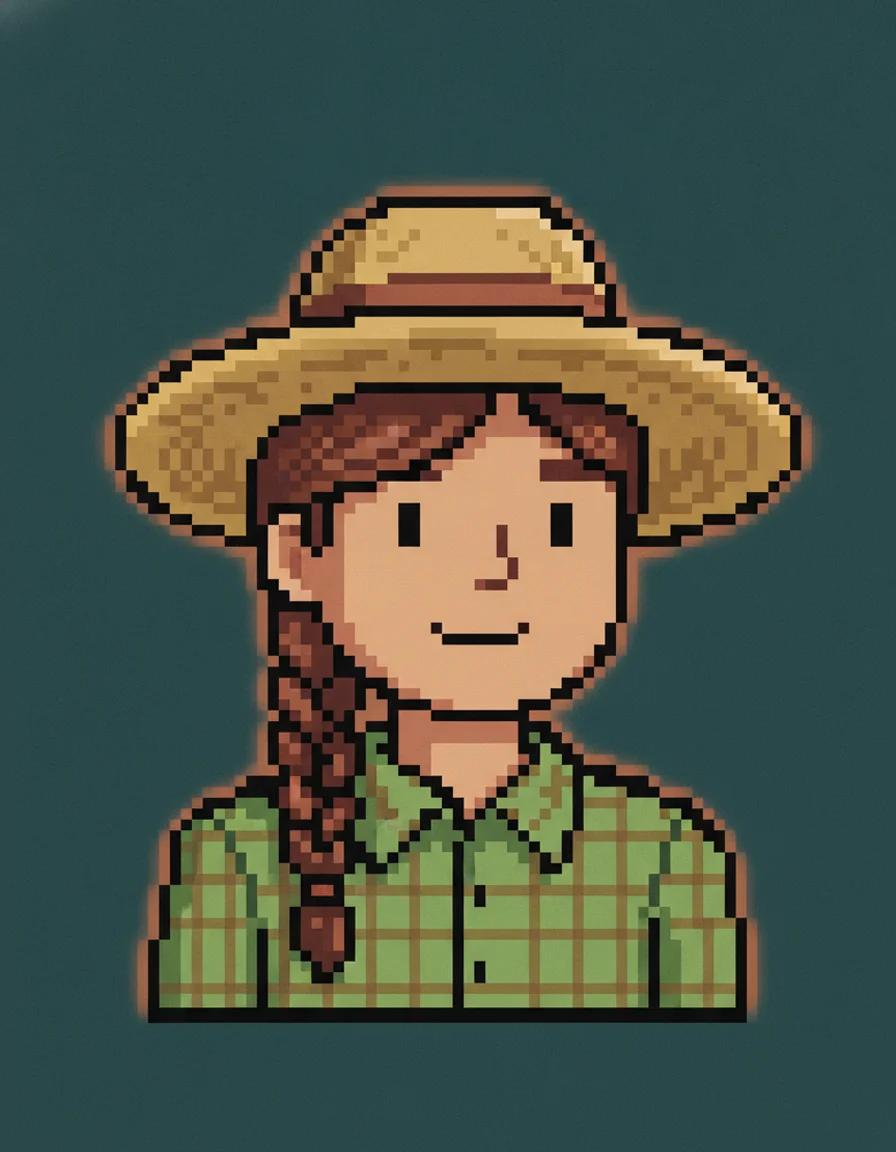
Describe a farmer or upload a photo and get a cozy Stardew Valley style pixel portrait — first image free
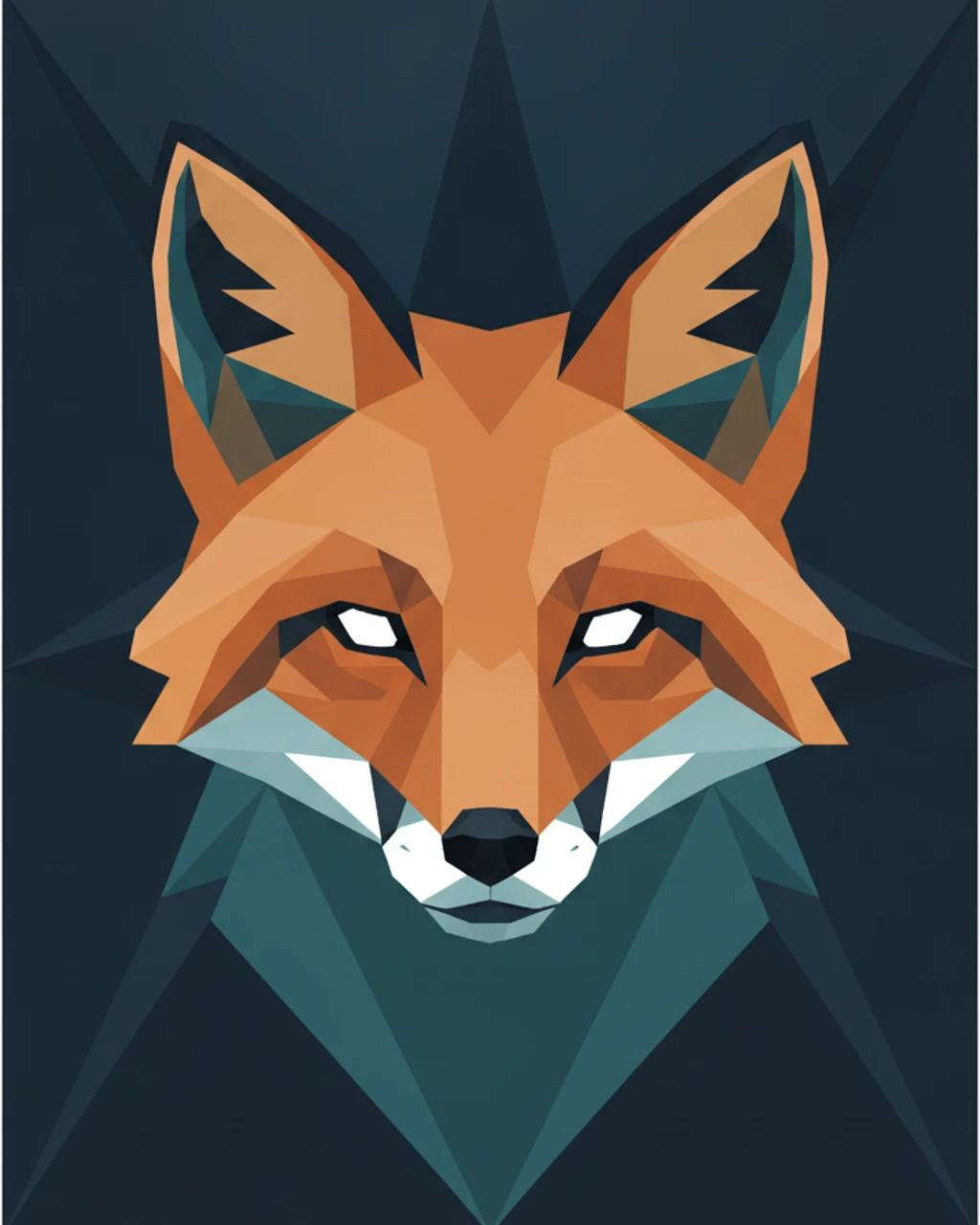
Turn any photo into faceted low-poly geometric art — from 6 credits
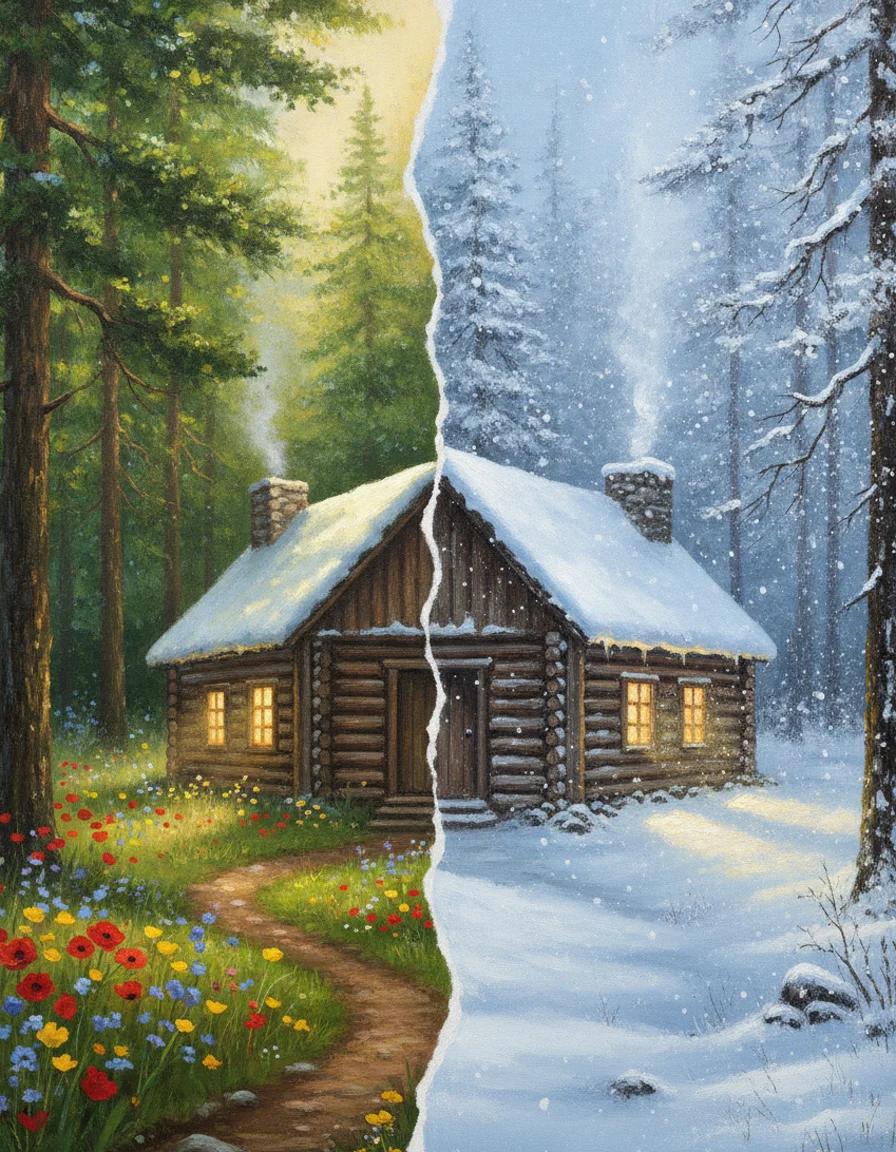
Add realistic falling snow and thick winter cover to any photo while the scene stays the same
A strong AI Monster Generator should do more than spit out random creatures. It should help you control silhouette, personality, species mix, material detail, and worldbuilding. MaxArt.ai works well when you want a creature to feel usable for a game, story, comic, collectible brand, or content series. The examples below show how this workflow can move between cyber-fantasy, woodland charm, and fiery mascot energy while keeping each concept readable and memorable.
Use strong creature prompts when you need a premium boss character, robotic dragon, or sci-fi monster with sharp color contrast, glowing armor, and cinematic attitude.
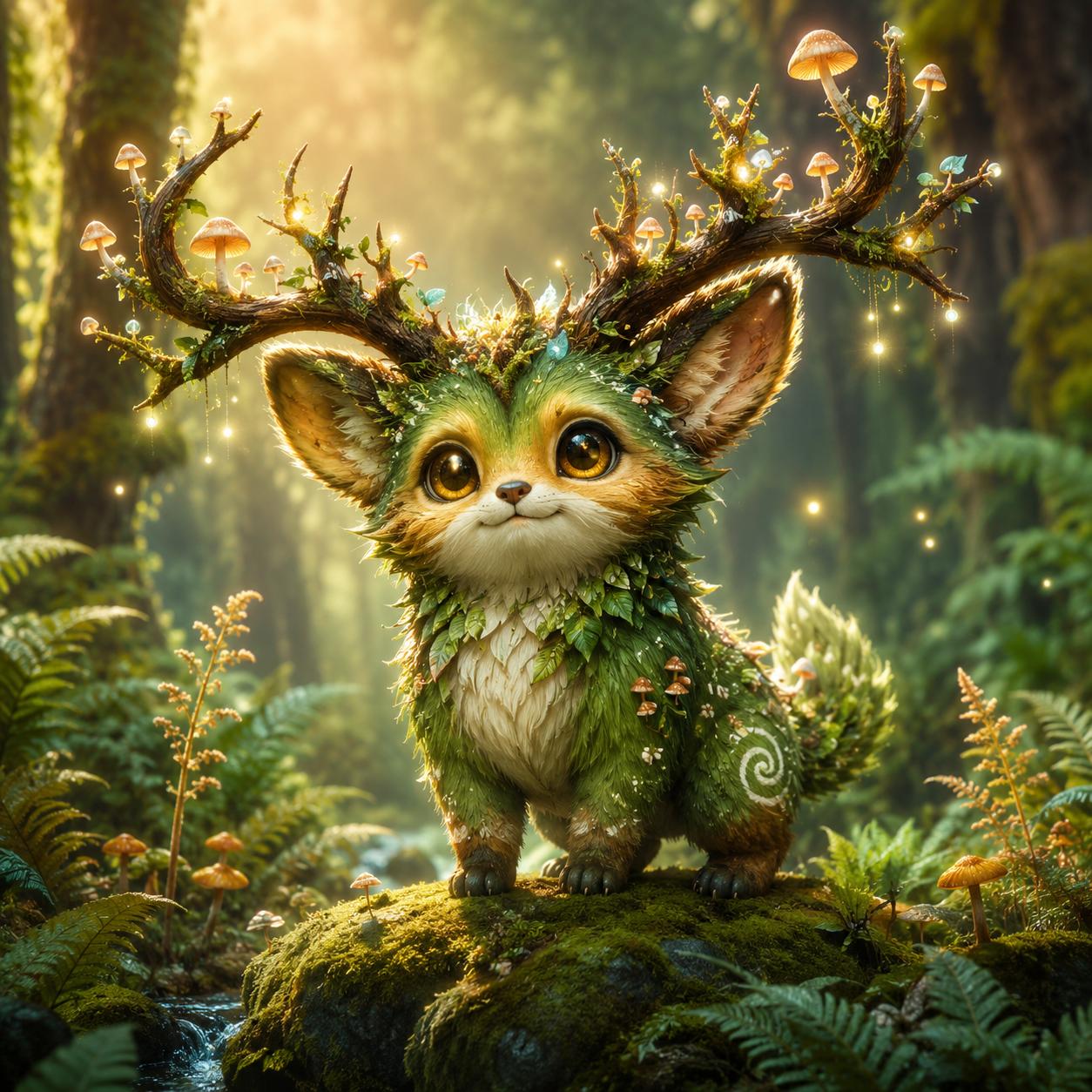
The tool also works for softer creature art. Build mascot monsters, children's book companions, or fantasy pets with warm shapes and expressive faces.
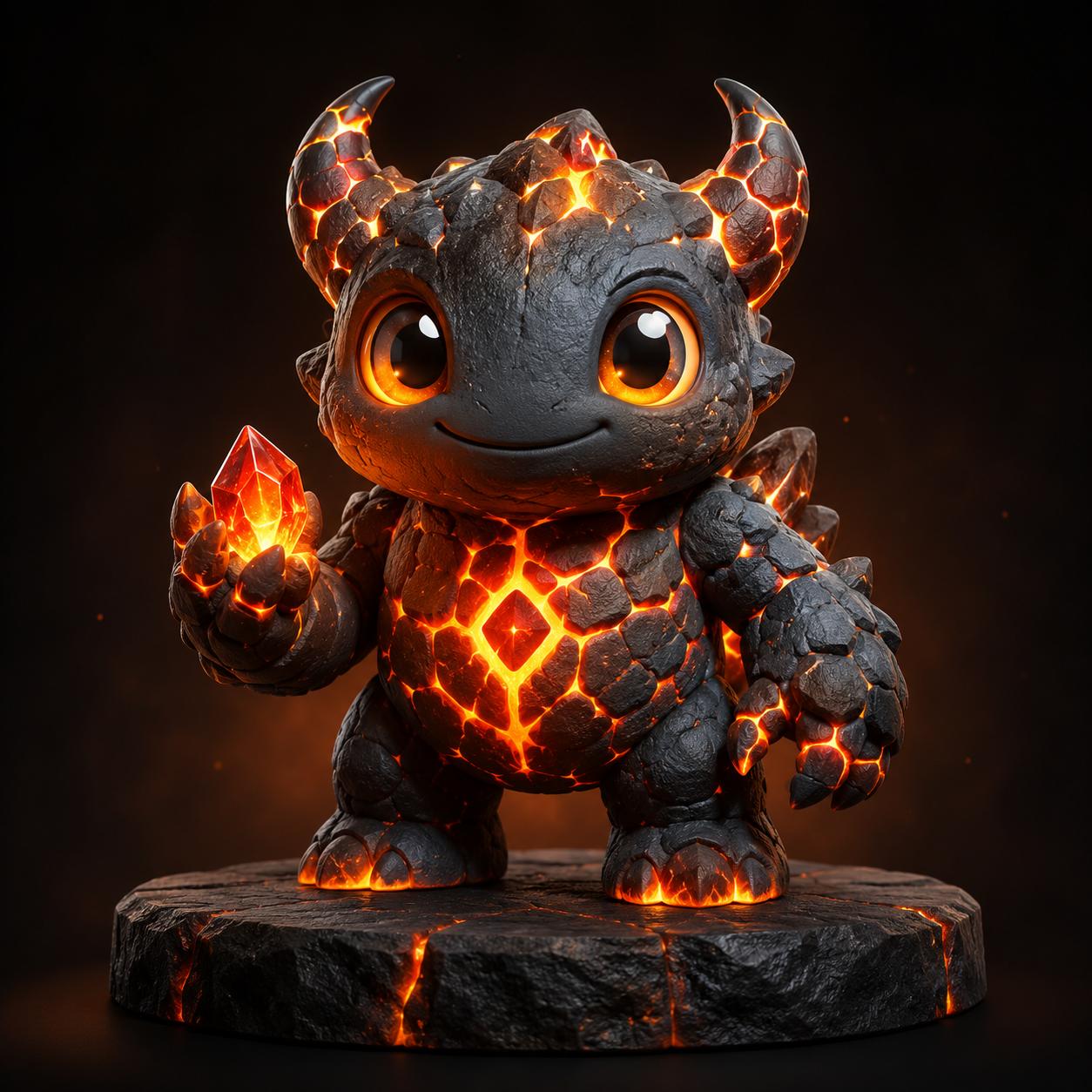
If you want a toy-like monster or a branded character, this workflow helps you create bold forms, simple color systems, and memorable creature identities fast.
Search intent around AI Monster Generator is usually commercial and practical. People are not just curious about monster art. They want a tool that helps them brainstorm faster, visualize creature ideas, test style directions, and create assets that look ready for pitching, posting, or iterating. That is why this page focuses on concrete use cases instead of vague feature claims.
This workflow is ideal for enemy rosters, creature factions, raid bosses, card-game units, and concept boards for indie games.
Writers and DMs use creature prompts to define species traits, habitats, elemental themes, and visual lore for campaigns.
A good monster design tool can fuel thumbnails, short-form hooks, creature ranking posts, and character reveal content for social channels.
Brands can use monster concept ideas for plush characters, stickers, collectible figures, and memorable visual mascots.
The easiest way to improve AI Monster Generator output is to be specific about role, anatomy, material, emotion, and environment. Instead of asking for a generic monster, tell the model whether you want a swamp hunter, crystal cave guardian, plush mascot demon, or cinematic titan made of roots and smoke. The more direction you give, the more useful the result becomes.
Start with creature type, then add size, material, mood, lighting, camera style, and intended use. A strong prompt could be: “ancient glacier monster, towering silhouette, translucent ice armor, glowing core, cinematic concept art, dark blue lighting, premium game key art.”
Tell the model whether you want dark fantasy, painterly concept art, anime creature design, cartoon mascot style, biomechanical horror, or collectible toy rendering. Style words help the generator avoid muddy outputs.
Generate several versions with one theme and change only one variable at a time: horns, wings, eyes, texture, or color family. This makes the workflow much more useful for production decisions and creative reviews.
Once you create a good creature concept, use related MaxArt.ai tools for edits, refinements, and variations. The generator works even better when it sits inside a full visual workflow.
You do not need advanced illustration skills to get value from this workflow. You only need a clear idea, a strong prompt, and a few iterations.
Tell the generator what kind of monster you want, what world it belongs to, and whether it should feel scary, cute, ancient, elegant, or chaotic.
Add rendering direction like concept art, 3D mascot, anime, collectible toy, dark fantasy, or cinematic poster so the model has a clear visual target.
Review the result, then adjust anatomy, color, props, and lighting. The results get stronger when you iterate instead of settling for the first image.
Short answers for users comparing creature generation tools.
Use AI Monster Generator on MaxArt.ai to turn raw creature ideas into polished visuals for games, stories, brands, and social content.