
Loading...
Meet MaxArt's AI Image Replacer — the AI replacer that lets you replace objects in photos with a brushstroke and a sentence. Upload your picture, mask the area you want gone, and describe what should take its place. Our AI image replacer handles lighting, shadows, and perspective through AI inpainting, so every swap looks like it was always there. From product shots to portraits, this AI replacer turns hours of manual editing into one prompt.
Upload, Mask, and Prompt
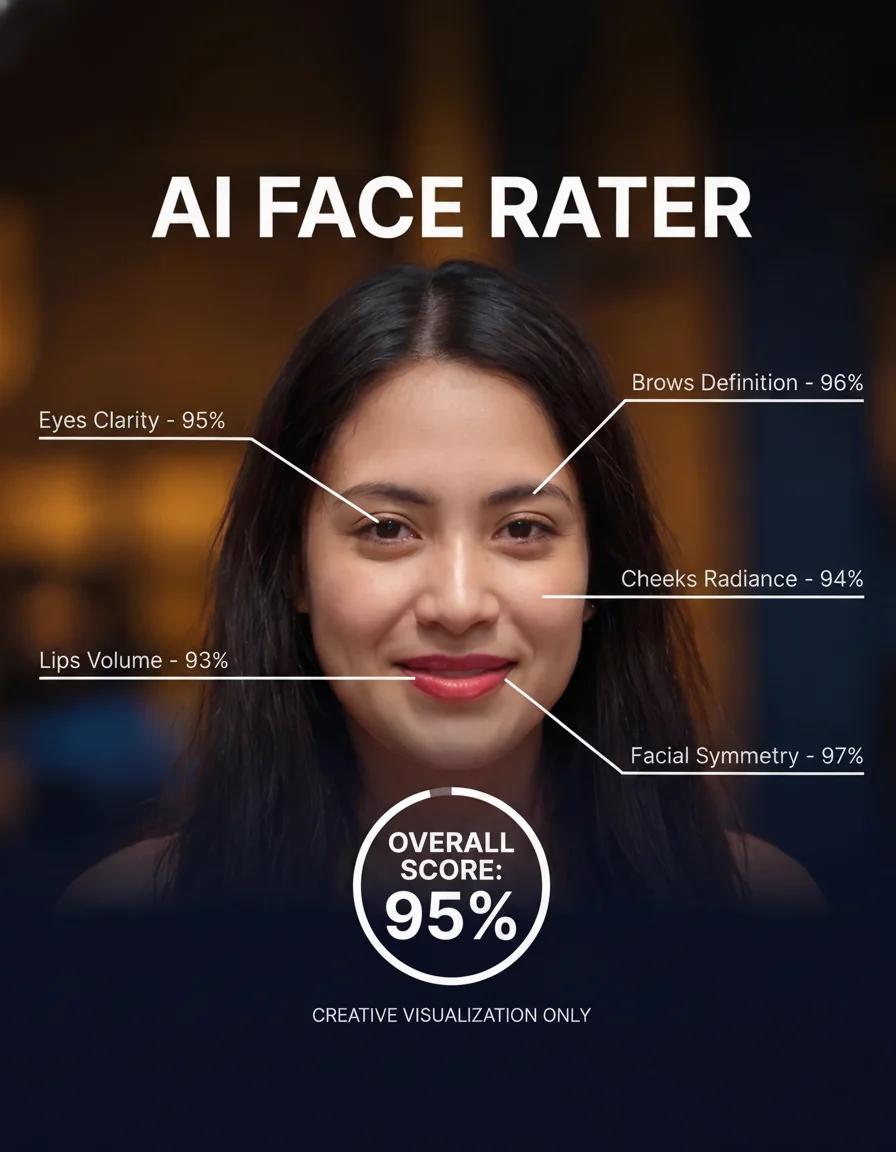
Turn a clear portrait into a playful AI face rating report
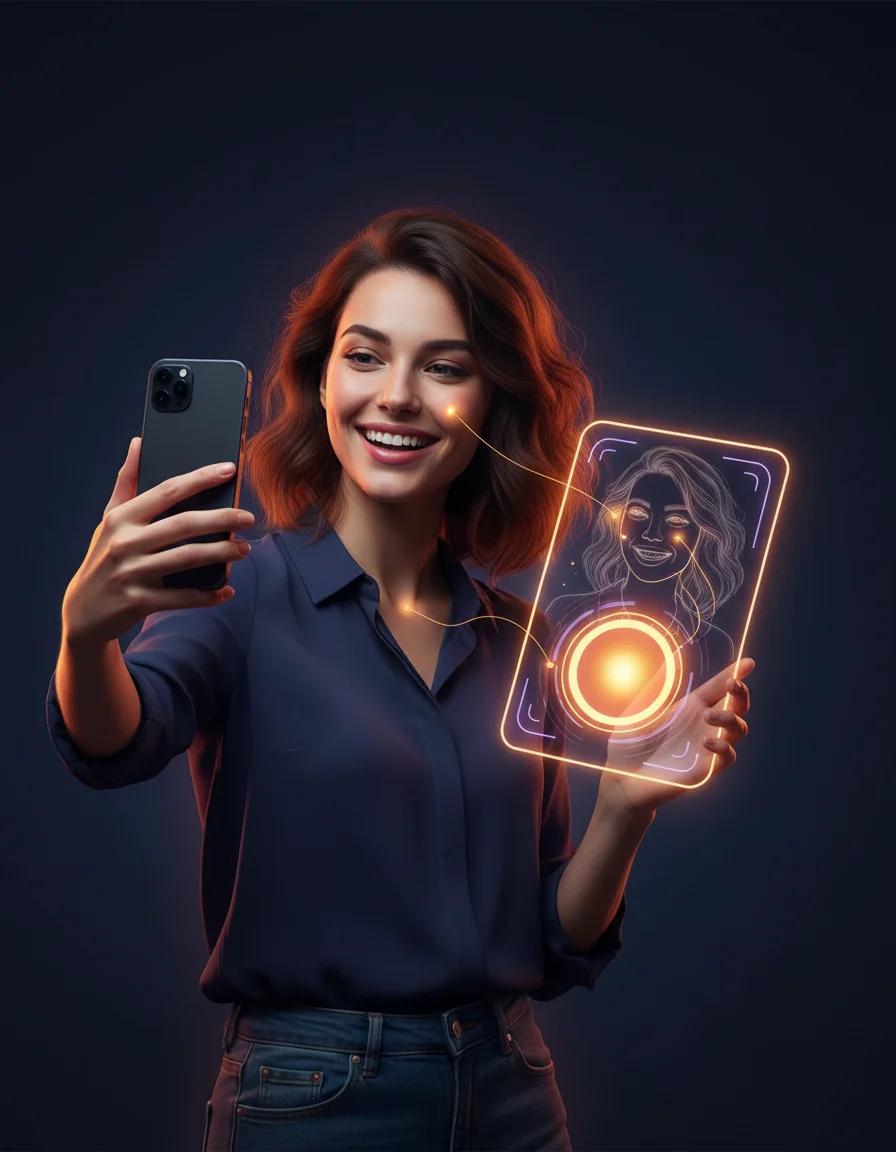
Take a playful AI attractiveness test and get a shareable score report card
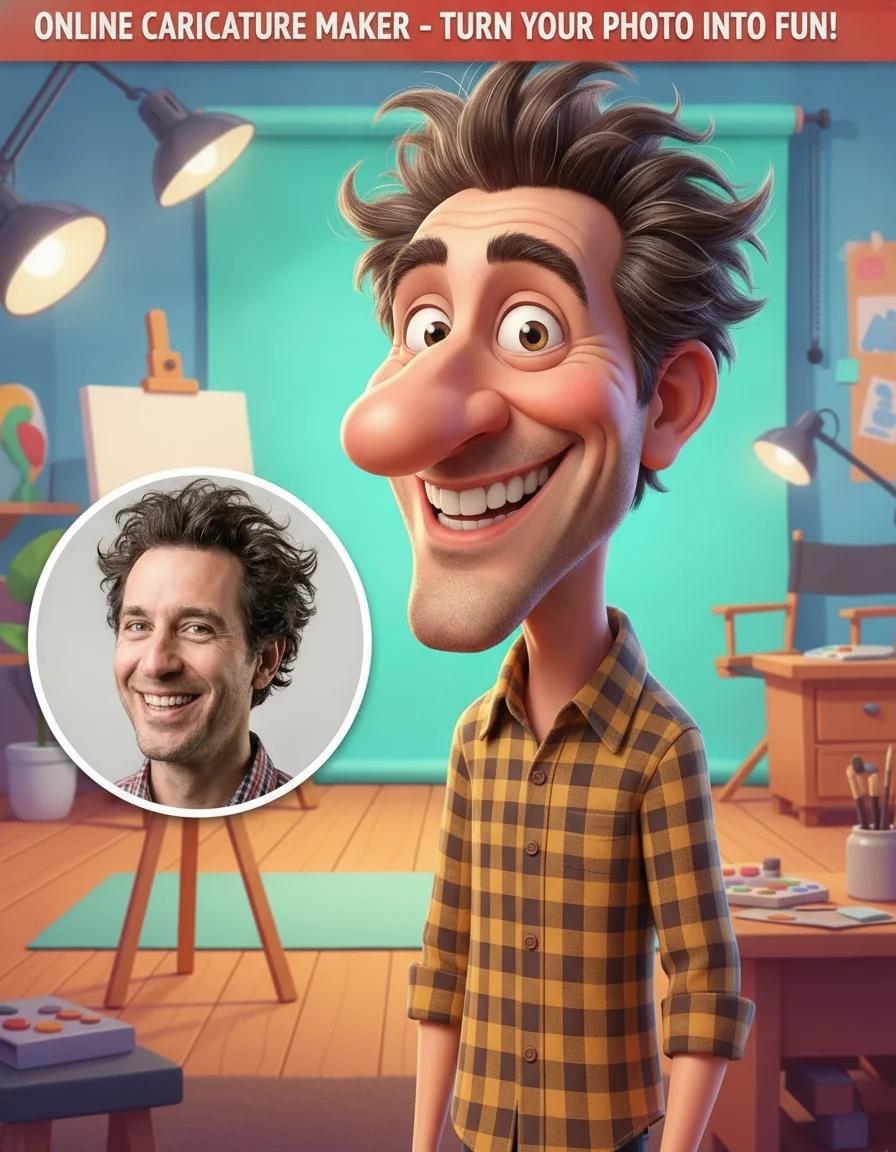
Add a caricature effect to your videos with our Online Caricature Maker

Create original fantasy creatures and monster art with AI
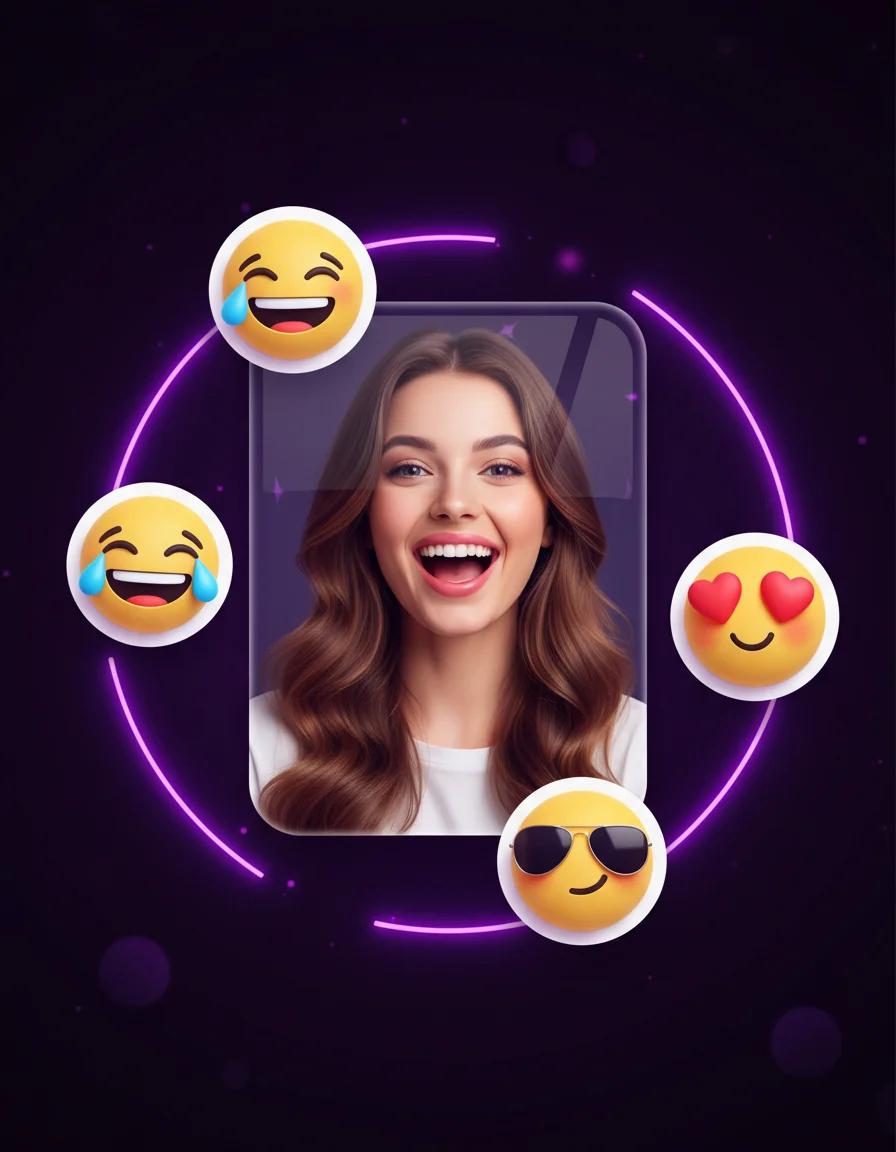
Turn portraits into personal emoji stickers, reaction packs, and profile-ready icons
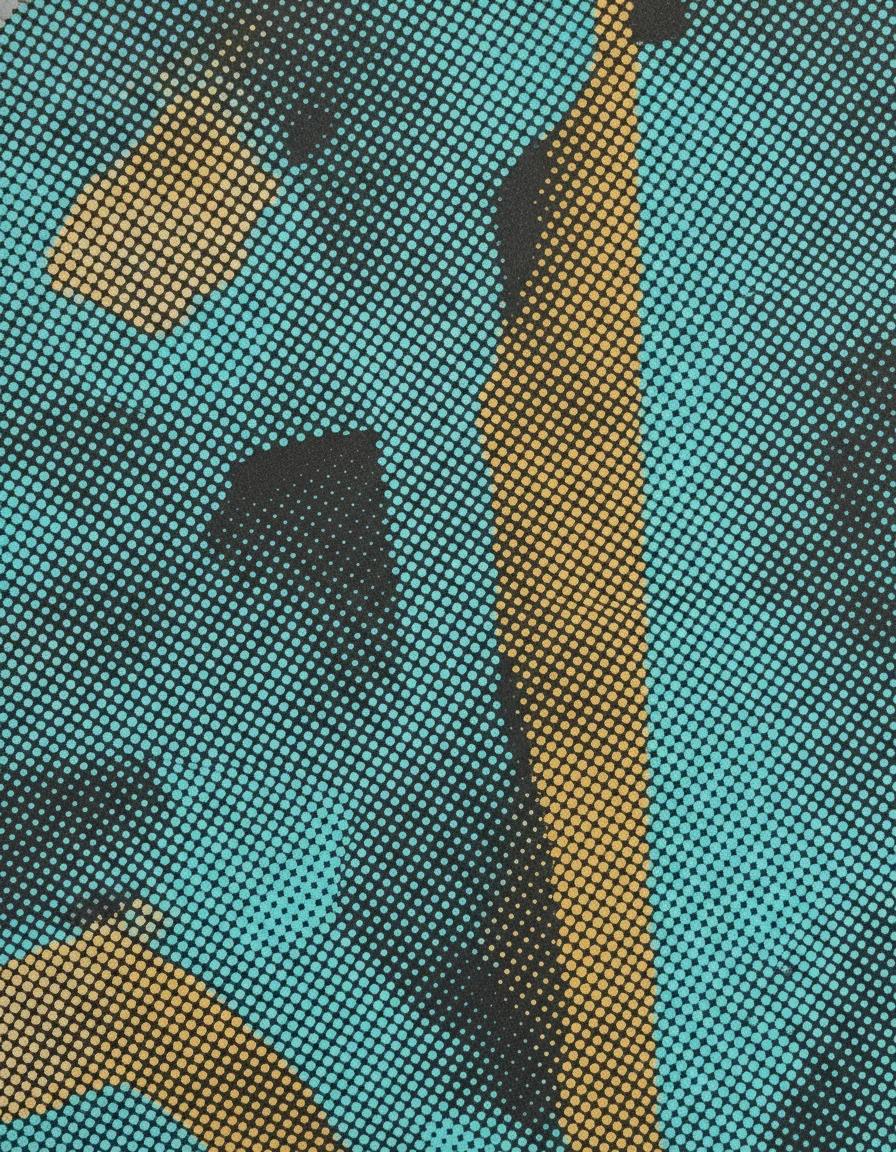
Turn any photo into a halftone print with dotted, screen-printed shading and comic-style texture
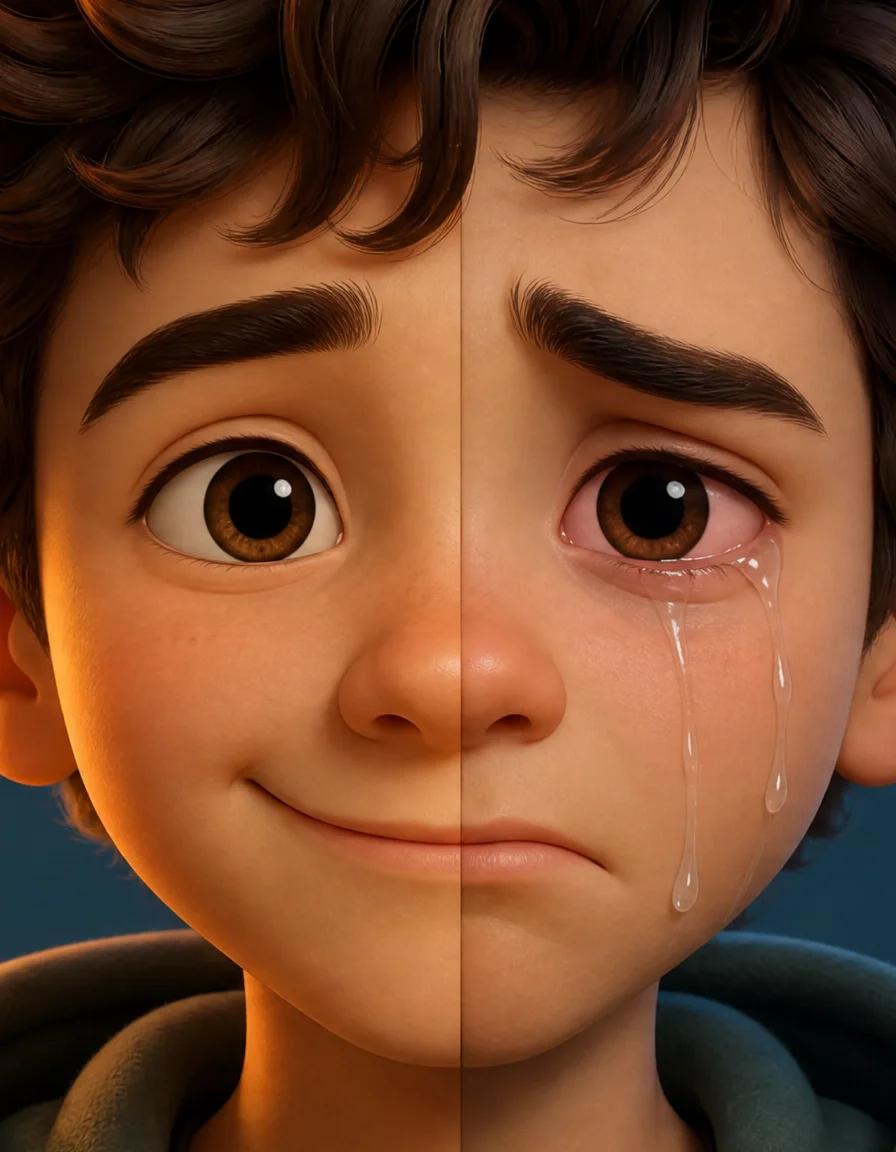
Turn any smile into a realistic crying face with tears, red eyes, and a sad frown
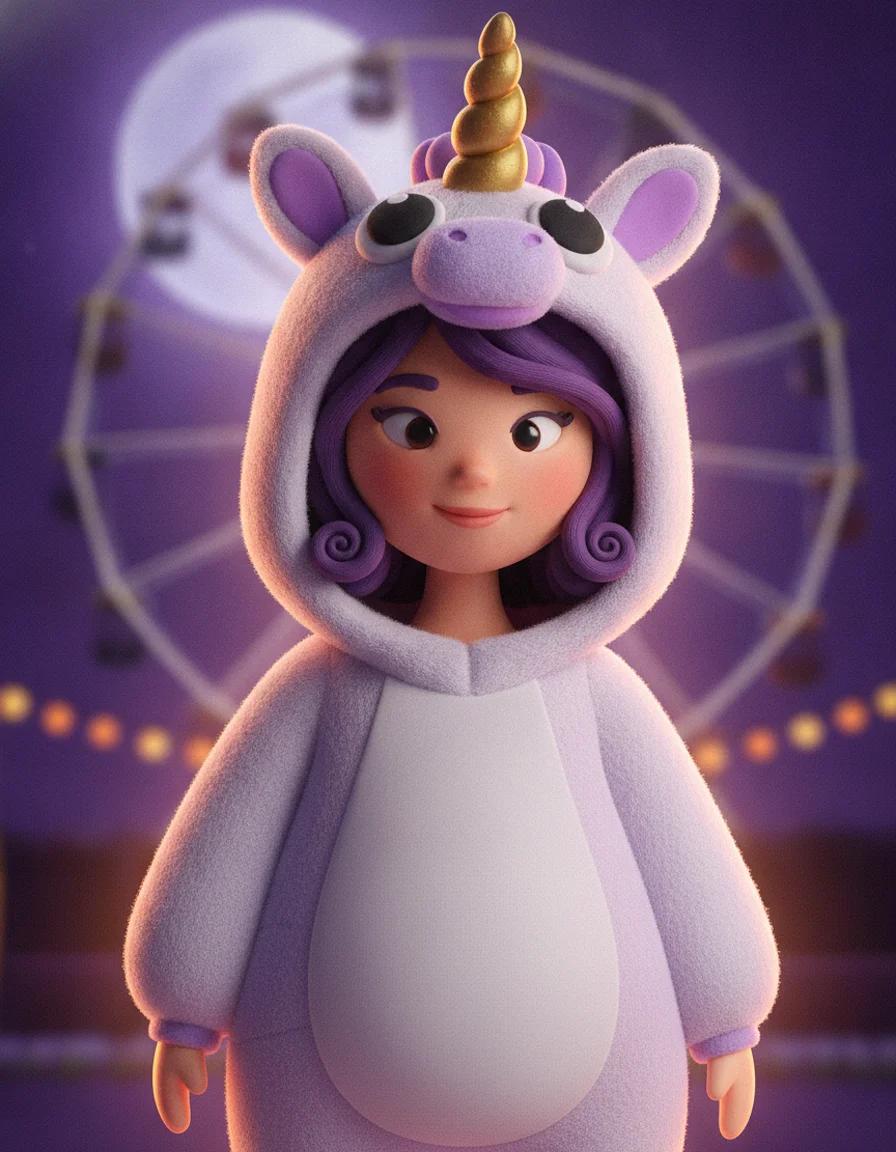
Upload a selfie and try 2026 Halloween looks — Buddy the Unicorn, gothic braids, cosmic princess — first image free
See how the AI image replacer blends new objects into real photos. From simple swaps to full scene transformations, every edit keeps the original light and perspective.

Our AI Replacer excels at understanding context. When you use AI Replacer to swap an object, it ensures the lighting, shadows, and perspective match perfectly. In this example, see how AI Replacer transforms a simple scene into something extraordinary, maintaining photorealism throughout the process.
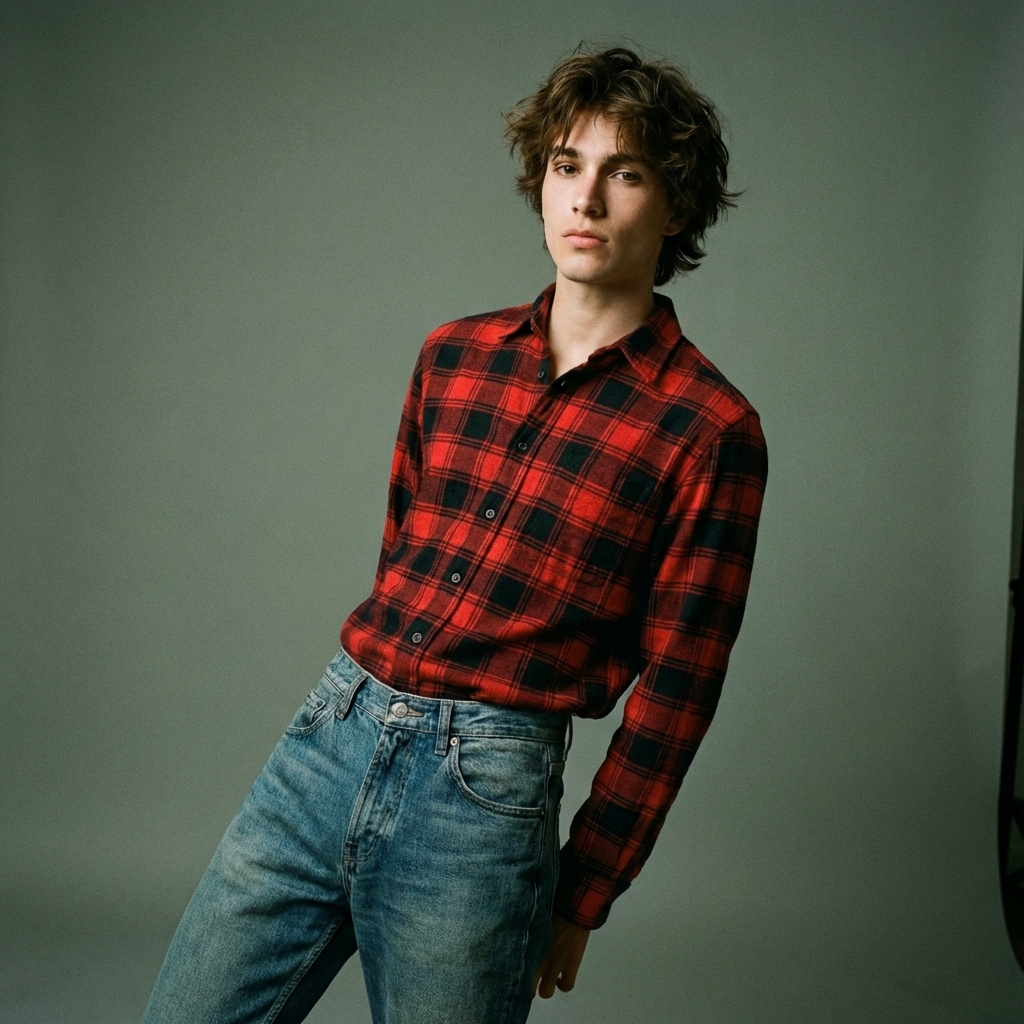
AI Replacer is a game-changer for digital fashion. Use AI Replacer to try on new outfits virtually or change fabric textures. The AI Replacer tool respects body pose and fabric physics, making it an ideal for e-commerce and personal styling experiments.
Redecorate your space instantly with AI Replacer. Swap out furniture, change wall colors, or add decor elements. AI Replacer helps you visualize interior changes before you commit, making it an essential tool for designers and homeowners alike.
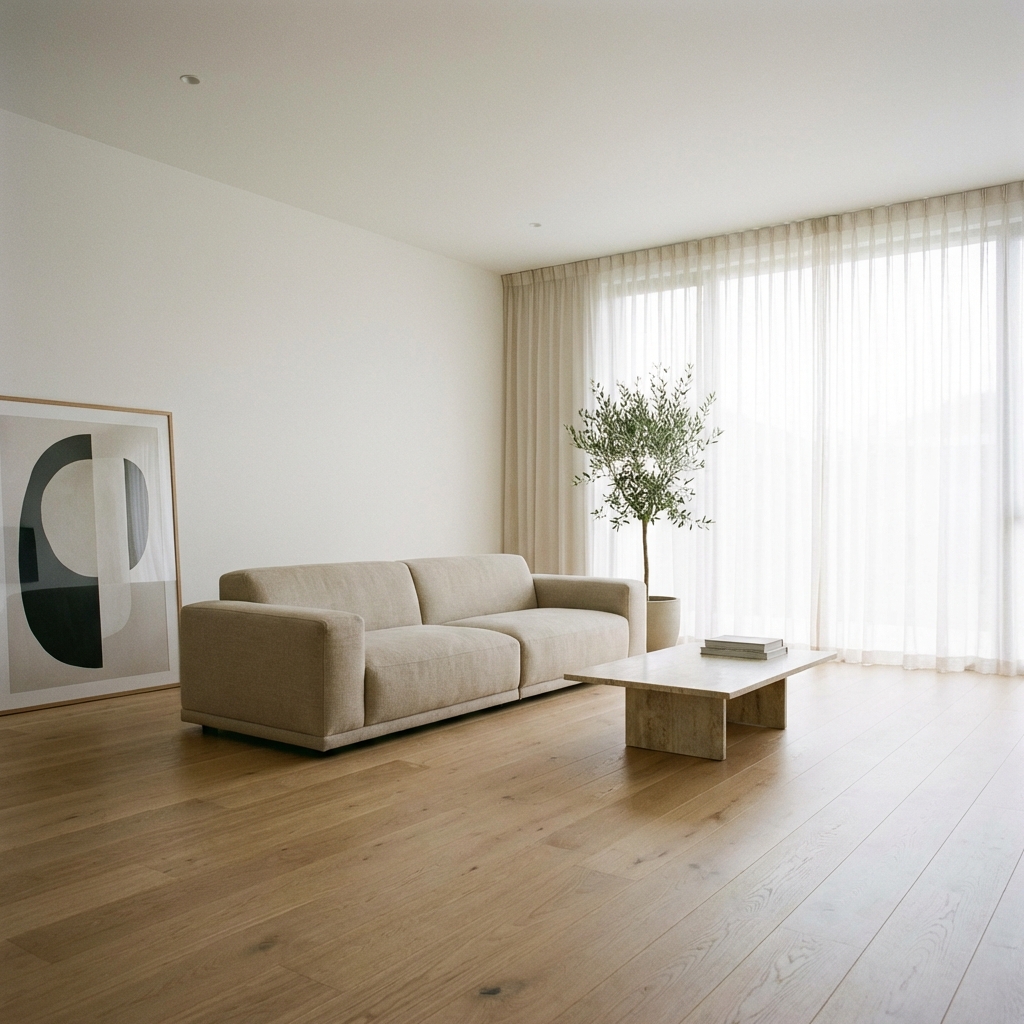
An AI image replacer is a photo editing tool that swaps any object, person, or region in a picture for something new — guided by nothing more than a text prompt. Under the hood it relies on AI inpainting (also called generative fill): the model erases the masked area and regenerates pixels that match the surrounding light, texture, and perspective. Where a classic object replacer demanded clone stamps and layer masks, an AI image replacer finishes the same job in one pass.
People search for this workflow under many names — AI replace, image replace, object replacer, erase and replace — but the intent is always the same: replace an object in a photo without learning Photoshop. MaxArt's AI image replacer is built exactly for that intent. You brush over what should change, describe the replacement, and the AI image replacer composes a result that sits naturally in the scene.
Because the AI image replacer understands context rather than pasting pixels, it can handle jobs that used to be retoucher territory: swapping a cloudy sky for a sunset, replacing a passerby with clean street, turning a red sofa into a green one, or recoloring a product for a new campaign. If you can describe it, the AI image replacer can replace it.
MaxArt's AI Image Replacer is built for versatility and precision. Whether you need an AI photo replacer for quick fixes or a full object replacer for production work, explore the possibilities.
Change outfits, accessories, or hairstyles in your photos without a photoshoot. The AI image replacer respects body pose and fabric physics, so virtual try-on looks real.
Visualize new furniture or decor before you buy. Replace an object in a photo of your room — swap an old sofa for a modern one, or restyle the wall art in one prompt.
Add fantasy elements, change backgrounds, or build surreal compositions. Generative fill gives you the freedom to edit beyond reality while keeping the scene coherent.
Update product photos without reshooting. Use the AI image replacer to swap product colors, replace busy backgrounds with clean ones, or add props that lift conversion.
Create hilarious memes or fun edits for social media. The AI replacer makes it easy to swap objects, replace people in photos, or drop funny elements into any shot.
Remove unwanted objects or photobombers and let AI inpainting fill the space naturally. Erase and replace works for cleanup jobs too, not just creative swaps.
Mastering the AI image replacer takes one session. Three steps stand between your photo and the version you actually wanted.
Start by uploading the image you want to edit. AI Replacer supports common formats like JPG and PNG.
Use the brush to mask the object. Then, use the AI Replacer prompt box to describe what should replace it.
Click Generate and watch the AI replacer work. Preview the result, iterate on the prompt or mask if needed, and download your transformed image.
Common questions about the AI image replacer, AI inpainting, and the replace-object workflow.