
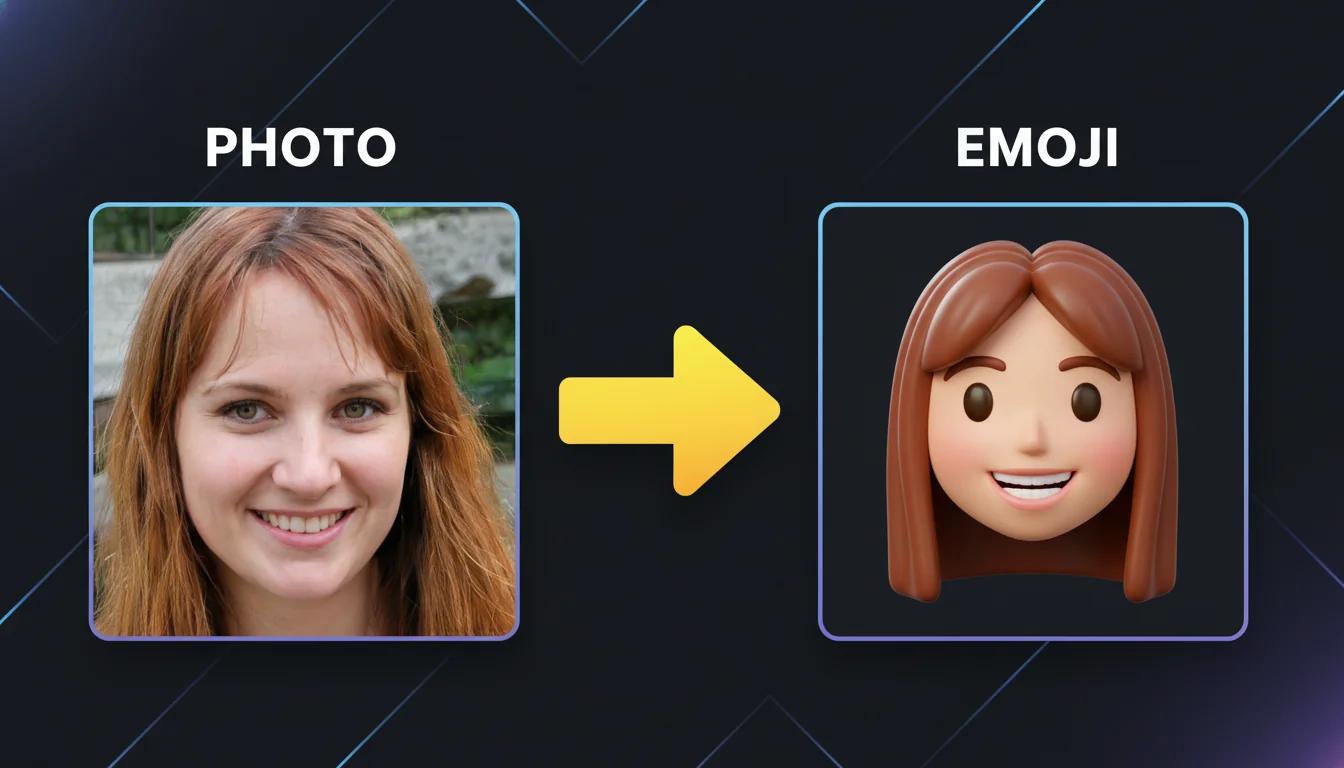
Smile-Matched Sticker
A conversion example focused on preserving the wide smile, auburn hair, and the feel of a personal sticker result.
😊🥳😍✨🙌
Upload a face photo and describe the emoji style you want to generate.
Use MaxArt.ai to create emoji from photo uploads without drawing from scratch. Start with one clean portrait, choose a style such as glossy 3D, soft sticker, or flat app-style emoji, and generate expressive results for chats, creator packs, team communities, and personal branding. The workflow is fast enough for casual use, but flexible enough for polished marketing assets and repeatable emoji collections.
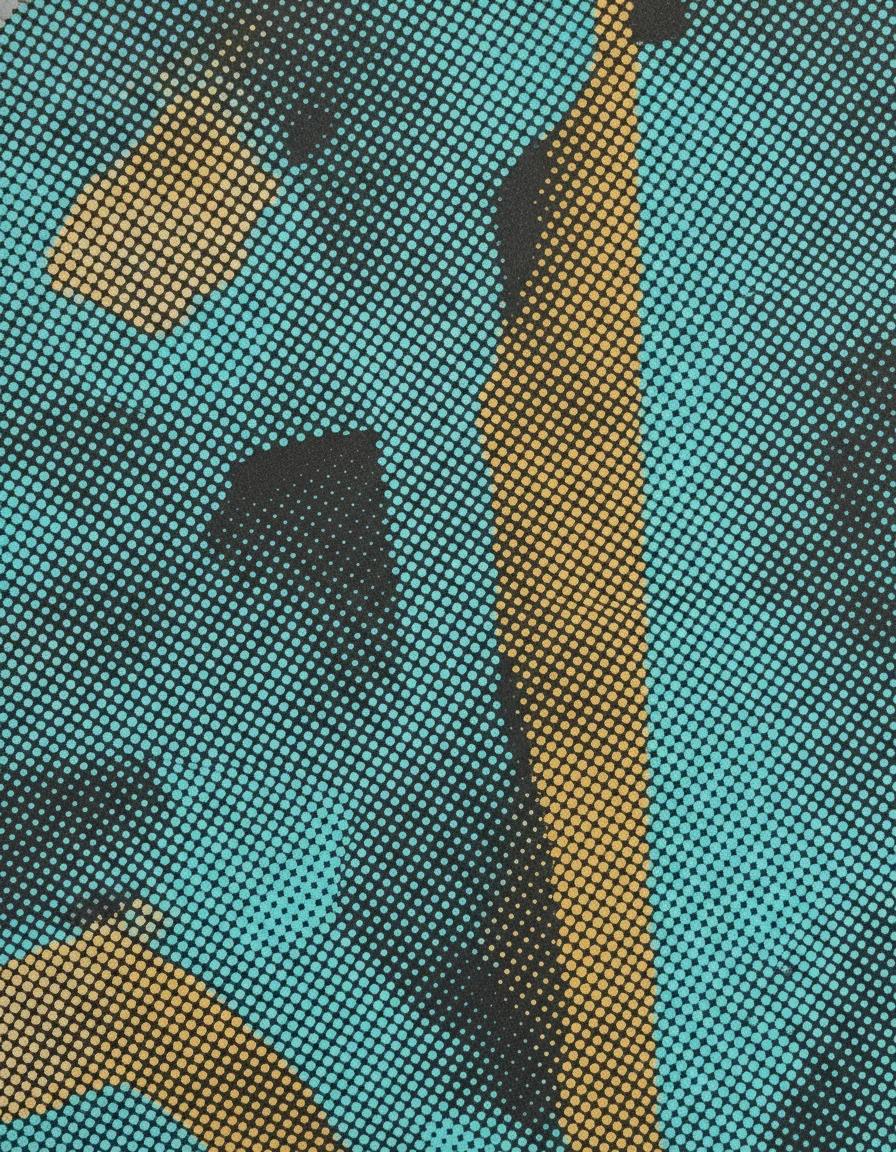
Turn any photo into a halftone print with dotted, screen-printed shading and comic-style texture
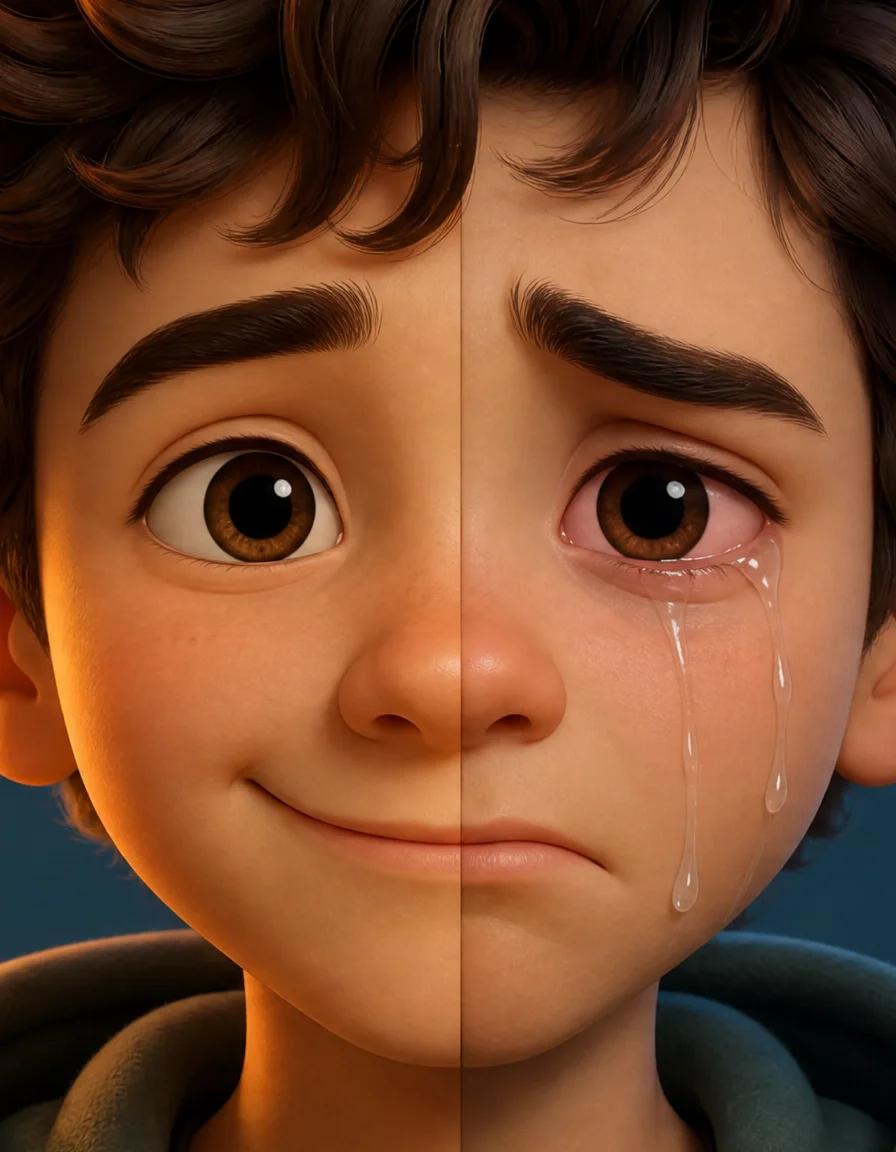
Turn any smile into a realistic crying face with tears, red eyes, and a sad frown
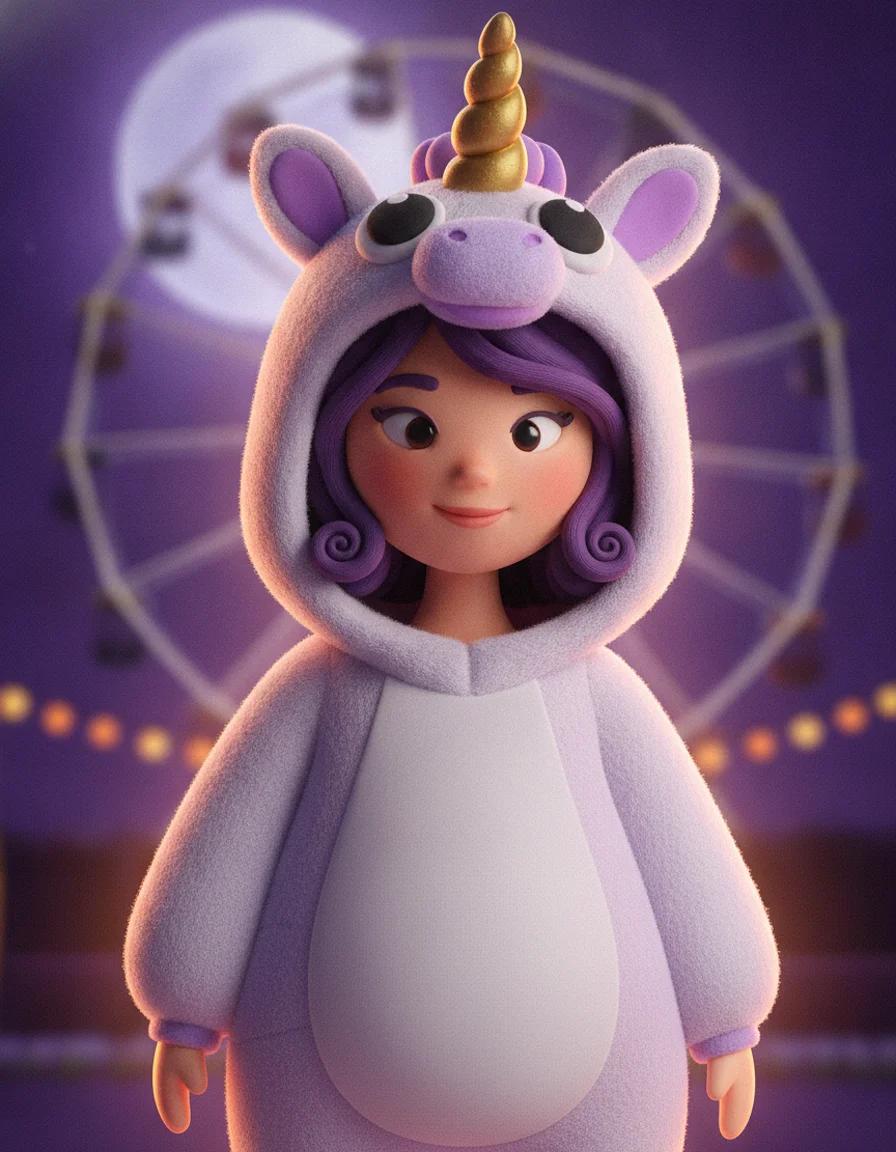
Upload a selfie and try 2026 Halloween looks — Buddy the Unicorn, gothic braids, cosmic princess — first image free
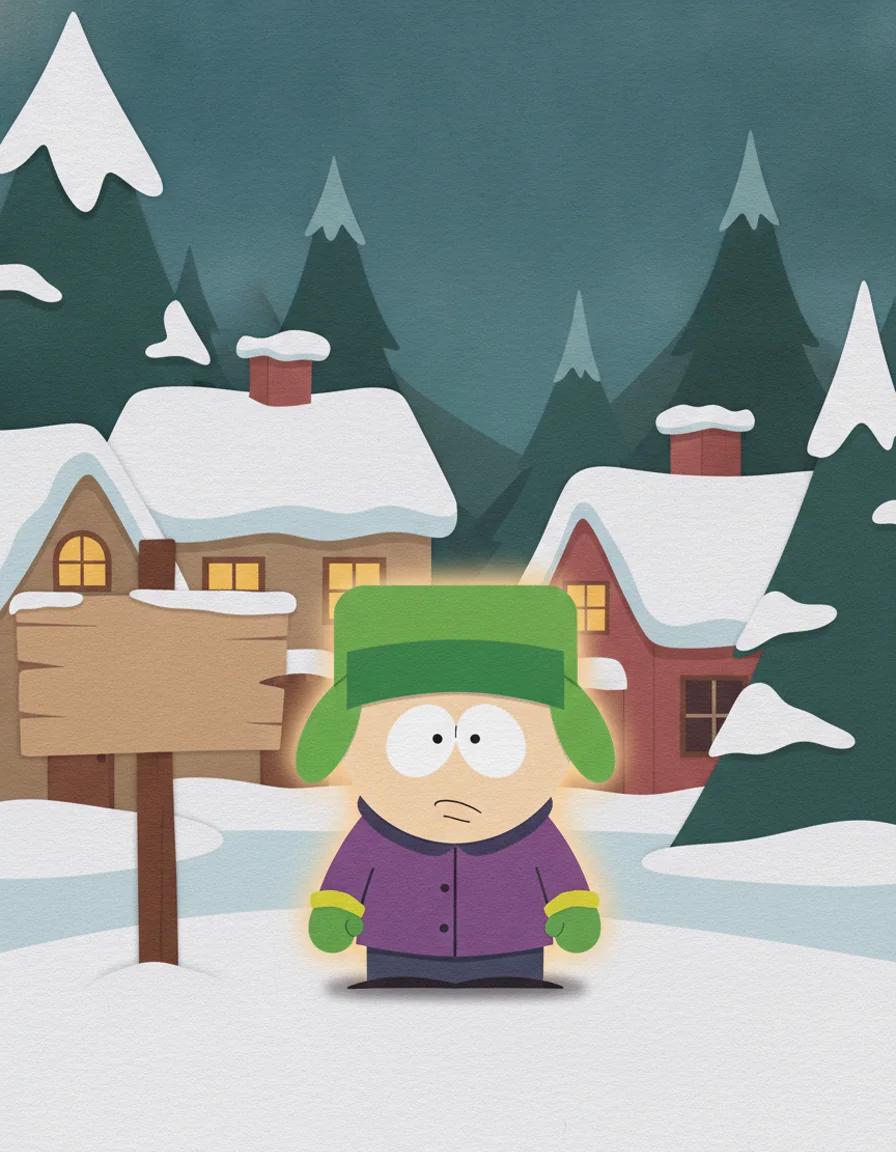
Turn any photo into a cut-paper South Park style cartoon character — first image free
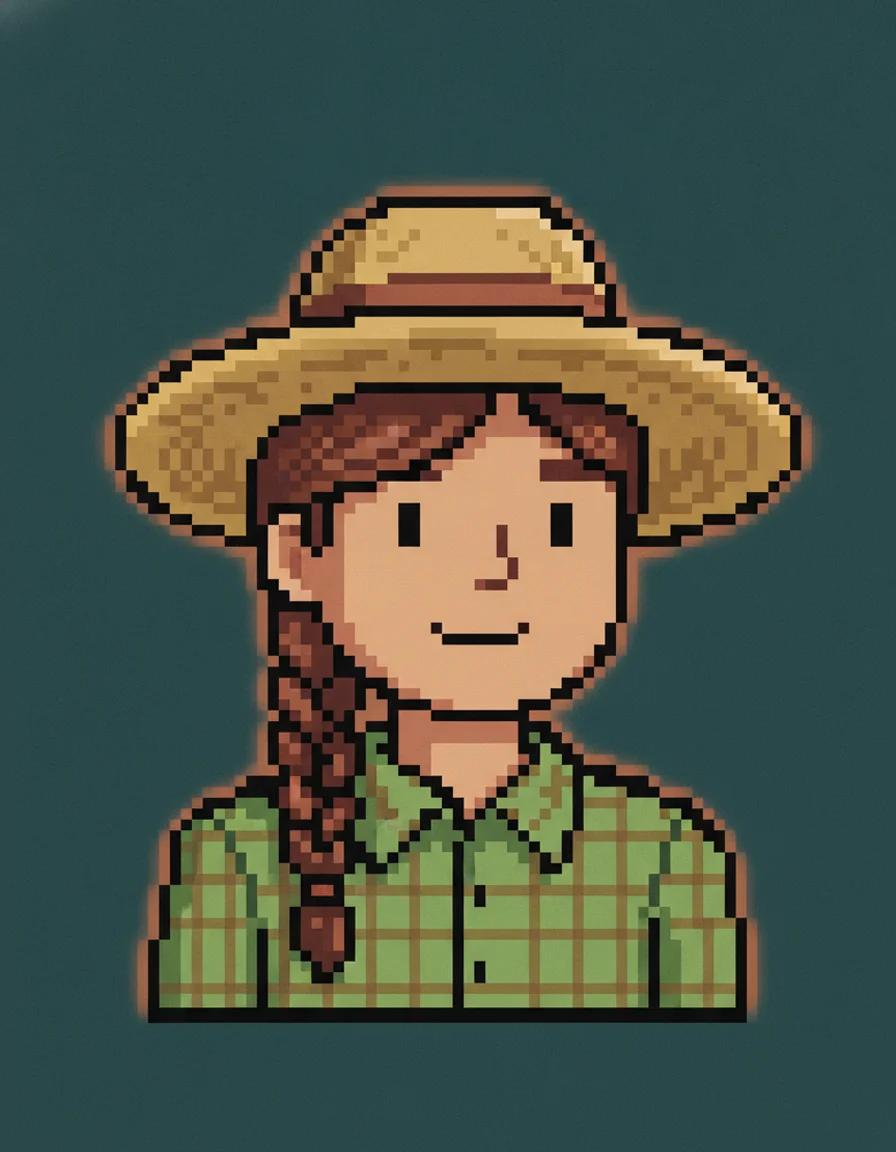
Describe a farmer or upload a photo and get a cozy Stardew Valley style pixel portrait — first image free
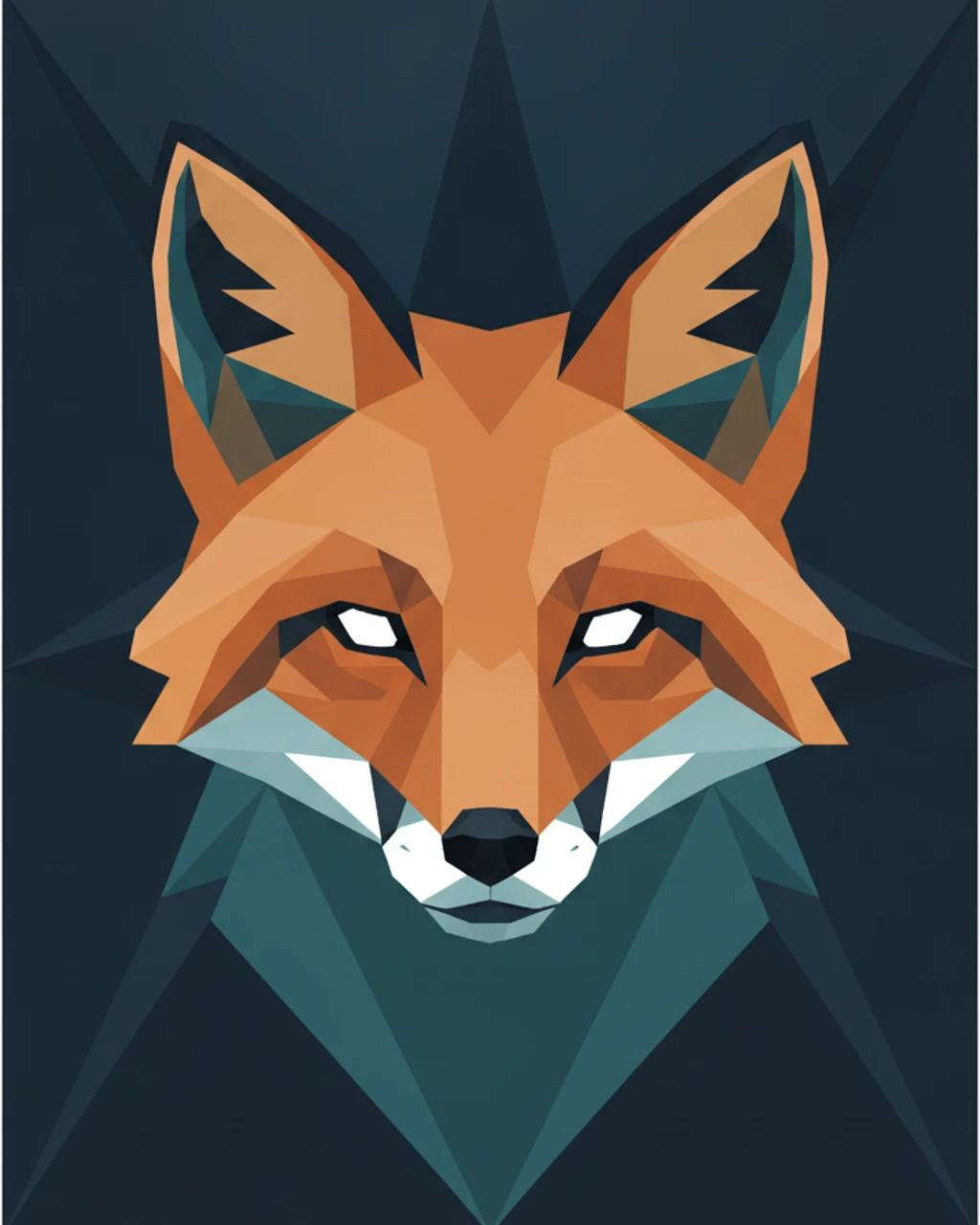
Turn any photo into faceted low-poly geometric art — from 6 credits
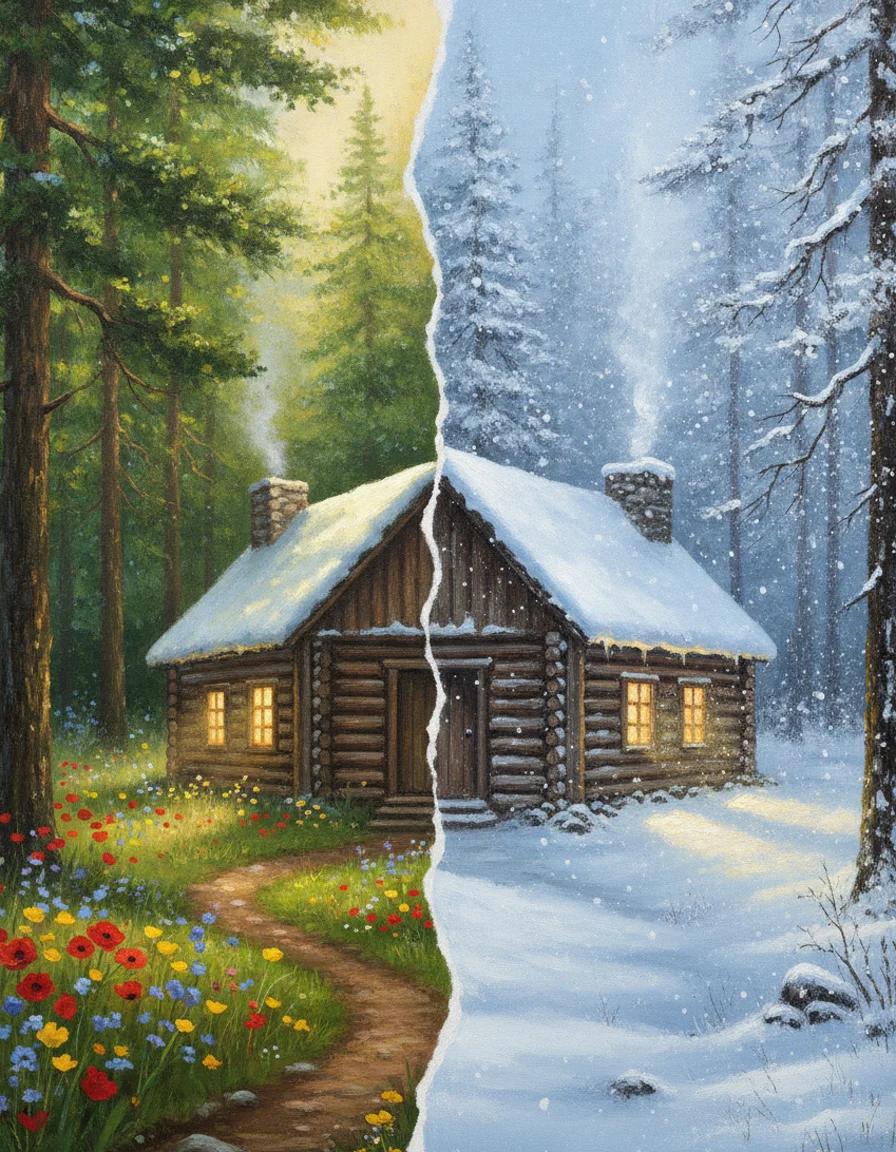
Add realistic falling snow and thick winter cover to any photo while the scene stays the same
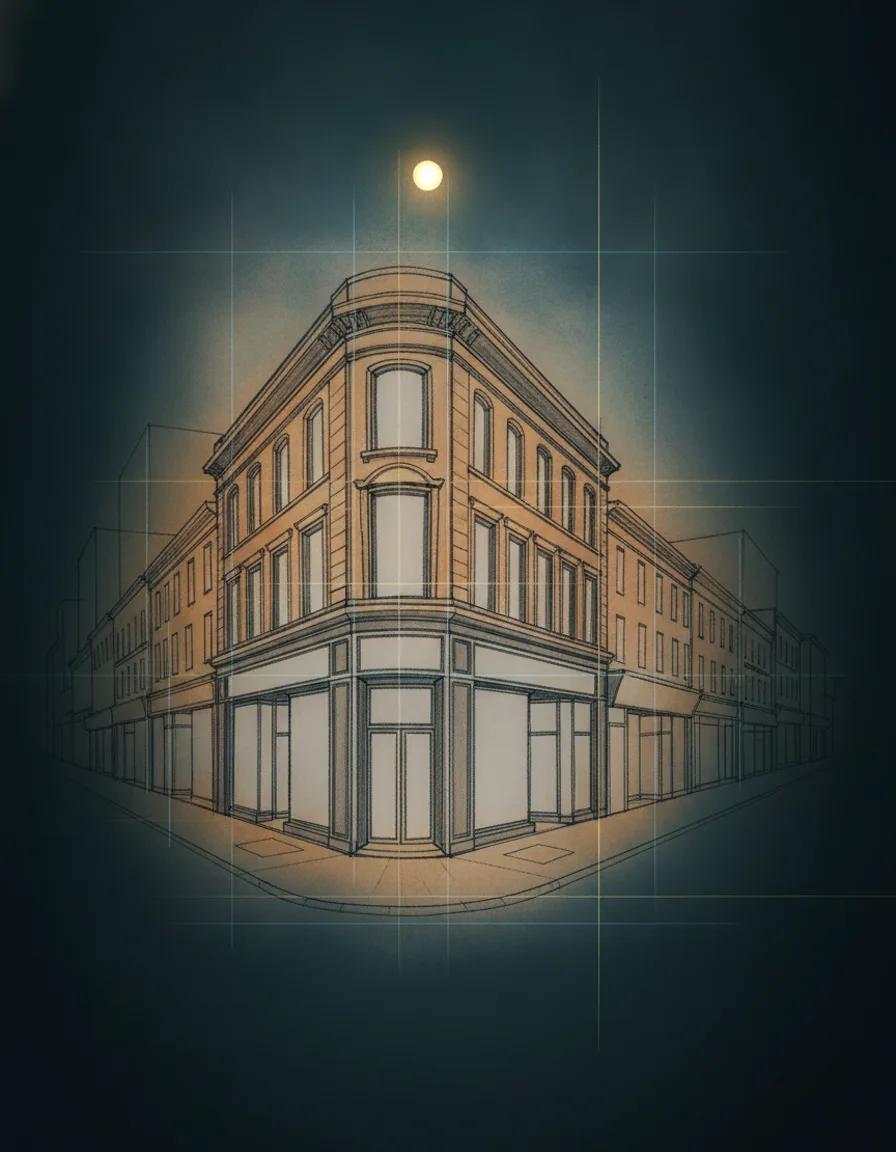
Generate perspective drawings from a prompt or sketch, with one, two, or three vanishing points
Here is what happens when you upload a portrait and pick an emoji style. Each face can generate an entire pack of expressions.
A conversion example focused on preserving the wide smile, auburn hair, and the feel of a personal sticker result.
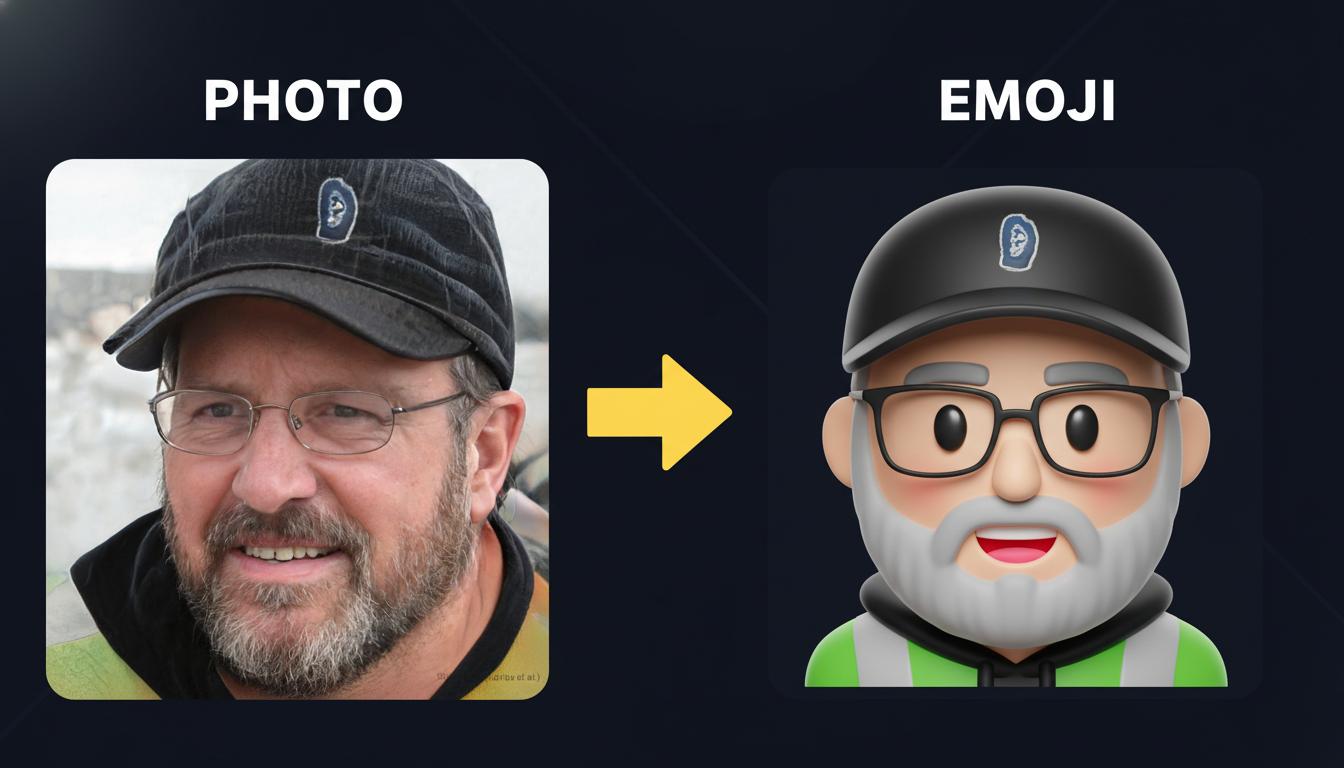
This prompt direction is about keeping the strongest identity cues: cap, glasses, beard, and dark hoodie styling.
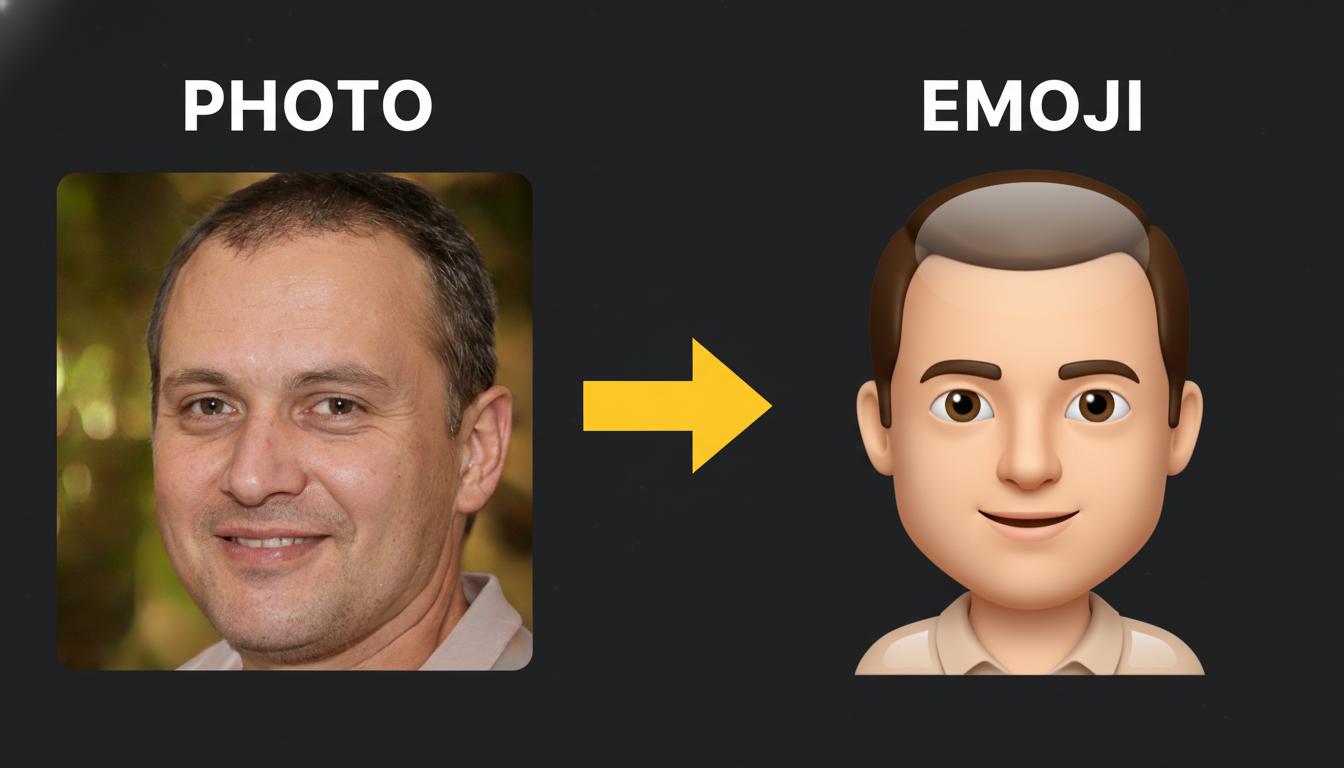
Shows a cleaner profile-oriented result that keeps the hairline, gentle expression, and shirt silhouette readable.
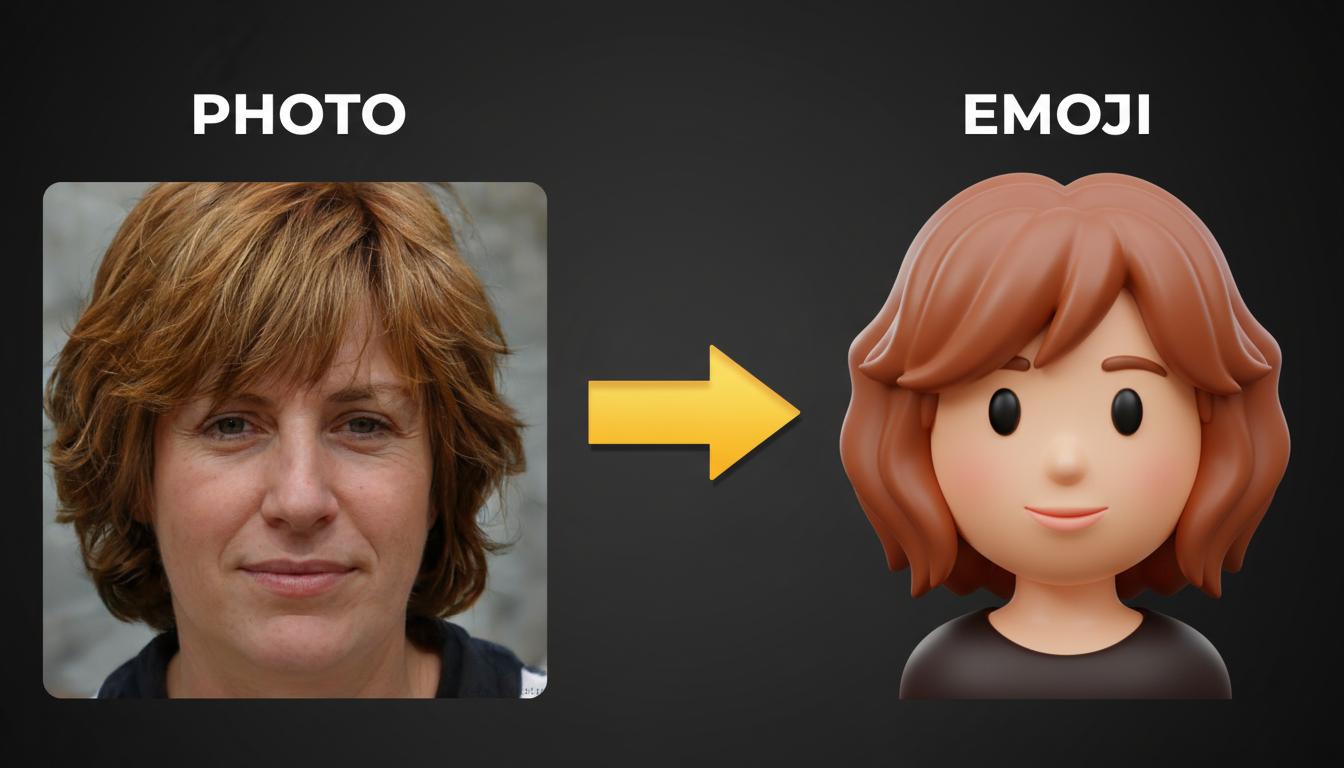
This example is useful when you want a softer look that still preserves short auburn hair and a calmer facial tone.
Output ideas
A strong create emoji from photo workflow should do more than apply a generic cartoon filter. It should preserve the identity of the face, simplify details cleanly, and let you explore multiple emotional directions fast. These common output formats cover the most practical use cases for messaging, communities, profile systems, and content creation.
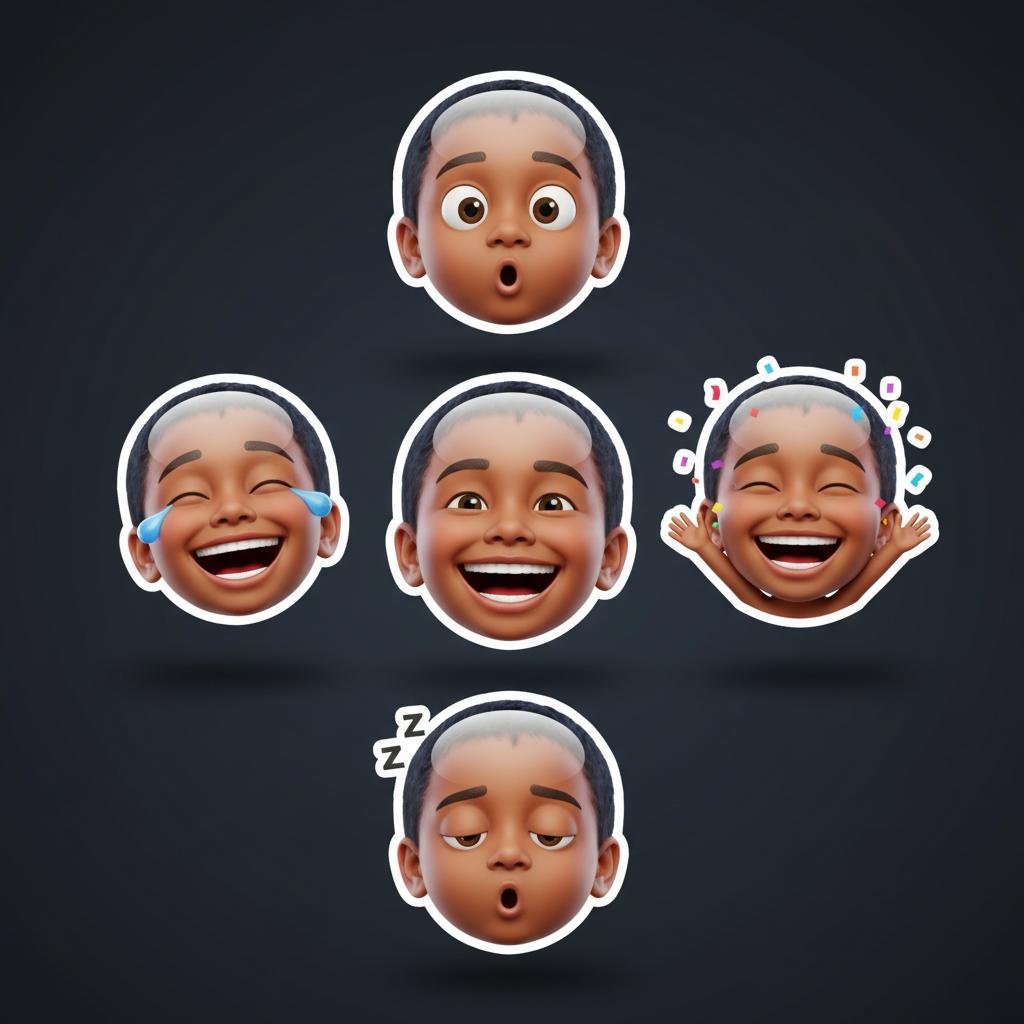
Generate smiling, laughing, shocked, sleepy, or celebratory versions from the same portrait so your sticker pack feels consistent across every expression.
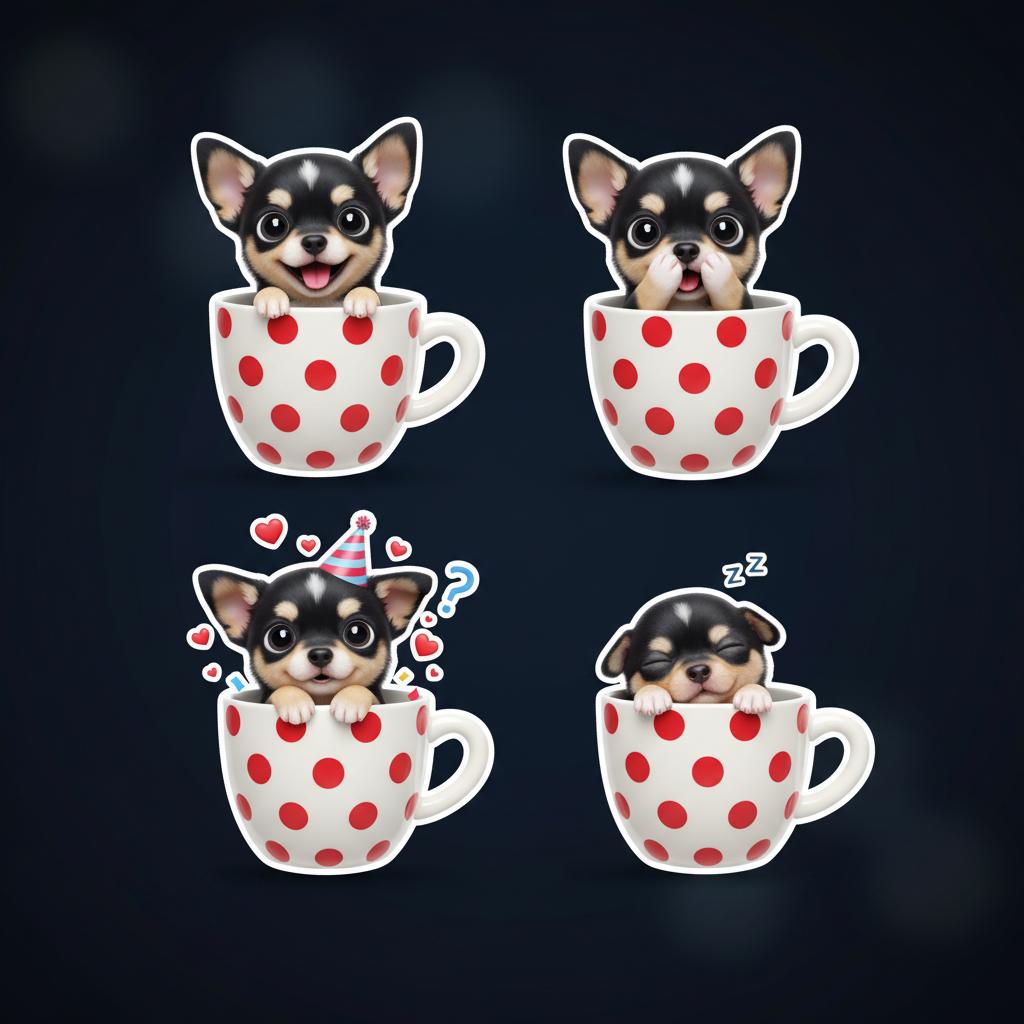
Create quick emotional reactions for Discord, Telegram, WhatsApp, or internal team chats when you want something more personal than standard platform emoji.
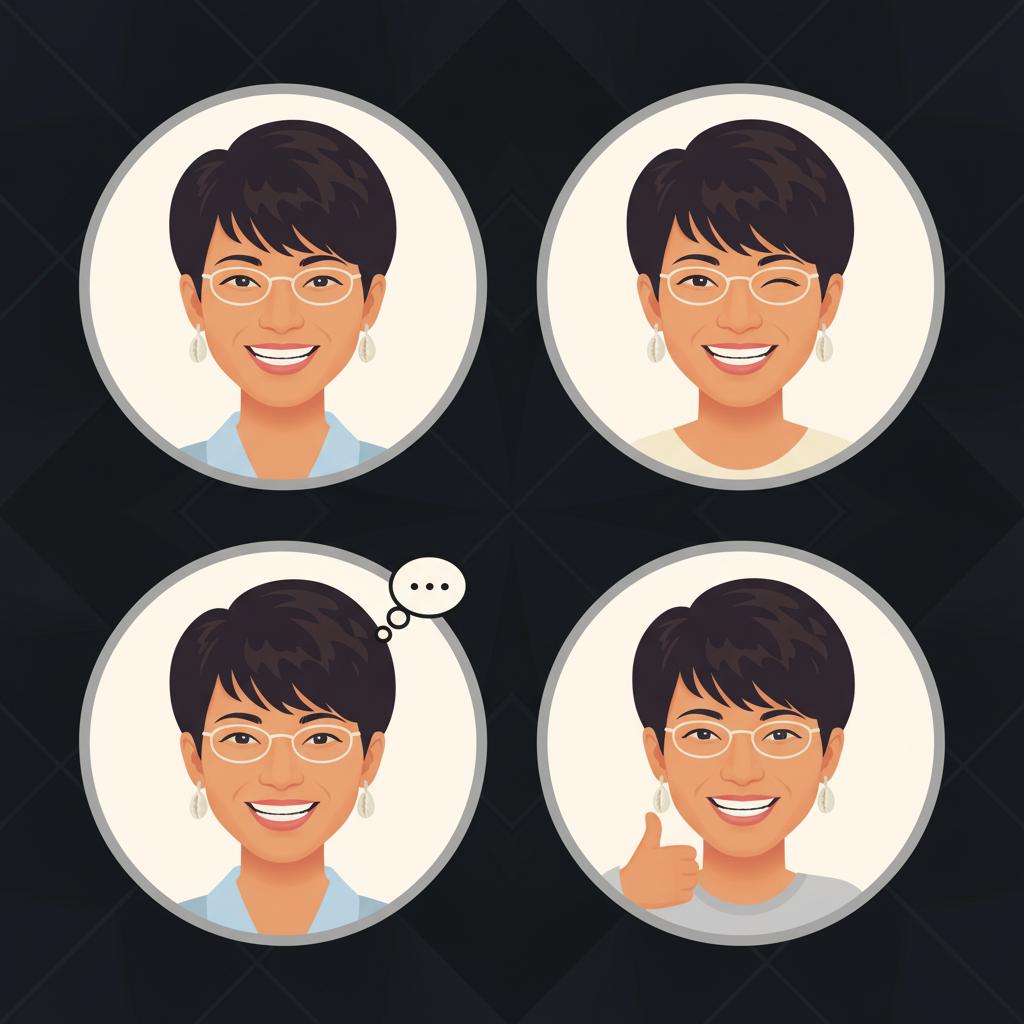
Turn one portrait into a recognizable emoji-style avatar for bios, thumbnails, landing pages, paid communities, and creator merch concepts.
Most users are not looking for abstract art. They want recognizable, shareable, lightweight visuals that are fast to make and easy to reuse. This is why create emoji from photo keywords convert well for practical communication and identity use cases.
Personal emoji sets make everyday chat feel more expressive, memorable, and branded to your own face or community.
Streamers, YouTubers, educators, and coaches use emoji portraits for thumbnails, overlays, membership rewards, and social profile systems.
Birthday, wedding, graduation, or holiday emoji packs turn a single portrait into a themed reaction system for invites, posts, and group chats.
Community managers can create internal emoji packs for clubs, startups, fandoms, and brand communities without hiring a separate illustrator for each face.
Cleaner inputs and more specific prompt instructions usually produce stronger emoji output. If you want emoji that feel polished instead of random, guide the model on expression, style, crop, and finish.
Use a photo with good lighting, a visible face, and minimal blur. A simple head-and-shoulders crop helps the model keep identity cues intact.
Mention whether you want glossy 3D emoji, flat app emoji, kawaii sticker style, clean vector style, or a soft toy-like finish.
Generate happy, confused, crying, celebration, or wink versions separately instead of mixing too many expressions inside one prompt.
Keep the crop, lighting language, and style words stable so every generated emoji feels like it belongs in the same sticker or creator pack.
These prompt templates are tuned for clean, emoji-only outputs that keep the person recognizable. Start with the glossy 3D version, then move into sticker or profile directions once the identity feels right.
The default direction for turning one portrait into a polished, share-ready emoji you can drop straight into chats and profiles.
This works well when you want the result to stay playful but still feel obviously based on the uploaded person.
Choose this direction when the final emoji needs to work for bios, teams, creator packs, and small profile surfaces.
No. A clear selfie or phone portrait is usually enough. Good lighting and a visible face matter more than studio-level photography.
Yes. That is one of the main strengths of this workflow. Keep the same style language, then generate separate happy, sad, laugh, wink, or celebration variants.
Not at all. Many users also create emoji-style assets for profile systems, creator brands, event packs, onboarding kits, and internal communities.
Clean crops, visible facial features, and prompts that mention simple shapes or clear outlines usually preserve identity better than overly complex illustration styles.
If you want long-term reuse, build a pack. A consistent pack gives you more value across chats, marketing, creator assets, and community touchpoints.