MaxArt AI
Pricing
Create
  • AI Video Effects
  • AI Image Effects
Models
  • Nano Banana 2.1New
  • GPT Image 2.5New
  • Seedance 2.5New
  • GPT Image 2
  • Happy Horse
  • Seedance 2.0
  • Seedream 5.0 Pro
  • OiiOii AI
  • A2E AINew
  • Google Flow

Loading...

    English
    Français
    Deutsch
    Italiano
    日本語
    한국어
    繁体中文
    Privacy policyTerms of service

    © 2026 MaxArt.ai All rights reserved.

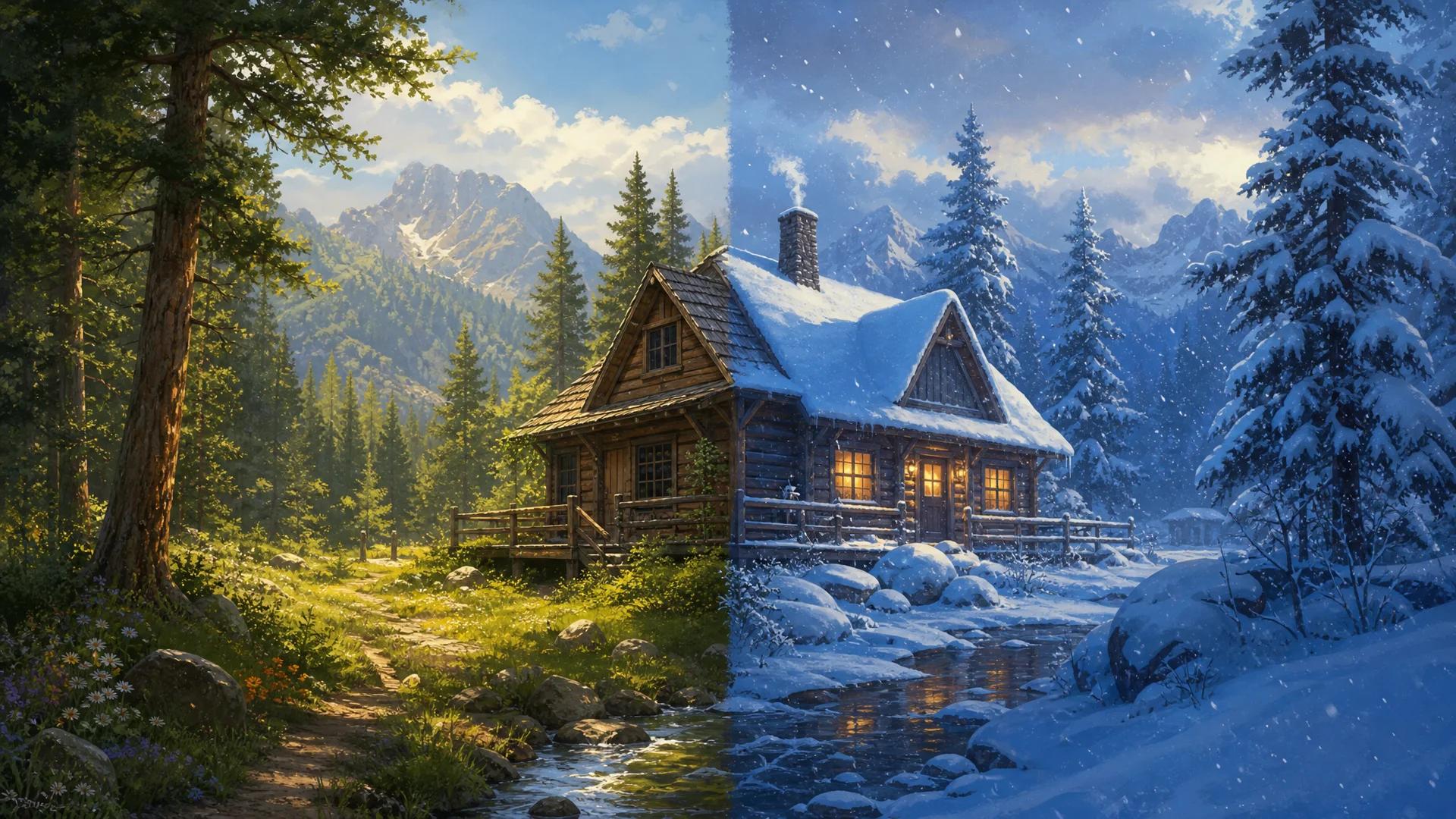
    Add snow to photo hero visual: a stylized countryside scene split between a green summer day and a snowy winter day
    1. Home
    2. AI Image Effects
    3. Add Snow to Photo

    Add Snow to Photo with AI — Realistic Snowfall in Seconds

    Upload one photo, get a snowy winter version in seconds

    Add snow to photo online with a single upload: the MaxArt snow filter repaints your scene as a winter day — thick snow cover on rooftops and branches, gentle snowfall in the air, soft winter daylight — while the composition, the camera angle, and every subject stay exactly the same. No app install, no desktop software, no editing skills: one upload and one prompt is the whole add snow to photo workflow.

    Add Snow to Photo NowSee Snow Effect Results
    Add snow to photo hero visual: a stylized countryside scene split between a green summer day and a snowy winter day

    One photo in, winter out — add snow to photo and keep the exact same scene.

    Add Snow to Your Photo

    Upload any clear photo and add snow to photo with the tuned default prompt, or edit the words to steer the snowfall. The exact credit cost shows before you generate — the default model costs 4 credits, and new accounts start with 10.

    Loading...

    Add Snow to Photo: Before and After

    Every pair below is a real add snow to photo conversion: the same scene with realistic snowfall added. Drag the handle to compare the original with the snowy result.

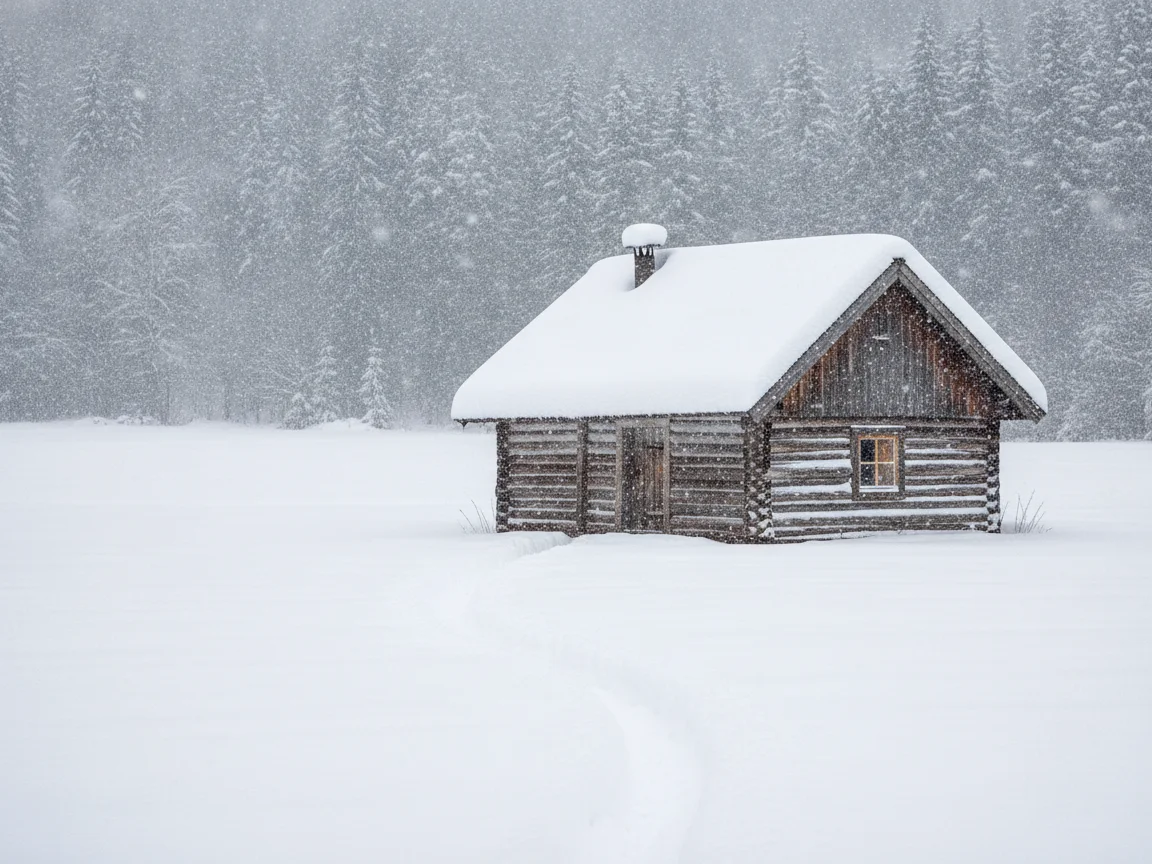
    Snowy scene after add snow to photo — Add snow to photo cabin demo
    Before
    Snow

    Add snow to photo cabin demo

    Add snow to photo demo: a green countryside cabin turns into a snowy winter retreat

    This add snow to photo demo starts with a late-summer scene: a wooden cabin on a green meadow under a clear sky. The snow photo effect keeps the cabin, the fence line, the trees, and the exact framing, but repaints the season completely — a thick white blanket on the roof, snow piled along the porch rails, and gentle snowflakes drifting through soft winter daylight. Drag the handle and the add snow to photo result still reads as the same cabin in the same spot, which is what separates a real AI snow effect from a snowflake sticker overlay. To add snowflakes to photo scenes like this one, the default prompt is already tuned for exactly this look.
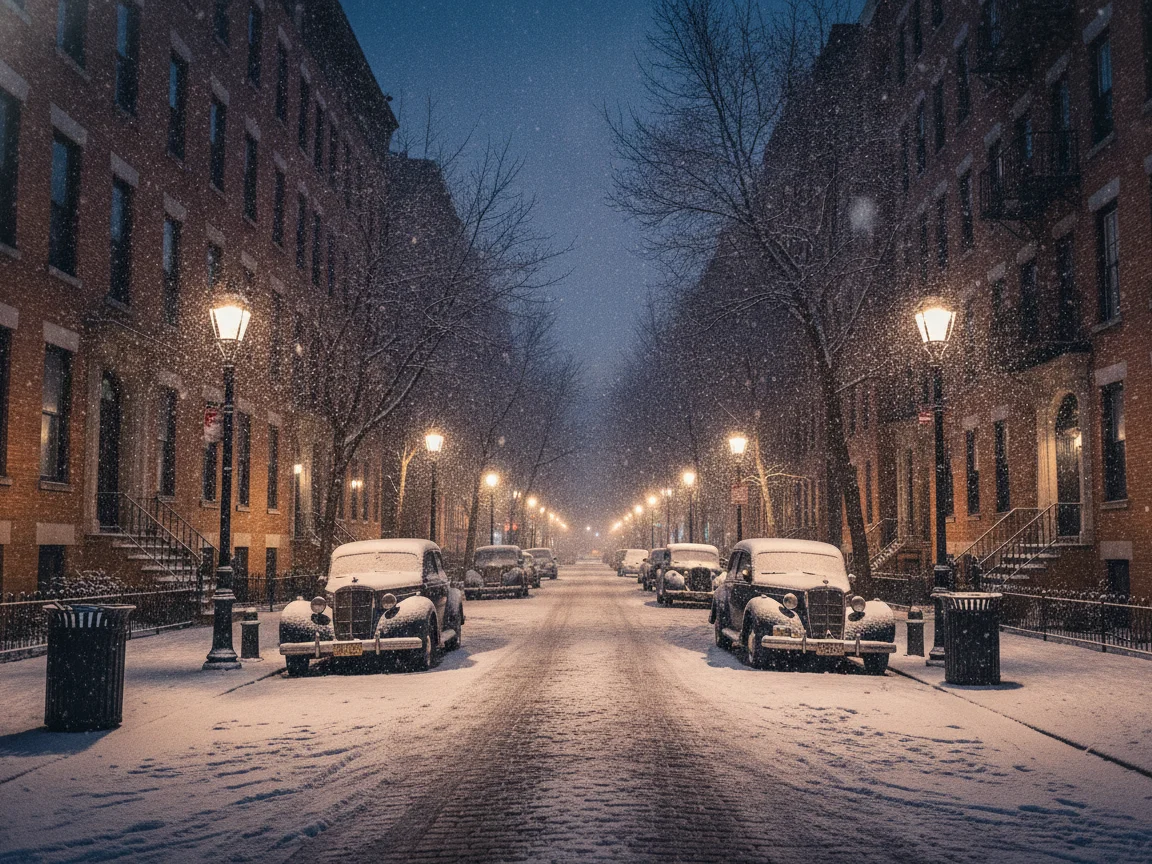
    Snowy scene after add snow to photo — Add snow to photo city night demo
    Before
    Snow

    Add snow to photo city night demo

    Add snow to photo demo: a dry autumn street becomes a glowing snowy night

    The source here is a city street on a clear autumn night: dry pavement, warm street lamps, parked bikes. This add snow to photo conversion keeps every building, lamp, and reflection line, then lays a thin coat of snow over the road and sidewalks while fresh flakes catch the lamplight. The add snow effect to photo workflow shines on night shots like this because the model relights the scene for winter instead of pasting white dots on top. Use it to add snow to photo memories from trips that never saw a single flake.

    Snowy scene after add snow to photo — Add snow to photo mountain lake demo
    Before
    Snow

    Add snow to photo mountain lake demo

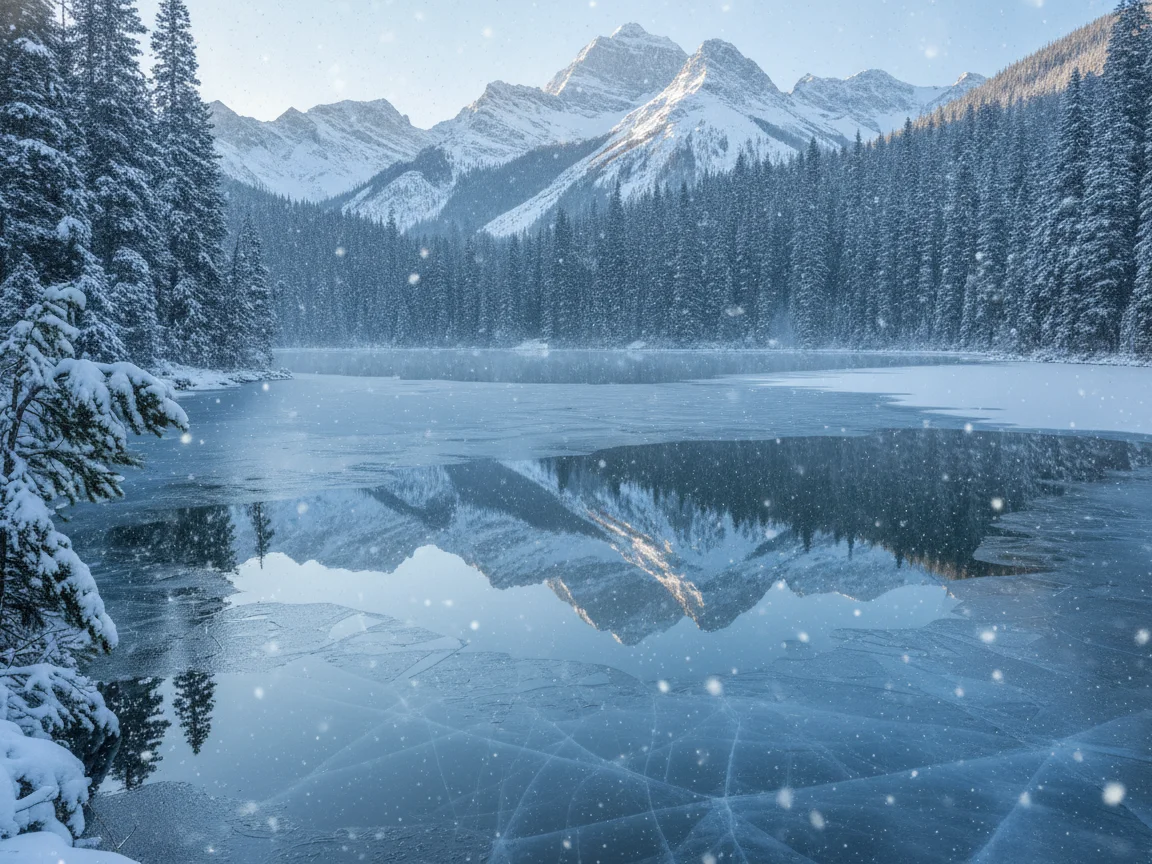
    Add snow to photo demo: a green summer lake freezes into a winter postcard

    This add snow to photo demo uses a summer mountain lake: green slopes, still water, a clear reflection. The winter photo filter treatment adds snow to the peaks and the shoreline, skins the shallows with thin ice, and fills the air with light falling snow while the reflection and the horizon stay untouched. Landscape and travel pictures are classic add snow to photo material — one upload turns a July hike into a January scene with the same composition.

    What People Add Snow to Photo For

    A snow filter for photos used to mean a static overlay. These are the six jobs people actually run through the AI add snow to photo workflow today.

    🎄

    Add snow to photo for holiday cards and greetings

    Family portraits, pet photos, and the annual cabin shot all become card material when you add snow to photo favorites from any season. Run the add snow to photo pass on a summer picture and you get a winter greeting image without waiting for real weather. One upload, one snowy download, and the card is ready to send.

    📱

    Add snow to photo for winter social posts

    Creators add snow to photo posts to ride the winter content wave: show the sunny original, then cut to the snowy version for the reveal. Because this snow filter for photos runs in the browser on any uploaded picture, you are not limited to whichever lens a social app keeps alive this month.

    🛍️

    Add snow to photo for seasonal product shots

    Outdoor gear, home decor, and accessory sellers add snow to photo catalog images to get the shop ready for the holiday shopping season. The add snow to photo pass keeps the product crisp and lays the snow into the environment around it, so one summer shoot covers the whole winter campaign.

    🏔️

    Add snow to photo for travel and landscape shots

    Travelers add snow to photo memories from places that never see snow: a green valley or a lakeside town becomes a January scene with the same composition. It is more than a winter photo editor trick — the model rebuilds light and atmosphere, not just white speckles.

    🐾

    Add snow to photo for pet and family fun

    The dog who has never seen snow, the kids on a July beach, the grandparents in their garden — add snow to photo moments like these and share the winter version in the family chat. Every face and tail stays exactly as it was; only the weather changes.

    🎨

    Add snow to photo for creative and editorial edits

    Designers and social editors add snow to photo assets as raw material: pair the before and after in a carousel, build a season-transition storyboard, or mock up a winter campaign. The prompt box steers the look from light flurries to a full blizzard.

    How to Add Snow to Photo

    Add snow to photo online with a single upload — three steps from the original scene to the snowy result, and the whole run takes well under a minute.

    1

    Upload any clear photo

    Start the add snow to photo tool with any sharp, well-lit picture: landscapes, streets, cabins, pets, and product shots all work. Open outdoor scenes give the add snow to photo model the most surfaces to cover; heavy blur and tiny subjects give it less to build on.

    2

    Describe the add snow to photo look

    The default add snow to photo prompt is tuned for realistic snowfall: thick cover on rooftops and branches, gentle flakes in the air, soft winter daylight, same scene and camera angle. Edit the add snow to photo prompt to dial it down to light flurries or up to a full blizzard — plain sentences are enough.

    3

    Generate and download

    Run add snow to photo and review the result in the preview panel. The exact credit cost shows before you confirm — the default model costs 4 credits per image, and new accounts start with 10, so your first add snow to photo image is covered by the signup credits. Download the result or adjust one line and run it again.

    More AI Image Effects

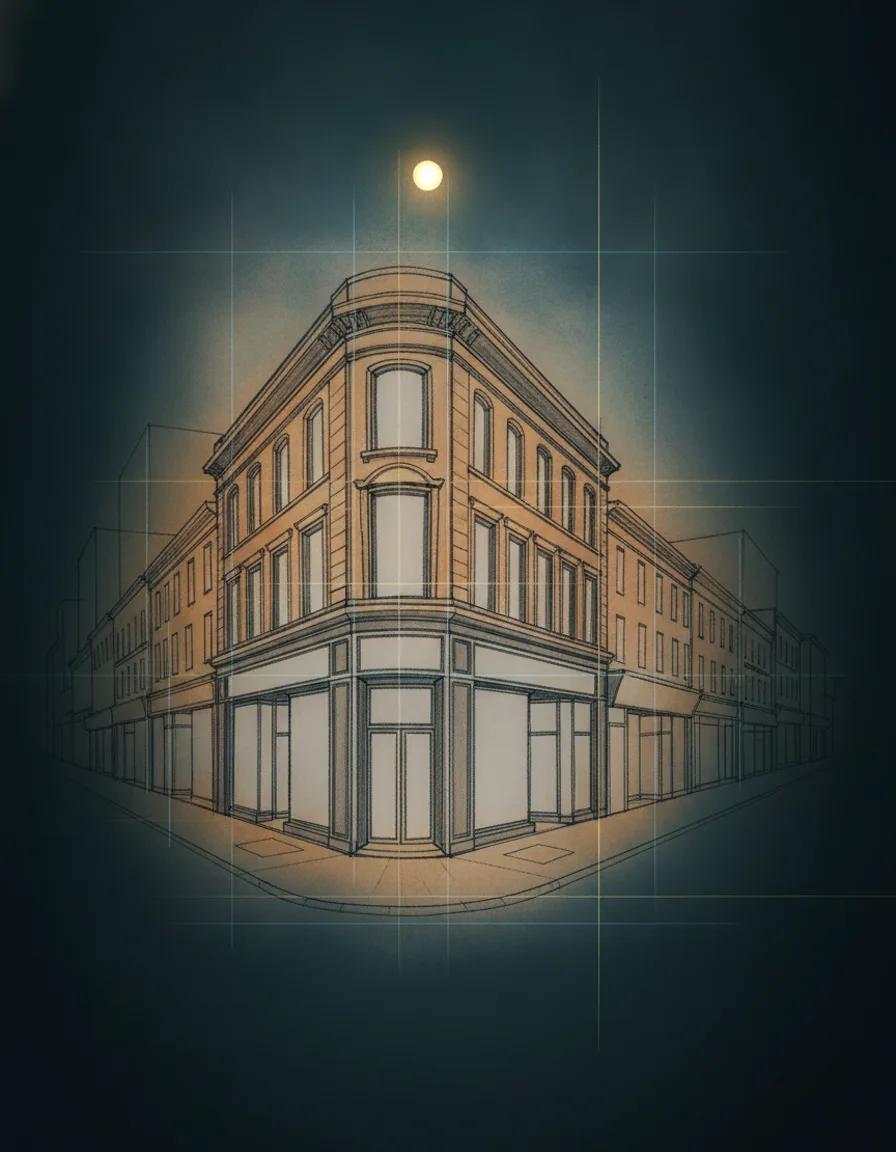
    AI Perspective Drawing

    AI Perspective Drawing

    Generate perspective drawings from a prompt or sketch, with one, two, or three vanishing points

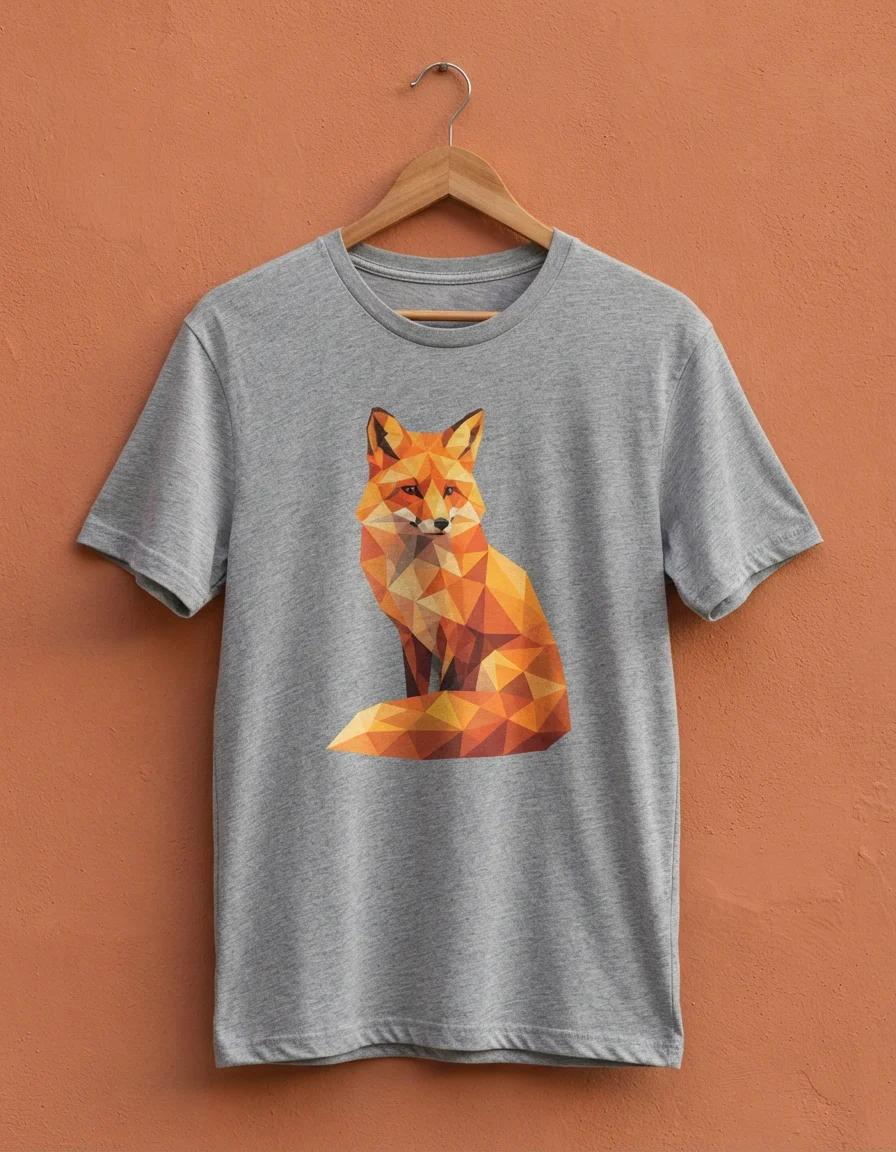
    AI T Shirt Design Generator

    AI T Shirt Design Generator

    Turn a plain-English idea into a custom shirt graphic: badges, slogans, and mascot art on clean backgrounds

    Comic Book Filter

    Comic Book Filter

    Turn any photo into a printed comic panel with bold ink outlines, cel shading, and halftone dots

    AI Smile Filter

    AI Smile Filter

    Add a natural, identity-true smile to any photo, from a subtle grin to a big beaming smile

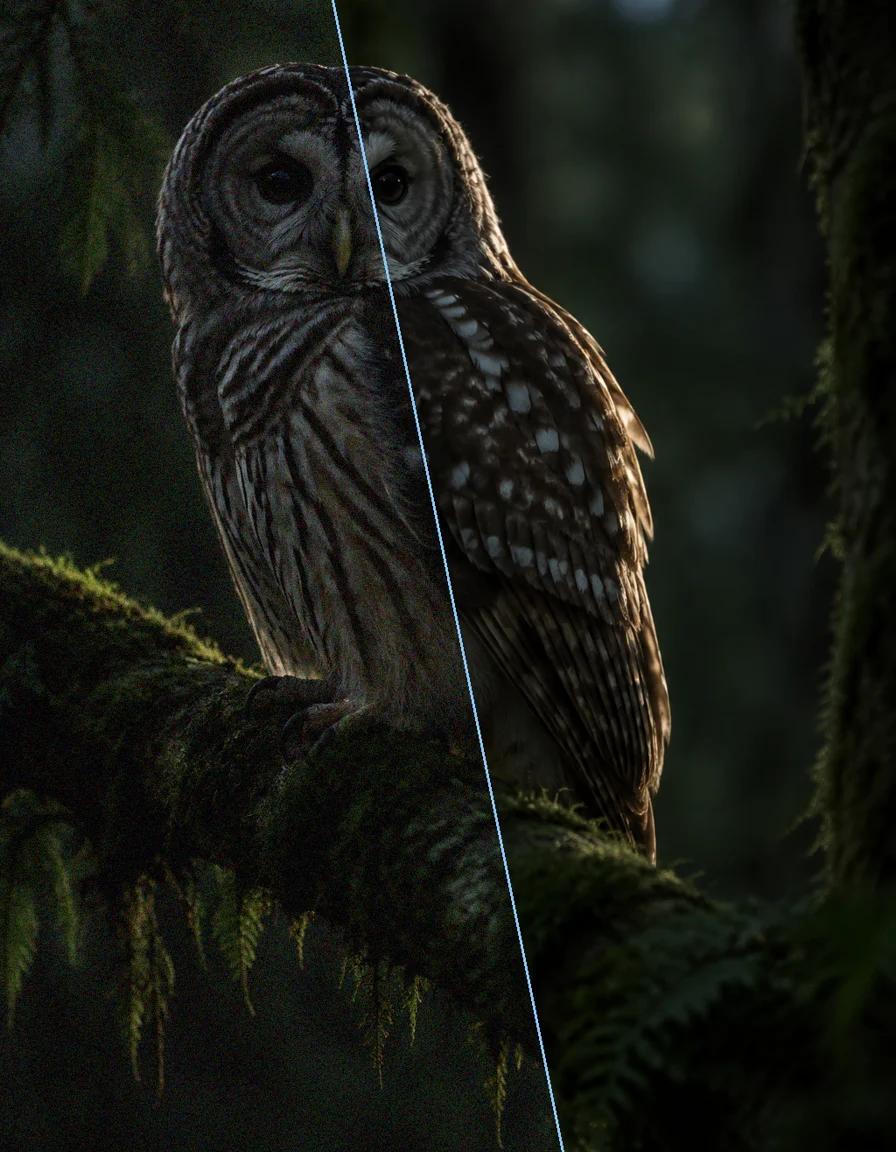
    AI Image Denoiser

    AI Image Denoiser

    Remove grain, sensor noise, and JPEG artifacts from photos while keeping real detail sharp

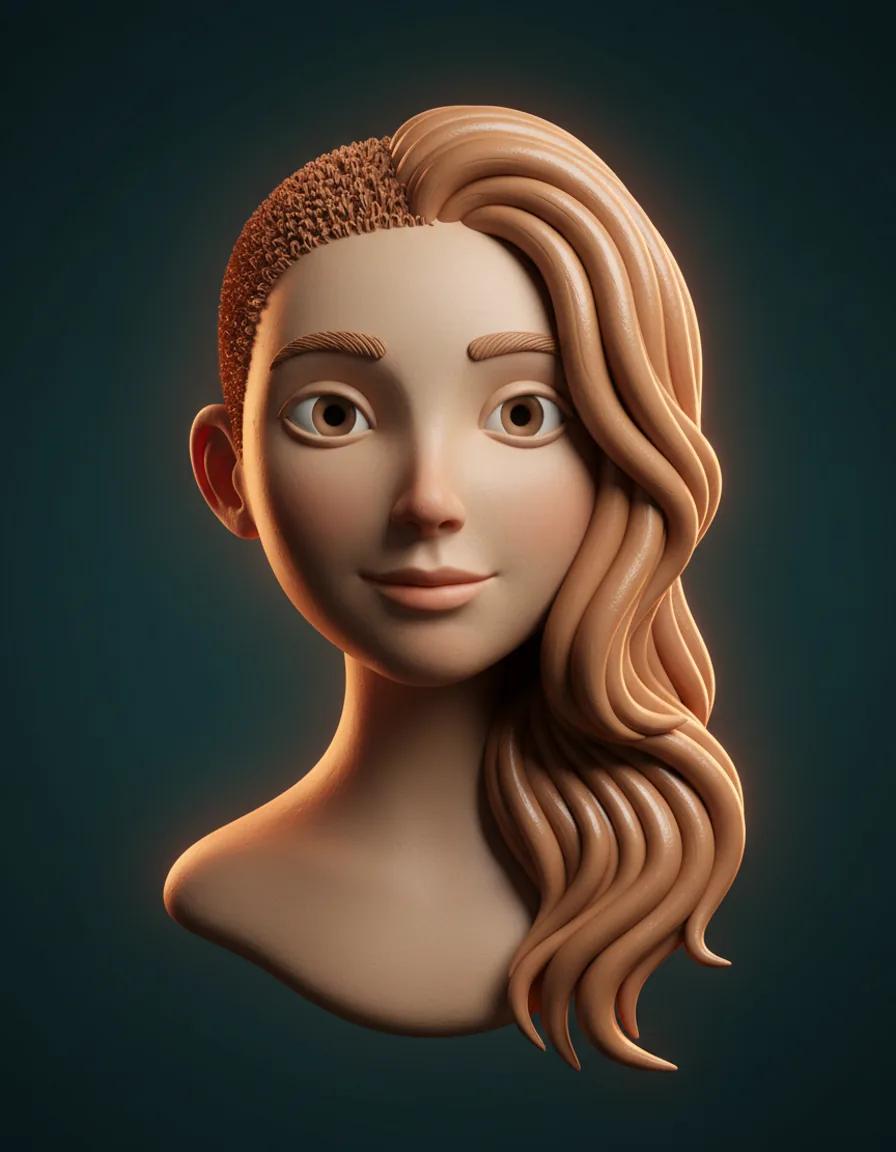
    AI Hair Growth

    AI Hair Growth

    See yourself with longer, fuller hair from a single portrait — only the hair changes

    Nano Banana 2.1

    Nano Banana 2.1

    Create with Google's real Nano Banana 2.1 image model today — sharp design, consistent subjects, and legible text up to 4K

    GPT Image 2.5

    GPT Image 2.5

    Create precise images from plain-language briefs with GPT Image 2.5, OpenAI's newest image model, in five quality tiers

    Add Snow to Photo FAQ

    Straight answers about how to add snow to photo: cost, photo choice, realism, and how the snow photo effect compares to overlay stickers.

    What does this add snow to photo tool actually do?⌄
    This add snow to photo effect repaints your photo as a winter scene: snow cover on surfaces like rooftops, branches, and roads, gentle falling snow in the air, and softer winter daylight. Unlike a snowflake sticker overlay, add snow to photo rebuilds the environment and the light while keeping the exact same scene, composition, and camera angle.
    How much does it cost to add snow to photo?⌄
    Your first add snow to photo image is covered in practice: new MaxArt accounts receive 10 starter credits, and one generation with the default model costs 4 credits. Every run shows its exact credit cost before you confirm, so there are no surprises.
    Do I need an app or desktop software to add snow to photo?⌄
    No. This add snow to photo tool runs entirely in your browser: upload any photo you own, no app install and no complex desktop software needed. That also means add snow to photo works on old pictures from your archive, not just shots taken inside a camera app.
    Will the snow cover my subject or product?⌄
    The add snow to photo snowfall focuses on the environment — rooftops, ground, branches, and the air — while people, pets, and products stay crisp and recognizable. The snow sits inside the scene, not on top of the whole picture.
    Can I change my image to a winter season scene, not just add flakes?⌄
    Yes — that is exactly what add snow to photo does here. To change your image to winter season properly, the model adds snow cover, shifts the light toward cold daylight, and can skin lakes with thin ice, all while the framing stays identical. Light flurries or a deep-winter look are both one prompt edit away.

    Ready to See Your Photo in the Snow?

    Add snow to photo online with a single upload and watch a summer memory turn into a winter scene. Realistic snow cover, gentle falling flakes, and soft winter light in seconds — and your first add snow to photo image is covered by the starter credits.

    Add Snow to Photo Now