

MaxArt AI
Pricing
Create
  • AI Video Effects
  • AI Image Effects
Models
  • Nano Banana 2.1New
  • GPT Image 2.5New
  • Seedance 2.5New
  • GPT Image 2
  • Happy Horse
  • Seedance 2.0
  • Seedream 5.0 Pro
  • OiiOii AI
  • A2E AINew
  • Google Flow

Loading...

    English
    Français
    Deutsch
    Español
    Italiano
    日本語
    한국어
    繁体中文
    Português
    Privacy policyTerms of serviceRefund policy

    © 2026 MaxArt.ai All rights reserved.

    1. Home
    2. AI Image Effects
    3. AI Image Denoiser

    AI Image Denoiser

    Remove noise and grain, keep every real detail

    Upload a noisy photo and let the AI image denoiser lift out sensor grain, chroma speckling, and compression artifacts while the scene itself stays untouched. Night streets, indoor phone shots, old scans, star fields — this AI image denoiser cleans them in the browser in about a minute, no software to install.

    Denoise a photo freeSee before / after ↓
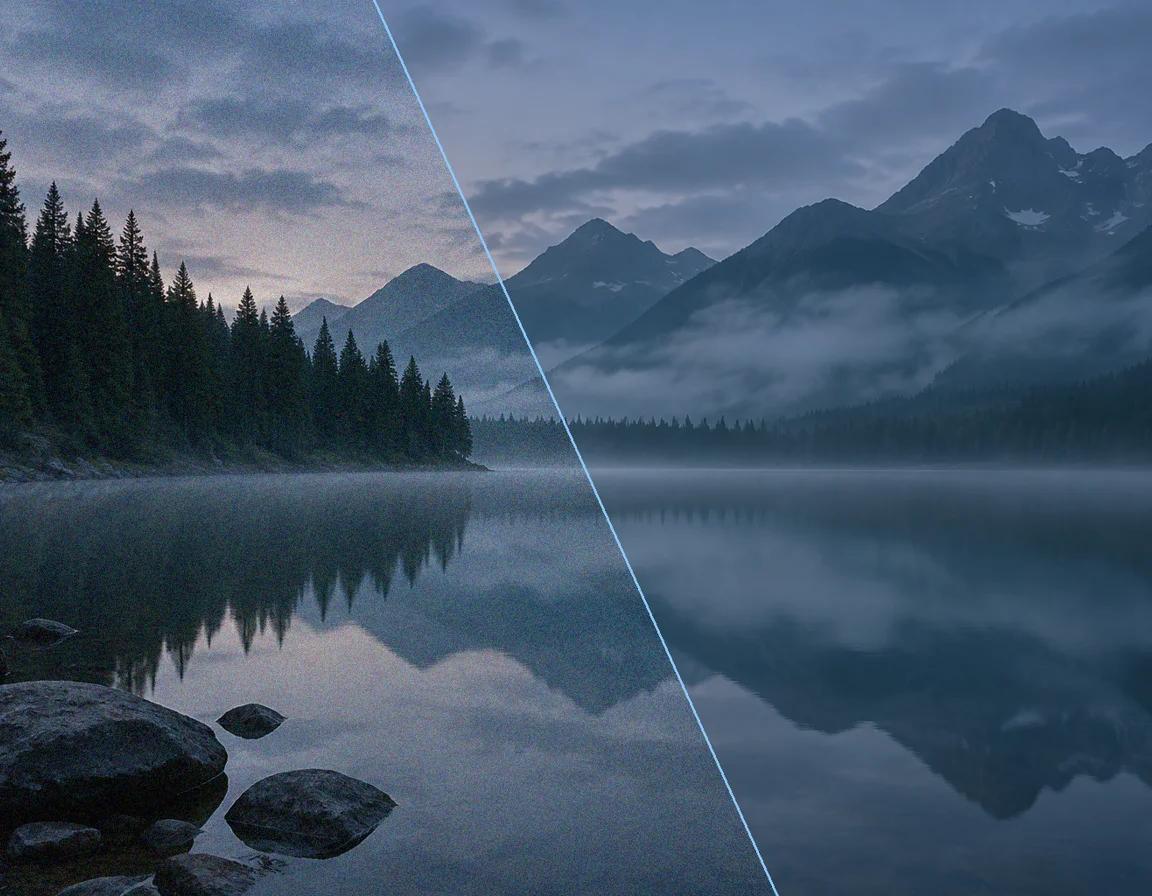
    A mountain lake photo split between heavy digital noise on the left and the clean AI-denoised version on the right

    One noisy frame in, one clean frame out — the AI image denoiser removes the grain, not the mood.

    Denoise your photo now

    Upload the noisy image and run the AI image denoiser with the tuned default prompt. The preview below shows a real denoised result from this same workspace, and the exact credit estimate appears before you confirm.

    Loading...

    More AI Image Effects

    AI Hair Growth

    AI Hair Growth

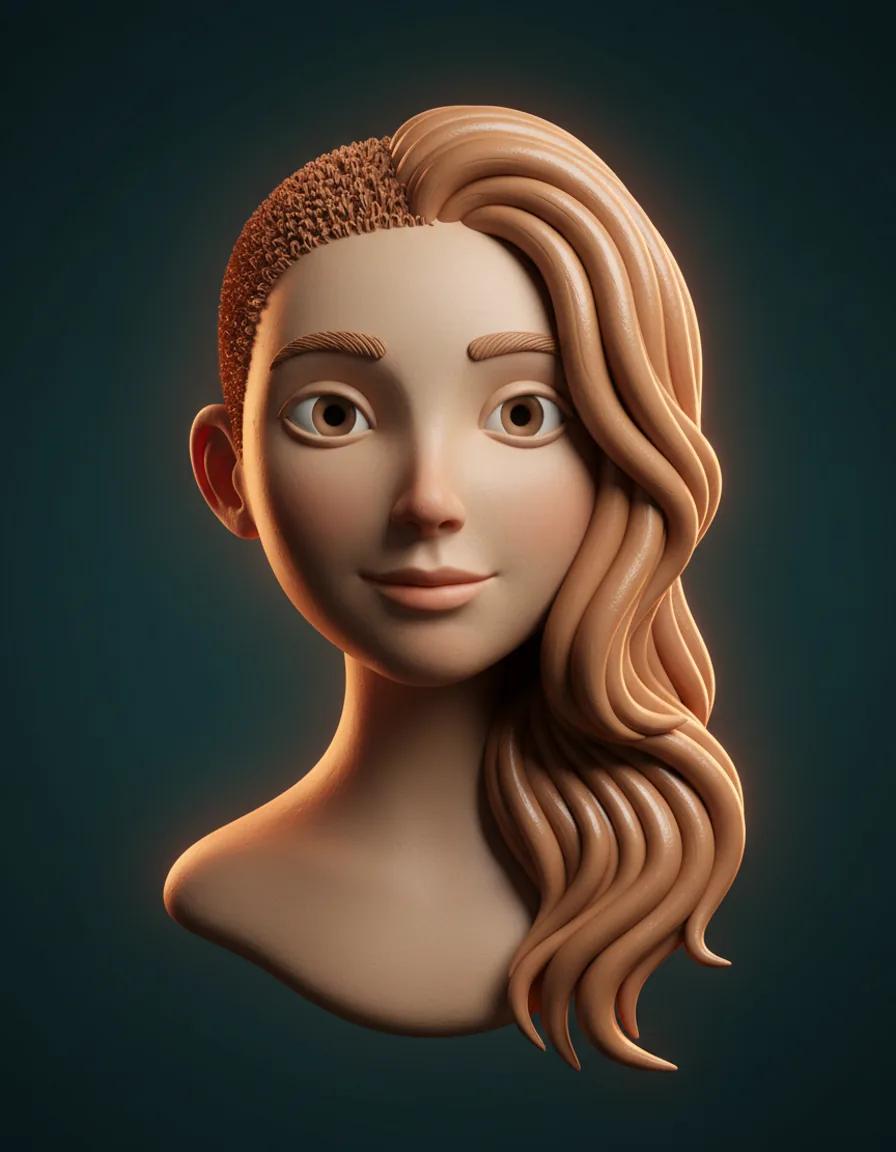
    See yourself with longer, fuller hair from a single portrait — only the hair changes

    Nano Banana 2.1

    Nano Banana 2.1

    Create with Google's real Nano Banana 2.1 image model today — sharp design, consistent subjects, and legible text up to 4K

    GPT Image 2.5

    GPT Image 2.5

    Create precise images from plain-language briefs with GPT Image 2.5, OpenAI's newest image model, in five quality tiers

    GPT Image 2

    GPT Image 2

    Create polished portraits, posters, room concepts, and edited visuals with GPT Image 2 on MaxArt.ai

    Seedream 5.0 Pro

    Seedream 5.0 Pro

    Create controlled images, precise edits, and structured visual designs with Seedream 5.0 Pro

    Recraft V4

    Recraft V4

    Recraft V4 explained — plus a free design-focused AI image generator you can try on MaxArt today

    Dola AI Image Generator

    Dola AI Image Generator

    Create images with Seedream 5.0 Pro, the ByteDance model widely reported to power Dola AI — browser-based, full controls, transparent credits

    Photo to Painting

    Photo to Painting

    Turn any photo into an oil painting, watercolor, or impressionist artwork with AI

    Before and after: real AI image denoiser results

    Every pair below went through this page’s AI image denoiser for real. Drag the handle on each frame and watch the grain lift away while the actual content — reflections, fur, stars — stays put.

    After AI image denoiser — AI image denoiser night street demo
    After
    Before

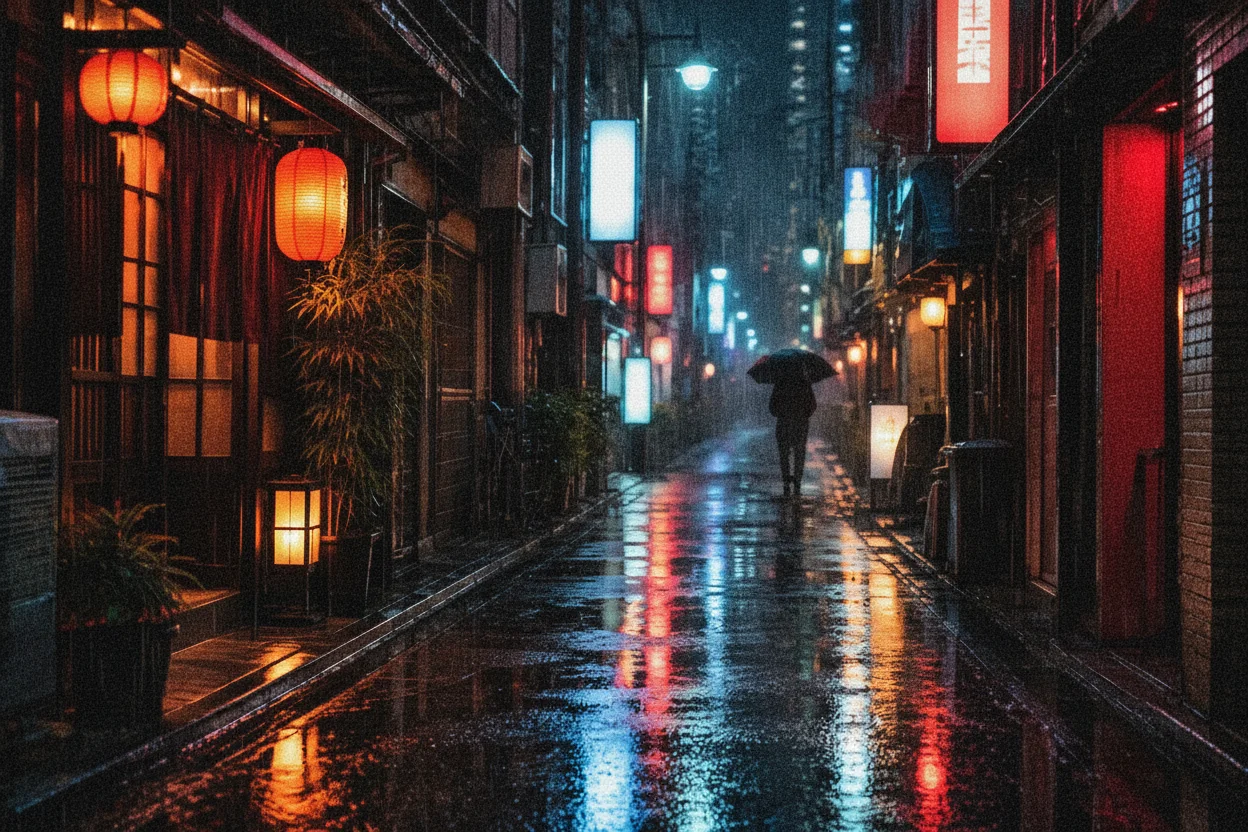
    Rainy night neon, minus the high-ISO grain

    Night street shots are the hardest test for any AI image denoiser: deep shadows hide the worst chroma noise, and neon reflections punish heavy-handed smoothing. In this demo the AI image denoiser strips the grain from the wet pavement and the dark storefronts while keeping every lantern reflection crisp and the lone umbrella silhouette exactly where it was. Drag the handle and you can watch the noise floor lift away without the scene going soft — that balance between clean shadows and surviving detail is what a good AI image denoiser is for.
    After AI image denoiser — AI image denoiser low-light pet photo demo
    After
    Before

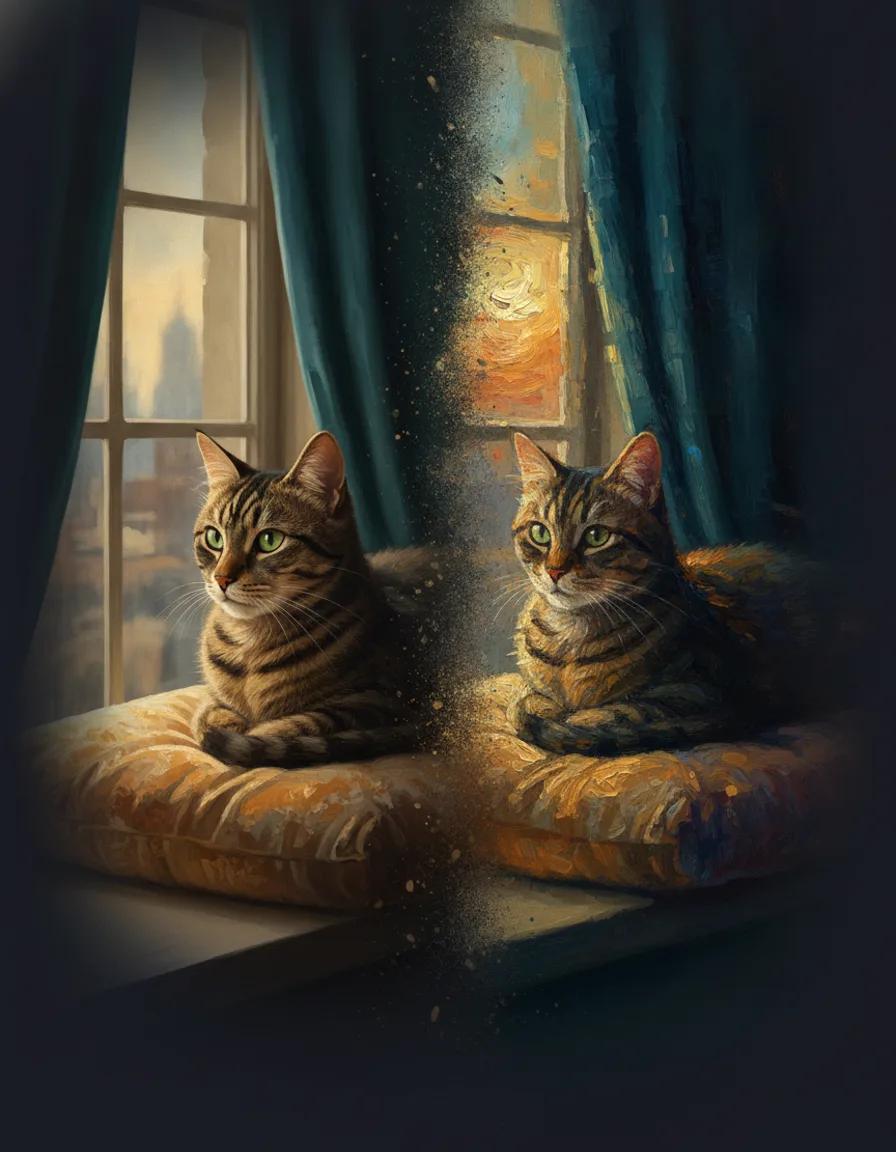
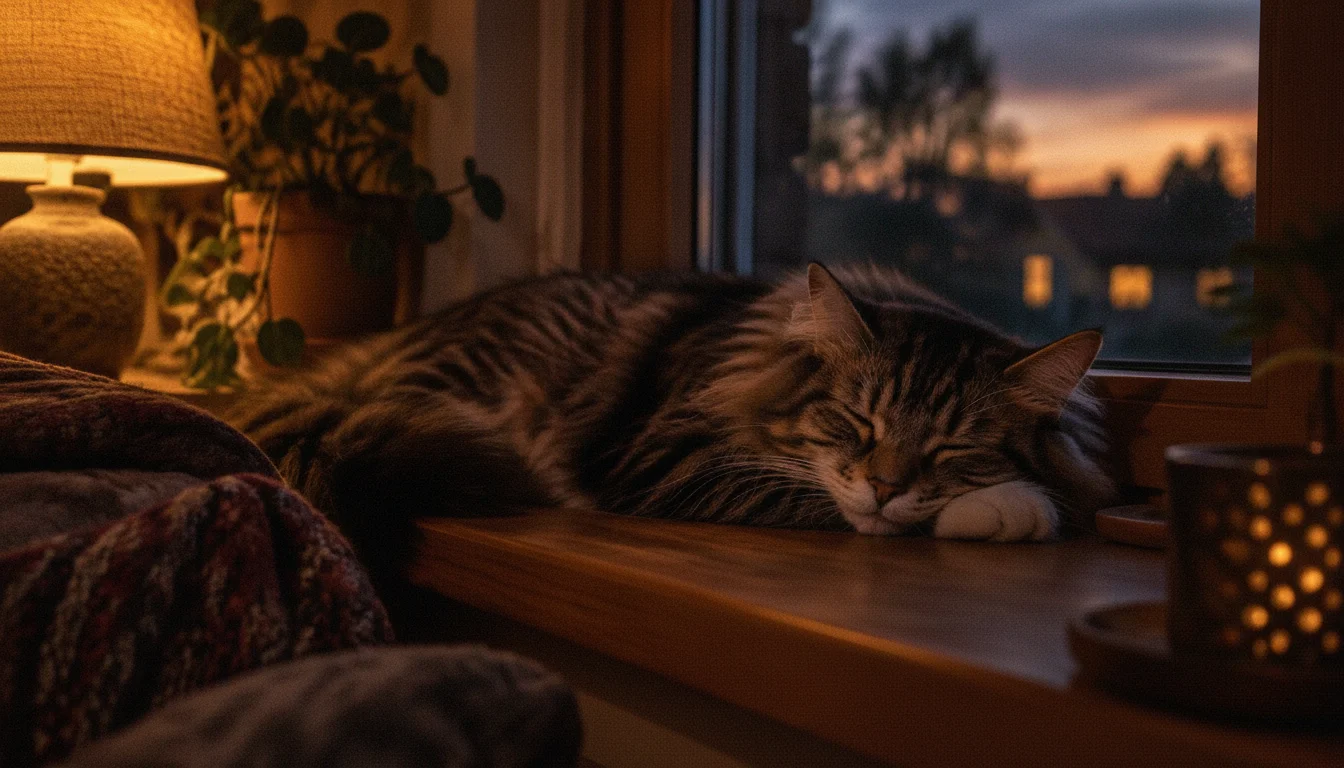
    A dim windowsill portrait, rescued fur by fur

    Indoor pet photos live or die on fine texture, which is exactly where a sloppy denoise pass turns fur into watercolor. This AI image denoiser demo starts from a dim, warm-lamp windowsill shot full of shadow noise, and the cleaned version keeps individual fur strands, the wood grain of the sill, and the soft dusk light outside. The AI image denoiser reads the difference between random sensor noise and real texture, so the sleeping cat stays touchably fluffy instead of melting into plastic.

    After AI image denoiser — AI image denoiser astrophotography demo
    After
    Before

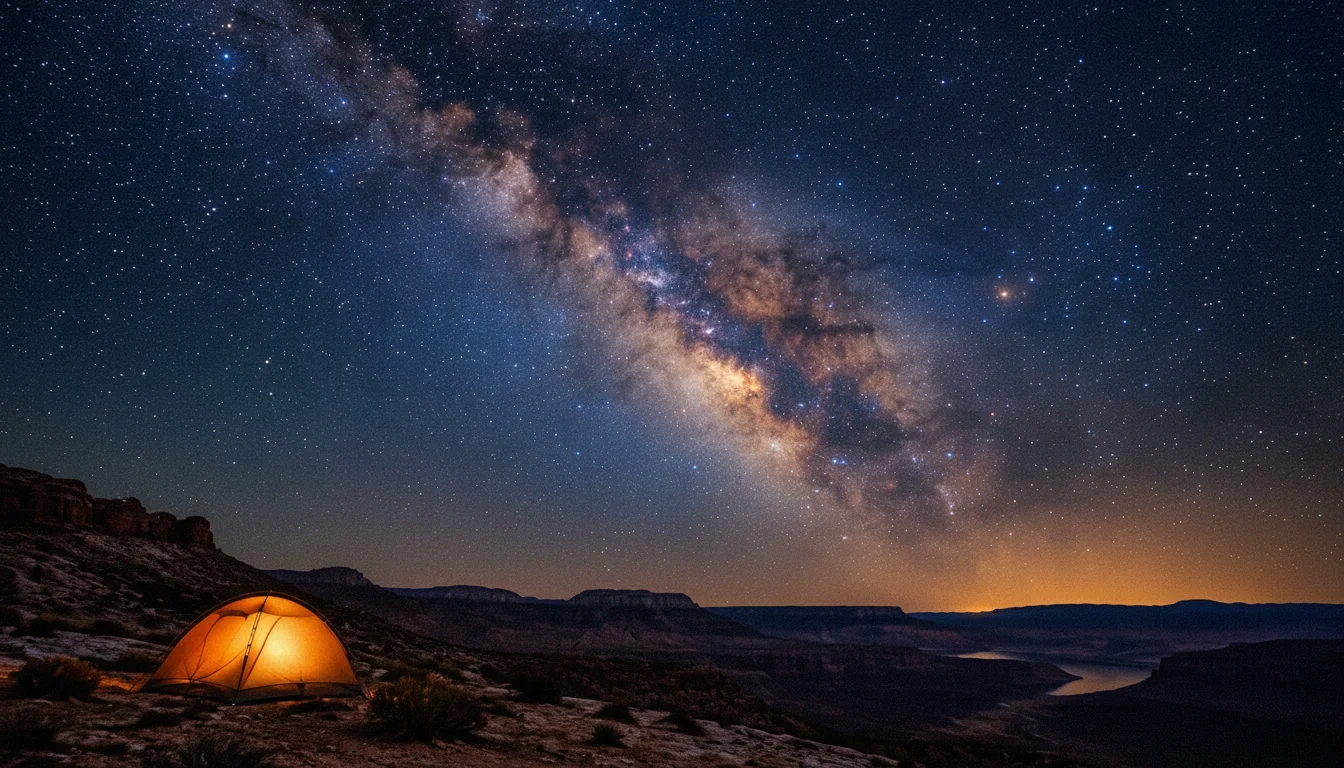
    Milky Way noise cleanup that keeps the stars

    Astrophotography pushes noise reduction into its hardest corner: the frame is mostly near-black sky, and the things you must not lose are tiny points of light. In this AI image denoiser demo, the grain crawling across the night sky disappears while the Milky Way band and the individual stars stay intact, and the glowing tent on the ridge keeps its warm edges. If you shoot the night sky without a tracker, an AI image denoiser pass like this is the difference between a throwaway frame and a printable one.

    Where it earns its keep

    Six jobs for an AI image denoiser

    Noise shows up anywhere the light runs out. These are the jobs an AI image denoiser handles best — each one a real photo situation, not an abstract feature list.

    🌃

    Low-light and night photography

    High-ISO night shots, city lights, concerts, and evening streets are where an AI image denoiser earns its keep. Upload the grainy frame and the AI image denoiser lifts the noise out of the shadows while keeping the lights, reflections, and mood that made you take the shot.

    📱

    Phone photos taken indoors

    Small phone sensors produce noisy indoor photos even in decent light. An AI image denoiser pass cleans up birthday dinners, restaurant shots, and cozy room photos so they look like they were taken with a much bigger camera.

    🗂️

    Old scans and archived photos

    Scanned film and old digital photos carry grain, dust texture, and compression artifacts. The AI image denoiser smooths the noise while respecting the original faces and places, giving family archives a cleaner second life without a restoration studio.

    📦

    Product and e-commerce shots

    A noisy product photo reads as cheap even when the product is not. Run marketplace and storefront images through the AI image denoiser to get clean backgrounds and crisp materials that hold up on a product page.

    ✨

    Astrophotography and night skies

    Star fields and Milky Way frames are mostly darkness plus tiny bright points — the worst case for noise. This AI image denoiser removes the crawling grain while keeping stars pin-sharp, so untracked night shots become keepers.

    🧹

    JPEG artifacts and compressed images

    Images saved, forwarded, and re-saved pick up blocky compression noise along the way. An AI image denoiser pass smooths the artifacts and restores smoother gradients, which is often enough to make a reused image presentable again.

    Three steps

    How the AI image denoiser works

    No masks, no layers, no manual sliders to learn. The whole AI image denoiser workflow is upload, run, download — with one prompt you can nudge if you want a stronger or gentler cleanup.

    1

    Upload the noisy photo

    Drop the grainy image into the AI image denoiser — night shots, indoor phone photos, old scans, anything noisy. The AI image denoiser works on the photo as it is; no need to crop, resize, or pre-process before uploading.

    2

    Let the denoise prompt do the work

    The default AI image denoiser prompt is tuned to strip sensor noise and grain while preserving composition, color, and texture. You can adjust it in plain language — stronger cleanup for heavy grain, or a lighter touch when the photo already has atmosphere you want to keep.

    3

    Review and download the clean image

    Run the AI image denoiser and check the result in the preview panel. The exact credit cost shows before you confirm — the default denoise model costs 4 credits per image, and new accounts start with 10, so your first AI image denoiser run is free. Download the cleaned photo or adjust one line and run it again.

    Frequently asked questions

    AI image denoiser questions, answered

    What the AI image denoiser removes, how it treats detail, what it costs, and when a second pass beats a stronger one.

    What is an AI image denoiser?⌄
    An AI image denoiser is a tool that removes digital noise — the grain, speckles, and color artifacts that appear in low-light, high-ISO, or heavily compressed photos. Instead of blurring everything evenly, this AI image denoiser tells the difference between random noise and real detail, so the cleaned photo stays sharp.
    How do I denoise a photo online with this tool?⌄
    Upload the noisy photo, keep or adjust the denoise prompt, and run the AI image denoiser. The cleaned result appears in the preview panel in about a minute, and you can download it right away. No software install, no account gymnastics — the AI image denoiser runs entirely in the browser.
    Will the AI image denoiser make my photo blurry or plastic?⌄
    That over-smoothed look comes from older denoise filters that cannot separate noise from texture. This AI image denoiser is generative: it rebuilds clean detail instead of smearing it, so fur, fabric, skin texture, and night-sky stars survive the cleanup. For very heavy grain, a second lighter pass often beats one aggressive one.
    What kinds of noise can it remove?⌄
    The AI image denoiser handles the common offenders: high-ISO sensor grain in dark areas, chroma noise (the red-green speckling in shadows), luminance noise that looks like film grain, and blocky JPEG compression artifacts. It works on color and black-and-white photos alike.
    How much does the AI image denoiser cost?⌄
    The default denoise model costs 4 credits per image, and the exact estimate shows in the generator before you confirm. New accounts start with 10 free credits, so your first AI image denoiser run costs nothing. There is no subscription — you only spend credits when you denoise a photo.
    How is this different from the denoise in my camera app?⌄
    Built-in camera and gallery denoise usually applies a fixed-strength filter to the whole frame, which is why detail smears. This AI image denoiser rebuilds the image with an understanding of what is in it — sky, fur, neon, skin — and treats noise differently from content, and you can steer the strength with plain-language instructions.

    Your noisy photos deserve a second take

    Pick the grainiest shot in your camera roll — the concert, the night market, the cat at dusk — and run it through the AI image denoiser. The first cleanup is on the house, and the before/after is the review that matters.

    Denoise a photo free