
Story animation showcase
This official showcase (Chinese UI) demonstrates how the platform frames itself around complete story animation rather than isolated motion tests.
Use MaxArt.ai's generator like a story-first animation brief: define the character, the mood, the scene, and the camera language before you generate.
OiiOii AI (also searched as "Oii Oii AI") is one of the most interesting animation products right now because it does not market itself as just another text-to-video tool. It is positioned as an AI animation agent team: a multi-agent system for script planning, role design, storyboard logic, scene building, and animated output. This page turns the scattered conversation into one practical guide.
The official homepage advertises a style library of 140+ styles, positioning the product as a style-aware system rather than a one-template workflow.
Official marketing describes support for 30+ generation models coordinated by the agent team, covering planning, visual direction, character work, and scene production.
The official homepage ships multiple polished showcase videos, which is a strong signal that the platform is optimized around finished creative presentation.
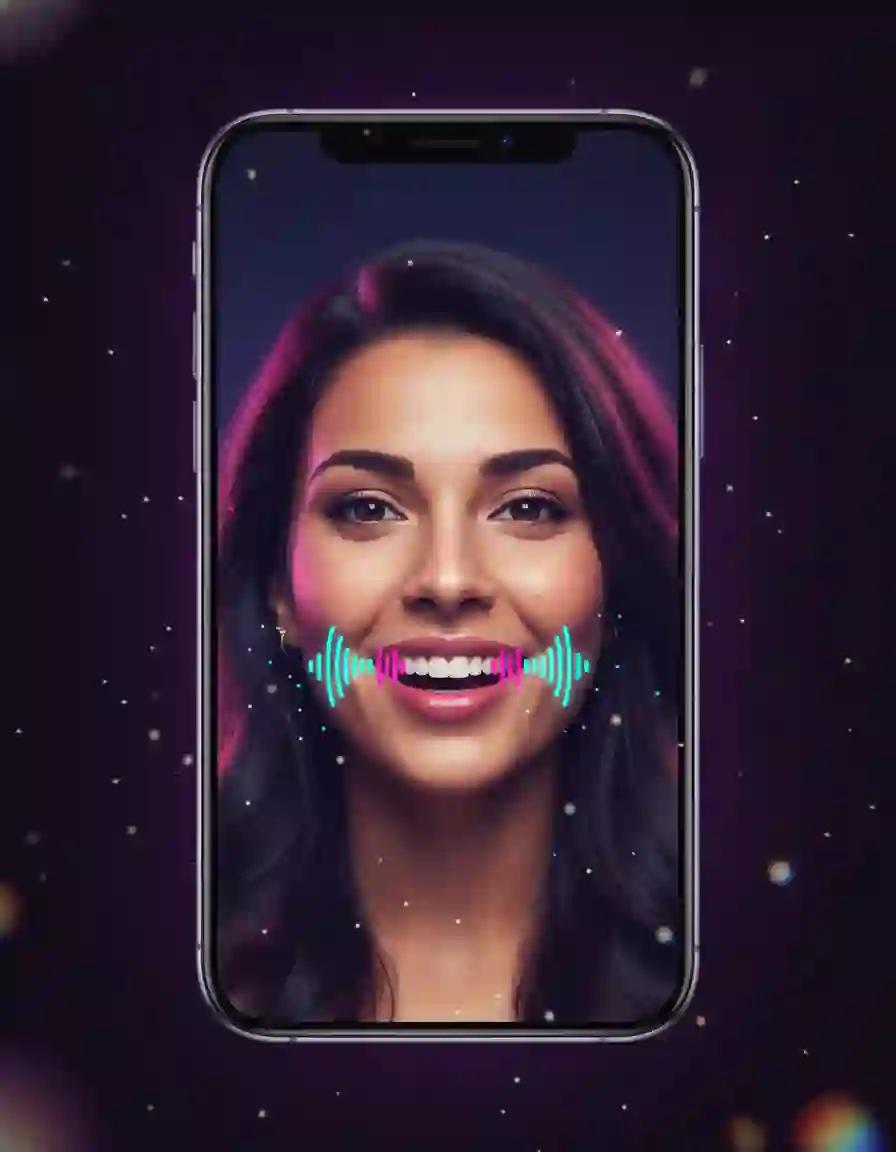
Create A2E AI-style talking photos, avatar presenters, and character shorts with native audio
Create videos with Seedance 2.5, the ByteDance model widely reported to power Dola AI — full duration, ratio, and audio controls in your browser
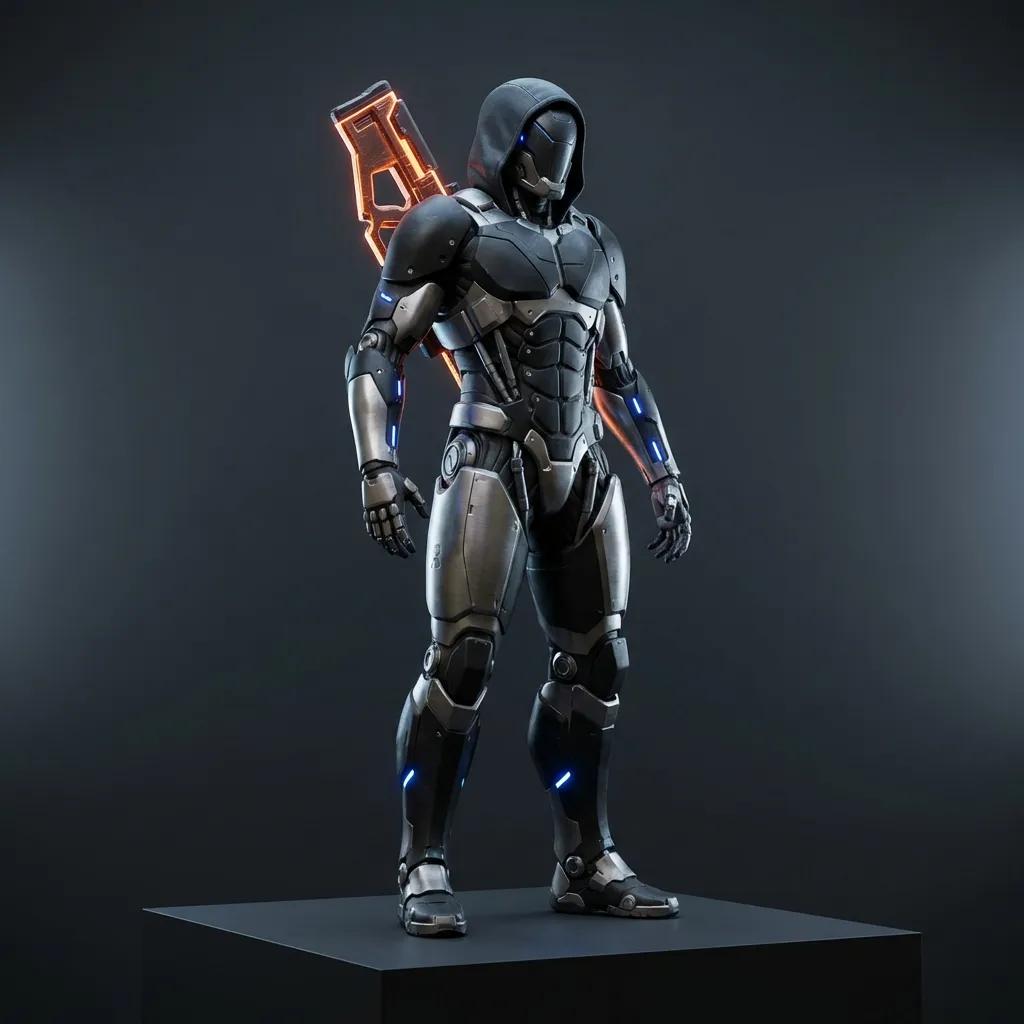
Add a 360° rotation effect to your videos with our AI 360° Rotation Video Generator

Add a smooth transition effect to your videos with our AI Smooth Transition Video Generator
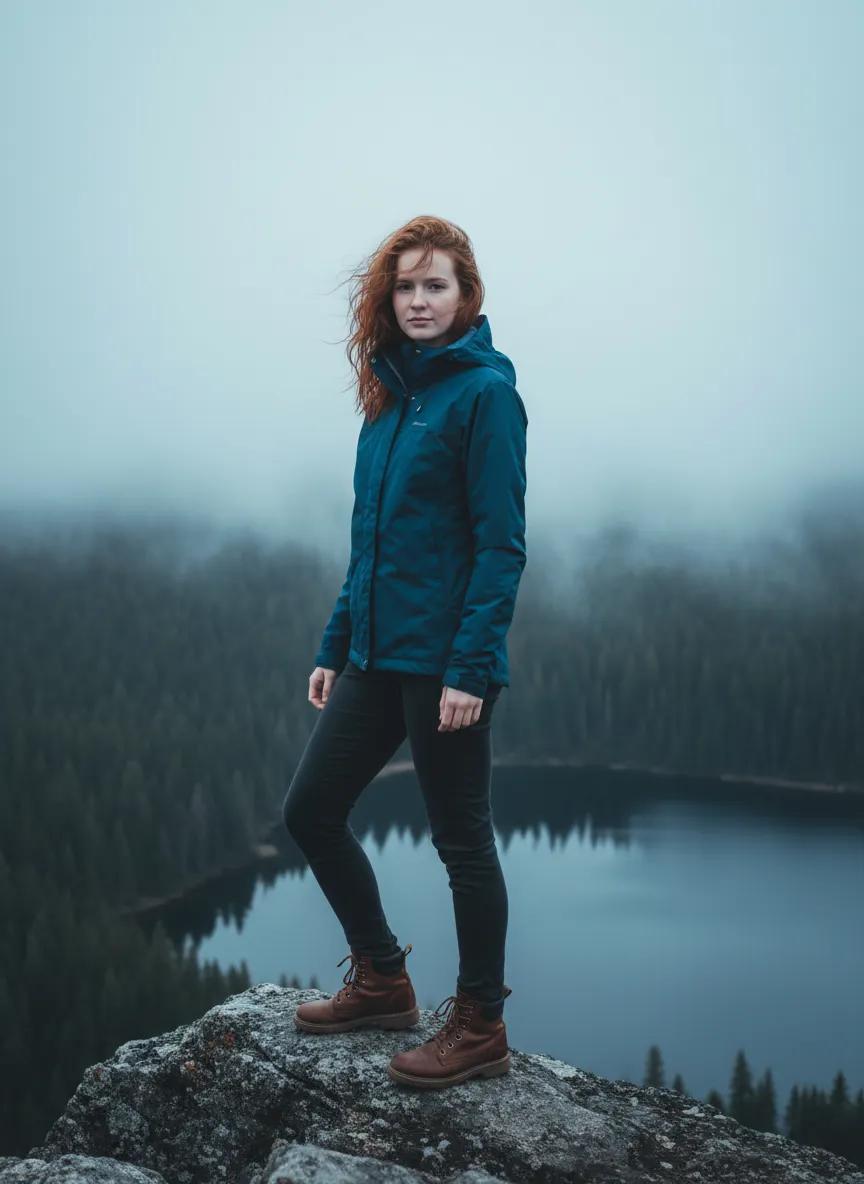
Turn portraits and animals into cinematic forest flying videos with our AI Flying Video Generator
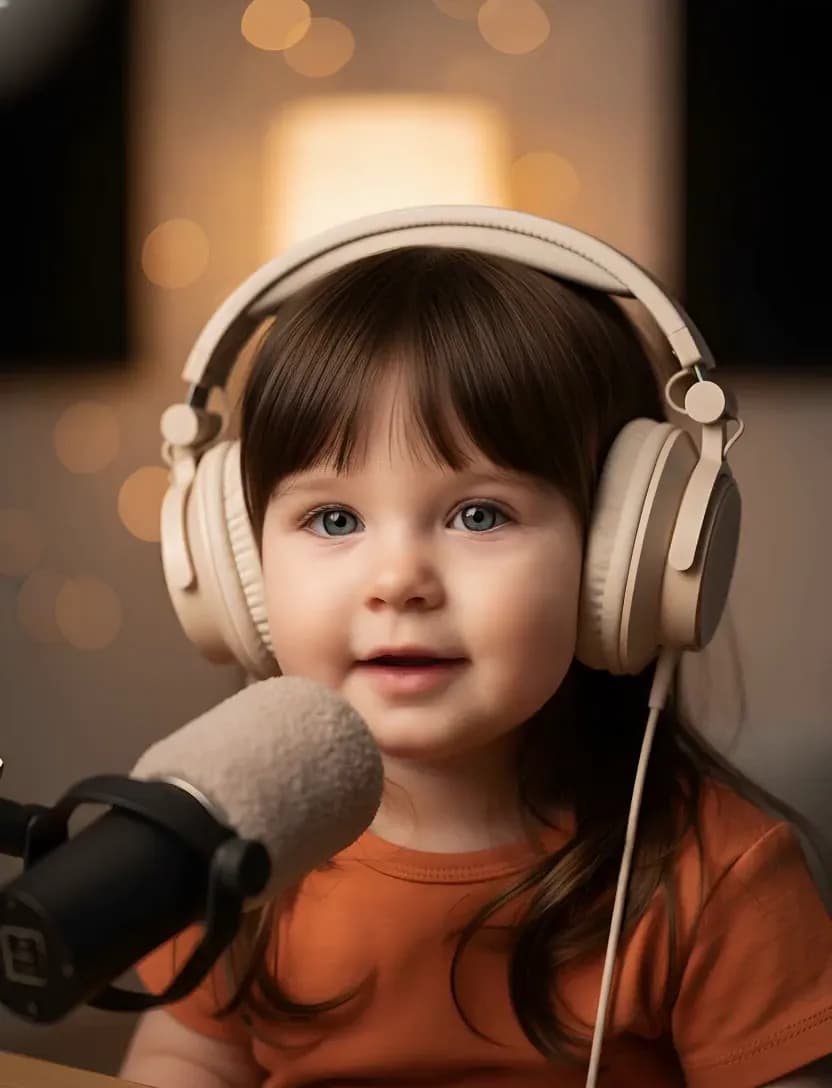
Transform adult photos into cute talking baby podcast videos with AI
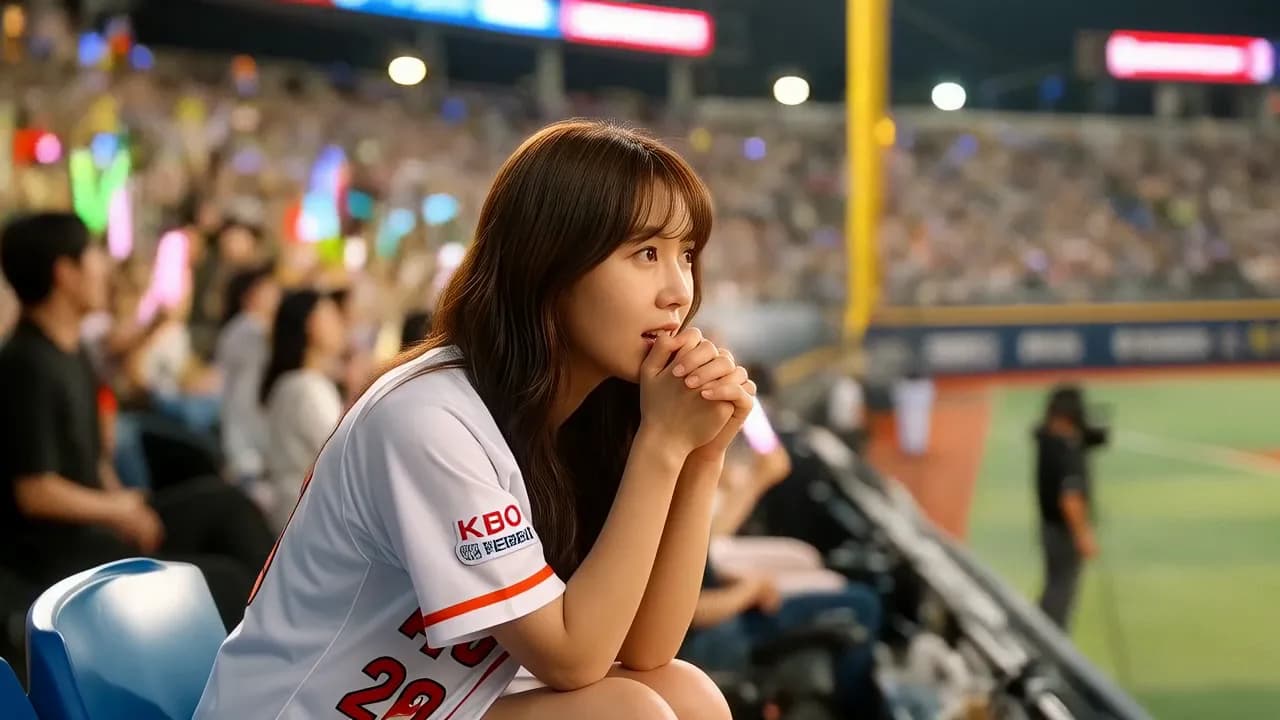
Recreate the viral Korean baseball AI video trend. Upload a photo and generate cinematic KBO stadium videos with AI.
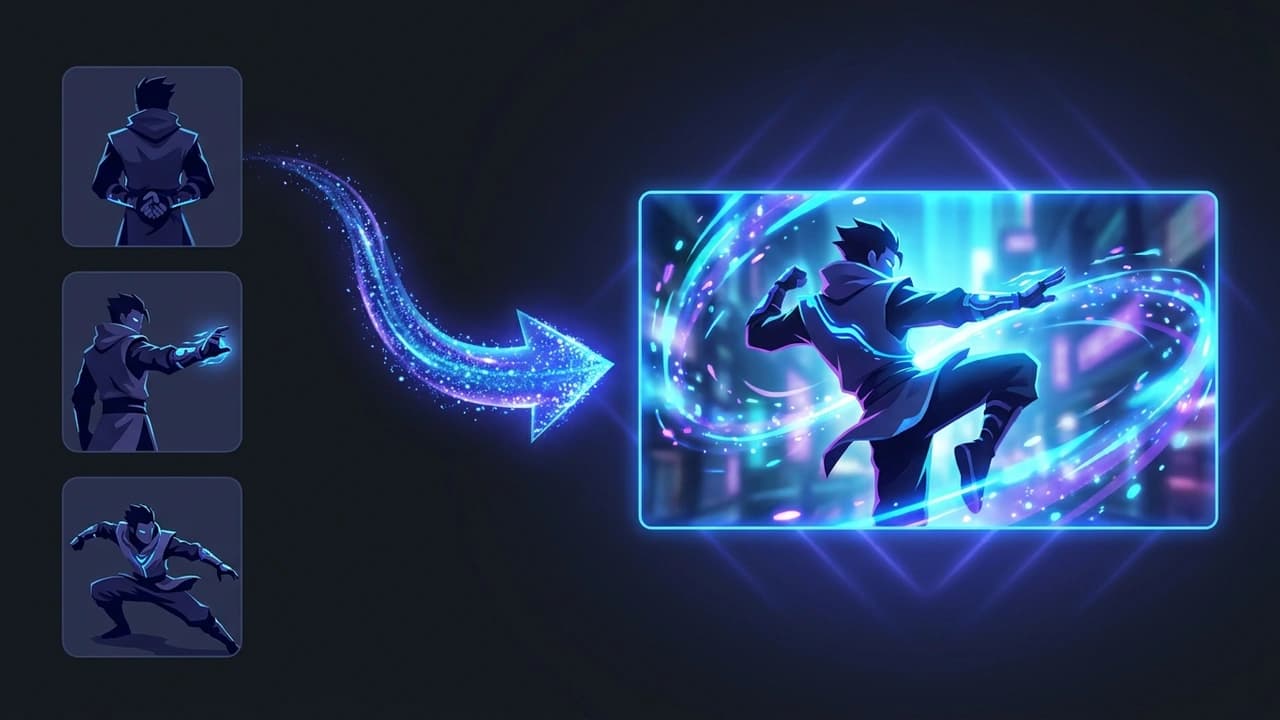
Turn reference images, clips, and audio into consistent videos.
These official showcase videos come from the product homepage that is currently visible in the product experience. They are useful because they show what the platform actually chooses to emphasize: story animation, anime music video styling, manga adaptation, character setup, and IP creation.
This official showcase (Chinese UI) demonstrates how the platform frames itself around complete story animation rather than isolated motion tests.
This example shows why the platform is attractive for stylized editing, music-led pacing, and visually unified sequences that feel intentionally art directed.
The official showcase (Chinese UI) highlights creator workflows that move from concept art or comic-style references into animated sequences with coherent tone and pacing.
This official clip (Chinese UI) supports one of the strongest talking points: building reusable character identity before pushing into larger story production.
The IP creation showcase is a good reminder that this animation agent is not only about clips. It is also about building worlds, brands, and repeatable visual systems around original characters.
The platform stands out because it speaks the language of production instead of the language of gimmicks. Most tools compete on pure generation speed. This one competes on structure: character continuity, storyboard logic, style cohesion, and a workflow that looks closer to a virtual animation studio than a prompt roulette wheel.
The official homepage presents the product as an AI animation agent team for creators. The current product messaging highlights story animation, character design, a free canvas workflow, multi-model support, and a style library of 140+ styles visible directly on the homepage.
Search discovery around this animation agent repeatedly points to public showcase spaces where the platform publishes finished examples. These spaces reinforce the product's positioning around narrative animation, agent collaboration, and polished story-first outputs.
Independent coverage frames the platform as focused on longer-form animated storytelling, character consistency, and a studio-like workflow rather than one-off novelty clips. That outside perspective helps explain why this AI animation agent stands out from generic text-to-video tools.
The official product materials pair key workflow ideas with strong visual anchors. These boards make the agent roles, character system, and style logic much easier to understand while you read through the workflow below.
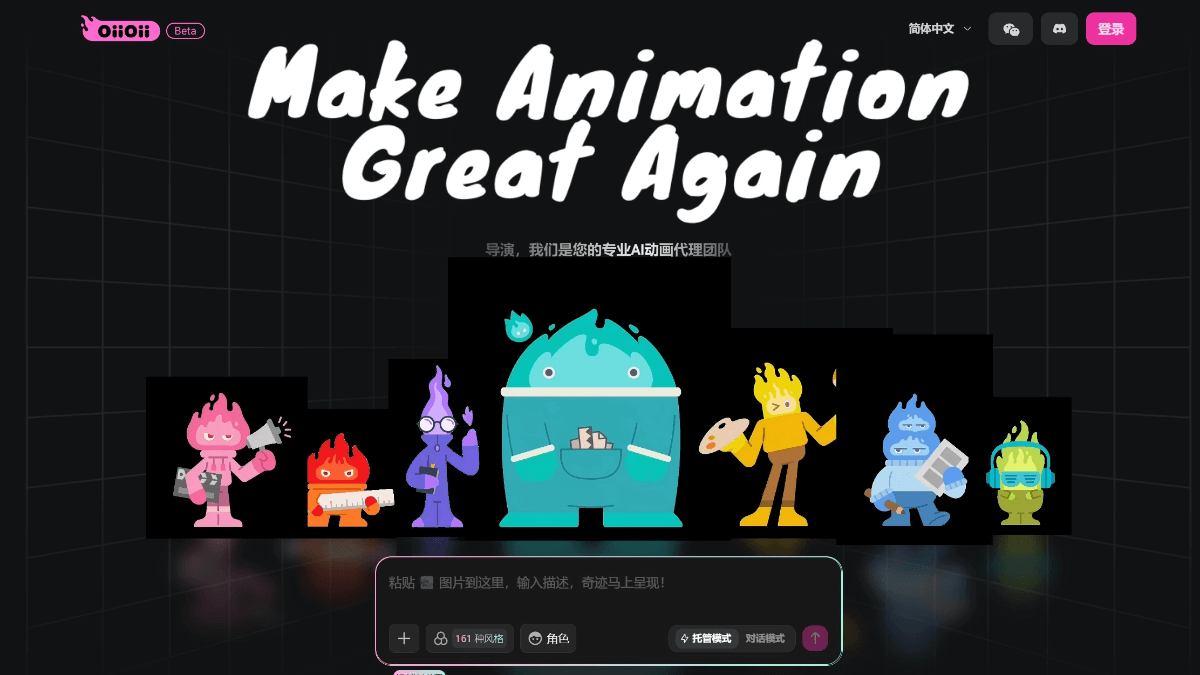
This capture shows the product-style homepage framing around animation creation. It works well near the top of the page because it immediately gives visitors a feel for how the product presents itself as a polished animation product, not just a lab demo.
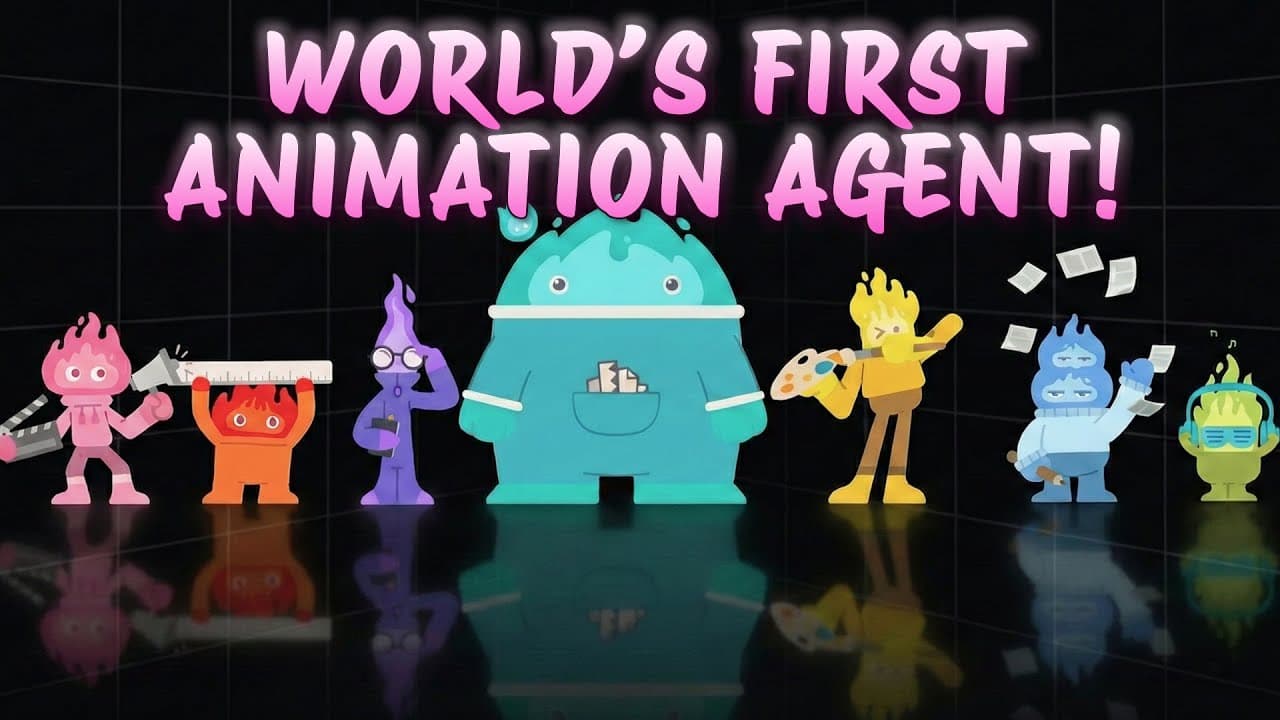
This lineup image makes the multi-agent positioning much easier to understand at a glance. The different mascots, tools, and role signals show how the agent team divides production responsibilities.
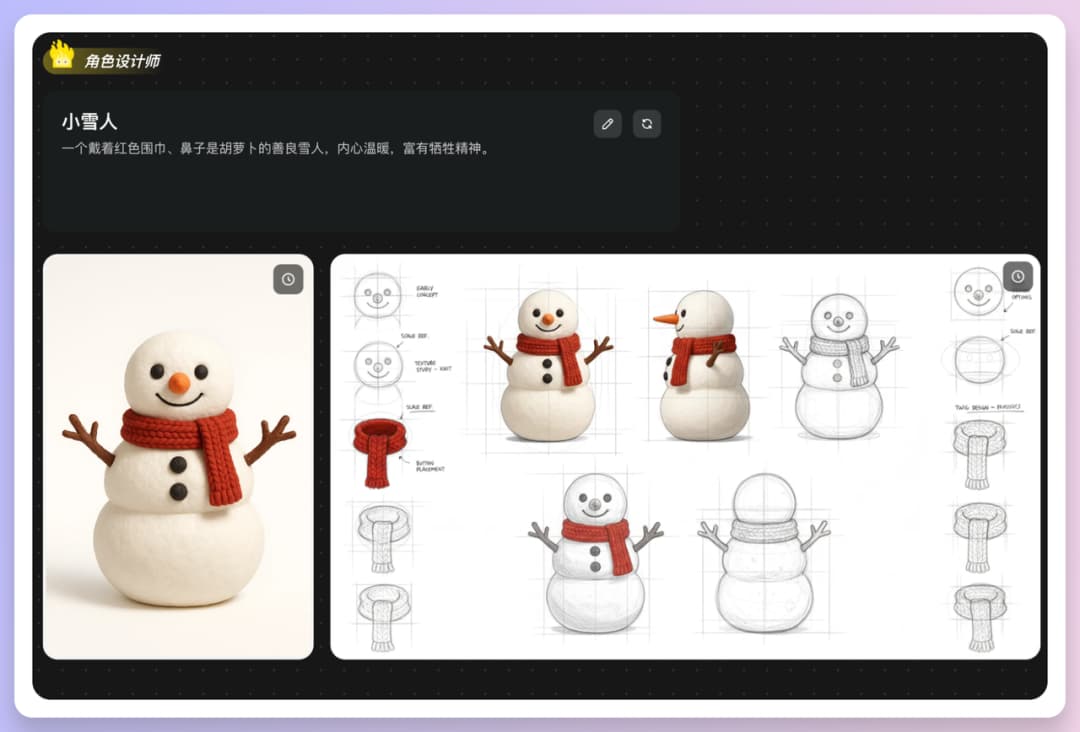
This snowman board gives the page a concrete example of how a single character can be defined with turnarounds, sketches, and detailed design studies before moving deeper into production.
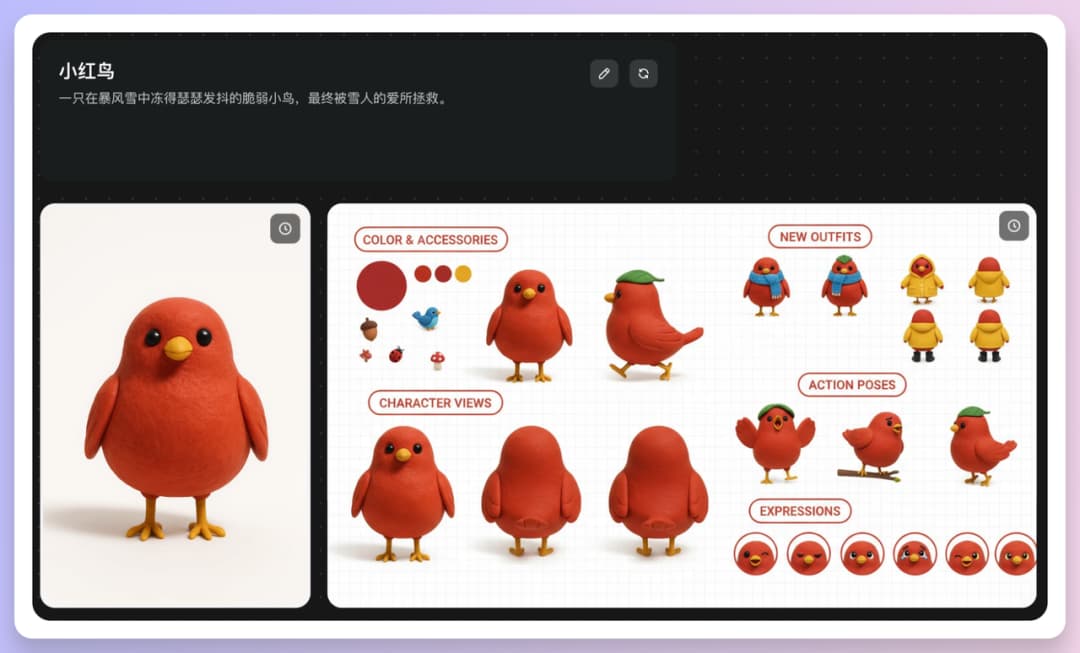
This red-bird board strengthens the page's argument about consistency. It shows how one character identity can expand into expressions, poses, accessories, and visual variations without losing coherence.
The right way to read this product is not as a single model page. It is better understood as a workflow layer on top of generation models: a system for turning animation production stages into guided, editable, AI-assisted collaboration.
This product is best understood as a managed animation workflow. Instead of acting like a plain AI animation generator, it is presented as a coordinated team of specialist agents that handle planning, visual direction, character work, storyboarding, and scene production in sequence.
A major differentiator is that the process begins with story intent rather than isolated shots. The product flow emphasizes script ideas, scene logic, and narrative structure before it turns those inputs into design assets and animated footage.
The platform repeatedly highlights role and character design because consistency is one of the hardest parts of AI animation. It is positioned for creators who need recurring characters, recognizable styling, and more reliable identity retention across multiple scenes.
The workflow breaks production into recognizable studio stages. That includes storyboard planning, scene design, and visual direction, which makes the product feel closer to an AI animation studio than a pure generation sandbox.
The official homepage advertises a library of 140+ styles and a style-guided creation flow. For users, that matters because style is not a cosmetic extra. It is part of how the platform keeps tone, world-building, and output identity aligned from scene to scene.
Research around the product emphasizes that users can step into the pipeline, adjust intermediate decisions, and guide the creative process as a director. That gives it a more collaborative feel than tools that only return a final clip with no visible production logic.
One reason this AI animation agent feels different is that the product talks in terms of roles. That is not just branding. It helps users understand who is responsible for the story, the characters, the visual system, and the final sequence quality.
This board from the official product materials is exactly the kind of visual proof that makes the agent story concrete. Instead of talking abstractly about role design and character consistency, it shows a production-style board with a polished hero render, turnarounds, construction sketches, and detail studies for a single snowman character.
That is why the multi-agent framing makes sense: character design is not just one pretty frame. It includes identity setup, proportion control, repeatable front-side views, texture notes, and details that can survive later storyboard and scene-generation stages.
This agent behaves like the project's visual lead. It helps decide animation style, mood, duration, and the overall production direction before the other specialists move in.
The scriptwriter turns a rough idea into a usable story structure, scene beats, and emotional rhythm so the rest of the pipeline has a clear narrative spine.
The platform places unusual weight on role design because strong characters make every later stage easier. This agent is responsible for identity, poses, styling, and reusable character references.
The storyboard layer converts the story into shot logic, framing, and movement direction. That is a key reason the product feels closer to pre-production software than simple text-driven generation.
Scene design handles environment, props, and atmosphere so each sequence has stronger world-building and better contextual support for the characters and action.
The final layer keeps the world visually coherent. In practice, this is one of the most important concepts in the agent-team model because it prevents style drift when projects become more ambitious.
This second board from the official materials pushes the idea further. The red-bird board does not stop at a single hero render. It shows accessory choices, outfit directions, color control, expressive faces, and action poses that make the character usable across many scenes.
That is exactly where an agent-team workflow becomes more interesting than a one-shot generator. A real animation workflow needs a character system that survives continuity pressure: different moods, different camera angles, different gestures, and still the same identity.
If you want to understand why this is more than an ordinary AI animation generator, pay attention to sequence. The workflow is designed to move from idea to direction, from direction to planning, and from planning to animated output in a way that feels production-aware.
Most workflows begin with a premise, a scene concept, a character prompt, or a reference image. The platform is built for creators who want to start from intention, not from random generation.
The art direction layer defines what kind of animation you are making, how it should feel, and what visual language should remain stable across the project.
The agent team then expands the concept into script beats, storyboard logic, and scene planning. This stage is what gives the product its studio-like rhythm.
Once the plan exists, the pipeline moves into visual production: role design, scene construction, shot framing, and animation generation tied to the story structure.
The final result is not meant to be a one-click black box. The workflow invites intervention, iteration, and selective adjustment so creators can keep shaping the outcome instead of accepting a random first pass.
The easiest mistake is prompting like a tourist. If you want a story-first workflow on MaxArt.ai, write your prompt like a compact production brief. These three layers mirror how the agent team divides the work — copy any of them straight into the generator above.
Define the protagonist like a character designer, not like a tourist. Identity, silhouette, signature props, and palette should be pinned before any scene is described.
Character: Mina, a 12-year-old inventor with a round face, copper goggles pushed up into a messy auburn braid, oversized teal raincoat; consistent character design across all scenes; soft anime feature-film style, warm rim light
Give the shot a beginning, a turn, and an ending beat. Storyboarded structure is what separates an AI animation agent workflow from a one-line text-to-video prompt.
Scene: Mina crosses a rain-soaked neon alley toward a shuttered tram depot; three beats — hesitation at the corner, resolve as she steps into the rain, a final glance back over her shoulder; moody teal-and-magenta color script, puddle reflections
End the prompt with camera logic and the last-second image. Directors decide where the viewer looks; so should your prompt.
Camera: slow low-angle push-in with a gentle handheld sway, shallow depth of field, rain streaks drifting through neon light; the shot ends on Mina's silhouette framed in the depot doorway, looking straight back at us
This platform is not optimized for people who only want a random clip in ten seconds. It is much more compelling for people who care about recurring characters, narrative arcs, and a visual system that can survive more than one scene.
This workflow makes the most sense for teams or solo creators who want recurring stories, episodic animation, or branded channels with a recognizable cast and visual tone.
Because the workflow is so style- and mood-aware, it is naturally suited to anime music videos, fan worlds, stylized mood films, and fast emotional storytelling.
The agent-team approach is also compelling for startup teams, creative studios, and marketing groups that want to build repeatable brand characters instead of commissioning every scene from scratch.
For founders, game teams, and entertainment projects, an AI animation generator with storyboard logic can act like a fast proof-of-concept engine for visual storytelling, character tests, and world previews.
This FAQ keeps the page practical for search, useful for research, and direct enough for visitors who want a fast understanding before they start creating.
OiiOii AI (also searched as "Oii Oii AI") is an animation-focused AI creation platform positioned as an agent team rather than a simple one-shot generator. The core idea is that storytelling, character design, scene planning, and motion generation should work as one connected pipeline.
Most AI video tools focus on producing a single clip from a prompt. This platform is different because it is organized around an animation production workflow with specialist agents, character design, storyboard logic, and a stronger emphasis on consistency across multiple scenes.
The main features include a multi-agent creative workflow, story-first planning, character consistency, storyboard and scene design, a style system of 140+ styles, and a more editable director-like experience instead of a black-box generator.
The platform is strongest for narrative animation, episodic storytelling, anime-inspired visuals, character-driven shorts, creator brands, mascot systems, and proof-of-concept world-building. If continuity and story matter, it makes more sense than generic one-clip tools.
Prompt in layers, like a production brief. First define the character and its consistent design, then write scene beats with storyboard structure, and finally specify camera movement, color script, and the final beat of the shot. The three prompt examples on this page show each layer in copyable form.
As of September 2026, OiiOii has not published a public developer API or standalone model documentation — searches for "oiioii api" usually come from creators looking to build similar agent-style workflows. On MaxArt.ai you can run the same kind of layered, story-first animation workflow through our generator without any integration work.
OiiOii offers a free canvas workflow on its official site, with paid membership plans listed on its pricing page for heavier production use. If you want to try a comparable story-first AI animation workflow first, MaxArt.ai lets you generate with a transparent credit system and see the cost estimate before you run anything.
If this platform inspires you because of its story logic, style control, and character consistency, the best next step is to turn that insight into a stronger creative brief. Start with MaxArt.ai, prompt like a director, and build your own agent-studio style animation workflow.