
Source image
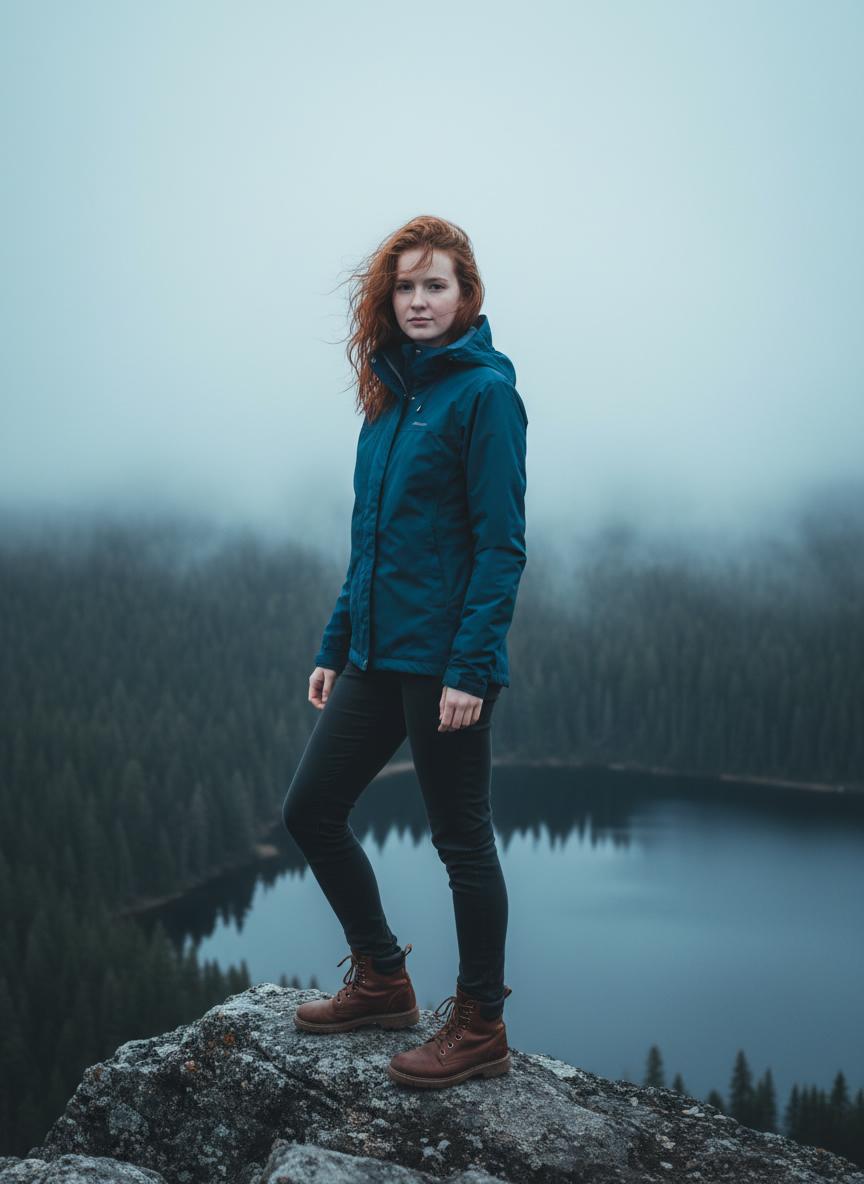
Generated flying video
Portrait to forest-flight clip
A clearer full-body source makes the flying motion feel more convincing, with the body, hair, and pose moving together in one coherent shot.
Loading...
Upload a person or animal image and turn it into a cinematic flight shot over forests and lakes.
This page is built for creators who want that recognizable “flying over the forest” look from a single image. MaxArt.ai helps you turn portraits, mascots, and animal photos into short cinematic clips with cool-toned color grading, misty lake horizons, smooth camera tracking, and a weightless gliding feeling. It works well for fantasy edits, mood content, social promos, atmospheric reels, and product storytelling when you want motion without building a full 3D scene.
Below are four real showcase runs that pair a source image with a generated flying clip. They are useful reference points for how to describe motion, atmosphere, camera behavior, and environment cues.
A clearer full-body source makes the flying motion feel more convincing, with the body, hair, and pose moving together in one coherent shot.
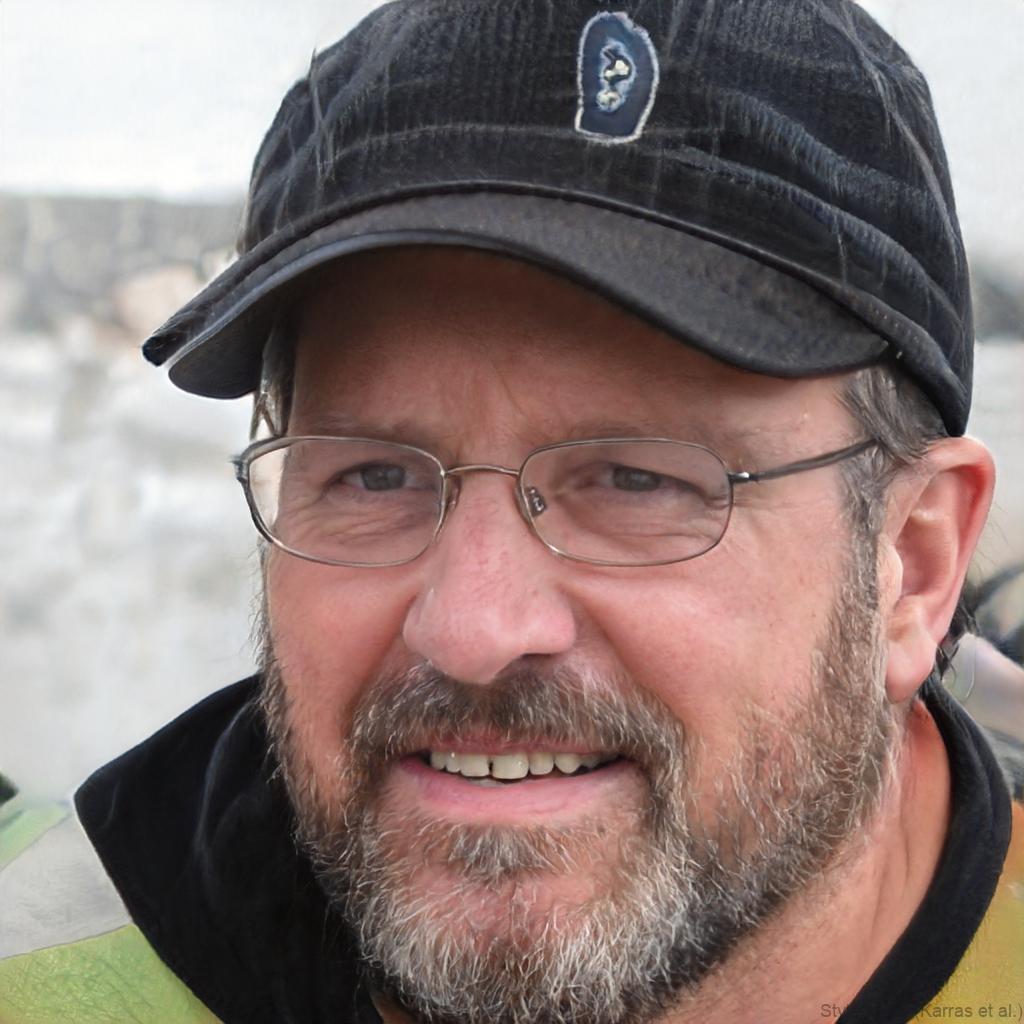
This example shows how AI Flying Video Generator can preserve recognizable identity cues while adding fast forward aerial energy.

Use this direction when you want a calmer fantasy feeling with elegant motion, soft light, and weightless gliding above the treetops.
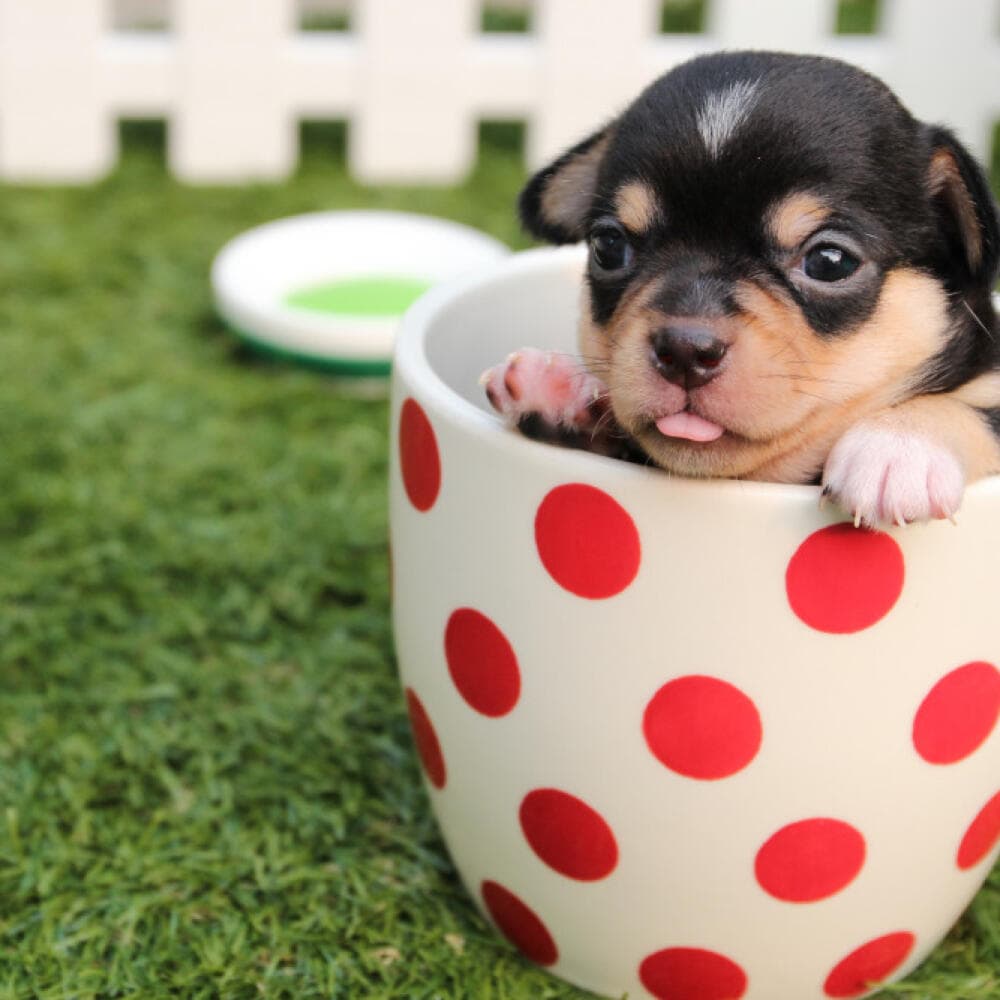
For a more playful direction, use a single non-flying animal and turn it into a cinematic forest-flight clip with one clear subject and fun motion.
A strong AI Flying Video Generator should do more than simply animate a photo. It should sell the feeling of speed, altitude, soft air, and open space around the subject.
The goal is not generic animation. It is a controlled sense of gliding, lift, and forward movement through open air.
This environment combination matches the search intent well and instantly gives the output a recognizable cinematic mood.
You can start from a person, a pet, or a mascot image and turn it into a flying-style demo without manual animation work.
These clips fit reels, teasers, mood boards, and landing pages that need a short, visual-first story fast.
The biggest improvement comes from describing more than “flying.” Give the model structure around camera motion, flight height, lighting, and atmosphere.
Clear portraits and animal images with readable faces and silhouettes usually produce the most stable motion.
Mention glide, soaring, forward tracking, misty lake, cool light, forest canopy, and the kind of camera movement you want.
Helpful prompt cues include soft diffused light, dreamy mood, cool blue-gray grading, and subtle motion blur.
If the result feels too static, strengthen phrases like follow camera, aerial tracking shot, low flight above forest, and speed through air.
These prompt templates are useful when you want to recreate the flying style quickly without starting from scratch.
Cinematic flying video of the uploaded subject gliding low above a dark green pine forest and a misty lake, dreamy atmosphere, soft diffused daylight, cool blue-gray palette, smooth tracking camera, subtle motion blur, high detail.
Preserve the uploaded animal clearly. Animate it soaring above the forest canopy toward a misty lake horizon, believable body motion, smooth aerial movement, soft cinematic light, atmospheric haze, premium short-form video.
Preserve the uploaded person and turn the portrait into a magical forest flight scene, floating forward through cool mist, elegant motion, dreamy adventure mood, reflective lake below, stable camera follow, premium cinematic grading.
The flying effect is especially useful when you need scale, freedom, and cinematic storytelling quickly from a single asset.
If you need a magical short clip for TikTok, Reels, or a teaser post, the forest-flight look creates instant intrigue.
This effect makes a strong hero demo when a page needs atmosphere and perceived motion more than a long narrative.
Characters, avatars, and mascots benefit from a flying-motion treatment because it gives them life and scale quickly.
This effect also works well for animals, making it useful for pet edits, playful character clips, and unusual fantasy flight moments built around one clear animal subject.
It is a workflow that turns a single image into a short clip with the feeling of flight, glide, lift, and cinematic aerial camera motion.
No. The effect also works well for animals, pets, birds, and stylized mascots.
Use a clean source image and be specific about glide, forest canopy, misty lake, cool light, and smooth tracking camera.
Because that Russian phrase closely matches the search intent of users looking for an AI-generated flying-over-the-forest effect from a source image.