
MaxArt AI
Créer
  • Effets Vidéo IA
  • Effets d'Image IA
Modèles
  • Seedance 2.5New
  • Image GPT 2
  • Cheval Heureux
  • Seedance 2.0
  • Seedream 5.0 Pro
  • OiiOii AI
  • A2E AINew
  • Google Flow
Compte
  • Tarification

Loading...

    English
    Français
    Deutsch
    Español
    Italiano
    日本語
    한국어
    Português
    Privacy policyTerms of service

    © 2026 MaxArt.ai All rights reserved.

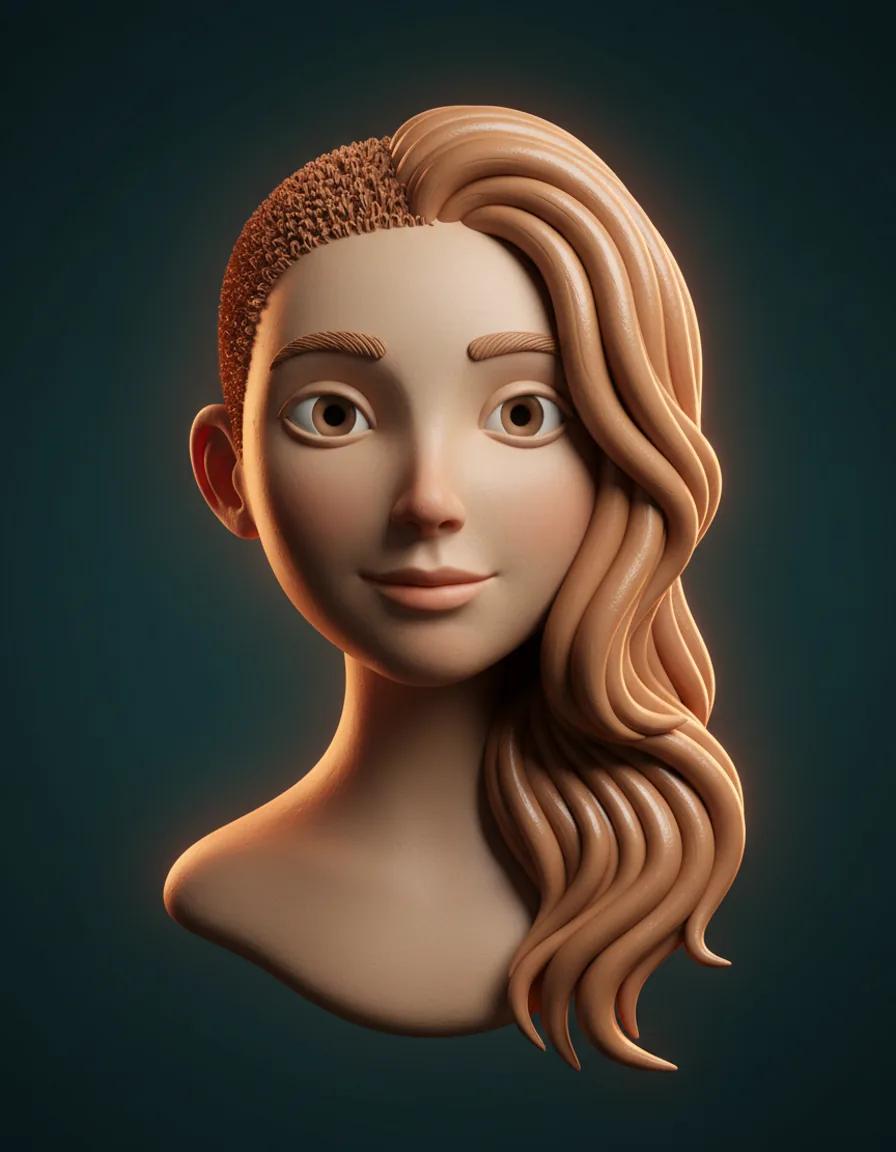
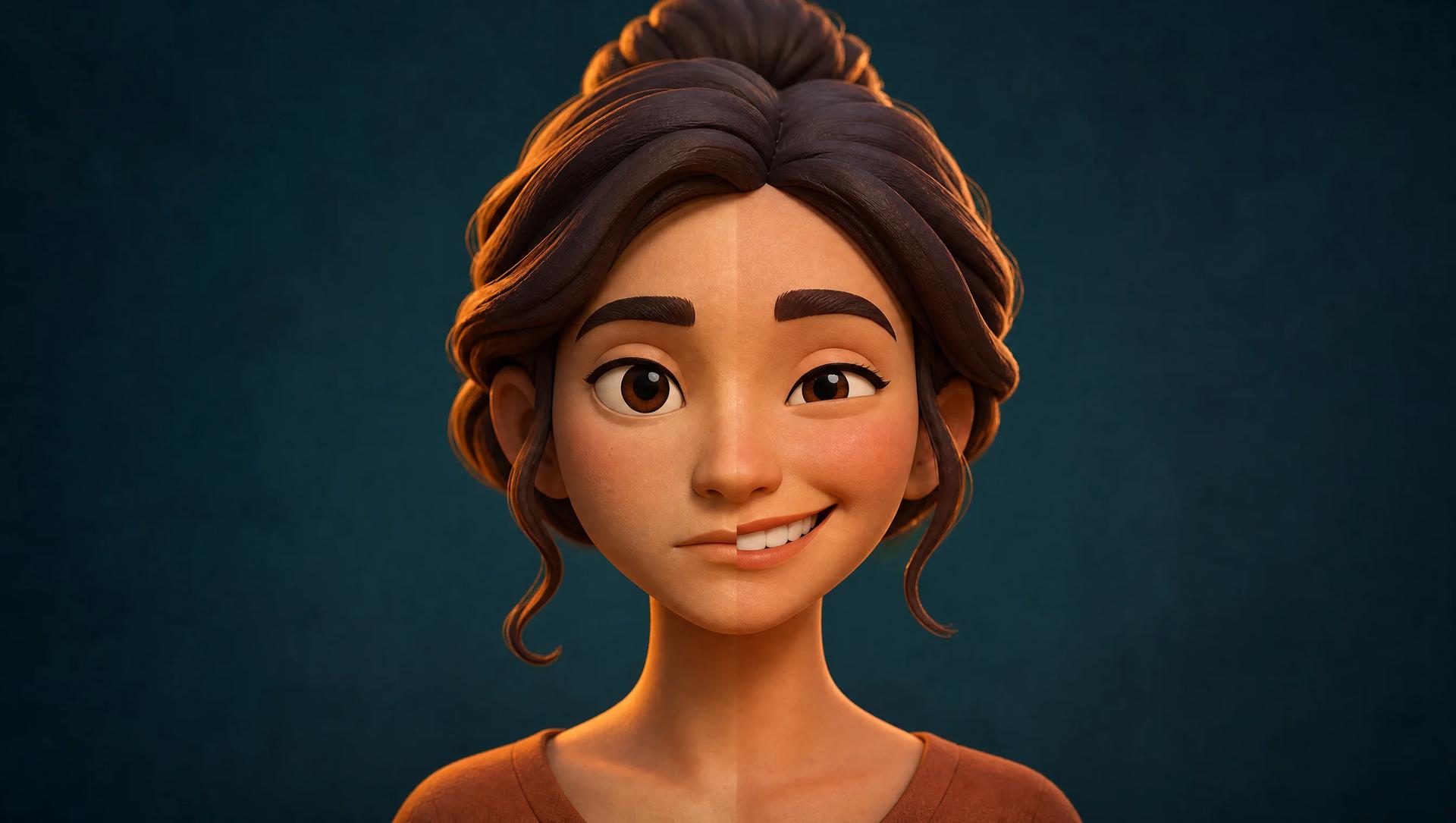
    AI smile filter hero visual: a stylized 3D character portrait split between a neutral face and a warm beaming smile
    1. Home
    2. AI Image Effects
    3. AI Smile Filter

    AI Smile Filter: Add a Natural Smile to Any Photo

    Upload one photo, get a natural smiling version in seconds

    The MaxArt AI smile filter redraws any photo expression as a warm, natural smile — happy eyes, lifted cheeks, a friendly teeth-visible smile — while the person, the pose, and the background stay exactly the same. No app install and no editing skills: one upload and one prompt is the whole AI smile filter workflow.

    Try the AI Smile FilterSee Smile Filter Results
    AI smile filter hero visual: a stylized 3D character portrait split between a neutral face and a warm beaming smile

    One photo in, a smile out — the AI smile filter keeps the person and changes only the expression.

    Apply the AI Smile Filter to Your Photo

    Upload a clear face photo and run the AI smile filter with the tuned default prompt, or edit the words to steer the smile from a subtle grin to a big beaming one. The AI smile filter shows the exact credit cost before you generate — the default model costs 4 credits, and new accounts start with 5.

    Loading...

    AI Smile Filter Before and After

    Every pair below is a real AI smile filter conversion: the same photo with only the expression redrawn. Drag the handle to compare the serious original with the smile filter result.

    Smiling face after the AI smile filter — AI smile filter headshot demo
    Before
    Smiling

    AI smile filter headshot demo

    AI smile filter demo: a serious office headshot turns warmly approachable

    This AI smile filter demo starts with a classic almost-perfect shot: a young professional woman in soft office window light, well framed but with a flat, serious mouth. The smile filter keeps her face shape, shoulder-length brown hair, skin tone, and the blurred office behind her exactly as they were, and rebuilds only the expression — the corners of the mouth lift, the cheeks rise, the eyes narrow into happy creases, and the lips open into a friendly teeth-visible smile. Drag the handle and the AI smile filter result still reads as the same person on the same day — exactly what a LinkedIn headshot needs. That same-person fidelity is what separates an AI smile filter from a sticker overlay.

    Smiling face after the AI smile filter — Serious portrait to beaming smile
    Before
    Smiling

    Serious portrait to beaming smile

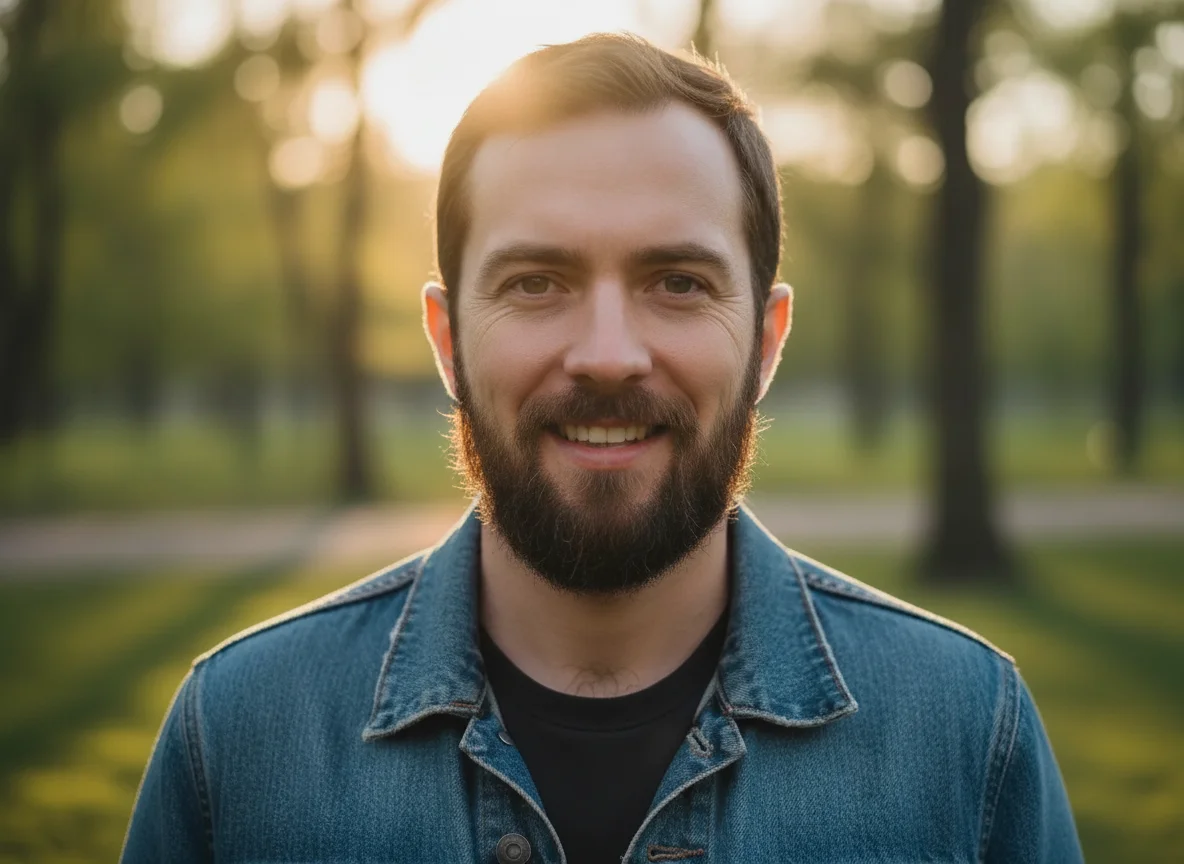
    AI smile filter demo: a golden-hour portrait goes from serious to beaming

    The source here is a strong casual portrait: a bearded man in a denim jacket at golden hour, with a closed, serious mouth. This AI smile filter conversion flips the mood while keeping the beard, the jacket, the warm backlight, and the exact framing untouched. The eyes soften into relaxed happy creases, the cheeks lift, and the mouth opens into a big beaming smile with natural-looking teeth. For dating profiles and social avatars, this is the highest-leverage edit an AI smile filter can make: the same face, the same photo, suddenly approachable. If the full grin feels like too much, one prompt edit turns the smile filter down to a subtle grin.

    Smiling face after the AI smile filter — Calm portrait to gentle smile
    Before
    Smiling

    Calm portrait to gentle smile

    AI smile filter demo: a calm window portrait gains a gentle smile

    This AI smile filter demo uses a warm indoor photo: an elderly woman with silver hair by a bright window, teacup in hand, with a calm neutral expression. The smile filter treats older faces with care — natural skin texture, wrinkles, and silver hair all carry over untouched, and only the expression changes: a soft closed-lip smile, gently lifted cheeks, and warmer eyes. Scanned family prints are classic AI smile filter material because older portraits were often taken stiff and formal; a gentle smile filter pass makes the person look the way you remember them.

    What People Use the AI Smile Filter For

    A smile is the highest-leverage expression edit in photography. These are the six jobs people actually run through the AI smile filter.

    💼

    AI smile filter for LinkedIn and professional headshots

    People trust and remember smiling faces, and recruiters skim fast. Run your existing headshot through the AI smile filter instead of booking a reshoot: the photo, the lighting, and the outfit stay the same, only the expression warms up.

    💛

    AI smile filter for dating profile photos

    A genuine smile is the single strongest signal on a dating profile, but the best photo of you is often the serious one. The AI smile filter turns that great-but-grim shot into a warm, natural smile version while keeping it unmistakably you. A subtle AI smile filter setting looks most believable.

    📸

    AI smile filter for rescuing almost-perfect photos

    The composition was right, the light was right, and your mouth chose that moment to go flat. Do not delete the shot — the AI smile filter fixes the one thing that went wrong. When the job is to add smile to photo folders full of almost-right shots, one upload per picture through the smile filter saves photos that used to be lost causes.

    👪

    AI smile filter for group and event photos

    Every wedding, graduation, and reunion album has one: the photo where a single person did not smile. Crop that person, run the crop through the AI smile filter, and drop the smiling version back into the slideshow. The smile filter works best on one clear face at a time.

    🕰️

    AI smile filter for old and scanned photos

    Older portraits were often taken stiff and formal because holding a smile was hard for long exposures. A gentle AI smile filter pass on a scanned family print gives grandparents and relatives the warm expression you remember, while the photo itself stays untouched.

    📲

    AI smile filter for before-and-after social content

    Creators use the smile filter as an engagement format: post the serious original, then reveal the smiling version in a carousel or a cut. Because this AI smile filter runs in the browser on any uploaded photo, you are not dependent on which lens a social app keeps alive this month.

    How the AI Smile Filter Works

    Three steps from a serious photo to a smiling result — the whole AI smile filter run takes well under a minute.

    1

    Upload a clear face photo

    Start the AI smile filter with a sharp, well-lit photo where one face is clearly visible. Front-facing faces with open eyes and an uncovered mouth give the smile filter the most to work with; sunglasses, heavy shadows, and tiny distant faces give weaker results.

    2

    Pick the smile with the prompt

    The default AI smile filter prompt is tuned for a warm, natural smile: happy eyes, lifted cheeks, and a friendly teeth-visible mouth, with identity and background untouched. Edit the AI smile filter prompt to dial it down to a subtle closed-mouth grin or up to a big beaming smile — plain sentences are enough.

    3

    Generate and download

    Run the AI smile filter and review the result in the preview panel. The exact credit cost shows before you confirm — the default smile filter model costs 4 credits per image, and new accounts start with 5, so your first smile filter image is free. Download the result or adjust one line and run it again.

    AI Smile Filter FAQ

    Straight answers about the AI smile filter: cost, smile control, photo choice, honest limitations, and where you can use the results.

    What is an AI smile filter?⌄
    An AI smile filter is an image effect that redraws the expression in a photo as a natural smile: the mouth lifts, the cheeks rise, and happy creases appear around the eyes. Unlike a sticker overlay, the AI smile filter regenerates the actual facial features while keeping the person, the pose, and the background recognizable. Some people call it an AI smile generator or a smile editor — same job.
    Is the AI smile filter free to use?⌄
    Your first smile filter image is free in practice: new MaxArt accounts receive 5 starter credits, and one AI smile filter generation with the default model costs 4 credits. Every generation shows its exact credit cost before you confirm, so there are no surprises after that first free image.
    Can I control the type and intensity of the smile?⌄
    Yes, through the prompt. The default AI smile filter prompt aims for a warm, natural smile with visible teeth. Ask for a subtle closed-mouth grin, a friendly slight-teeth smile, or a big beaming smile, and the smile filter follows. Re-running to compare takes one click.
    What photos work best with the AI smile filter?⌄
    The AI smile filter works best on sharp, well-lit, front-facing portraits where the eyes and mouth are clearly visible — selfies, headshots, and cropped group photos all convert well. Blurry shots and tiny distant faces give the smile filter less facial detail to rebuild.
    What are the limitations of an AI smile filter?⌄
    Honest ones: sunglasses, a hand or hair covering the mouth, side profiles, and heavy backlight give the AI smile filter less information about the mouth, so results can look slightly guessed. Crop tighter or pick a clearer frame before running the smile filter.
    Does the AI smile filter work on group photos?⌄
    The AI smile filter is tuned for one clearly visible face at a time, which is where results are most convincing. For a group photo, crop the person who did not smile and run the crop through the smile filter — you get a much cleaner expression rebuild than asking for a whole crowd at once.
    Will the AI smile filter result still look like me?⌄
    Yes — identity preservation is the core of the effect. The AI smile filter keeps face shape, hairstyle, skin texture, facial hair, clothing, pose, lighting, and background, and changes only the expression. The teeth match your face, the smile reaches your eyes, and the AI smile filter result reads as you on a good day, not as someone else.
    Can I use AI smile filter results on LinkedIn, dating apps, or commercially?⌄
    Usage rights depend on your MaxArt plan and on the rights you hold to the source photo — only edit photos you own or have permission to modify. AI smile filter downloads are full-resolution images that drop straight into profiles, avatars, albums, and marketing material.

    Ready to Add a Smile to Any Photo?

    Upload a photo and let the AI smile filter warm it up. A natural, identity-true smile in seconds — and your first AI smile filter image is covered by starter credits.

    Start Smile Filter Now