
◌
Profile Photo Shortlist
Create a visual AI Face Rater report for each candidate selfie, then compare framing, background, expression, and lighting. Treat it as a photo-presentation exercise, not a score that defines you.
Portrait feedback, made visual
AI Face Rater helps you transform a portrait into an entertainment-only report card for photo presentation, visual balance, and styling ideas. Upload a clear selfie, keep the prompt constructive, and let Nano Banana create a polished portrait board you can use to compare lighting, framing, expression, and creative direction. It is not an objective verdict on attractiveness or a measurement of who you are. It is a practical, playful way to look at how one photograph communicates.
Upload a clear adult portrait, then generate a supportive visual report.
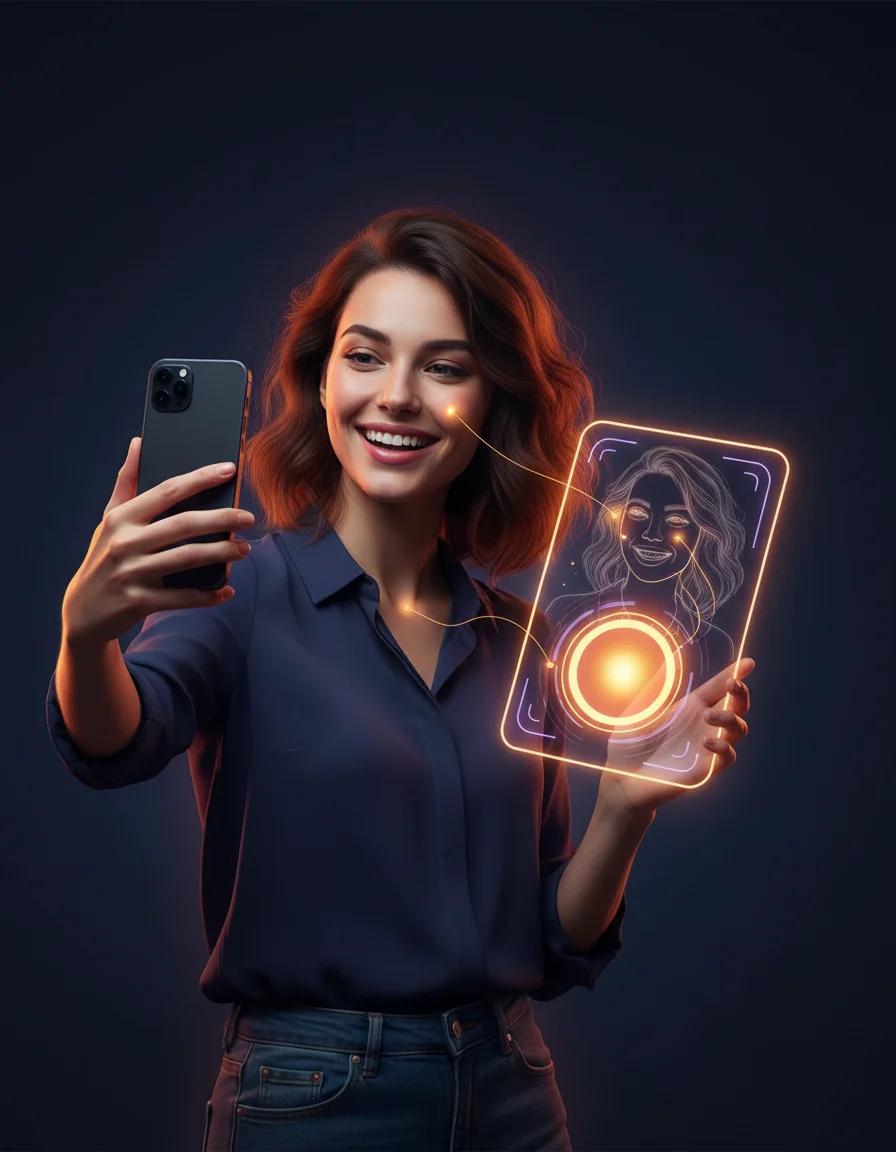
Take a playful AI attractiveness test and get a shareable score report card
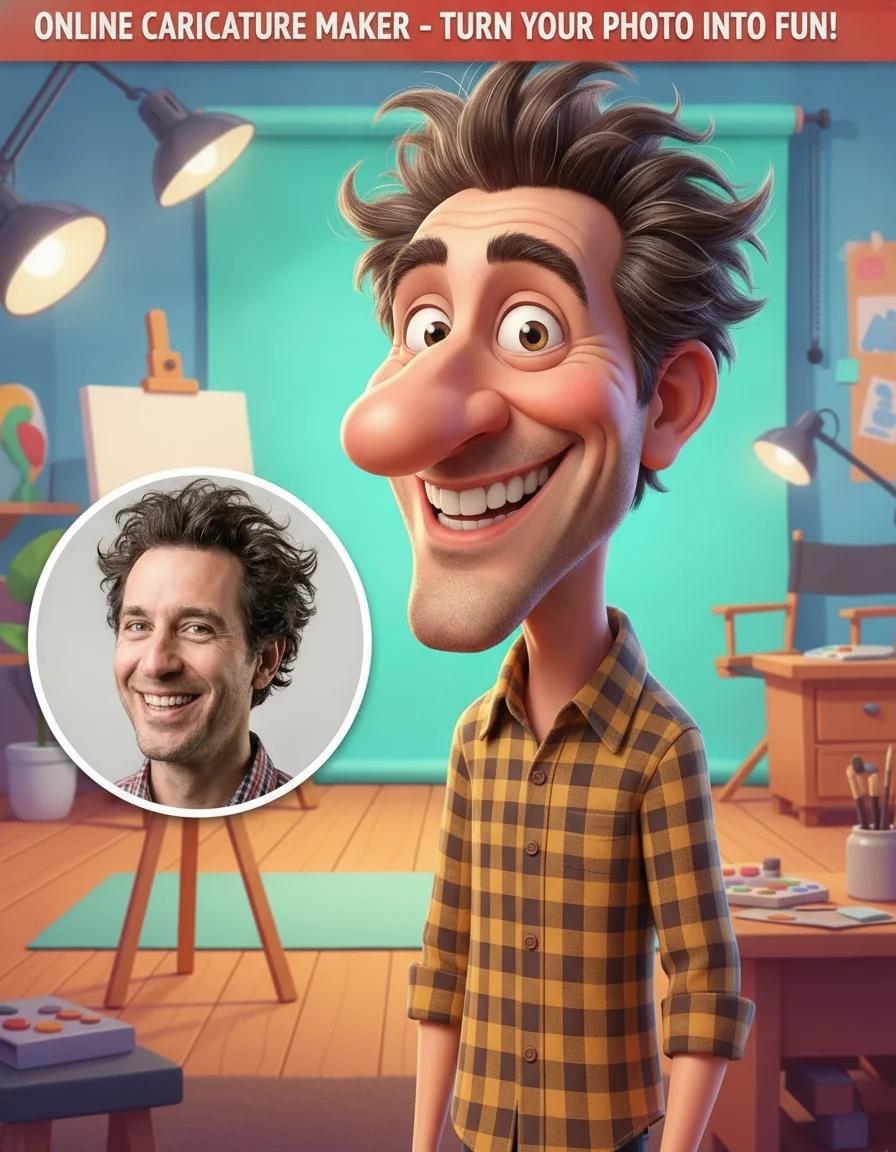
Add a caricature effect to your videos with our Online Caricature Maker

Create original fantasy creatures and monster art with AI
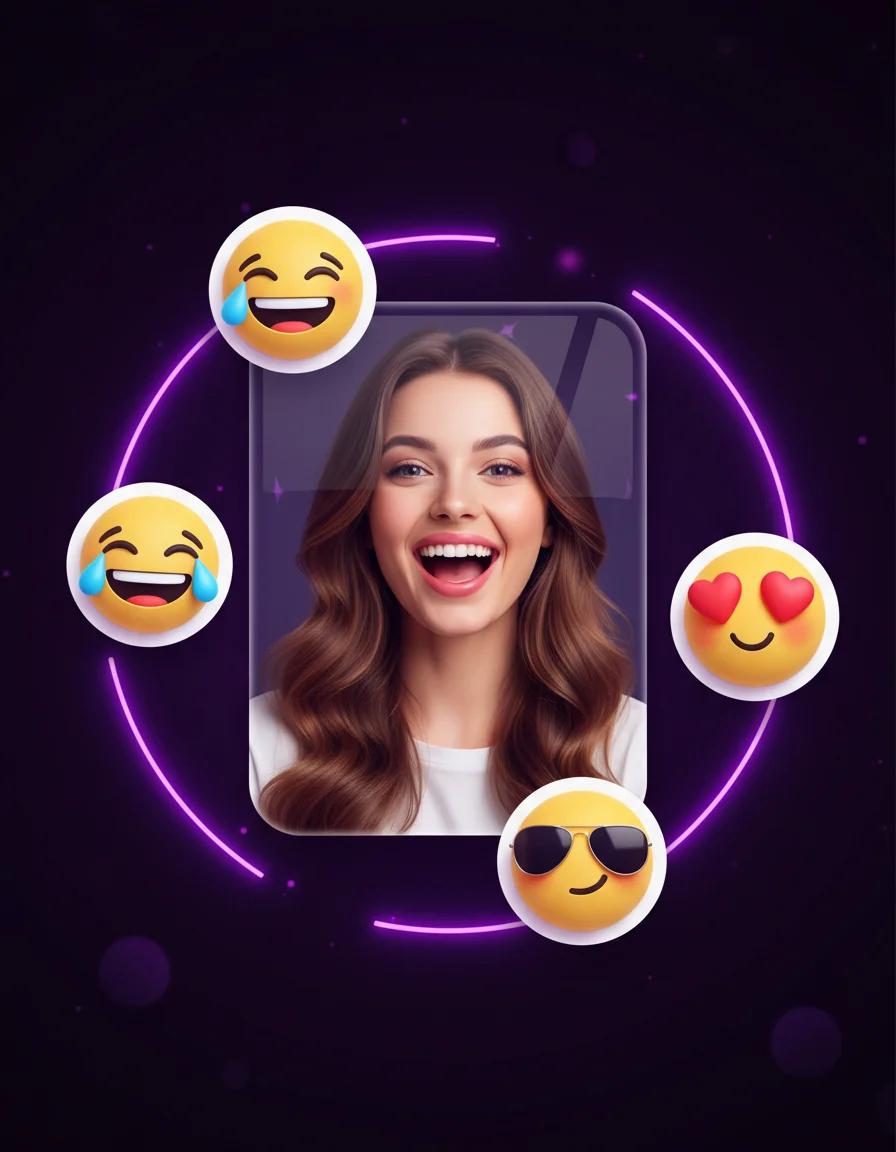
Turn portraits into personal emoji stickers, reaction packs, and profile-ready icons
Turn any photo into a halftone print with dotted, screen-printed shading and comic-style texture
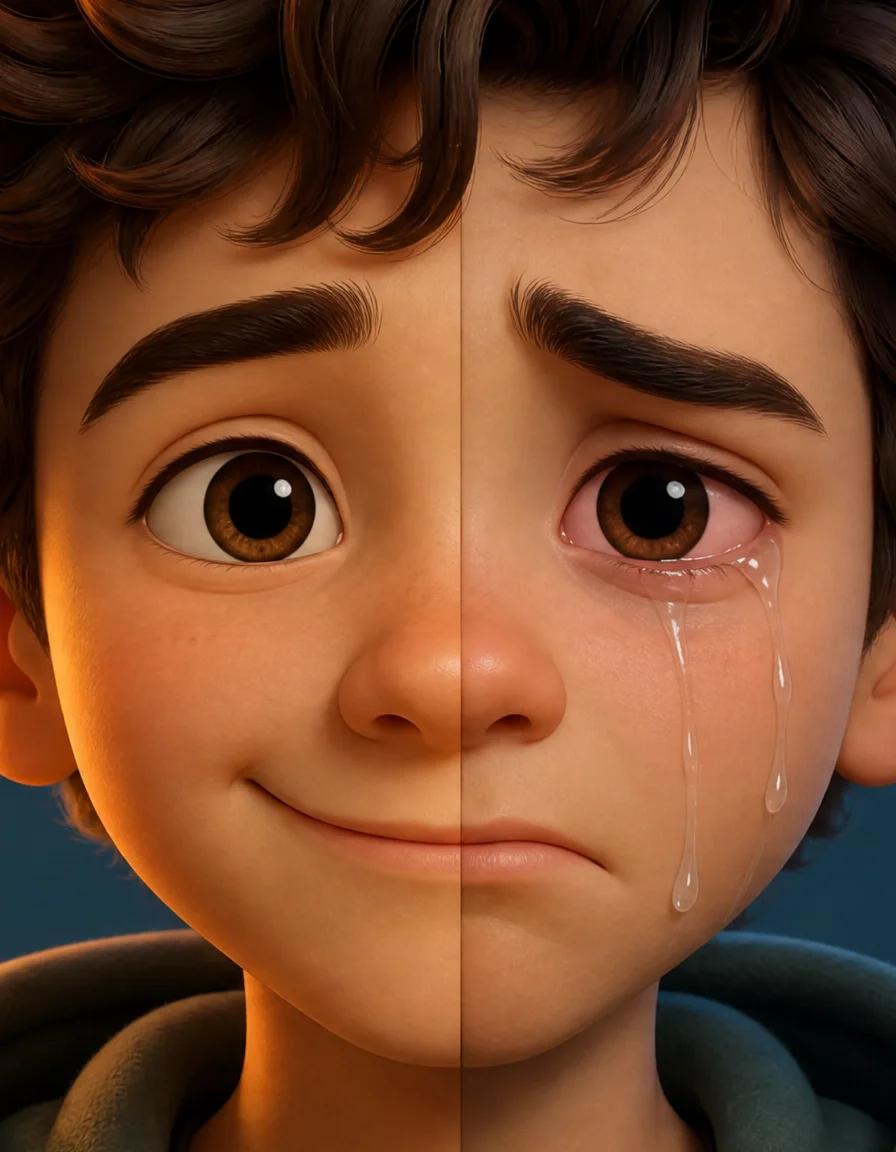
Turn any smile into a realistic crying face with tears, red eyes, and a sad frown
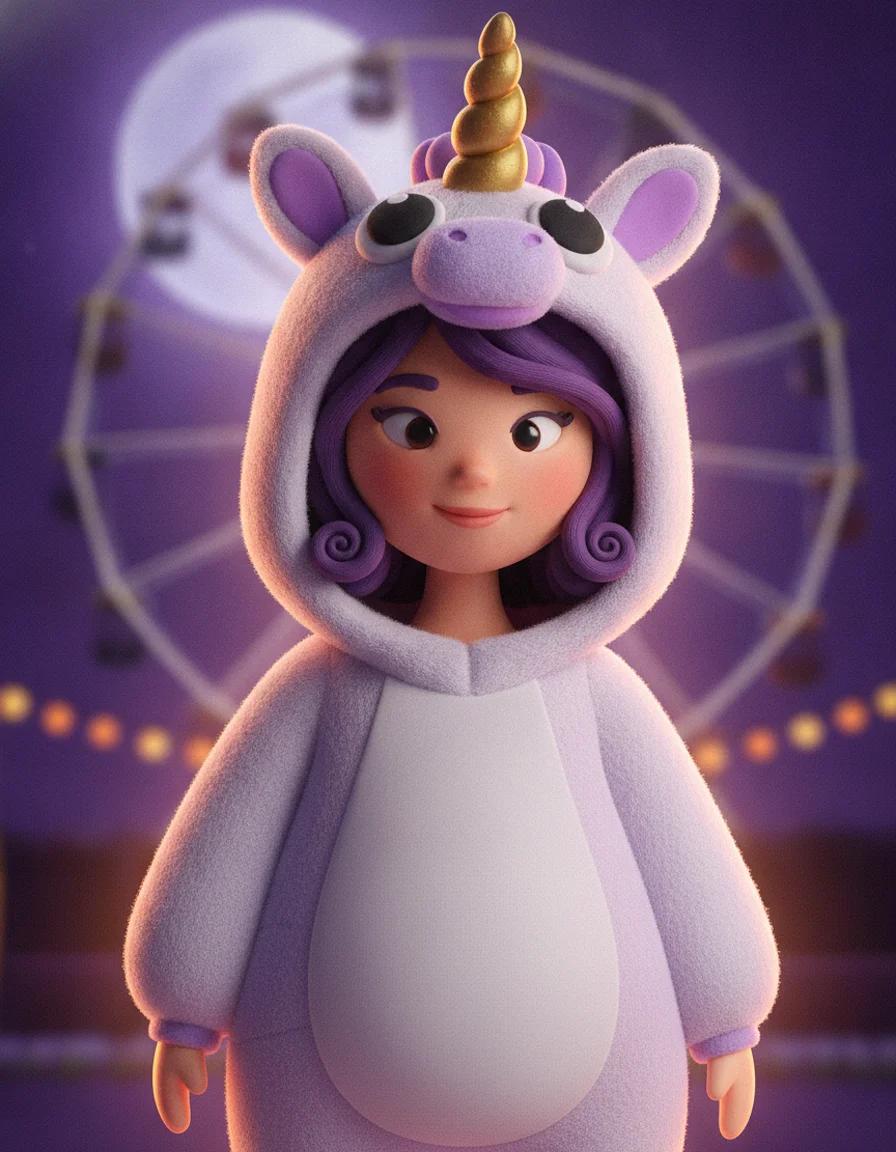
Upload a selfie and try 2026 Halloween looks — Buddy the Unicorn, gothic braids, cosmic princess — first image free

Turn any photo into a cut-paper South Park style cartoon character — first image free
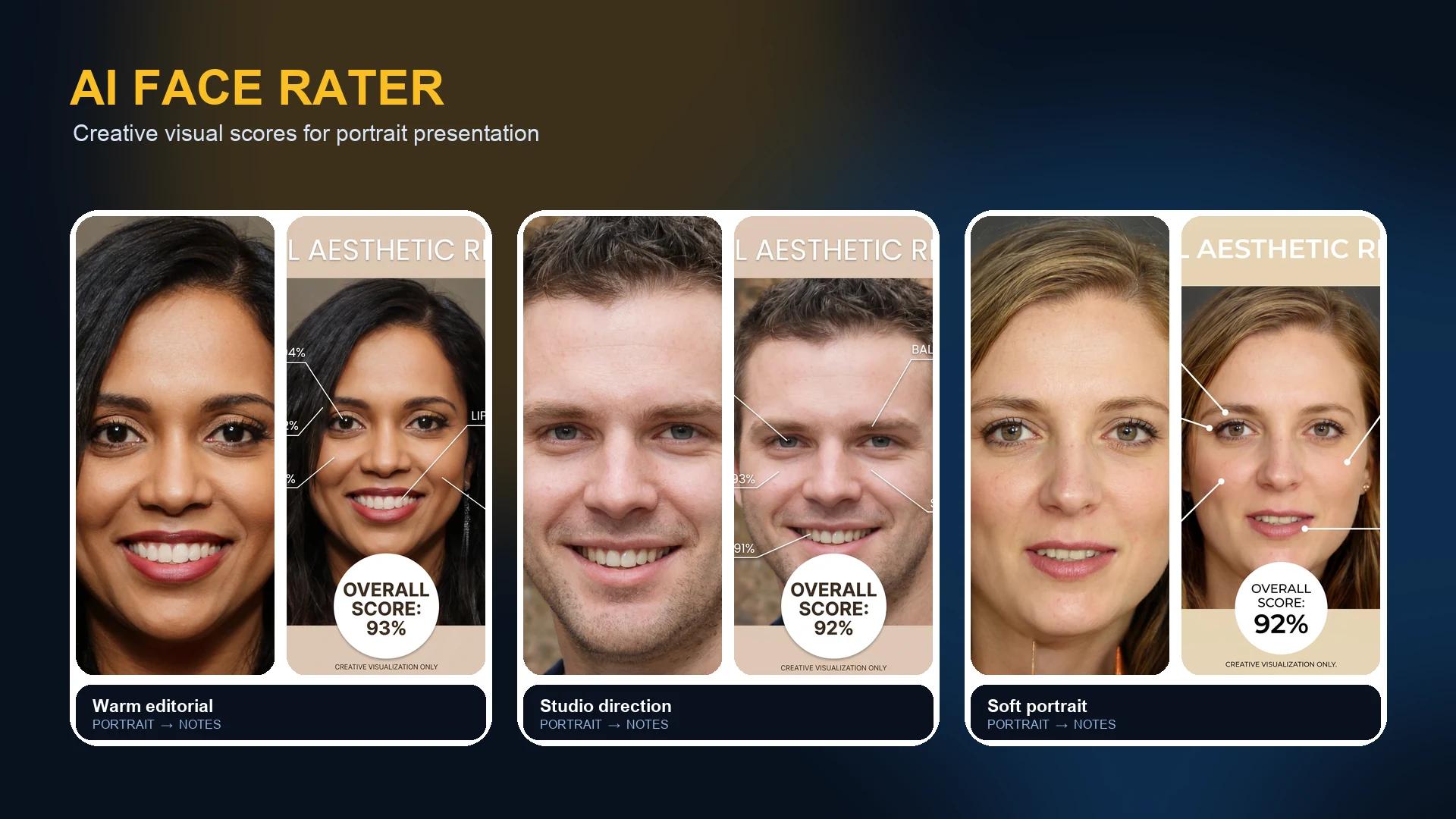
A useful report gives you visual language for a portrait, not a label for a person. These illustrative examples show how a clear photo can become a friendly dashboard for comparing composition, styling, and next-shot direction.
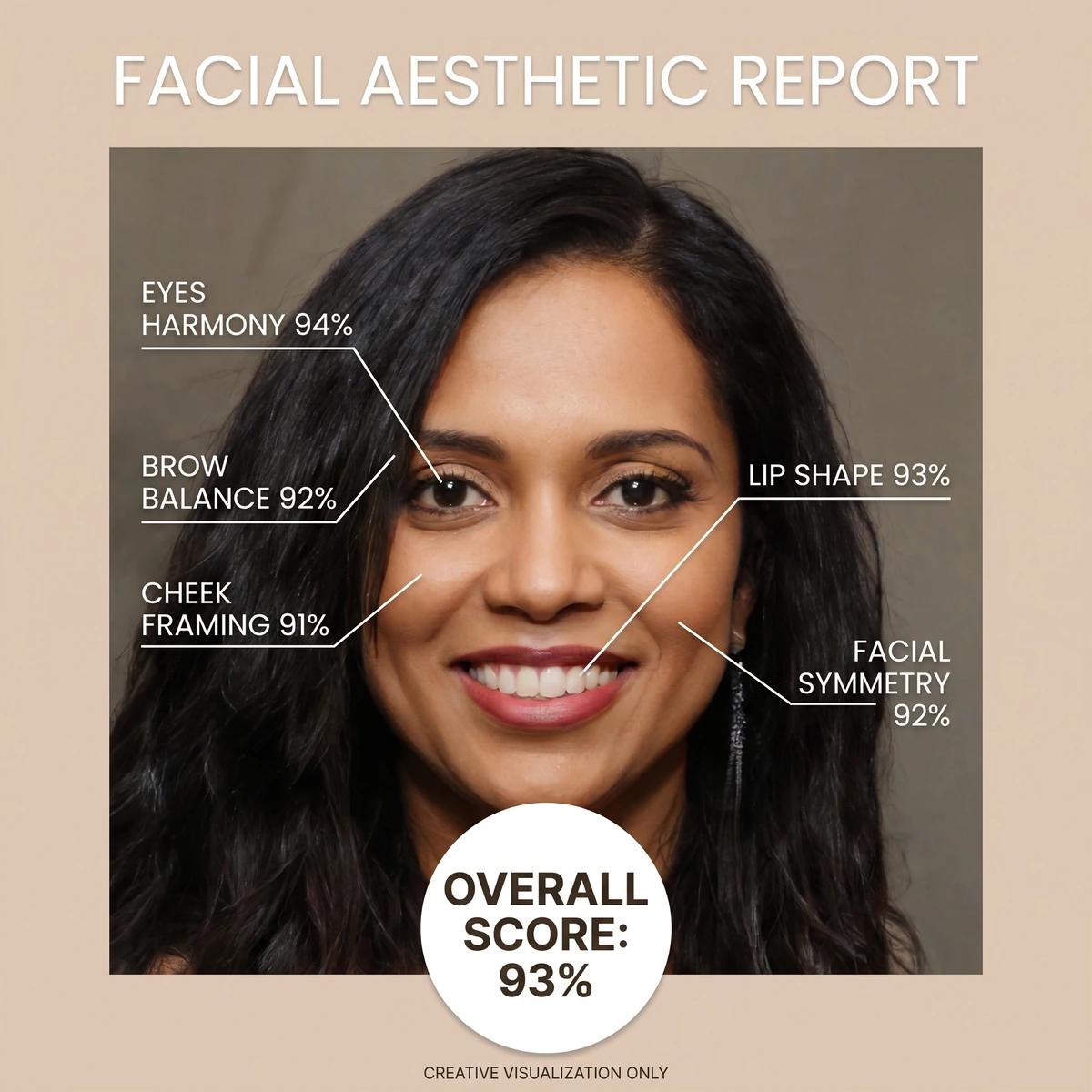 AI Face Rater Report
An AI Face Rater report for photo presentation starts with a photo the model can actually read. In this example, a centered, front-facing portrait gives the report room to discuss visible balance, framing, lighting, and presentation in one visual card. The result is not a diagnosis or an objective judgement about a person. It is a creative way to turn one selfie into a structured conversation starter about how a photograph presents your features.
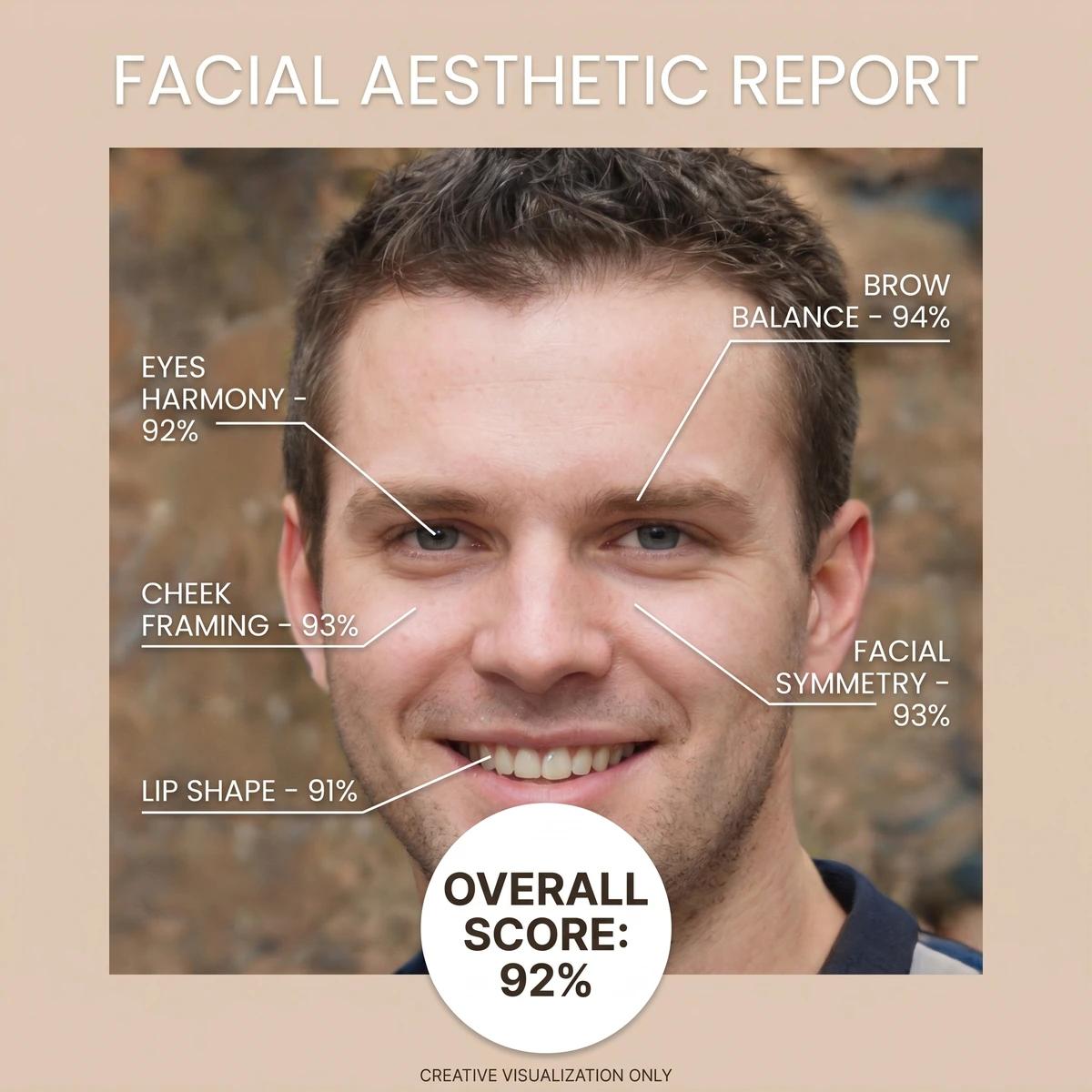 AI Face Rater Report
An AI Face Rater report for photo presentation can help people compare profile-photo options without treating the output as a final verdict about appearance. A report card can make it easier to notice photo variables such as head angle, even lighting, background contrast, and expression. Use the generated image as a creative reference while you compare a few photos. A different camera lens, crop, or moment can change the result, so the best use is practical experimentation rather than treating one output as a permanent score.
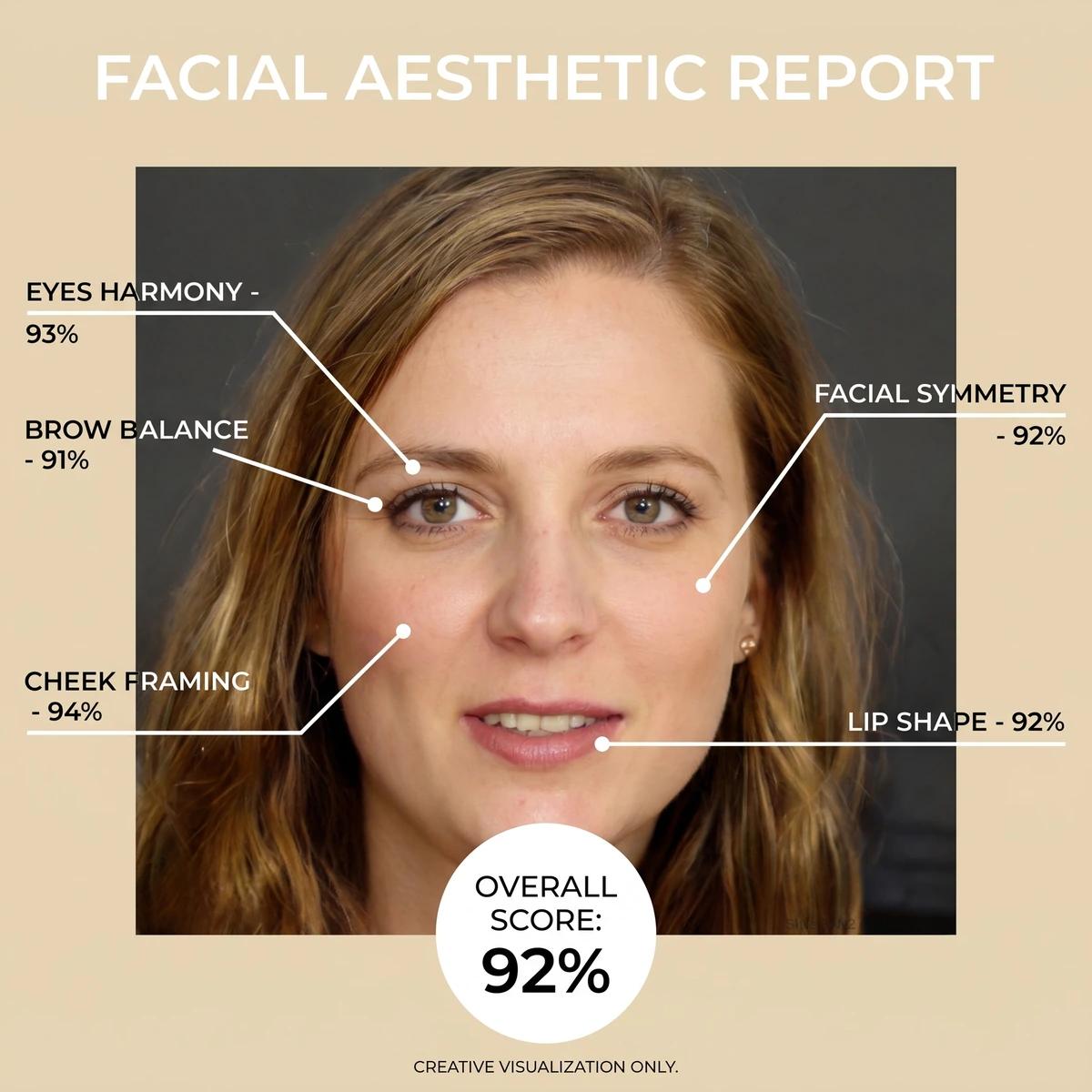 AI Face Rater Report
An AI Face Rater report for photo presentation can also be a lightweight creative brief for a new portrait. This example turns a simple studio image into a style-oriented board with neutral visual observations and next-shot ideas. It is useful for planning a creator headshot, experimenting with a hairstyle reference, or discussing the mood of a social profile image. Keep the prompt kind and specific: ask for presentation feedback, not stereotypes, medical claims, or predictions about identity, personality, age, or worth.
The best AI Face Rater use case is constructive and specific. Focus on the photograph, the visual brief, and choices you can test—not on a score as a statement about a person.
Create a visual AI Face Rater report for each candidate selfie, then compare framing, background, expression, and lighting. Treat it as a photo-presentation exercise, not a score that defines you.
Use a clear portrait and an intentional prompt to generate a board of visual notes before a creator, portfolio, or team-headshot session.
Ask for a supportive report card that highlights portrait mood, grooming direction, or accessories to explore in an editorial concept.
Run the same prompt with differently lit photos to see how soft, even light and a calm backdrop change the visual presentation of a selfie.
Make an entertainment-only result card for friends who want a playful portrait prompt. Keep participation voluntary and feedback constructive.
Use the report as a starting point for a follow-up image prompt: new studio backdrop, editorial color palette, polished headshot crop, or social avatar direction.
A few deliberate choices make the generated report more useful. Start with a photo that makes the presentation easy to read, then ask for feedback you can act on. If you are comparing several selfies, keep the background and camera distance similar so the AI Face Rater reports remain useful as creative references rather than unrelated visual experiments. Also consider whether the final portrait needs a square avatar crop, a professional headshot crop, or a vertical social format before you decide which image feels most appropriate.
Choose a recent, well-lit, front-facing image with your face visible. Skip heavy filters and busy backgrounds when you want a more readable portrait report.
Keep your prompt focused on photo framing, visible balance, lighting, portrait mood, styling, or next-shot ideas. Do not ask the generator to infer sensitive personal traits.
Review the AI Face Rater card as one creative output. Try a second image or prompt if you are choosing a photo, then download the version that best supports your goal.
Read these notes before you create a report. The goal is useful, kind visual feedback for a photo—not a claim to measure human worth.