1
Upload one photo with a clear subject
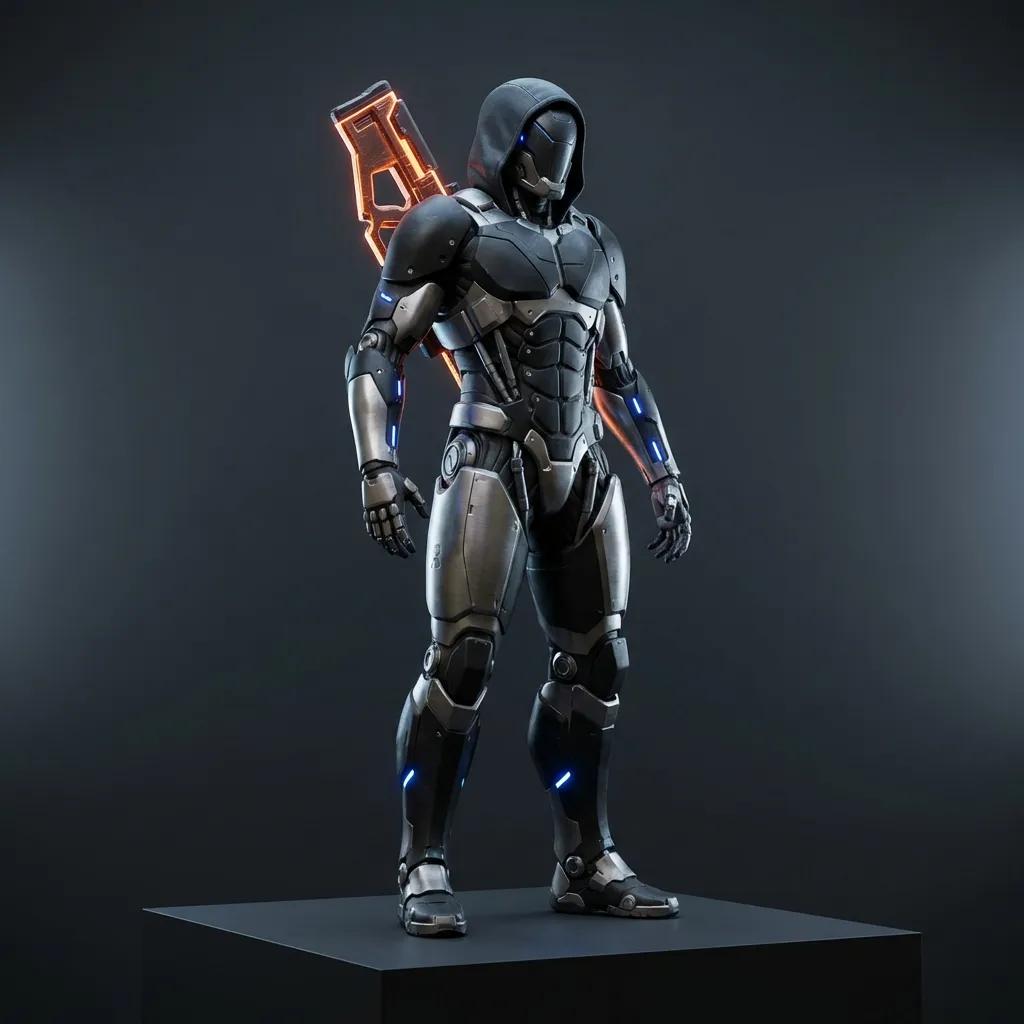
Start the bullet time effect with a sharp photo where one subject stands out — an athlete mid-action, a product on a plain backdrop, a dancer, a pet. Depth helps the orbit: more separation between subject and background means a stronger parallax sweep.
2
Keep or adapt the proven prompt
The form loads the exact prompt that rendered the demos on this page, so the bullet time effect works out of the box. For a different feel, swap in a recipe from the prompt library below — frozen, slow-drift, or turntable — and keep the orbit instruction intact.
3
Check the cost, generate, and download
The bullet time effect shows the exact credit cost for your model, duration, and resolution before you confirm — no surprises. Preview the clip, check that the subject stayed consistent through the arc, then download. Draft on the low-cost tier, switch higher for the final render.