1
Choose matching start and end references
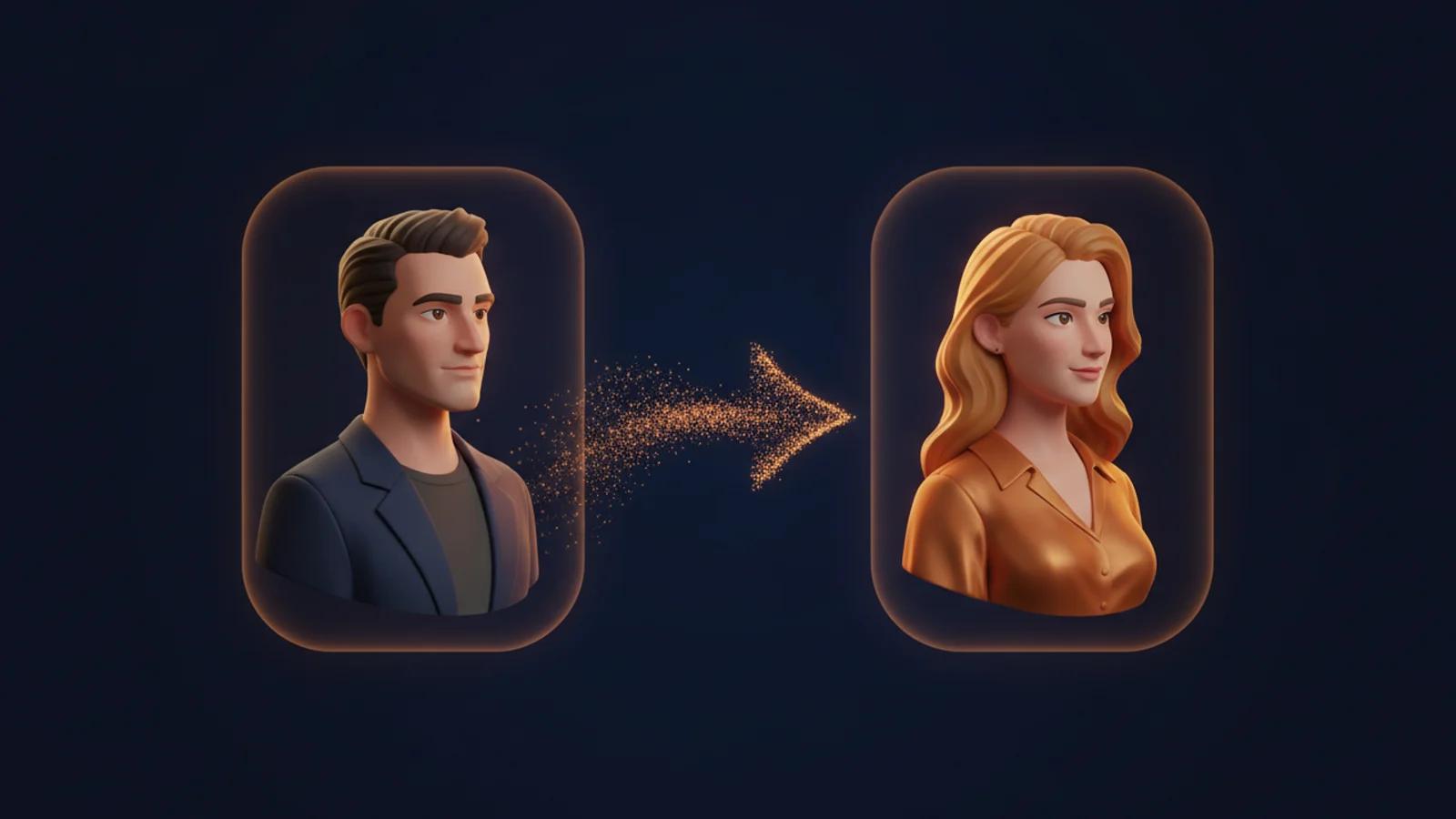
Start the AI gender swap video generator with both required reference frames. They must show the same original fictional adult character and the intended scene. Use media that is original, owned, or permissioned. Adult-only references are required. Matching framing, environment, and visual intent give the transition a clear creative boundary without reducing the workflow to a single-photo animation.
2
Describe the presentation transition
Write a prompt for the AI gender swap video generator that describes the intervening gender-presentation transition. Include the mood, action, clothing direction, camera attention, and scene continuity you want to explore. Keep the direction focused on the fictional adult character and the supplied reference frames. The prompt guides the change between the two frames; it does not replace either required reference.
3
Create a video from the two reference frames
Use the AI gender swap video generator to create a video from the matched start and end references plus your prompt. Review the result against the intended fictional scene and revise your original pair or direction when another creative interpretation is needed. The workflow is about an output video that connects two specified reference frames, not a claim that every concept will resolve the same way.