MaxArt AI
Create
  • AI Video Effects
  • AI Image Effects
Models
  • GPT Image 2
  • Happy Horse
  • Seedance 2.0
  • Seedream 5.0 Pro
  • OiiOii AI
Account
  • Pricing
載入中...
    English
    Français
    Deutsch
    Español
    Italiano
    日本語
    한국어
    Русский
    繁体中文
    Português
    隱私政策服務條款

    © 2026 MaxArt.ai All rights reserved.

    AI Talking Baby Podcast Generator

    Generator

    Build your talking baby podcast clip

    Upload one portrait, write the line, choose a voice, and MaxArt will turn it into a baby-host clip rendered with Kling AI Avatar Standard.

    0/5000
    0/5000
    Credit cost
    20積分
    預覽

    Sample output

    Real generated Kling baby case
    Autoplay sample
    Sample case image
    Sample baby case image

    One photo, one script, one baby podcast clip

    Upload a portrait, type your lines, pick a voice — the AI Talking Baby Podcast Generator handles the rest. It ages the face down, adds a headset and studio backdrop, voices the script, and renders a talking baby podcast video ready to share.

    talking baby podcastbaby host videoAI podcast generatorlip sync baby video
    Browse more AI video effects/See pricing and credits

    Generated showcase examples

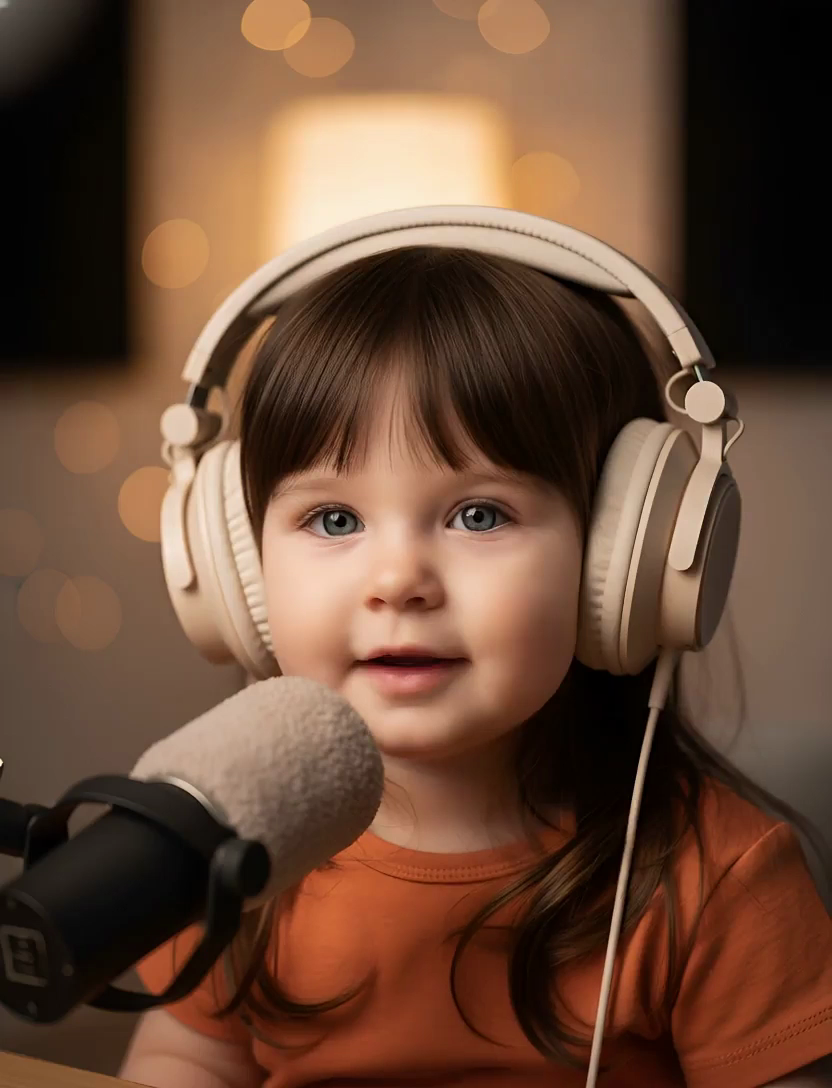
    Talking Baby Podcast Generator Example 1
    Warm studio close-up
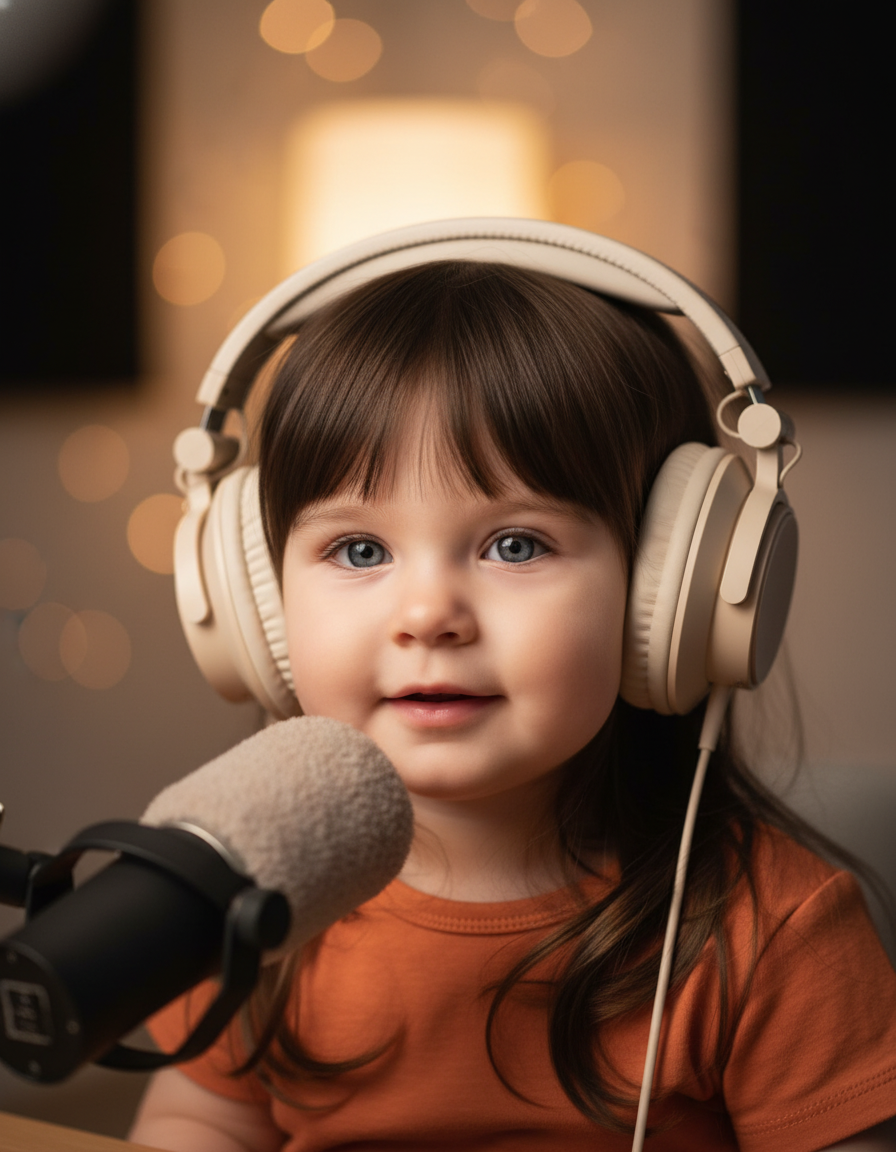
    Talking Baby Podcast Generator Example 2
    Soft podcast headset portrait
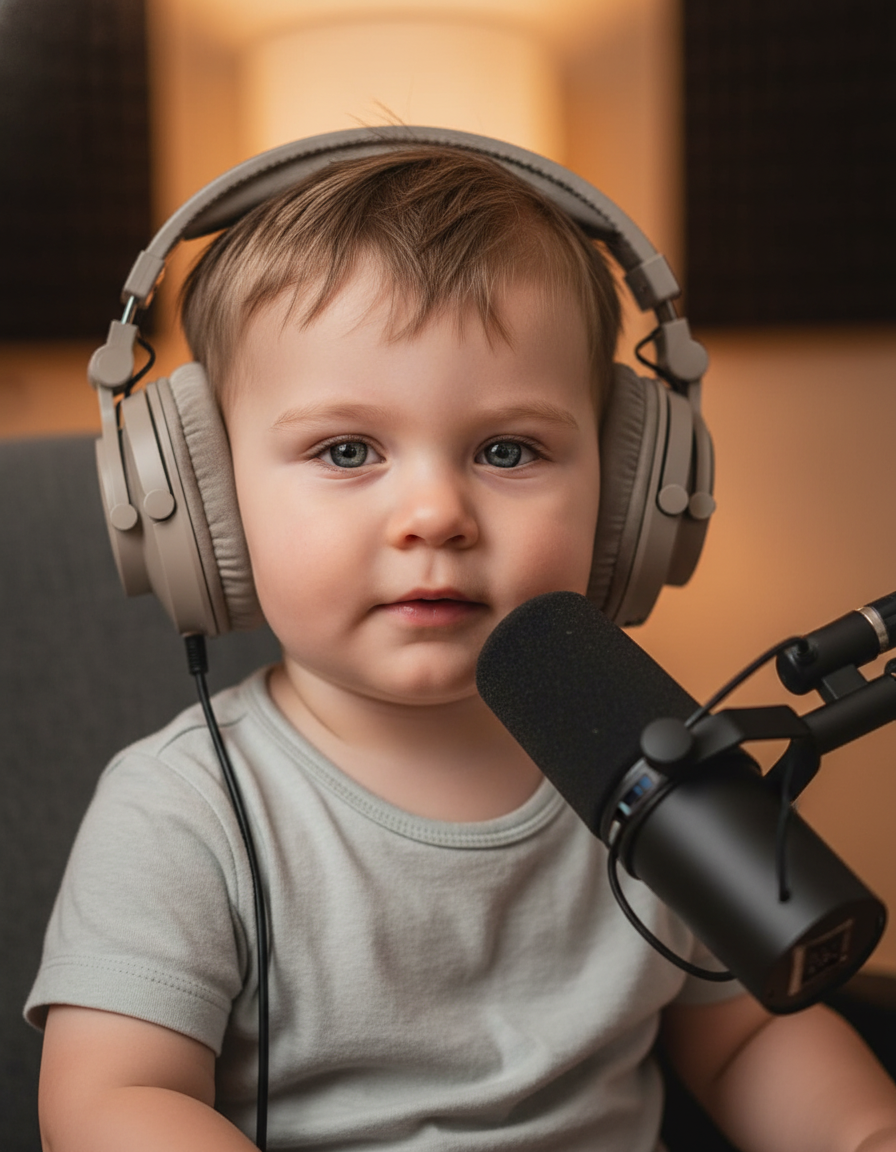
    Talking Baby Podcast Generator Example 3
    Podcast booth lighting

    What makes this baby podcast generator different

    Three AI models — portrait editing, speech synthesis, and talking video — run in one pipeline so you get a finished baby podcast clip without juggling separate tools.

    Portrait to baby host

    The first step converts an adult photo into a child podcast host while keeping hairstyle, outfit, and identity cues.

    Podcast studio scene

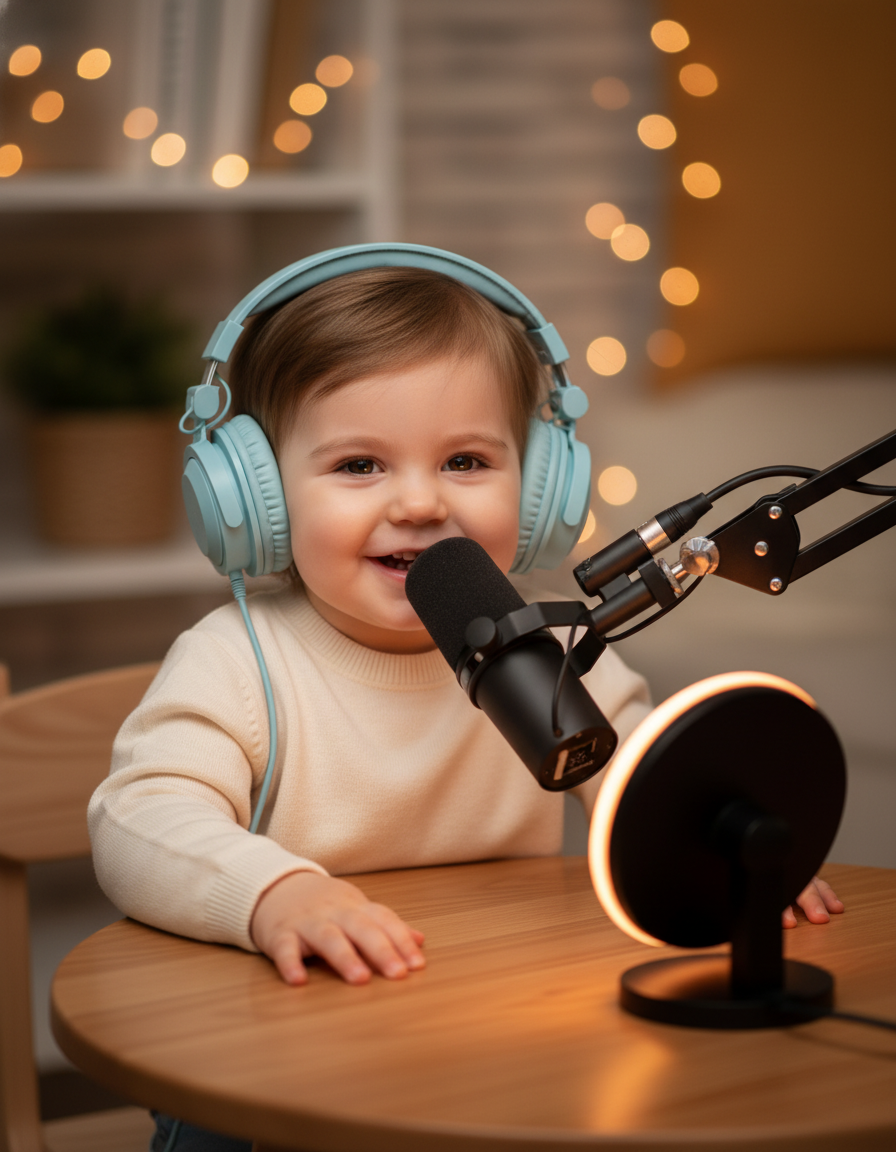
    Every result lands in a desk-based broadcast setup with headset, microphone, and warm studio lighting.

    Synced voice delivery

    Your script is voiced by ElevenLabs, then Kling AI Avatar renders the lip-synced talking baby podcast video.

    One-click workflow

    Upload, type, pick a voice — the AI Talking Baby Podcast Generator chains all three models and returns a finished clip.

    How to use the AI Talking Baby Podcast Generator

    Four steps from a single photo to a finished baby podcast video — no manual editing required.

    01

    Upload a portrait

    Pick a clear photo with visible face, hair, and outfit. Solo shots with simple framing work best.

    02

    Write your podcast script

    Enter the lines the baby host should say. Shorter scripts tend to produce cleaner lip sync.

    03

    Elegir a voice

    Pick from six voice presets and optionally describe the on-camera mood you want — warm, relaxed, or energetic.

    04

    Generate the baby podcast video

    The AI Talking Baby Podcast Generator runs the full pipeline and returns a downloadable talking clip in minutes.

    Who uses the AI Talking Baby Podcast Generator

    Social video creators

    Turn a headshot into a baby-host clip for TikTok, Reels, or YouTube Shorts in one workflow.

    Brand and marketing teams

    Create a baby podcast host version of a real person for product announcements or onboarding videos.

    Podcasters and agencies

    Test visual hooks for podcast launches, social cut-downs, and promo cover videos.

    Frequently asked questions

    What does the AI Talking Baby Podcast Generator do?

    It transforms an adult photo into a baby podcast host, voices your script, and renders a lip-synced talking video — all in one chained workflow.

    Does the baby host still look like the original person?

    Yes. The first step preserves hairstyle, outfit, and facial identity while changing the age and adding a podcast headset and desk setup.

    What models does the generator use?

    It chains a portrait editing model, ElevenLabs text-to-speech, and Kling AI Avatar Standard for the final talking baby podcast video.

    What kind of photo should I upload?

    A solo adult portrait with a clear face, visible hair, and readable clothing. Simple framing and good lighting give the best results.