Cargando...
Cargando...
MaxArt.ai brings a full library of AI video effects into one simple studio. Type a prompt or upload a reference, pick from dozens of AI video effects, and watch raw ideas become polished clips. Every AI video effects run shows its credit cost before you generate, so you stay in control of your budget.
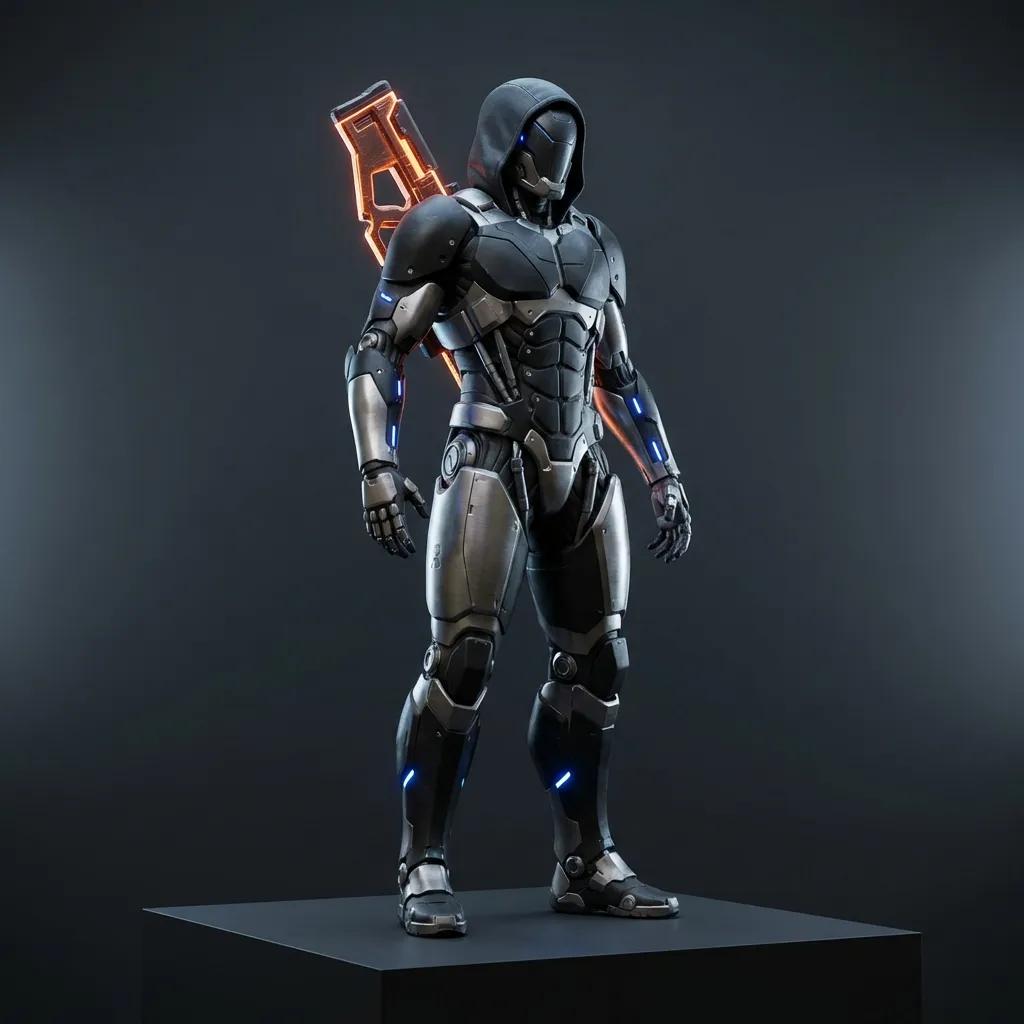
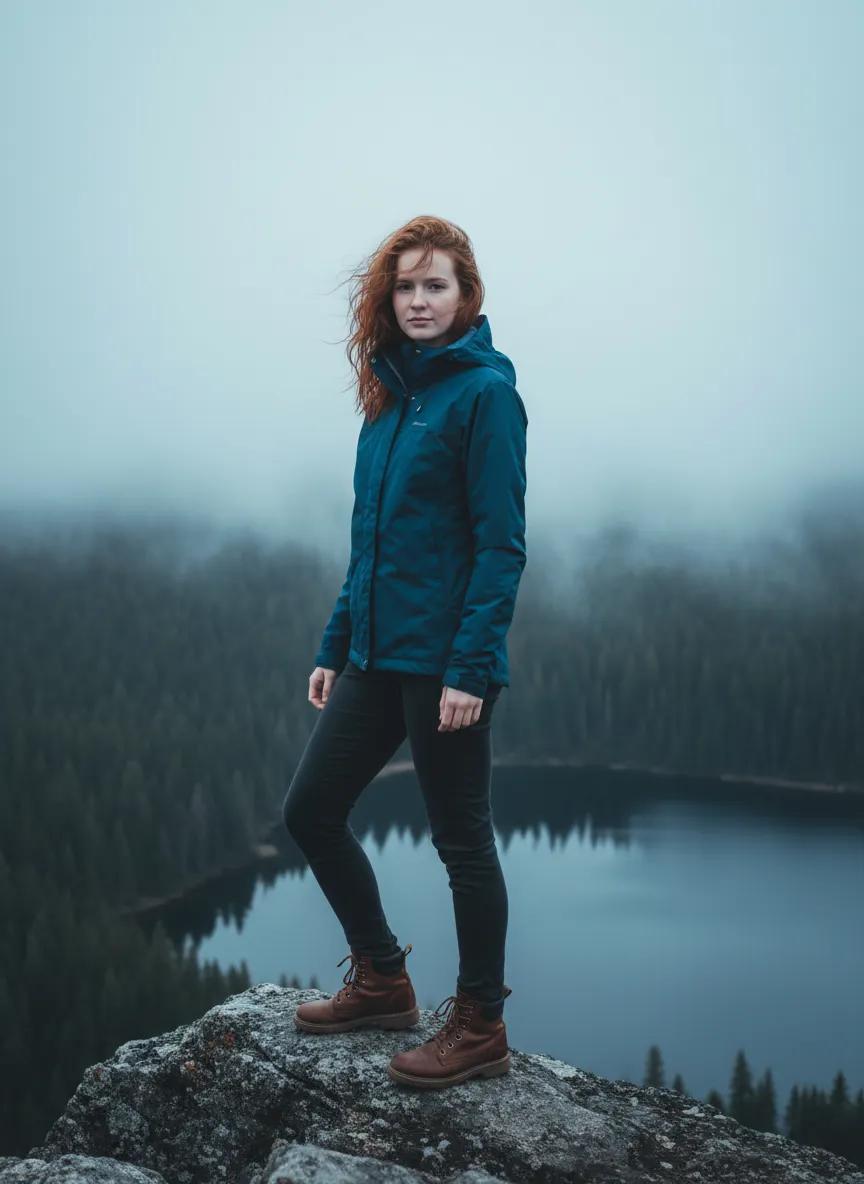
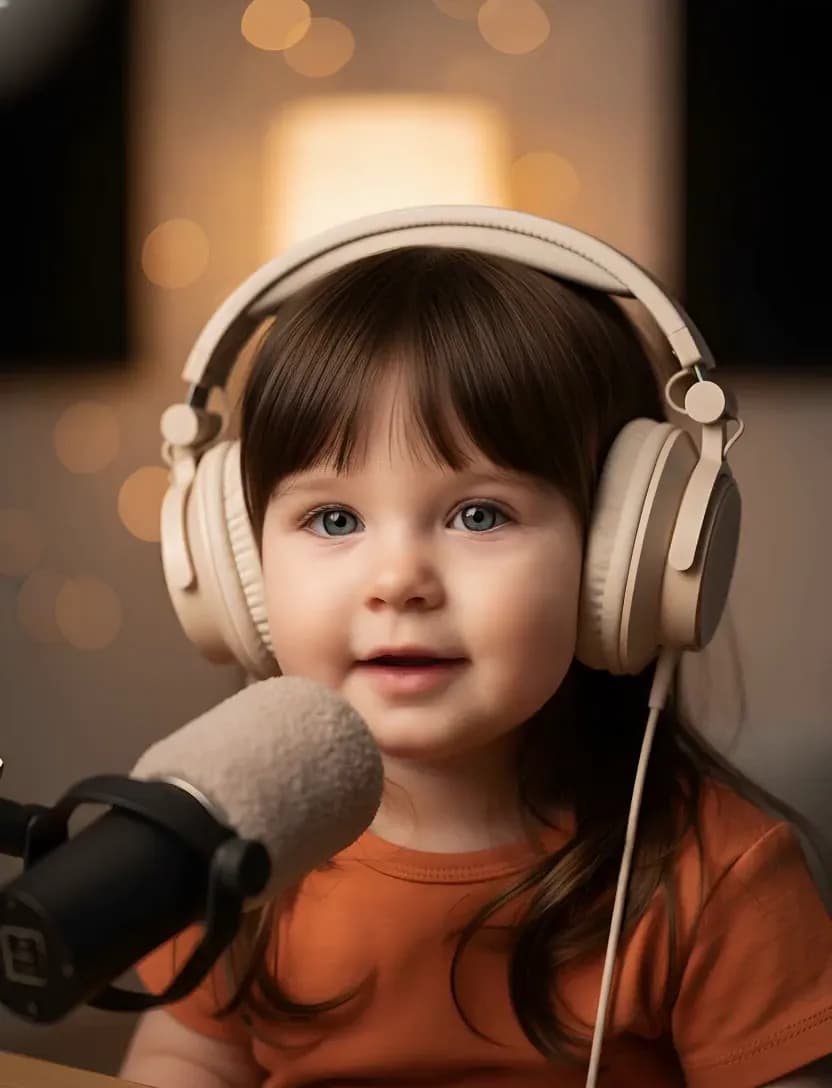
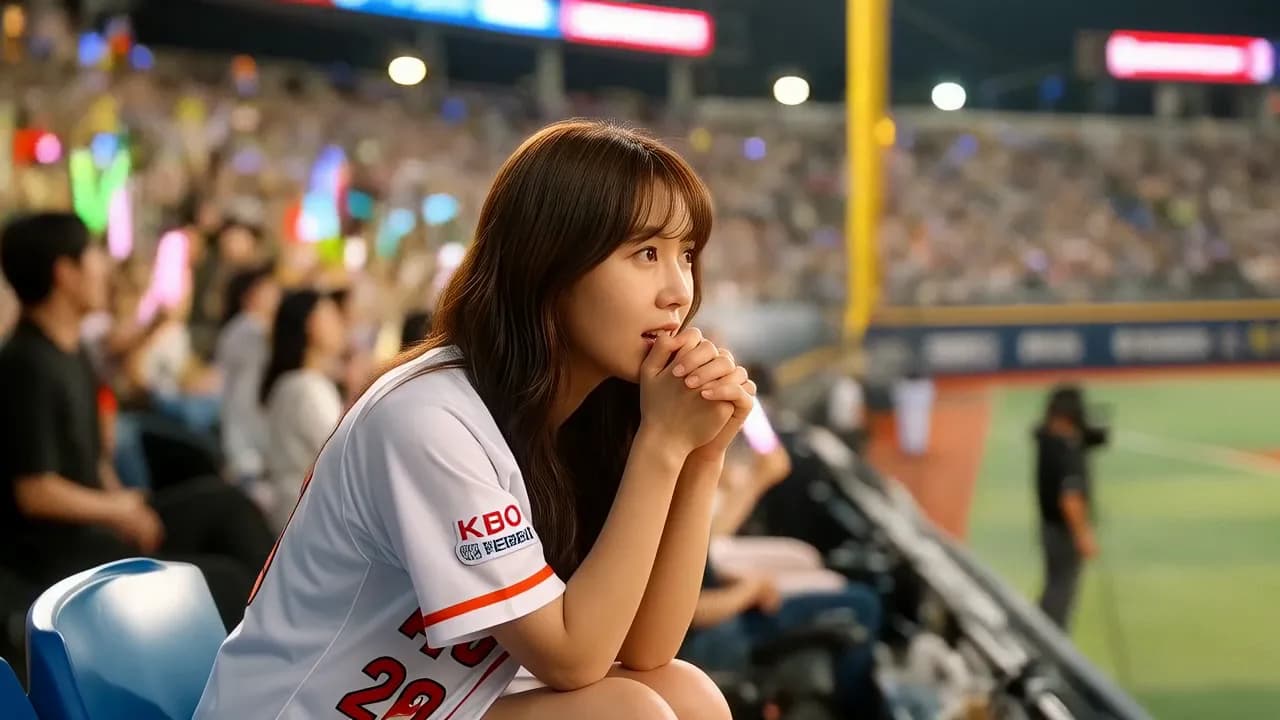
Explore the AI video effects our creators use most. Each card opens a dedicated AI video effects page with demos, prompts, and model options, so you can study an effect before applying it to your own footage.
Our AI video effects studio pairs cutting-edge generation models with a workflow designed for creators who publish every day.
Most AI video effects finish in about a minute. The processing engine behind our AI video effects is tuned for quick drafts and final renders alike, so iterating on a look never slows your publishing schedule.
Every AI video effects run taps state-of-the-art generation models selected for motion coherence, detail, and color depth. The result is AI video effects that hold up on big screens, not just in feeds.
You do not need a timeline, keyframes, or plugins. Describe the shot you want and our AI video effects handle the heavy lifting, turning plain language into professional-looking AI video effects.
Render AI video effects in the aspect ratios your channels demand, from 16:9 widescreen to 9:16 vertical and 1:1 square. One prompt adapts cleanly to every feed where your AI video effects appear.
The form displays the exact credit cost of your AI video effects run before you generate. Cost depends on model, duration, and resolution, and new accounts receive starter credits to explore AI video effects with.
Clips produced with our AI video effects can be used in client work, ads, and social campaigns. You keep the rights to every AI video effects clip you create.
Three ways creators put our AI video effects to work every week.
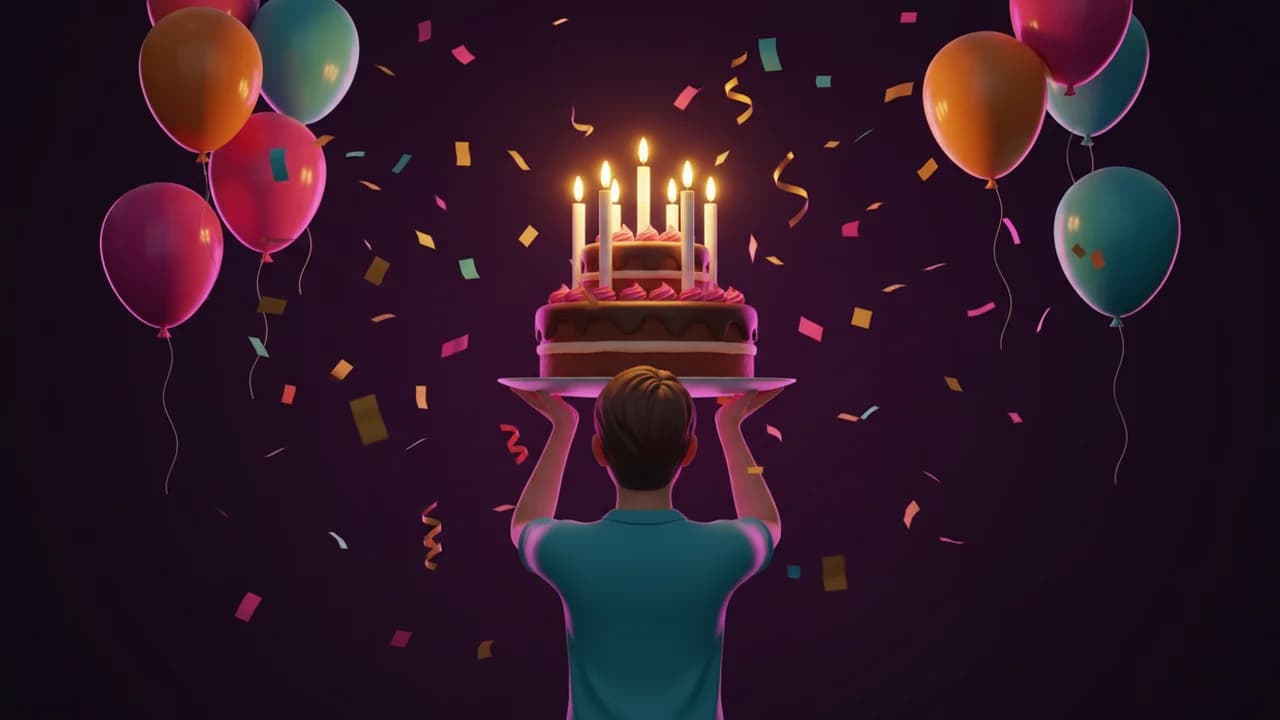
Short-form feeds reward motion. Creators use AI video effects to turn product shots, selfies, and b-roll into thumb-stopping clips for short-video platforms, stories, and reels without booking a studio.
Teams apply AI video effects to prototype campaign visuals before committing to a shoot. A single prompt explores ten creative directions, and the winning AI video effects clip goes straight into ads and landing pages.
From animated memories to music visuals, AI video effects give hobbyists studio-grade looks. Describe a mood, pick a style, and our AI video effects turn personal footage into pieces worth framing.
From idea to finished clip in minutes, here is how the AI video effects workflow on MaxArt.ai goes.
Type a detailed prompt for the AI video effects you want. Mention the scene, the motion, the style, and the mood, because specific prompts give AI video effects a clear target to hit.
Choose the generation model, duration, and aspect ratio that fit your project. The credit estimate for your AI video effects run updates as you adjust each option.
Run the generation and watch our AI video effects build your clip frame by frame. Preview the result, download it in high definition, and share it anywhere you publish.
Straight answers about how our AI video effects work, what they cost, and where you can use them.
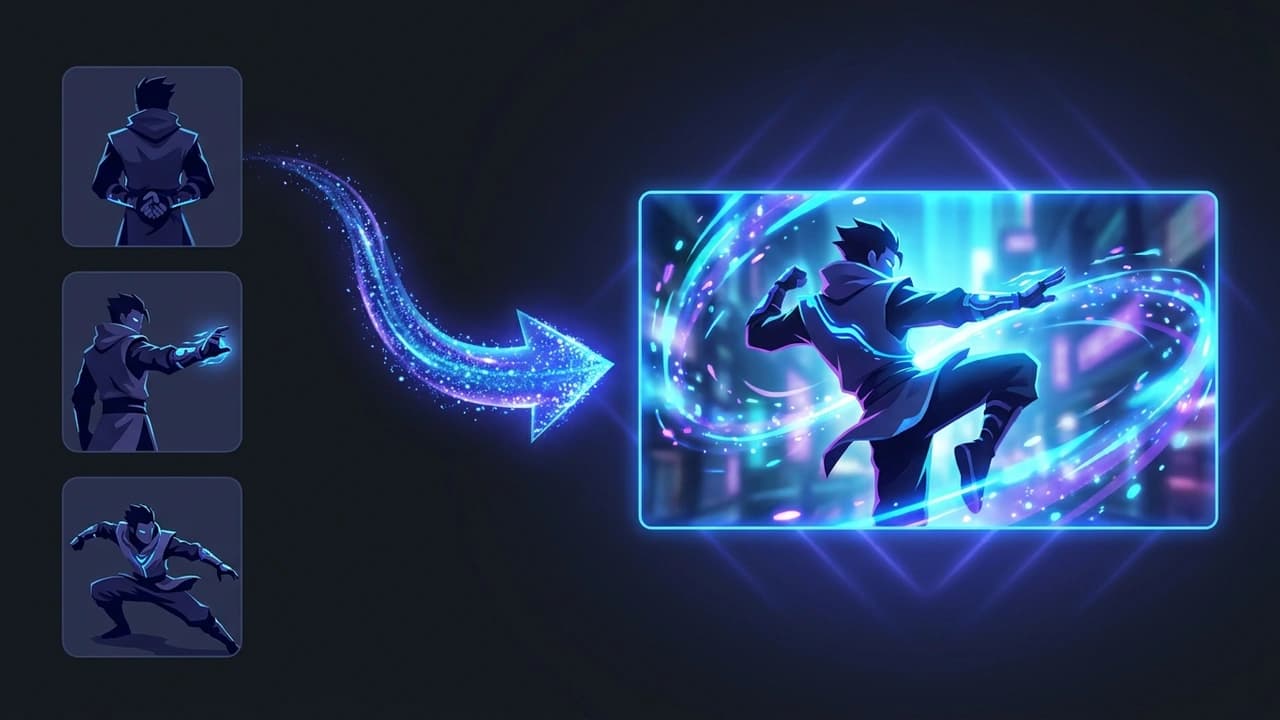
AI video effects are visual transformations generated by artificial intelligence rather than manual editing. On MaxArt.ai, AI video effects cover style transfers, cinematic looks, character animations, and scene transformations, all driven by text prompts or reference images with no timeline editing required.
Most AI video effects complete in about a minute, depending on the model, duration, and resolution you choose. Longer or higher-resolution clips take a bit more time, and the progress indicator keeps you updated while your AI video effects render finishes.
AI video effects are priced in credits, and the exact cost appears in the form before you generate. The total depends on the model, clip duration, resolution, and audio settings you select. New accounts receive 5 starter credits, while most video generations cost more than that, so check the displayed estimate before running AI video effects.
Yes. Clips you create with our AI video effects can be used for commercial projects, including client deliverables, advertising, and monetized social content. You retain the rights to the videos you generate with our AI video effects studio.
MaxArt.ai combines multiple state-of-the-art video models behind one consistent interface. You can compare the same prompt across AI video effects styles, switch models without learning new software, and keep every project in one gallery.
Explora Modelos AI en MaxArtAbsolutely. Many AI video effects accept a reference image that guides the motion and style of the generated clip. Upload a photo, describe the movement you want, and the AI video effects engine animates it into a share-ready video.
Join the creators who publish with MaxArt.ai AI video effects every day. Your next AI video effects clip is one prompt away.